

The quickest way to create a retrospective incident is with
/inc retro in Slack, which opens a dedicated Retrospective form. You can customize this form in Settings → Forms. If you’re using Microsoft Teams, you can create retrospective incidents from the incident.io tab in your Teams channel.
You can also create one from the dashboard:
- Head to your incident.io dashboard and hit Declare incident.
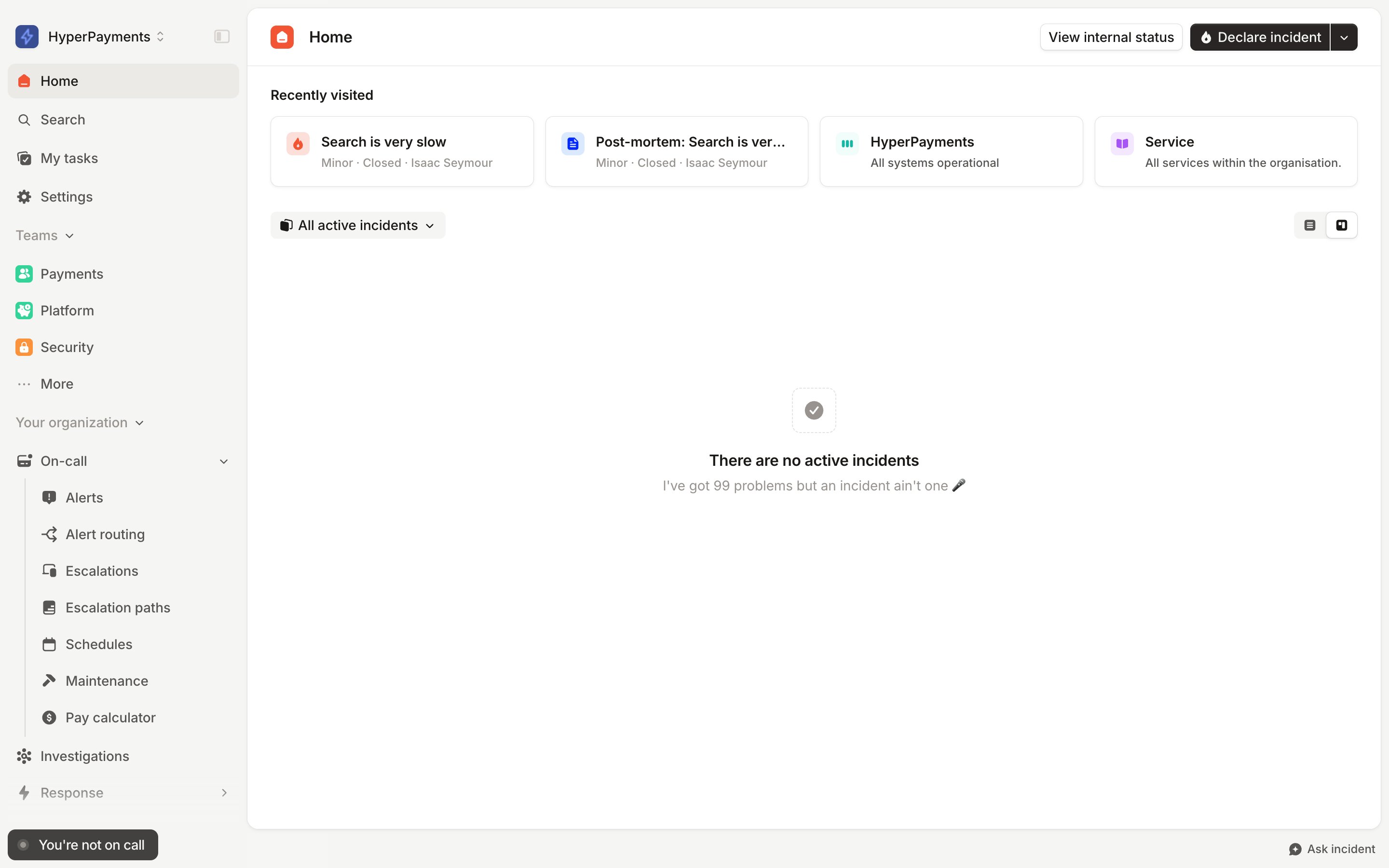
- You’ll then choose what type of incident at the top of the form, and select Retrospective incident.
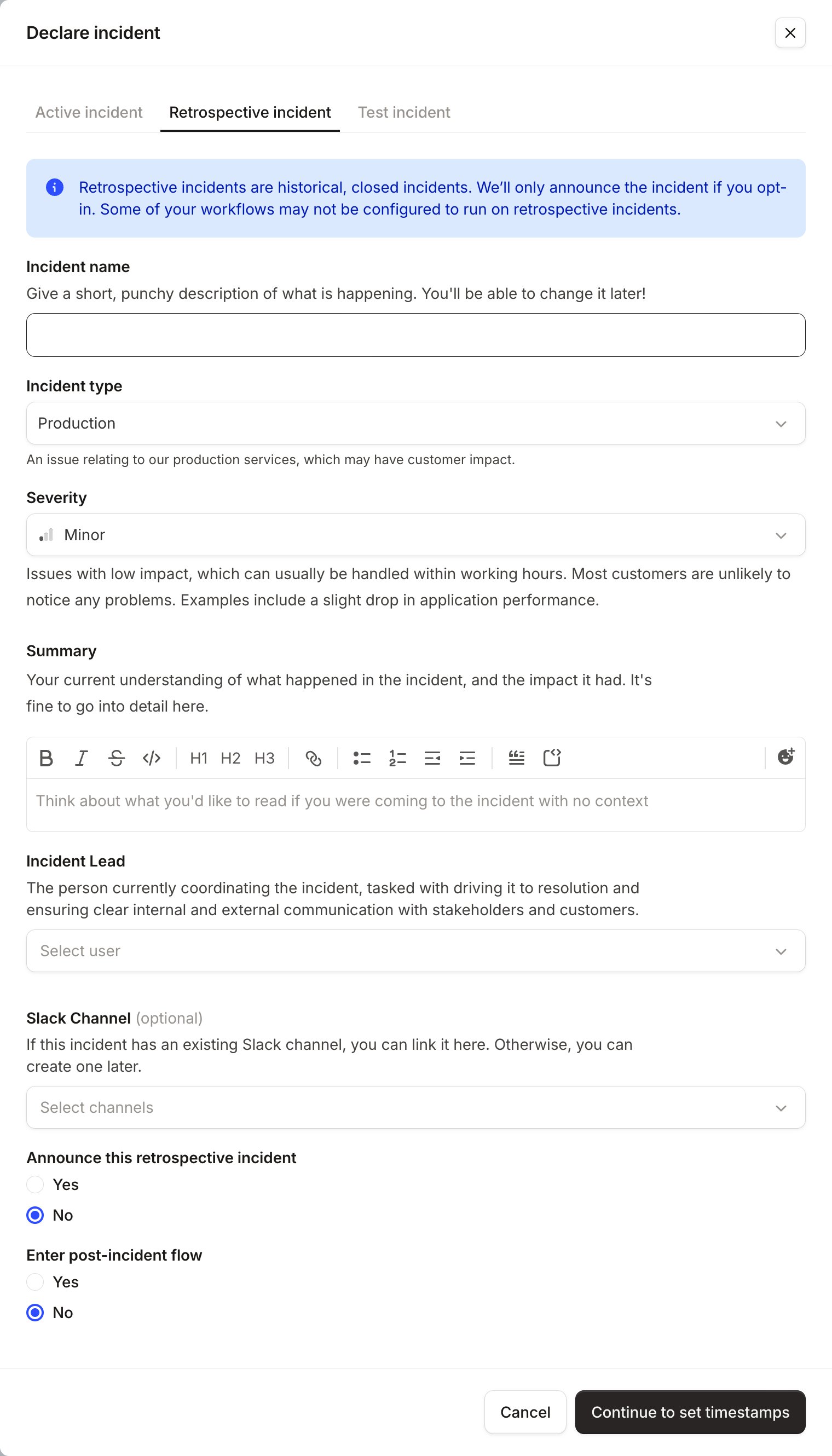
- At this point, you’ll be asked to supply some information about the retrospective incident. This will include any custom fields associated with incident types that you have set.
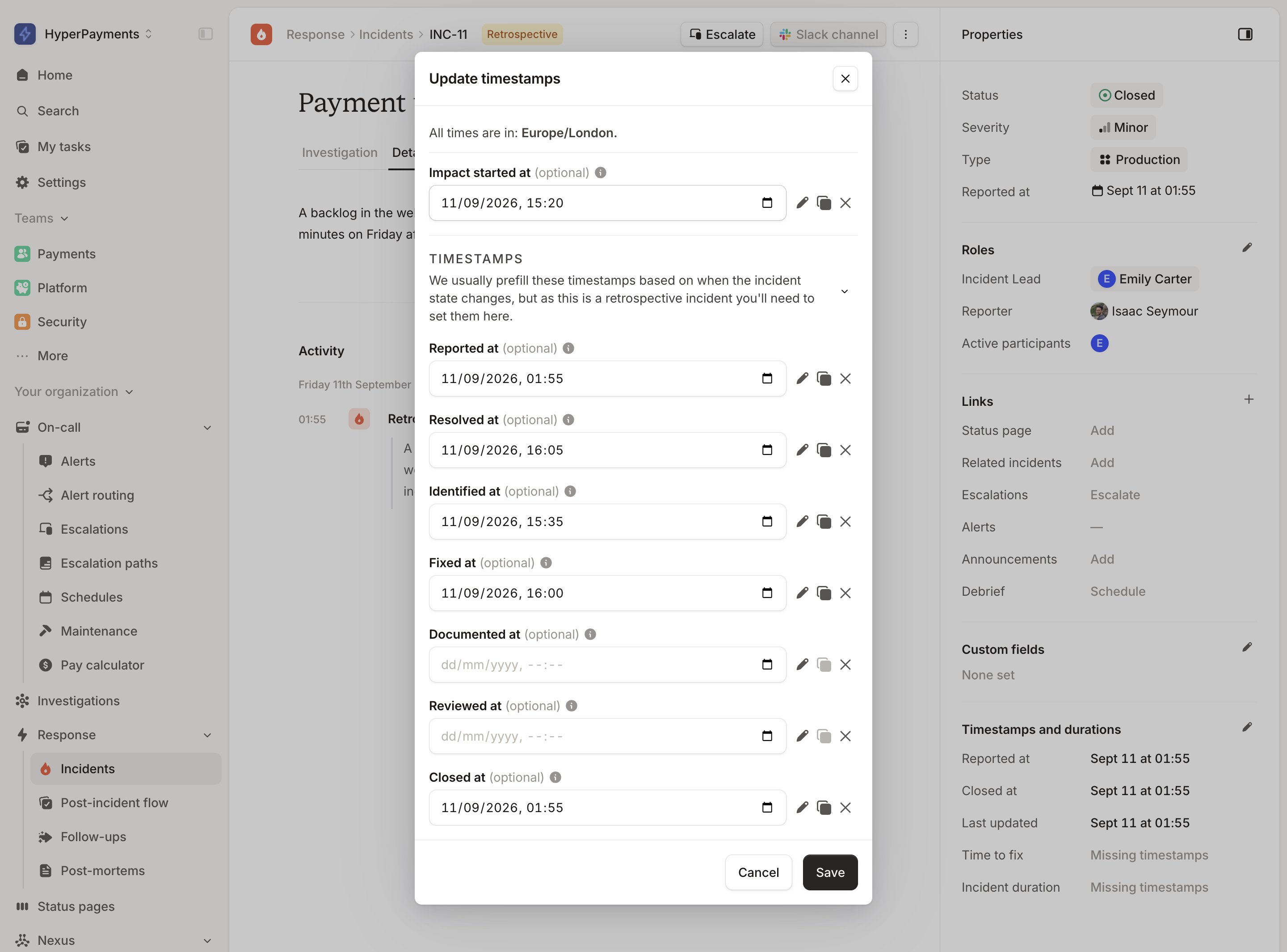
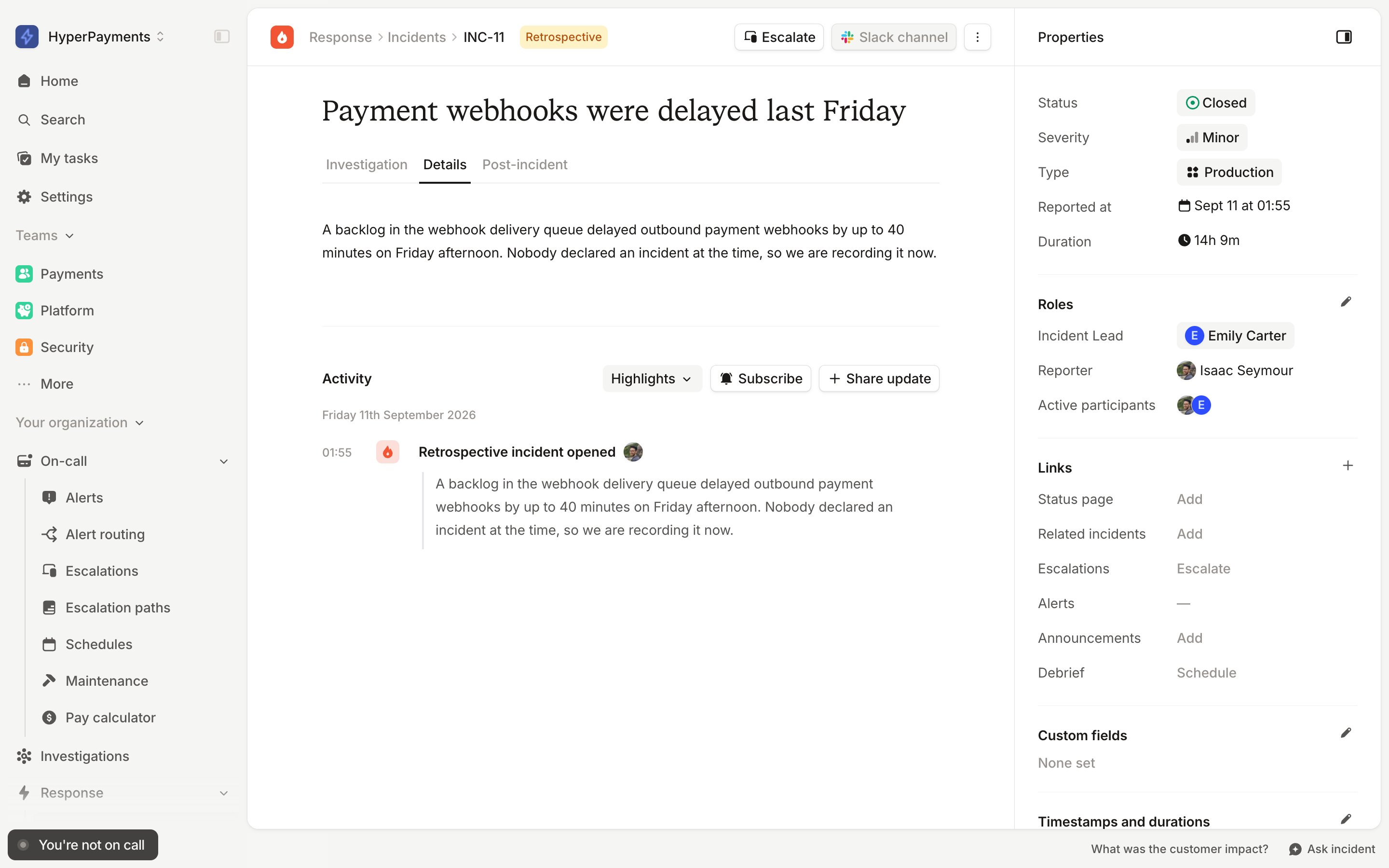
- You will then be able to add in any timestamps (you’ll be able to see any custom timestamps here too!) that will help you in your post-incident process and contribute to your incident analytics.
Creating retrospective incidents via the API
You can create retrospective incidents programmatically with the create incident endpoint by settingmode to retrospective — useful when importing historical incidents from another system. Use incident_timestamp_values to set when the incident actually happened.
Retrospective incidents created via the API start in your closed status and skip the post-incident flow —
post-incident tasks won’t be created for them. When creating them in the dashboard you can choose to enter the
post-incident flow, but this option isn’t available via the API.