

- Go to the incident slack channel
- Use the command
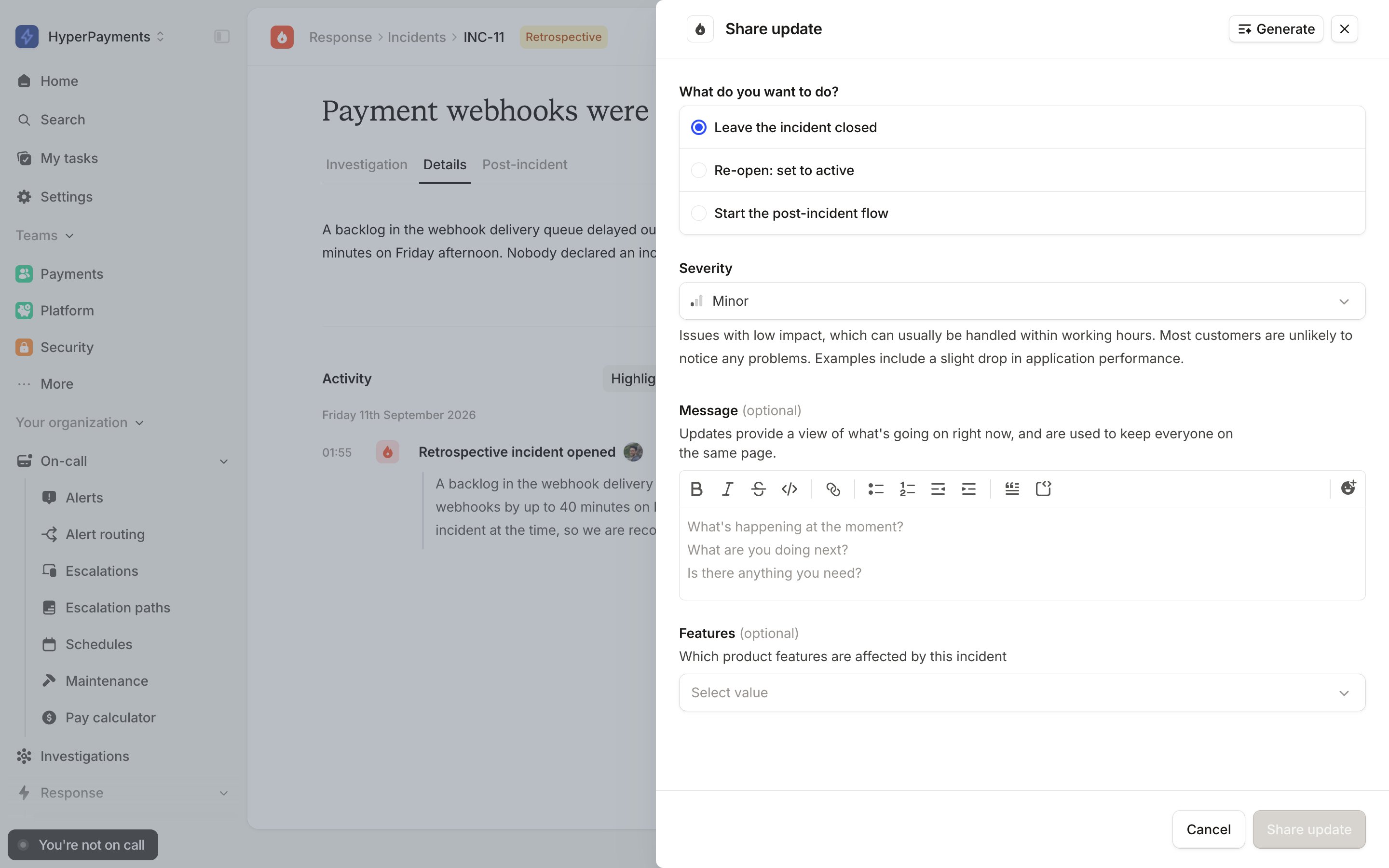
/inc update - Update the incident status to the relevant “open” status
If your incident channel has been archived:
- Go to the slack channel
- Go to settings
- Unarchive the channel
- Then complete the above steps!