When you discover that an incident should be private, you want to get it locked down, quick. In some organisations, not many people have the permissions to convert a channel to private, so finding the person with the right permissions can waste valuable time while trying to contain information. Unfortunately, Slack only allows us to access these permissions if your workspace is inside an Enterprise Grid . If you aren’t part of a Grid, this flow won’t work for you.

Using Privileged Slack Access

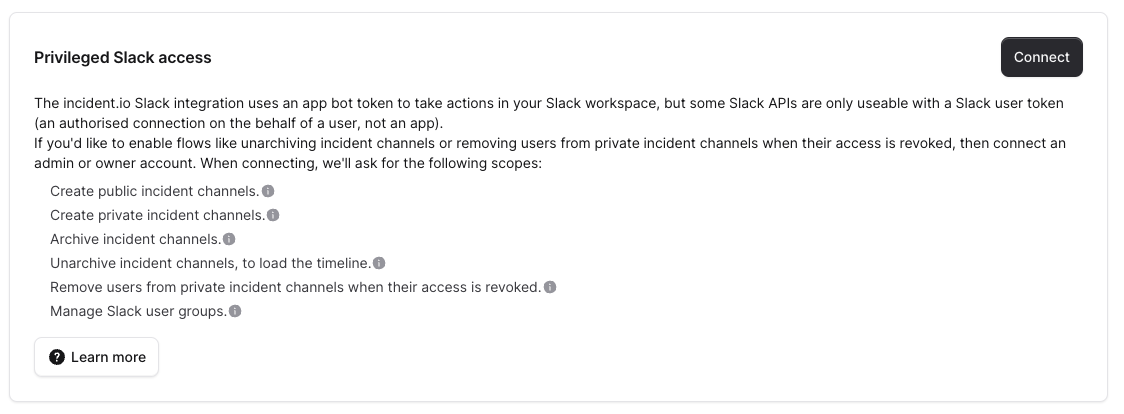
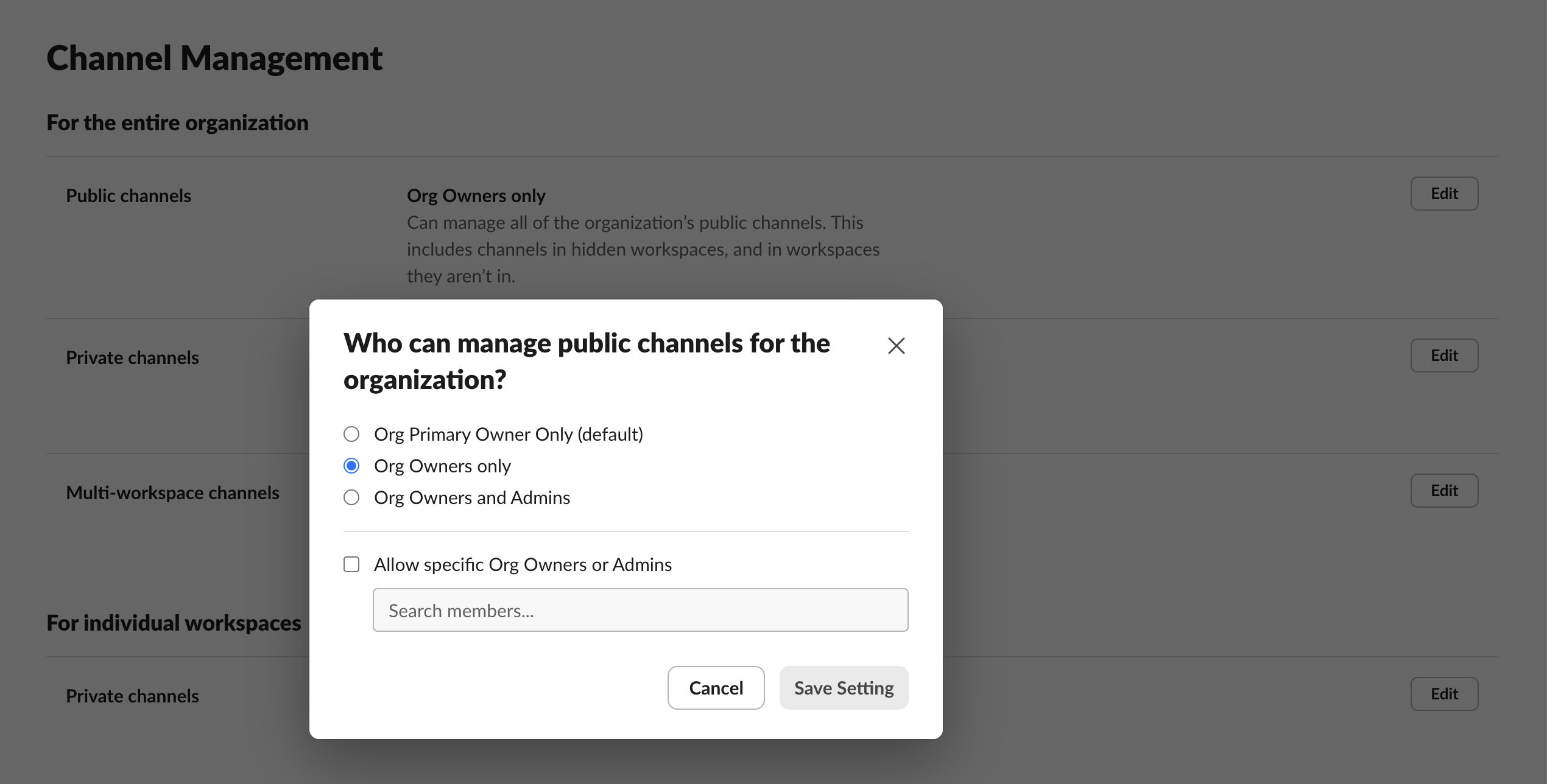
To make the flow work, you’ll need to connect our app via Privileged access to your Grid workspace. You can find this in Security → Settings . We recommend using a dedicated Service Account when connecting to Slack via this flow: you can find out more here . The account that you connect with also needs to have access to ‘manage public channels for the whole organization’. That means they need to be either an Org Owner or an Org Admin (note that this permission is controlled for the whole grid, not just a single workspace). This can be configured at the Enterprise Grid level, in Settings → Channel Management: Once you’ve taken those two steps, you can then make a channel private from Slack by doing /inc private in an incident channel. We’ll make the channel private on your behalf, as well as making the incident private.