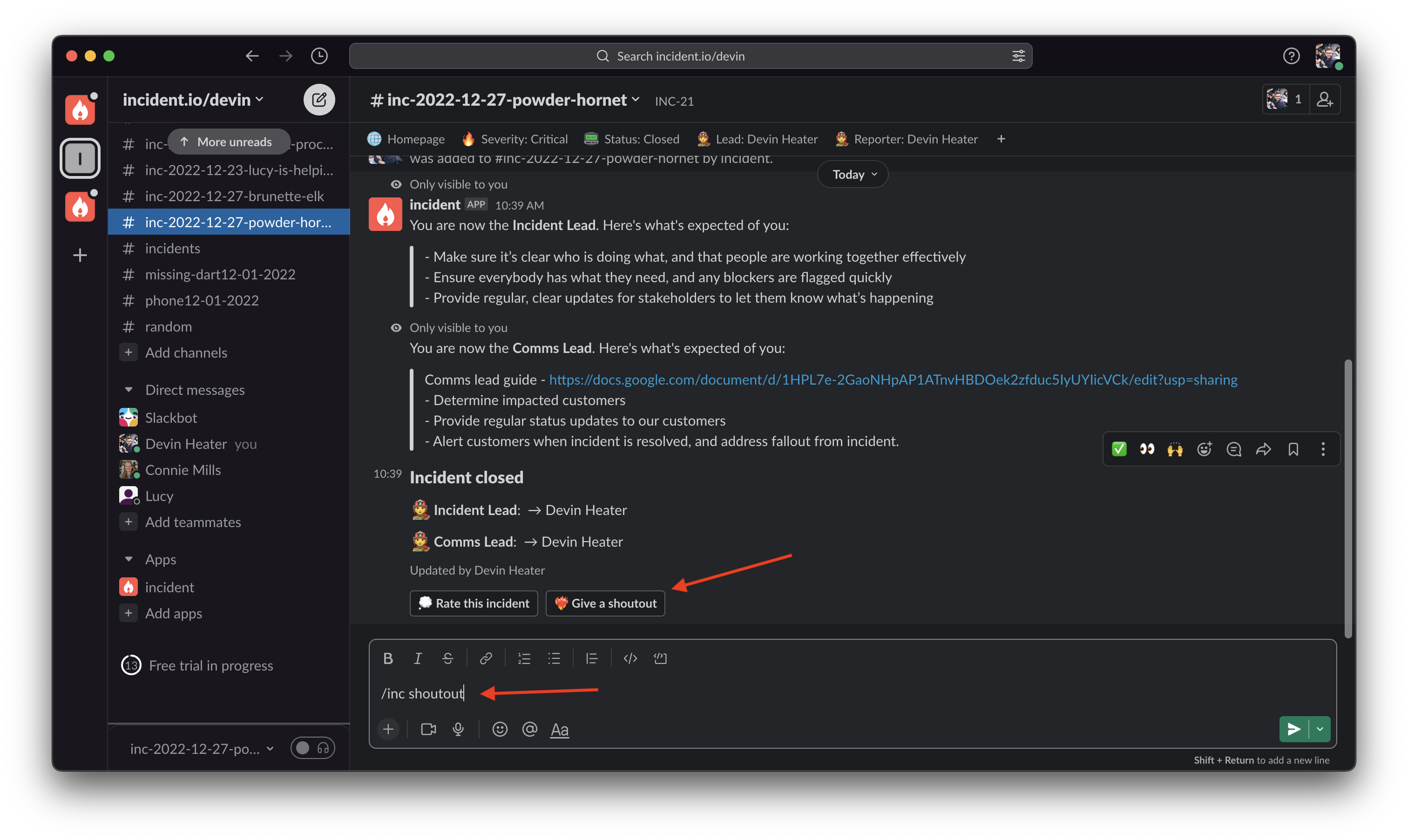
- In an incident channel, type the command /inc shoutout or click the ’ Give a shoutout’ button.
- Then select the user you want to shoutout, and write a message highlighting how awesome they are!
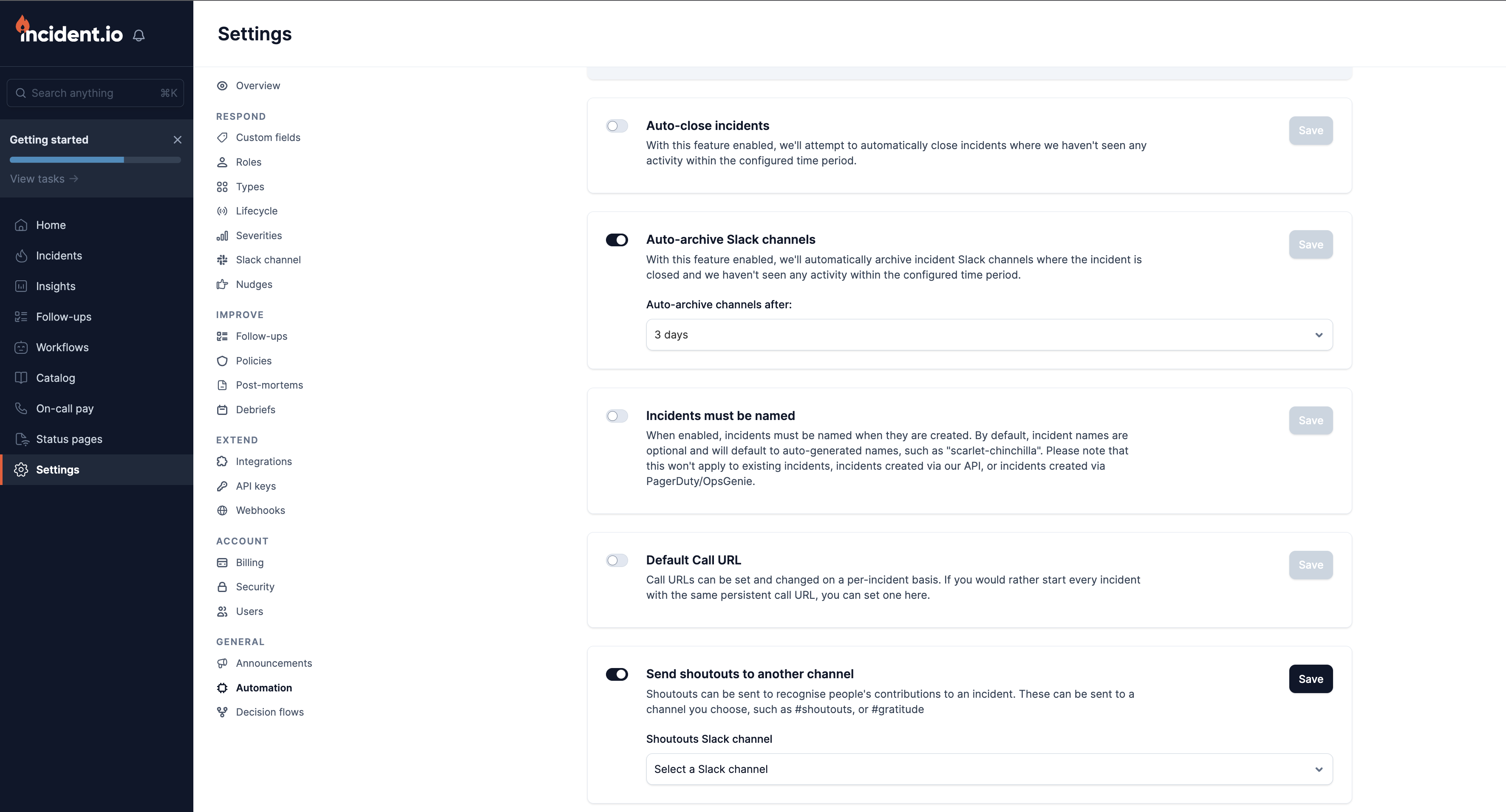
- You can customize where shoutouts get posted in the Automation settings. This way you can collect shoutouts in a separate #gratitude channel.