

Insights scheduled reports
Our insights scheduled reports allow you to get snapshots of your custom dashboards, delivered to whoever you need on a regular cadence. Reports are delivered to Slack channels or by email.
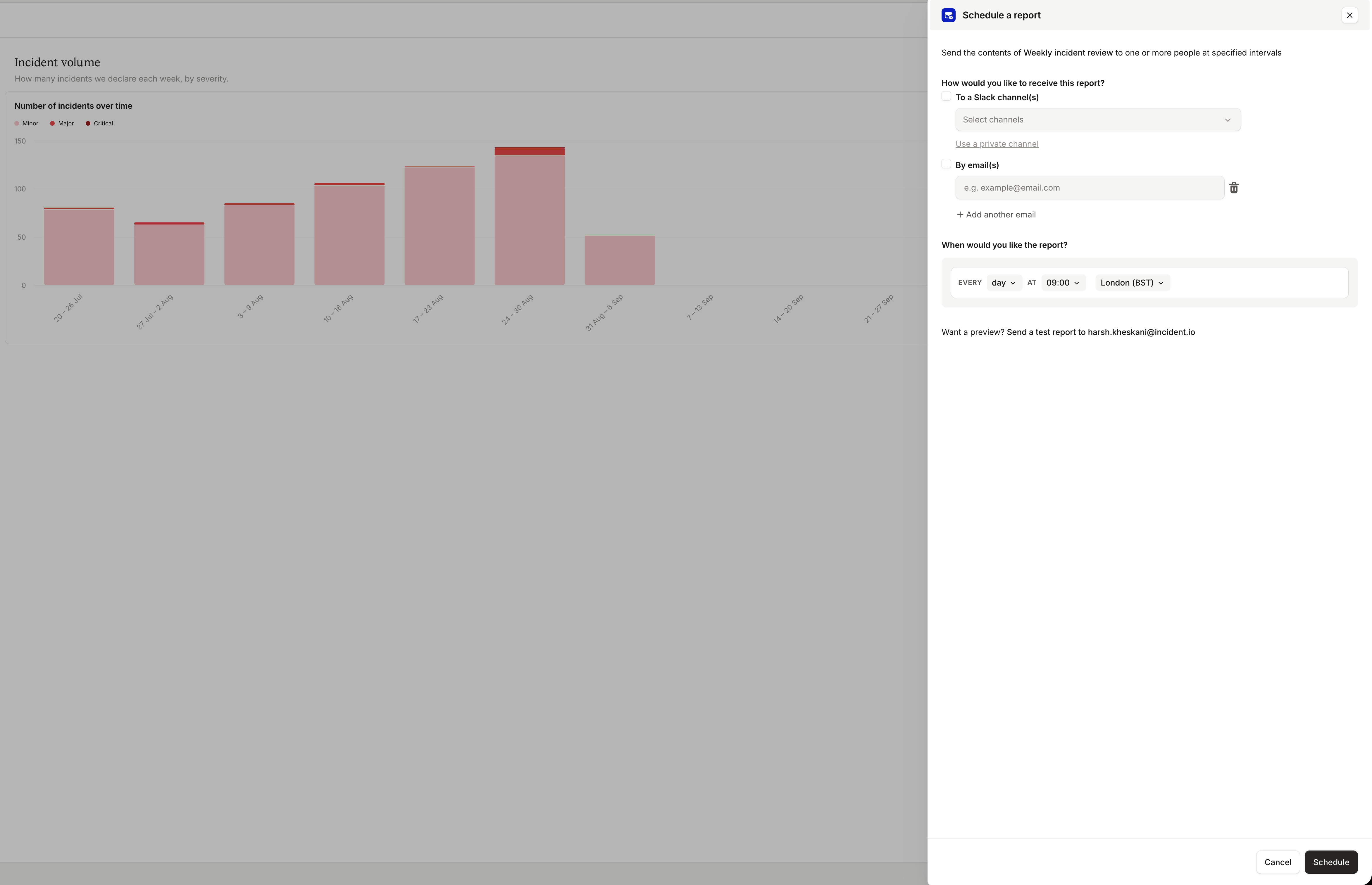
To create a scheduled report, navigate to the custom dashboard that you’d like to send (or create a new custom dashboard). Click the ⋯ menu in the top right, then Schedule report, and the drawer will open. Enter the slack channels or email addresses of the people you’d like to send the report to and select how often you’d like to receive the report.
Click Send a test report, below the schedule, to send a test report to your email address. Be aware that test reports can take a few minutes to arrive. If you’re happy with the results, click Schedule and your report will be sent according to your selected schedule.