

Creating a custom dashboard
To create a new custom dashboard, go to the Insights homepage, and click Create dashboard in the top right.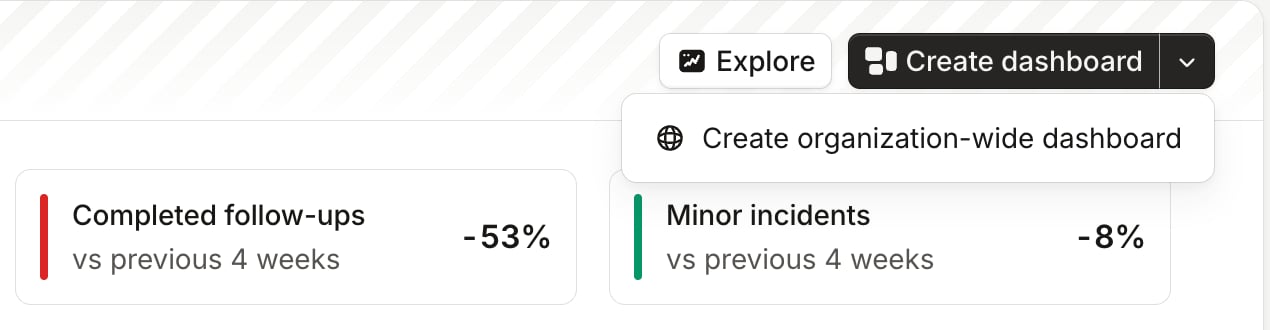
Adding panels
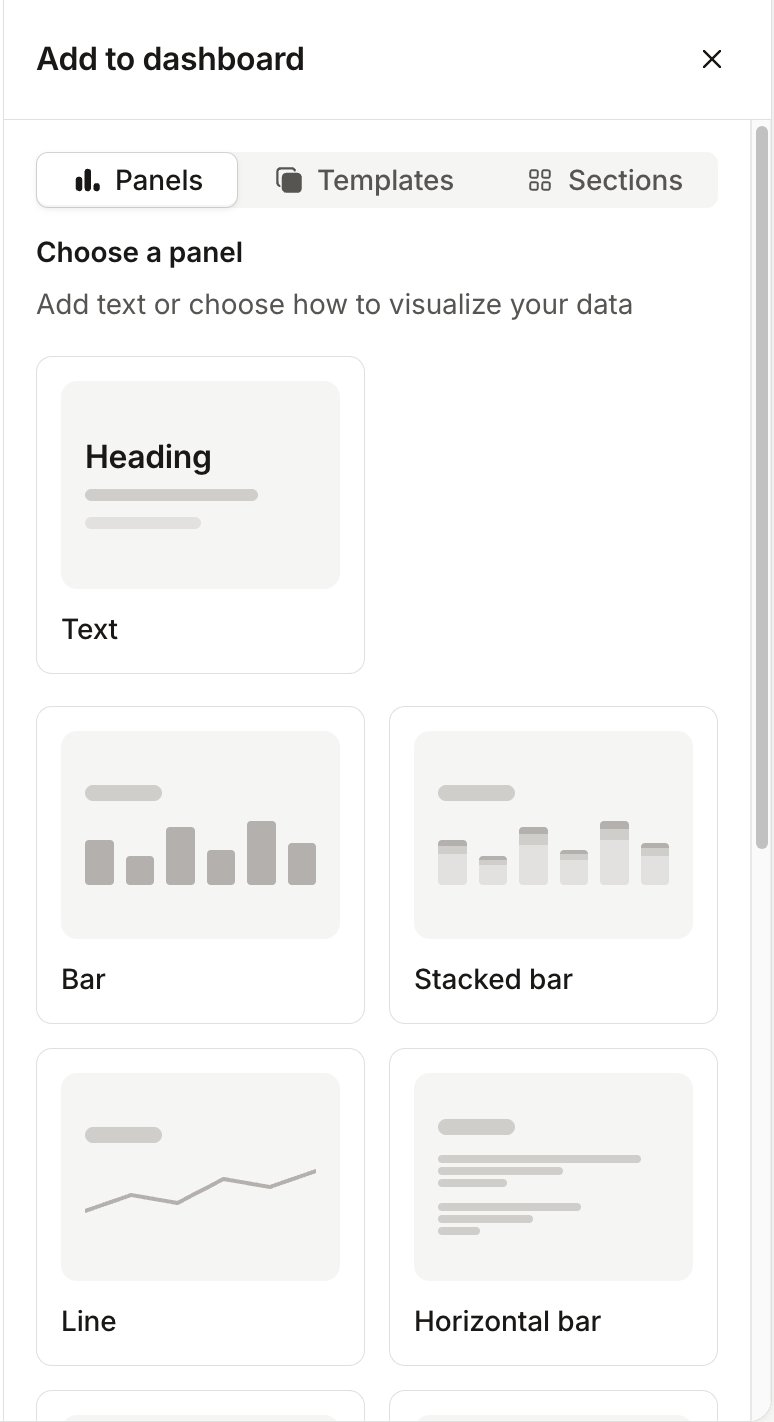
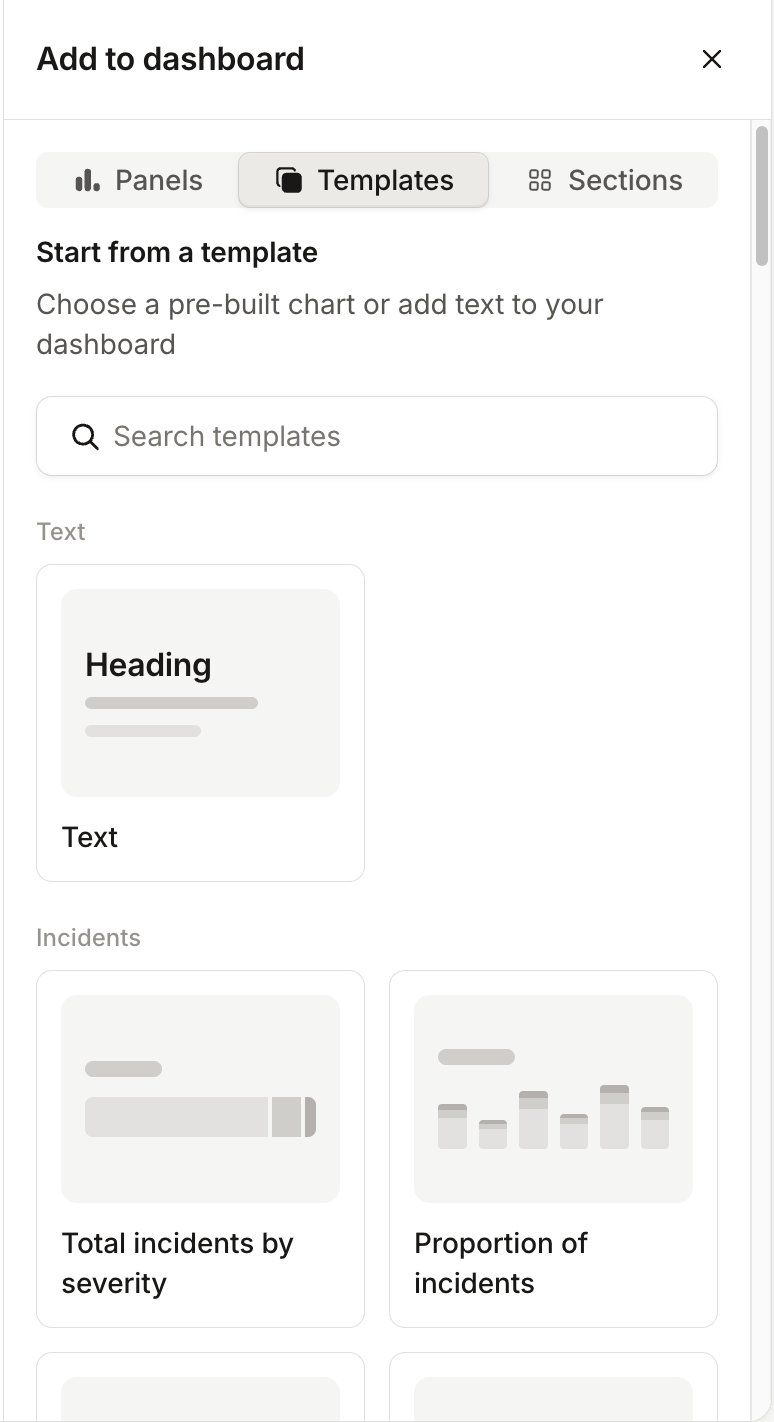
When you create a dashboard, the Add to dashboard sidebar opens. It has three tabs:- Panels: choose a chart type, or Text for headings and commentary.
- Templates: start from a pre-built chart.
- Sections: add a new section with a layout of your choice.
Filtering the whole dashboard
You can add filters to the dashboard, and they will affect all panels on the dashboard. For example, you can filter so that you only see data for major incidents by using the Filter button in the header bar: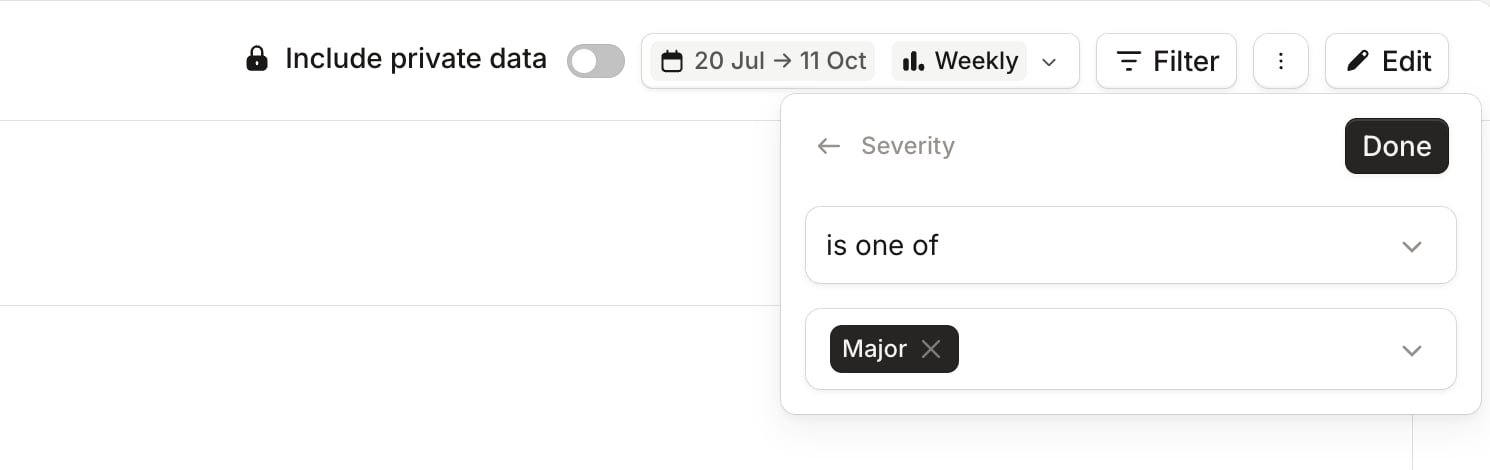
Filtering a section
If you want to filter every panel in one section, click the section’s title in edit mode to open the Edit section sidebar, then click Add filter under Filters: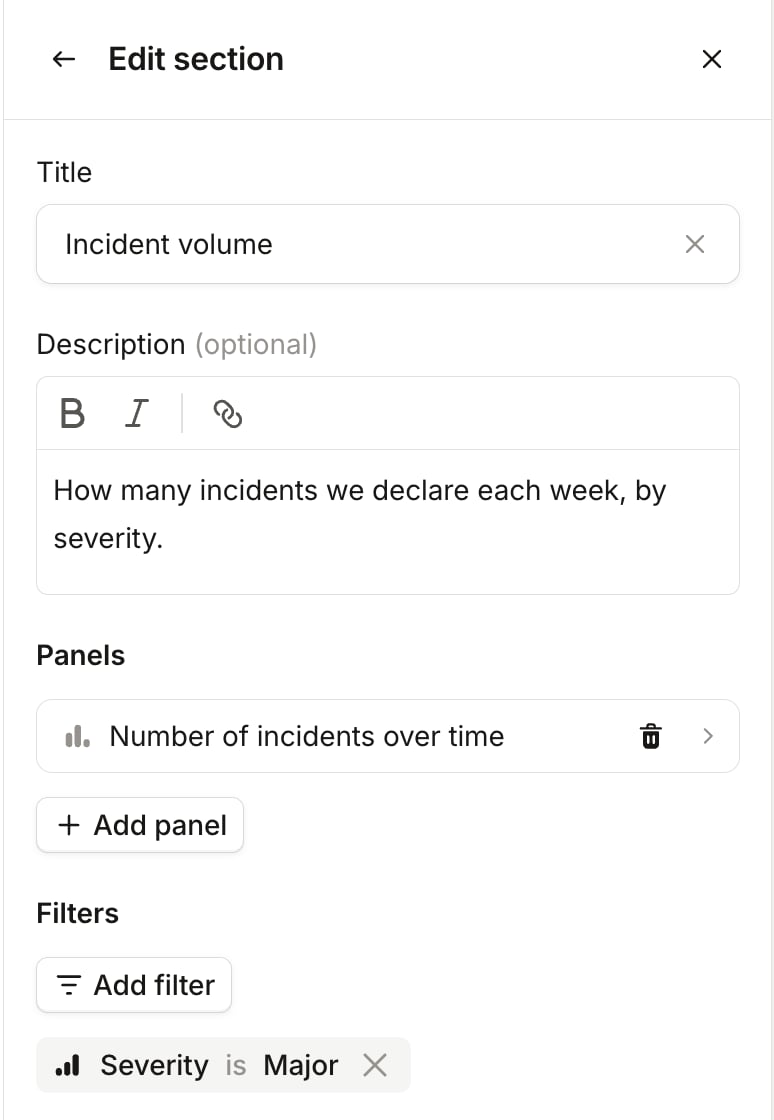
Filtering a panel
If you want to filter just a single panel in a custom dashboard, click the panel in edit mode to open the Edit panel sidebar, then click Add filter under Filters: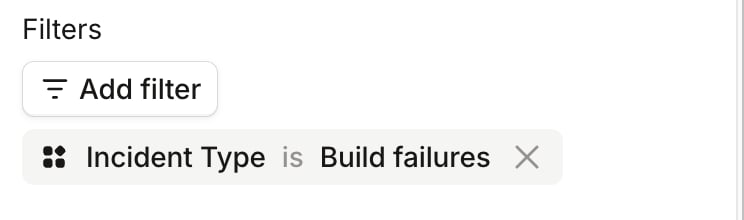
Sections and layout
A dashboard is made up of sections. Each section has a title, an optional description, and one or more rows of panels. To add a section, open the Sections tab of the Add to dashboard sidebar and choose a layout, such as 2 columns, Left sidebar or 2 x 2.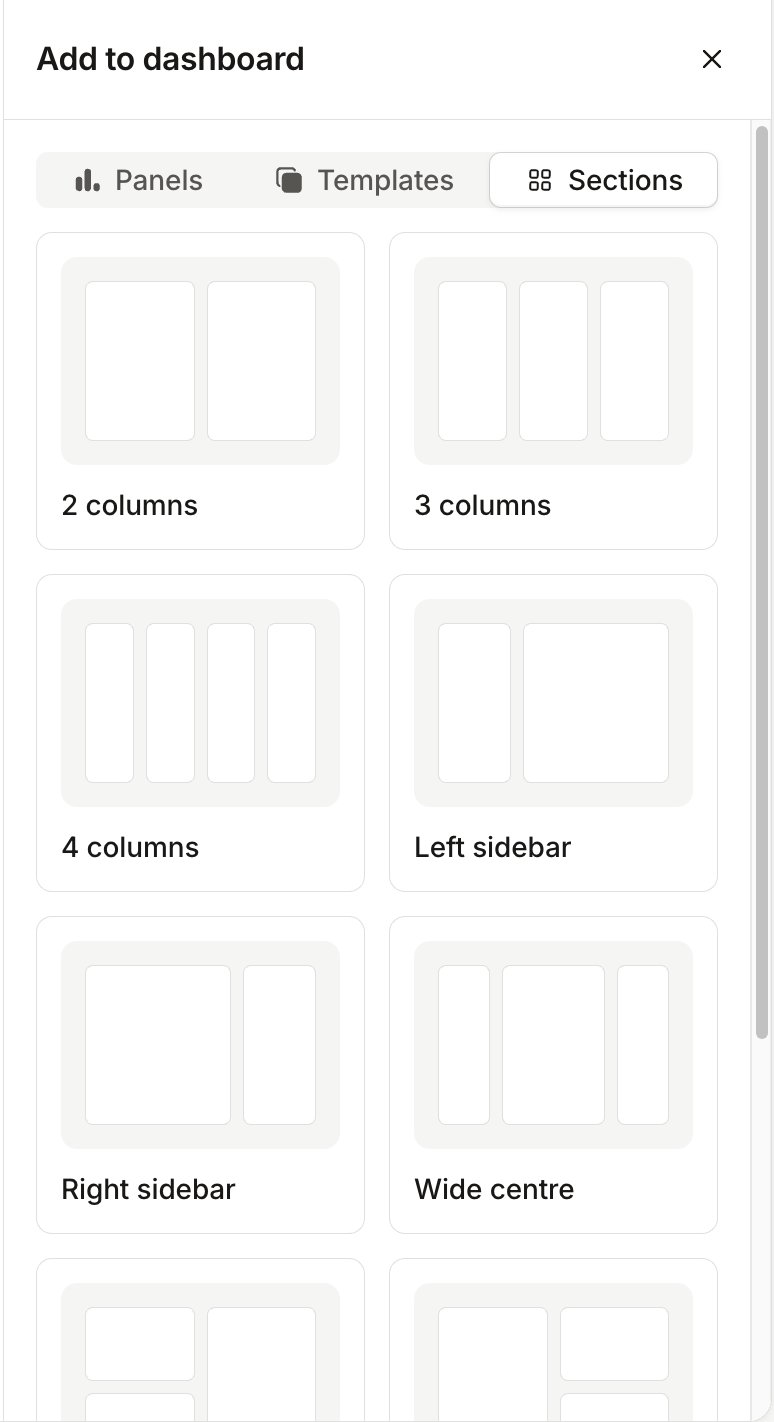
Date range and comparison
Use the date picker in the header to set the dashboard’s time period. Choose a preset such as Last 4 weeks, Last 12 weeks or Last 3 months, or set your own range. Time interval sets how much time each point on a chart covers: Daily, Weekly, Monthly or Quarterly. Weeks start on Monday. Turn on Compare with previous period to show each chart twice: the previous period on the left, and the current period on the right. The previous period is the same length as the current one. If your period is whole calendar months, the previous period is the same number of whole months.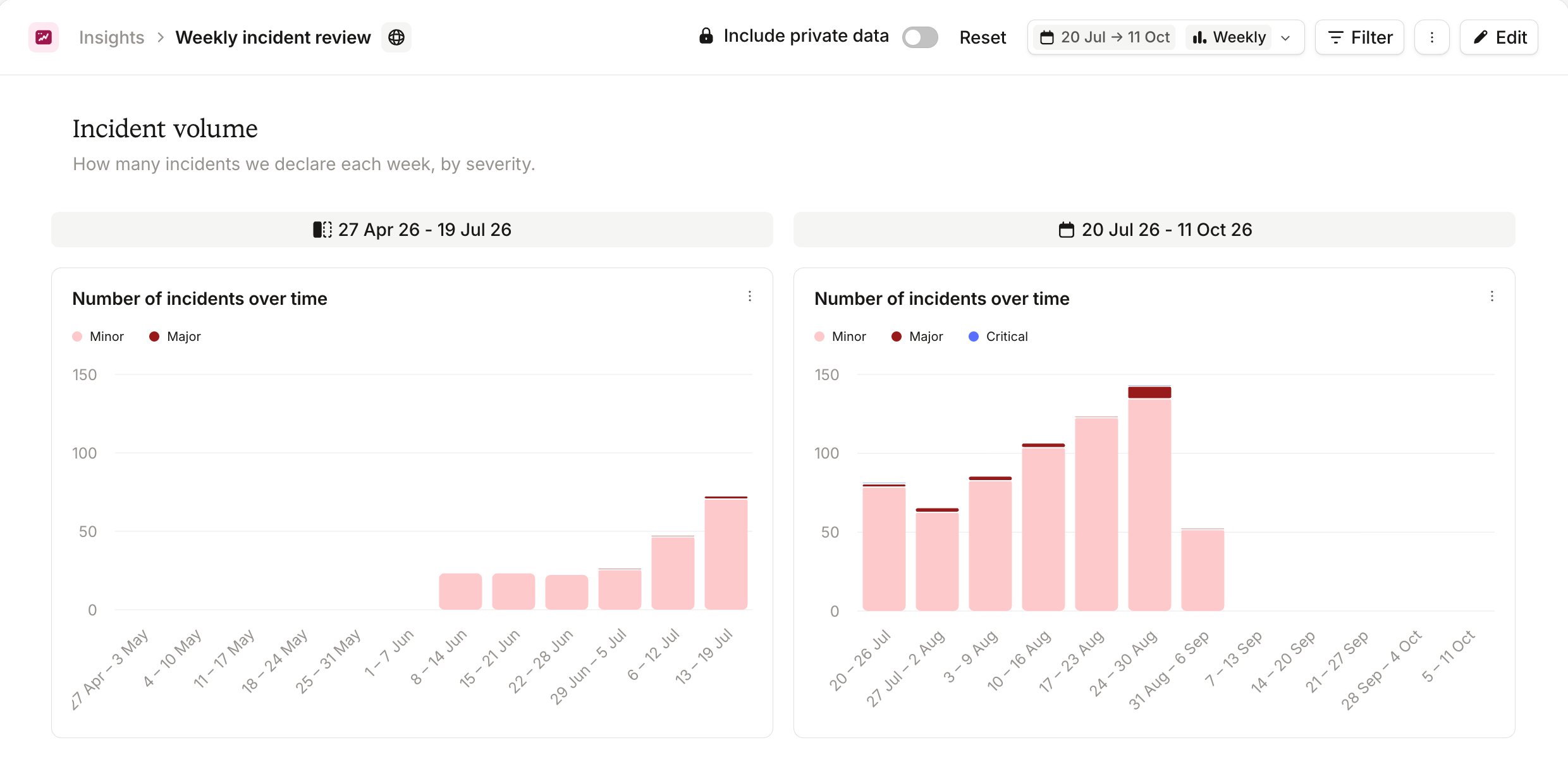
Viewing underlying data
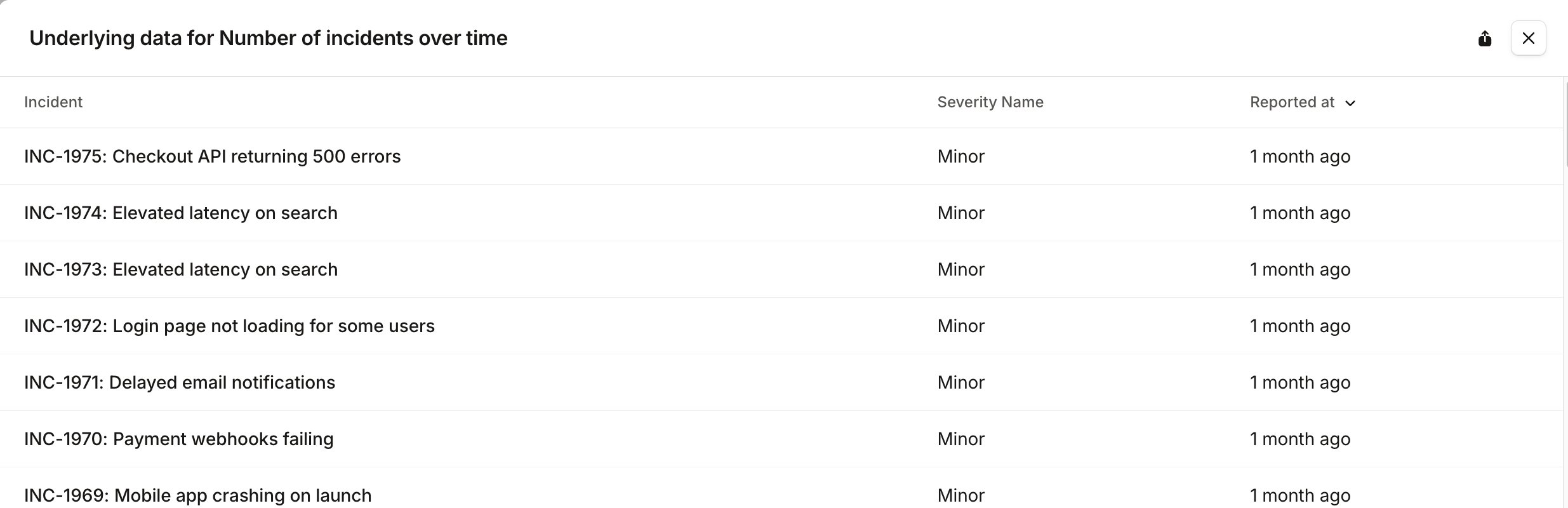
Open a chart’s ⋯ menu for more options:- View underlying data opens a drawer listing the records behind the chart, such as incidents, alerts or pages. Use the export button at the top of the drawer to download them as a CSV, up to 10,000 rows. This isn’t available for on-call readiness charts.
- Export CSV downloads the numbers the chart shows.
- Add to dashboard copies the chart to another dashboard, or to a new one.
- View full screen shows the chart on its own.
Adding panels from core dashboards
On a core dashboard, open a panel’s ⋯ menu and choose Add to dashboard to copy it to a new or existing custom dashboard. The copy keeps the filters you’ve applied on the core dashboard. Add to dashboard isn’t available while you’re viewing sample data, or when you’ve set the core dashboard to match any of two or more filters.Sharing and organizing dashboards
Organization-wide dashboards are listed for everyone on the All tab of the Insights homepage. On Enterprise plans, you can also have personal dashboards, which are listed only for you on the Mine tab. Personal dashboards aren’t private: anyone with the link can open one. Open a dashboard’s ⋯ menu, in the list or on the dashboard itself, to manage it: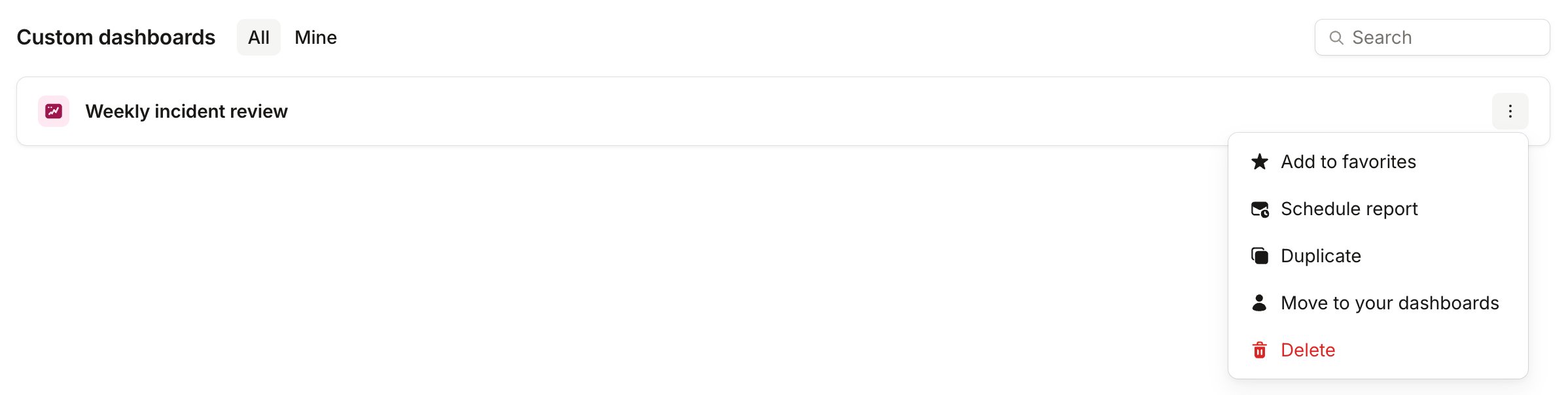
- Add to favorites puts the dashboard at the top of your list. Favorites are personal to you.
- Duplicate makes a copy. On Enterprise plans, the copy is a personal dashboard.
- Move to your dashboards makes an organization-wide dashboard personal, and Move to your organization’s dashboards makes a personal one organization-wide. Only the person who created a dashboard can move it. You can’t make a dashboard personal while it has a scheduled report.
- Delete removes the dashboard and its scheduled reports.
Permissions and limits
- Viewing Insights needs the View Insights permission. Creating, editing and deleting custom dashboards needs Manage custom dashboards. Set both in Settings → Users → Roles.
- Custom dashboards are available on Pro and Enterprise plans. Pro plans can have up to 3, and Enterprise plans have no limit. Every custom dashboard in your organization counts, including other people’s personal dashboards.
- Only the creator of a personal dashboard can edit, move or delete it. Anyone else can duplicate it.
- A dashboard can hold up to 75 charts.
- Scheduled reports only work on organization-wide dashboards.
- If someone else saves a dashboard while you’re editing it, you’ll need to reload before you can save your changes.