- channels created by this user will still say ‘Created by incident.io’, keeping things nice and clear
- if this user is invited to private incidents, it will not expose private data to anyone, since no one should log in with this Slack account
- this user will receive ‘channel archived’ notifications for all incidents
Here’s how to create a Slack user for incident.io:
- Create a new user in Slack
it+incidentio@example.com.
- Accept the invitation
- Upgrade the account’s role
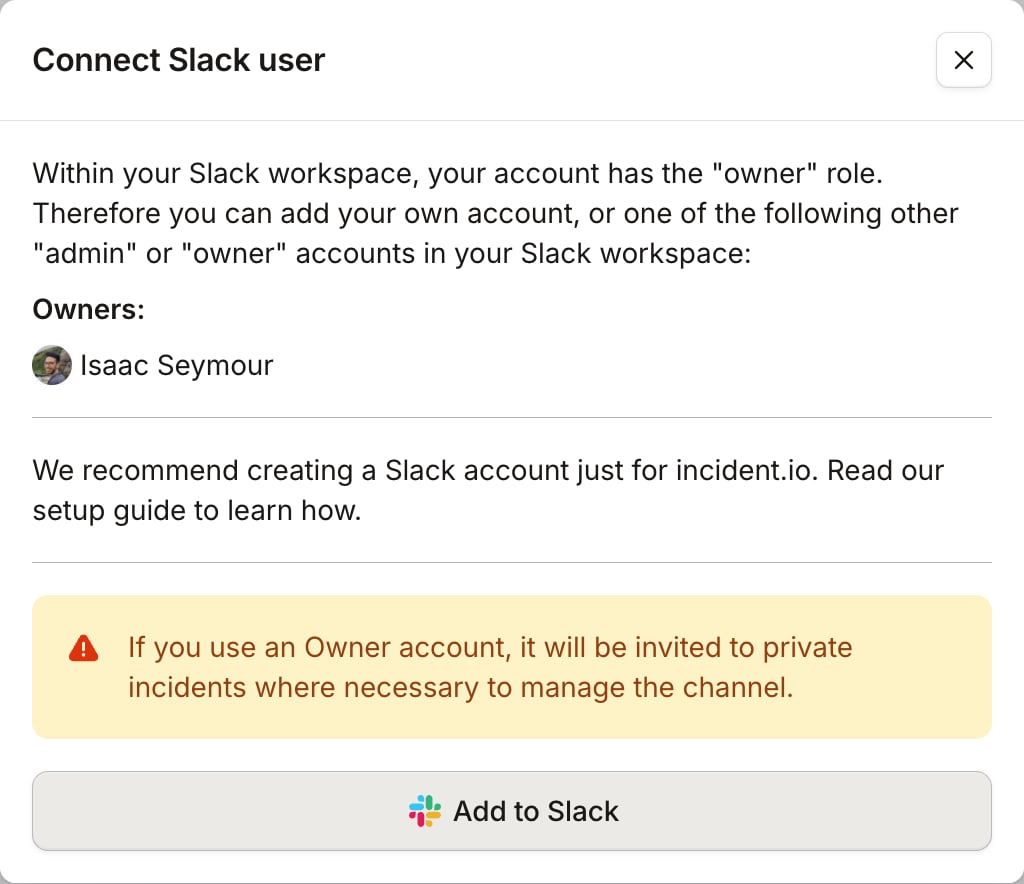
- Connect the user to incident.io
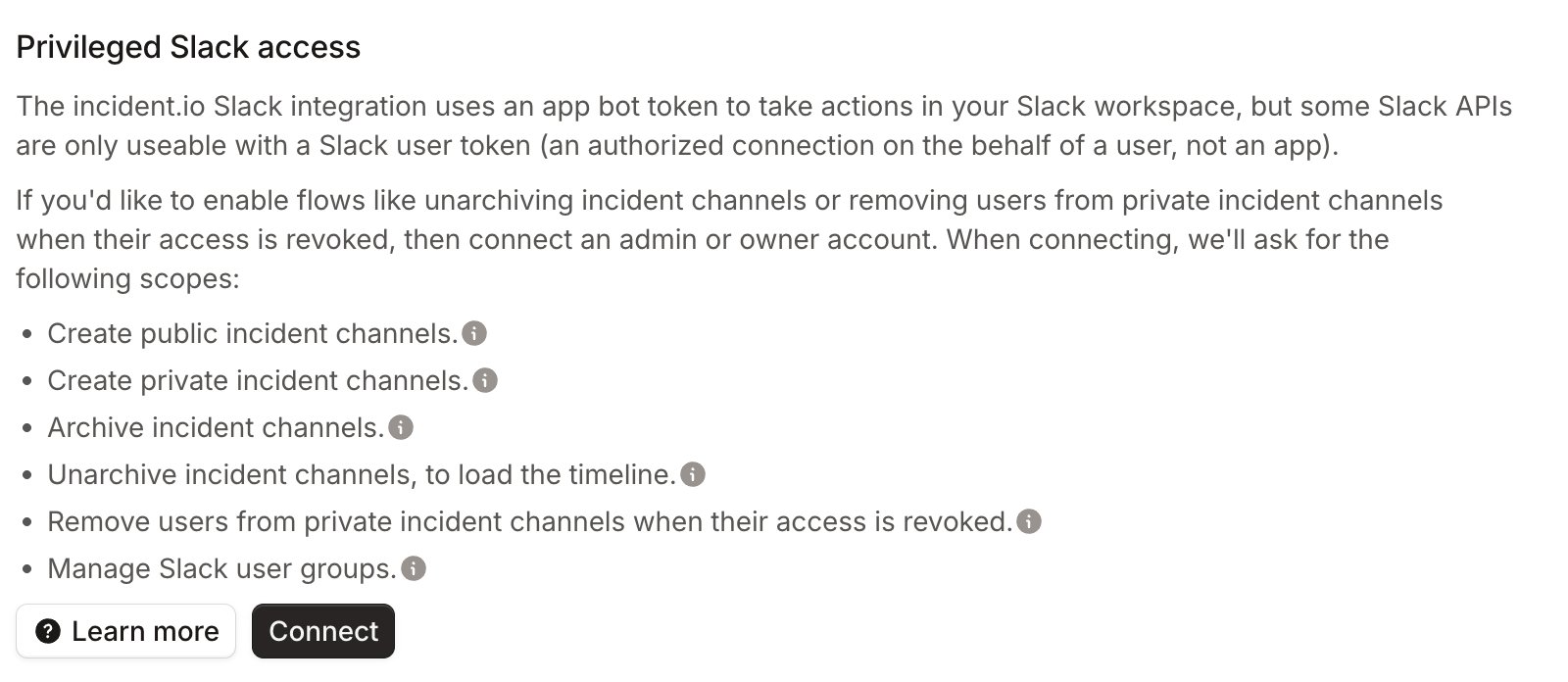
incident.io Admin account, then open your Security settings and click “Connect” next to “Privileged Slack access”.