Slack are rolling out an update to the layout of channels and DMs, which put bookmarks into a folder. We know how powerful bookmarks can be for seeing the most important aspects of your incidents — this article is here to explain the change that Slack are making, to suggest some alternatives, and to talk about how we might use Canvases in the future.

What’s changed?

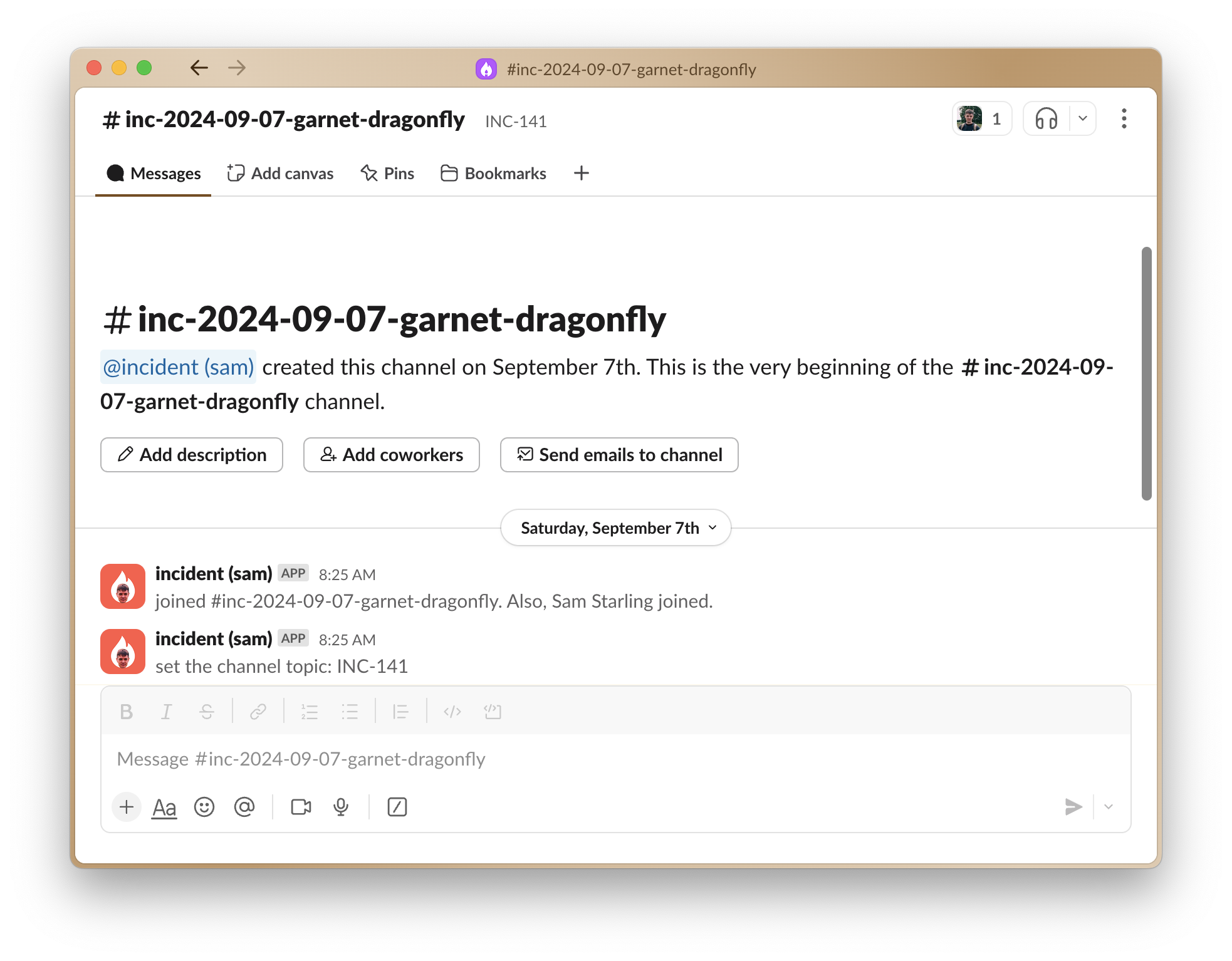
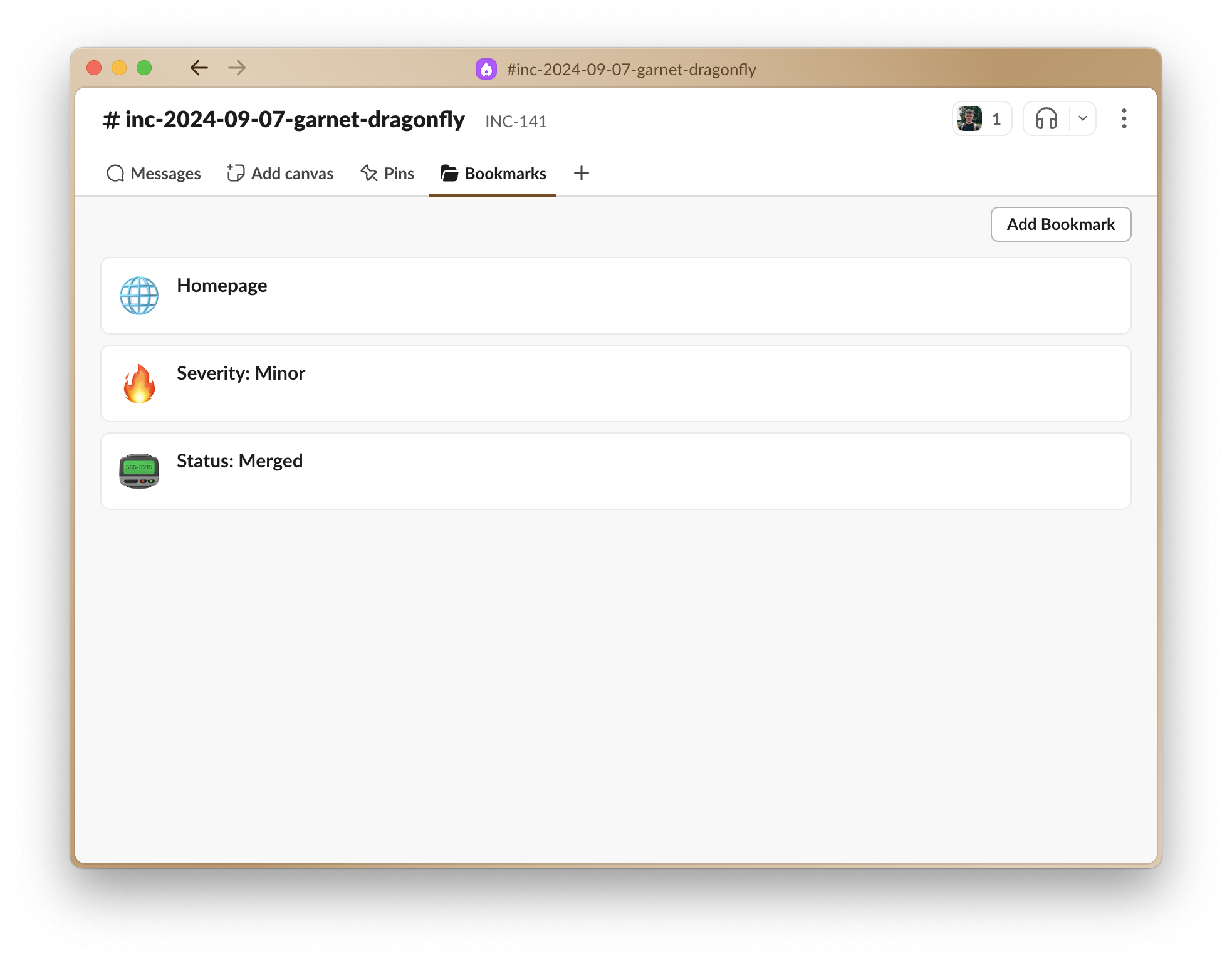
Everything that was previously in the top bar will now be in a “Bookmarks” folder, and your incident channel will now look like this: The “Bookmarks” tab looks like this, and at larger screen widths will appear as a dropdown:
What can I do instead?

We know that moving these bookmarks one click deeper is frustrating, because it’s always there at the top of the channel. There’s a few options here:
  • The incident homepage will always contain all your incident details.
  • Announcement posts also contain an overview of the incident, and will be kept up to date with these changes.
  • Incident update messages also contain details of things like status changes.
  • We recently made call links more prominent within Slack channels.
We are not currently aware of any way of reverting this change.

Are you going to make any changes in response?

The short answer is yes, but we’re currently working out what this looks like. If you have thoughts on what this might look like then we’d love to hear from you. This change makes canvases more prominent, and Slack have recently released an API for Slack Canvas. This is something we are currently exploring, and provides us with a way of providing you with a much richer overview of an incident within Slack — so we’re excited about what we can do here. Otherwise, there is currently no way for us to add arbitrary information at the top of a Slack channel, but we’re always keeping our eyes on changes to the Slack platform.