

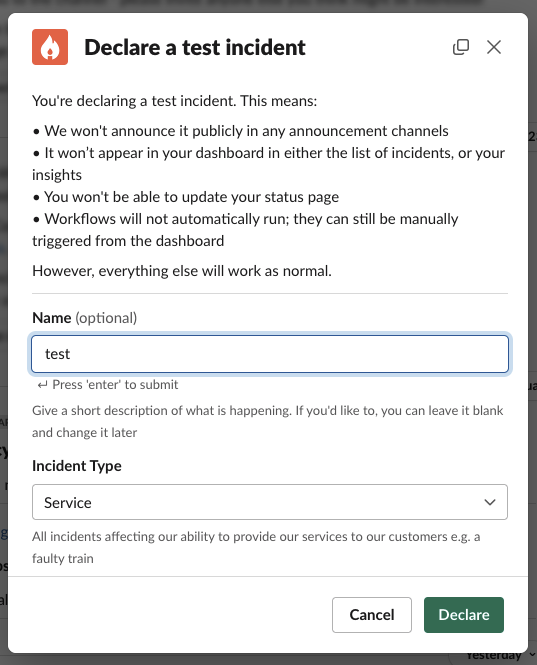
- They won’t be announced in any announcement channels
- They won’t appear in your dashboard or insights
- You won’t be able to update your status page
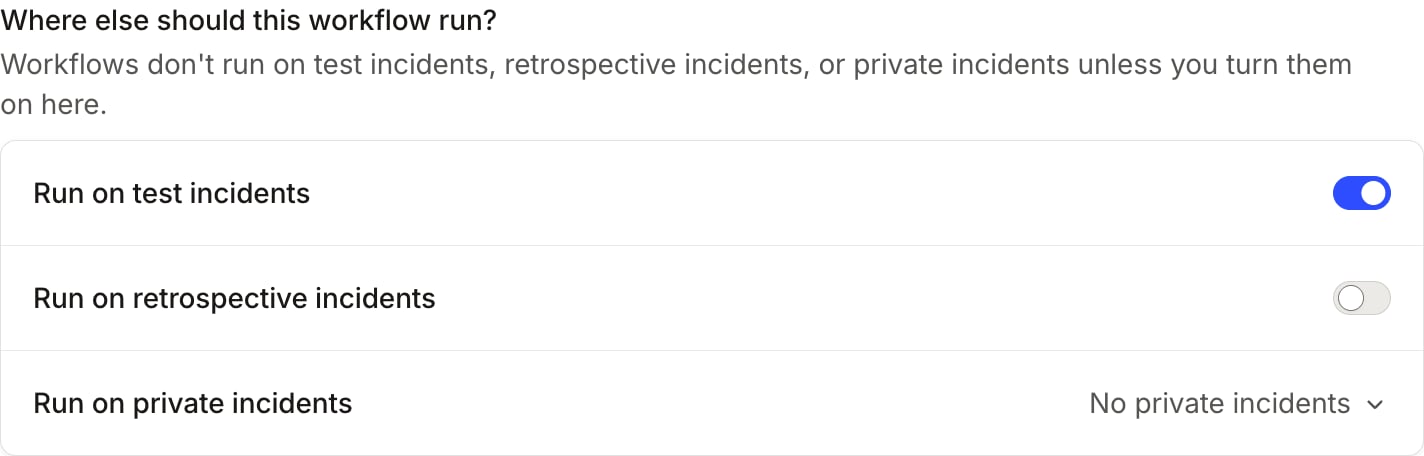
- Workflows won’t automatically run, but you can configure them to run on a case-by-case basis under Where else should this workflow run? within a workflow
Creating a test incident
Type/incident test from any Slack channel to start a test incident.
If you need a fully isolated environment to test configuration changes, integrations, and workflows, consider setting
up a sandbox environment instead.