What are incident subscriptions?
Incident subscriptions are a way to stay up-to-date with changes to an incident, without having to dig through the noise happening in its slack channel. Once you’re subscribed, when the incident gets an update you’ll be notified through whichever channels you’ve chosen: a Slack direct message, an email, a mobile app push notification, an SMS, or a WhatsApp message.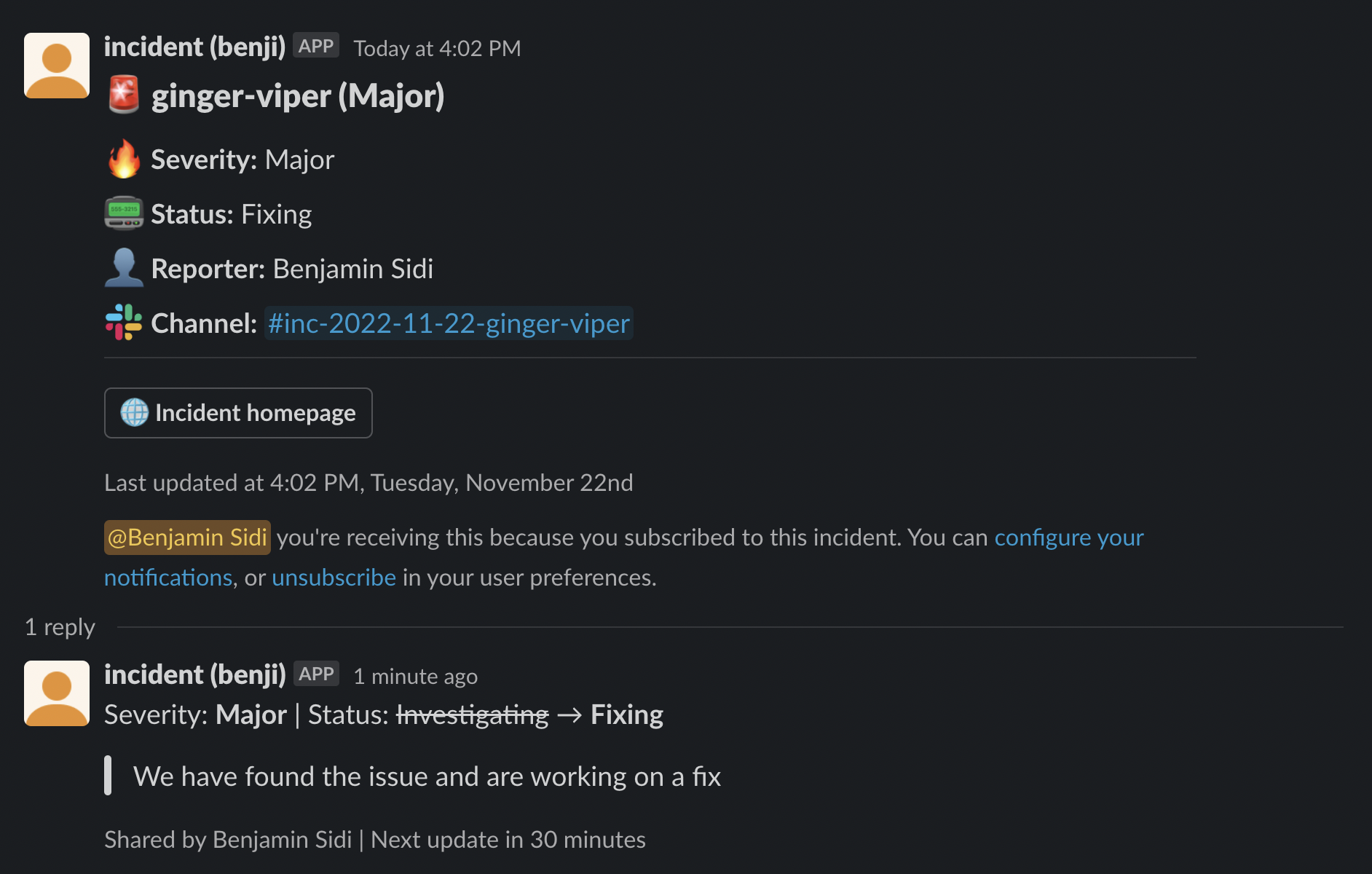
How do I subscribe to an incident?
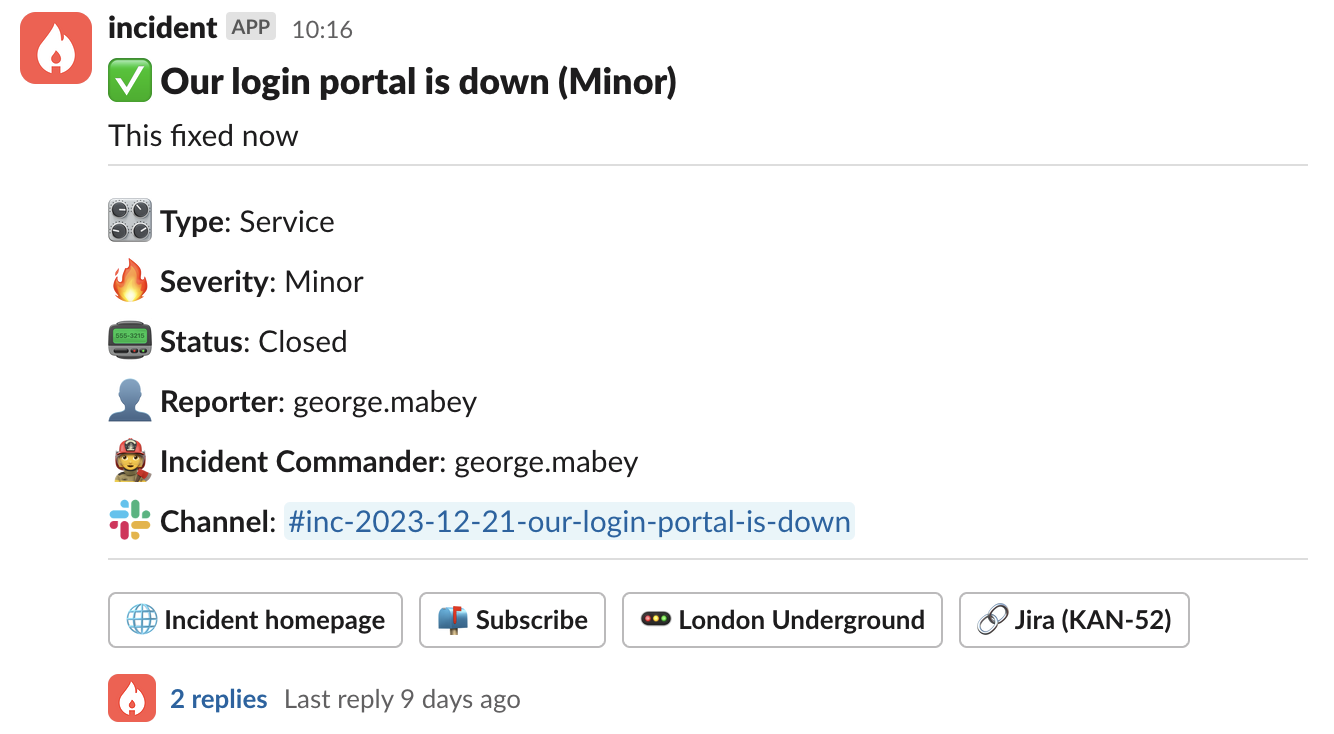
There are two places you can subscribe to an incident: on the web (via the incident homepage ) and in Slack (in the incident announcement post ). Click the “subscribe” button in the dashboard, the incident slack channel, or an announcement post and you’ll be notified of any future updates on that incident.
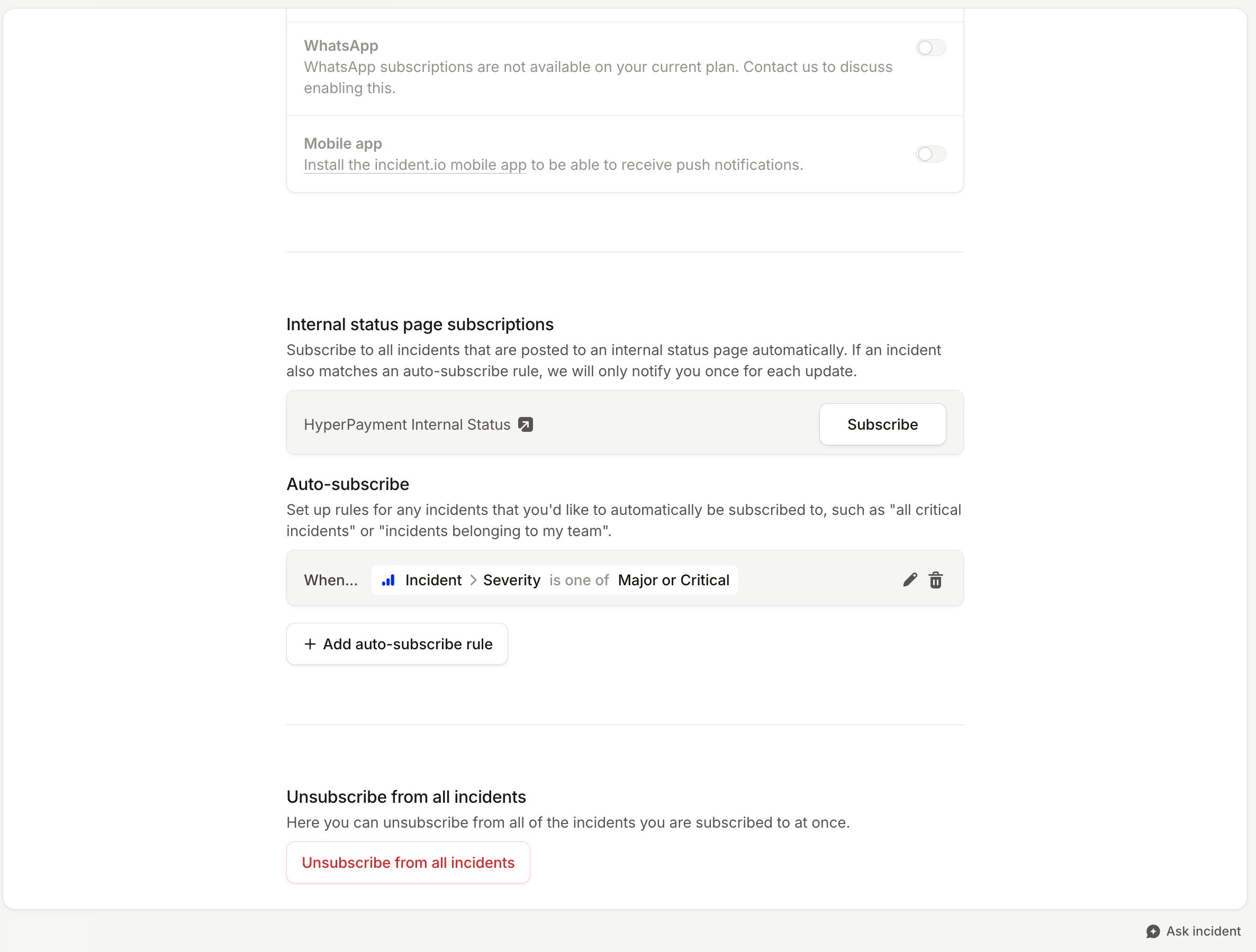
To receive notifications via the mobile app, you’ll need the incident.io app installed and signed in. To receive them
via SMS or WhatsApp, you’ll need a verified contact method under Contact methods on your account
preferences page.
Can you subscribe me to certain incidents automatically?
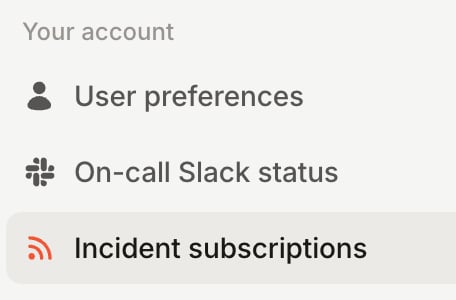
Yes! You can set up a variety of auto-subscription rules on the Incident subscriptions page, which you’ll find under Settings → Your account.