When creating a multi-select custom field, you have the option to either use a fixed list of options or allow users to add their own options. Once a custom field has been created with a fixed list, the UI prevents direct modification to change it to user-defined options.
While you cannot directly modify an existing fixed-list custom field to allow user-defined options, you can create a new custom field and migrate the existing data. Here’s how to transfer your data:
Create a new custom field with user-defined options enabled
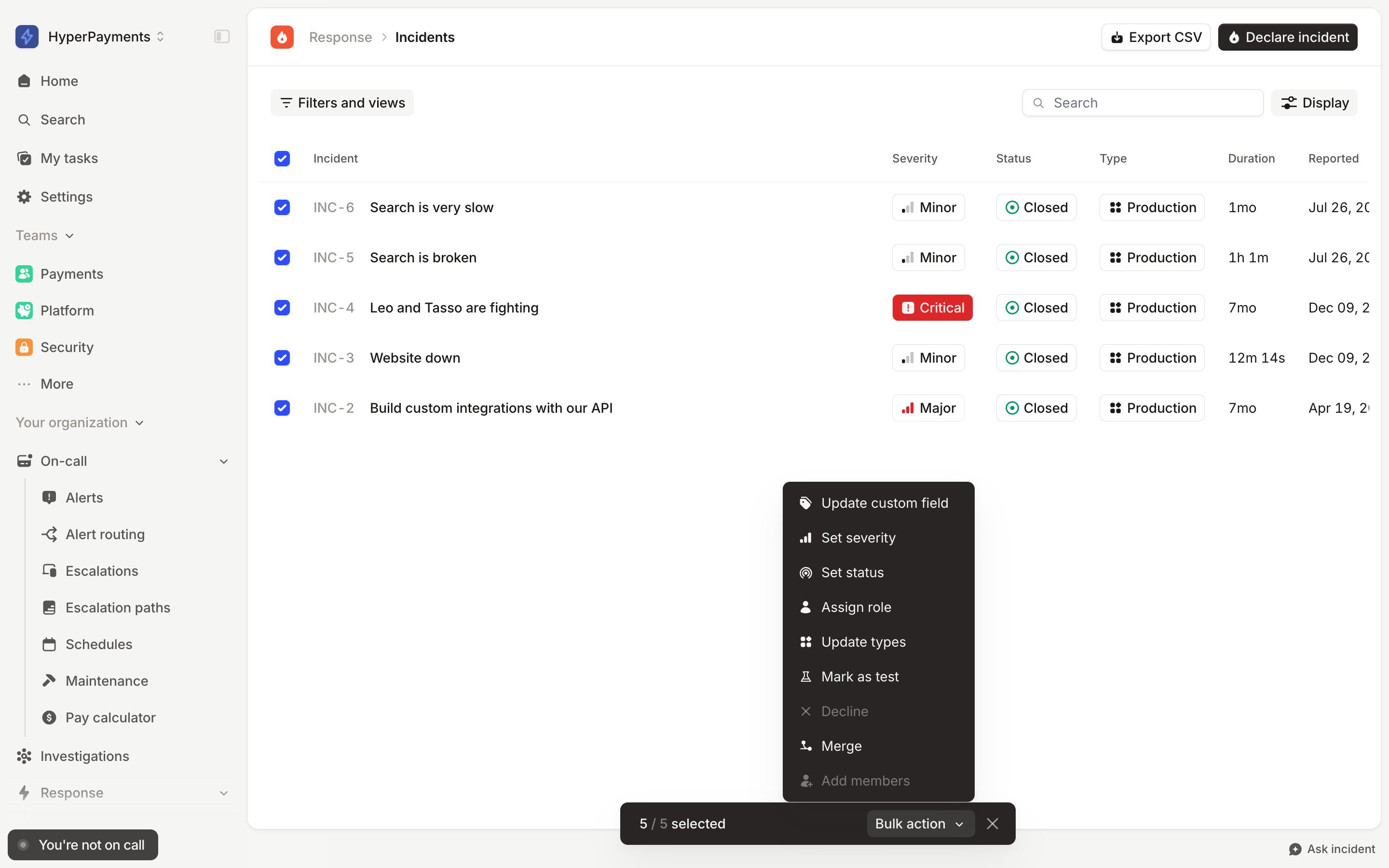
Go to Response → Incidents
Use Filters and views to filter for incidents that contain a specific value in the old custom field
Use the bulk update feature to set the new custom field value
Repeat this process for each distinct value in your old custom field
Note: If you encounter generic errors during bulk updates, this may be due to rate-limiting. To work around this, try reducing the size of your bulk update batch.
Was this page helpful?
Assistant
Responses are generated using AI and may contain mistakes.