

What our GitLab integration can do
- Export your incident follow-ups to GitLab
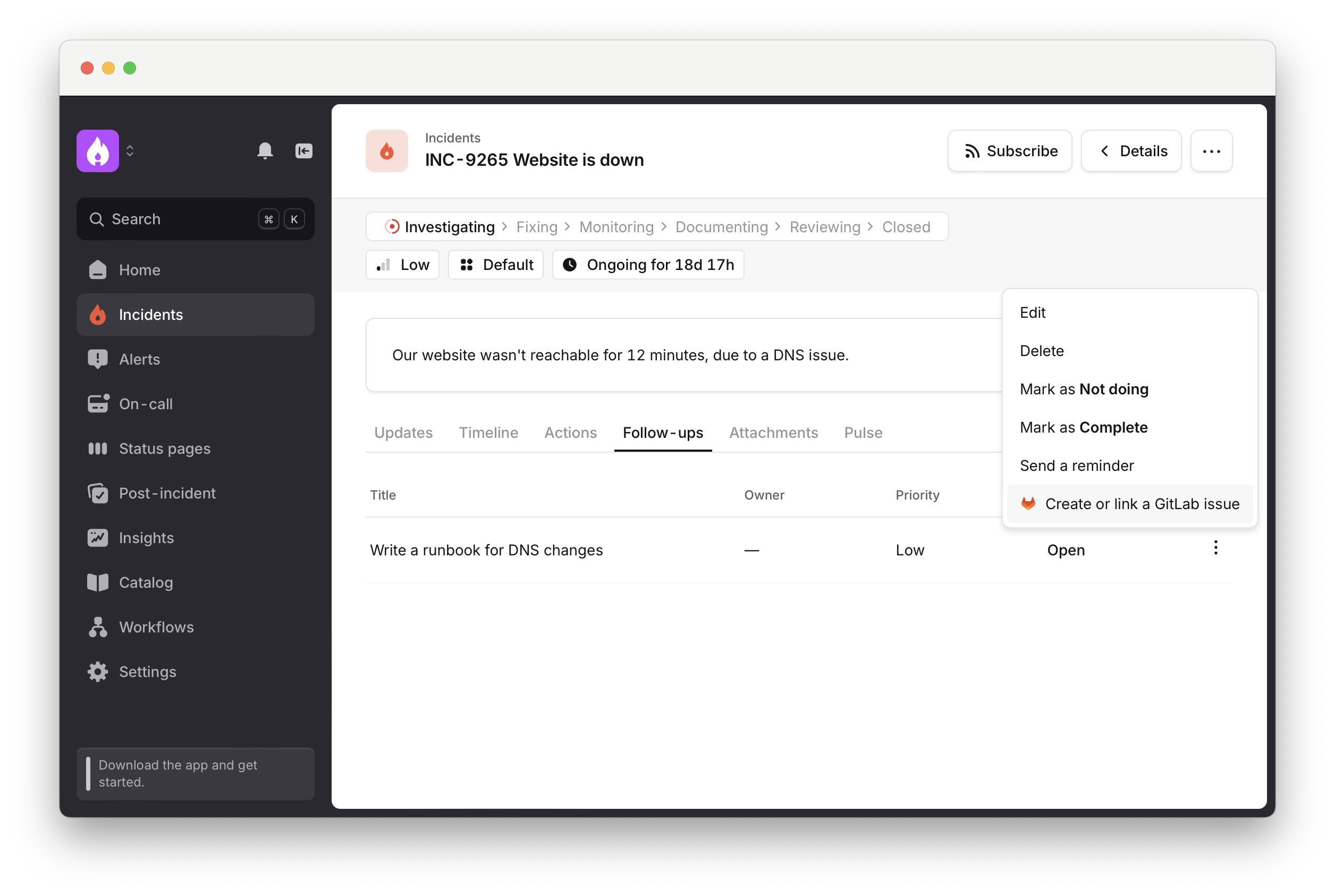
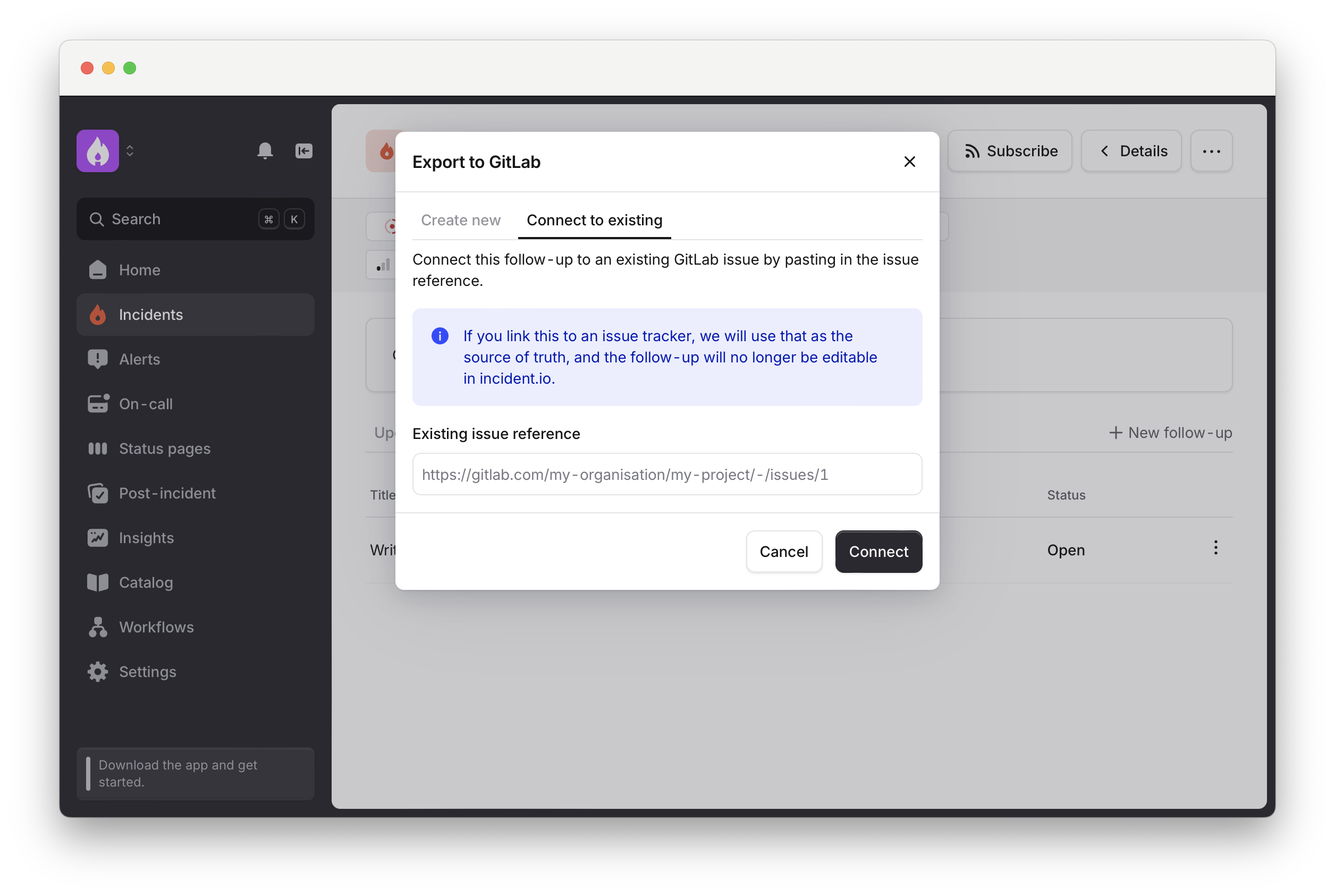
- Link GitLab issues to your follow-ups.
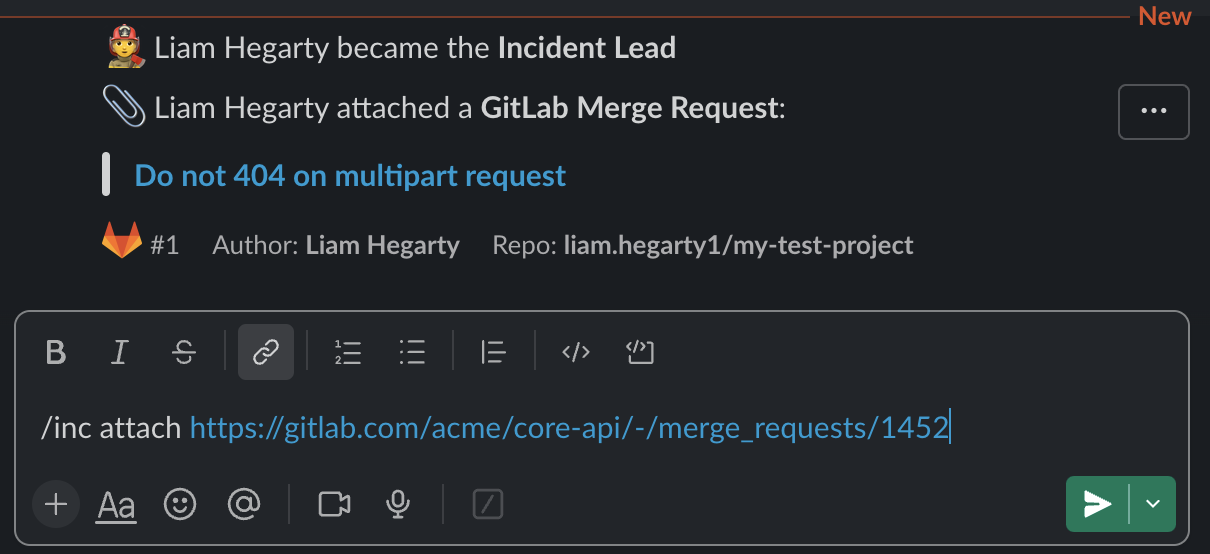
- Attach GitLab Merge Requests to incidents from Slack
- Attach GitLab MRs to incidents from GitLab

- Post comments on GitLab issues via workflows
- Track each incident as a GitLab issue
Setting Up
Adding GitLab to incident.io is simple.1. Create a Service Account user in GitLab
Follow GitLab’s guide to creating a service account. We recommend using ‘incident.io’ for thename, since this will show up in the UI on issues and comments created by the integration.
Make sure the bot user has access to create and edit issues, and view and comment on merge requests in all relevant projects.
Reporter role to your incident.io service account user.
See GitLab.com: Permissions and roles
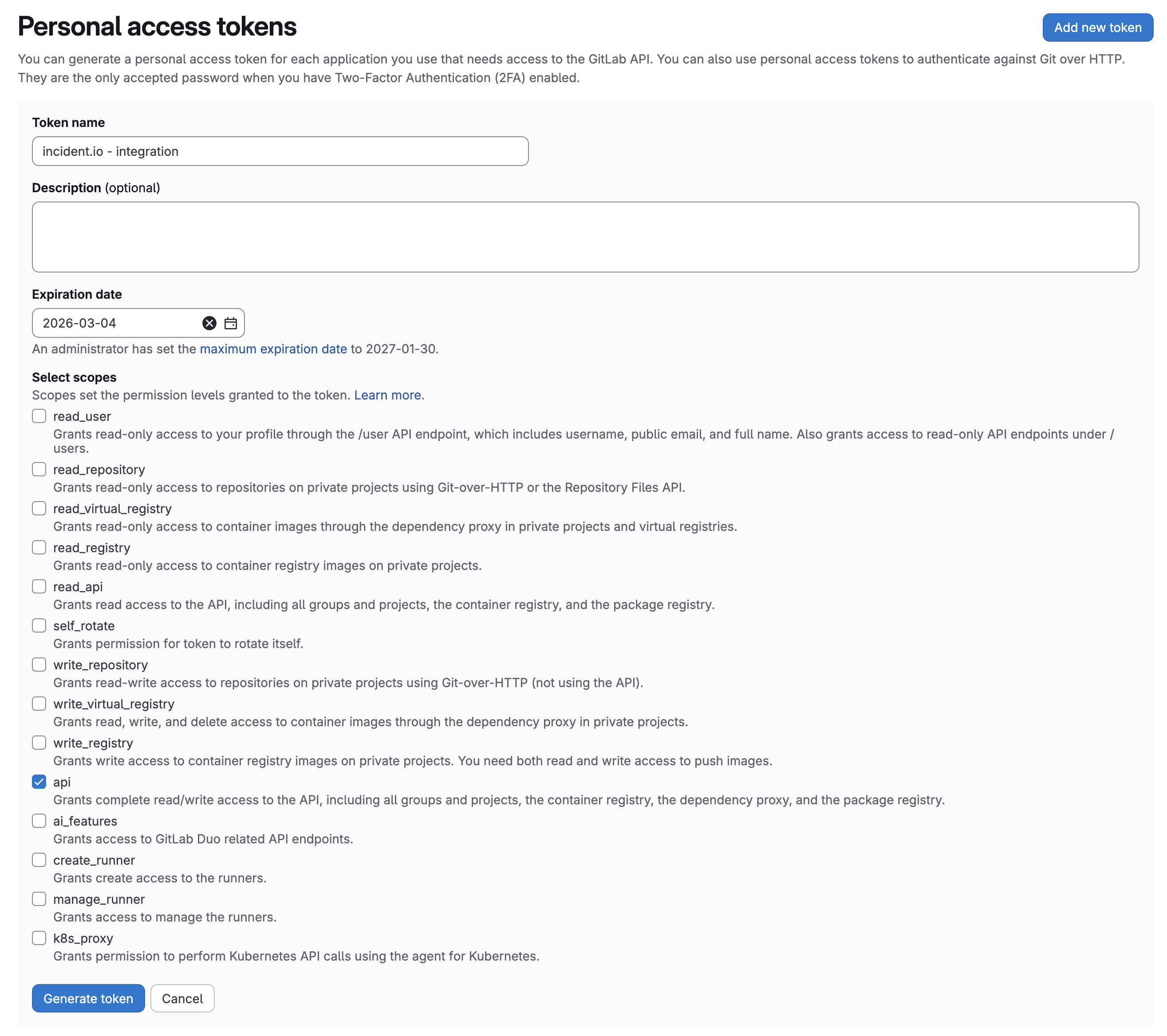
2. Create a Personal Access Token
Follow GitLab’s guide here. For scopes the integration requires theapi scope.
3. Connect the integration
Go to Settings → Integrations, click on GitLab, then Connect.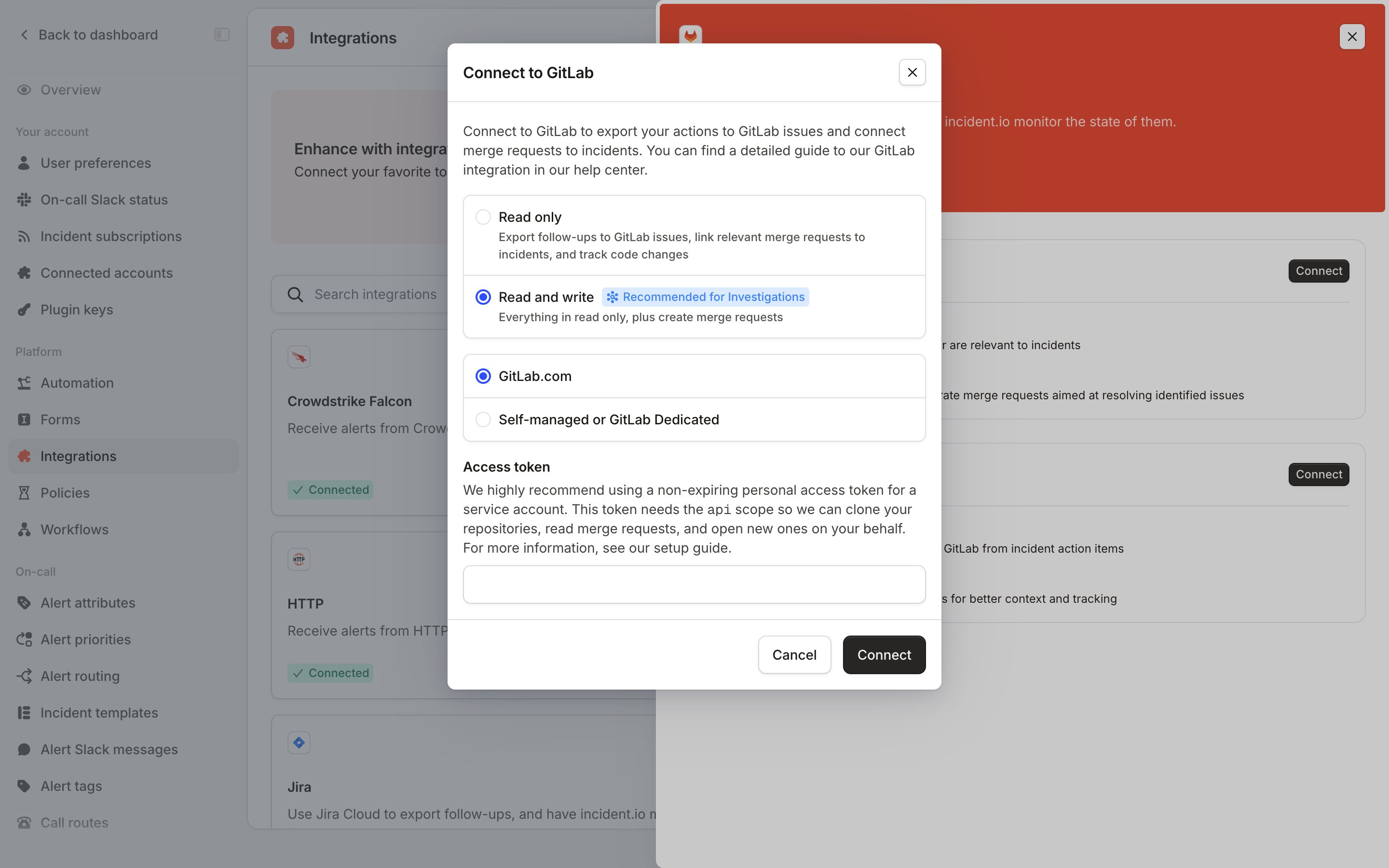
For GitLab users to connect with their incident.io accounts, their GitLab public email must: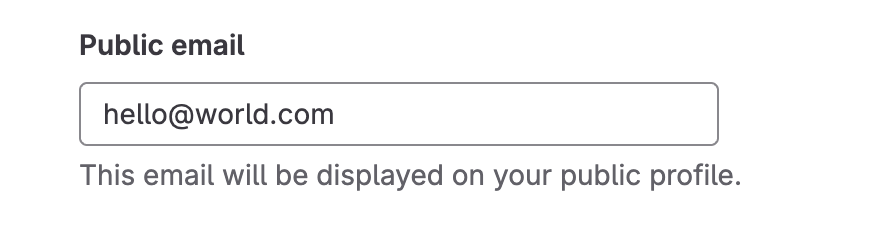
- Match their incident.io user email
- Be visible on their GitLab profile
- Reachable from the internet: make sure traffic from our IPs can reach your instance.
- Private network: route our requests through a proxy instead of exposing the instance.
If your instance uses a certificate signed by your own certificate authority, paste your root CA certificate (PEM format) into the CA Certificate field when you connect through a proxy. We trust it alongside the public CAs, so publicly-signed certificates keep working. You can add or replace it later from the integration’s settings.