

What our GitHub integration can do
Our integration lets you:1. Export your incident to-dos to GitHub
You can export your follow-ups to GitHub. We’ll sync the status of your tasks, so you can work in GitHub without worrying about updating statuses manually in incident.io! On an incident’s Post-incident tab, open a follow-up’s menu and choose Create or link a GitHub issue:
2. Attach GitHub pull requests to incidents
When you drop a link to a GitHub PR in your incident channel, we’ll ask if you want to add it as an attachment. Once it’s attached, we’ll notify the channel about changes to that PR, for example if it gets merged.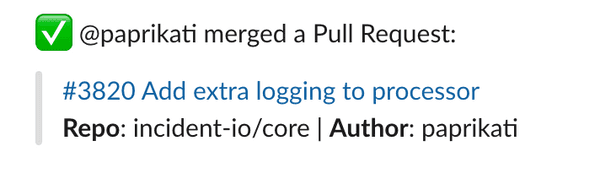
3. Track each incident as a GitHub issue
Set up incident tickets to create a GitHub issue for each incident and keep it up to date. Add the State field to your template to open and close the issue from the incident.Setting Up
Adding GitHub to incident.io is simple.- Go to Settings → Integrations
Connect next to GitHub.
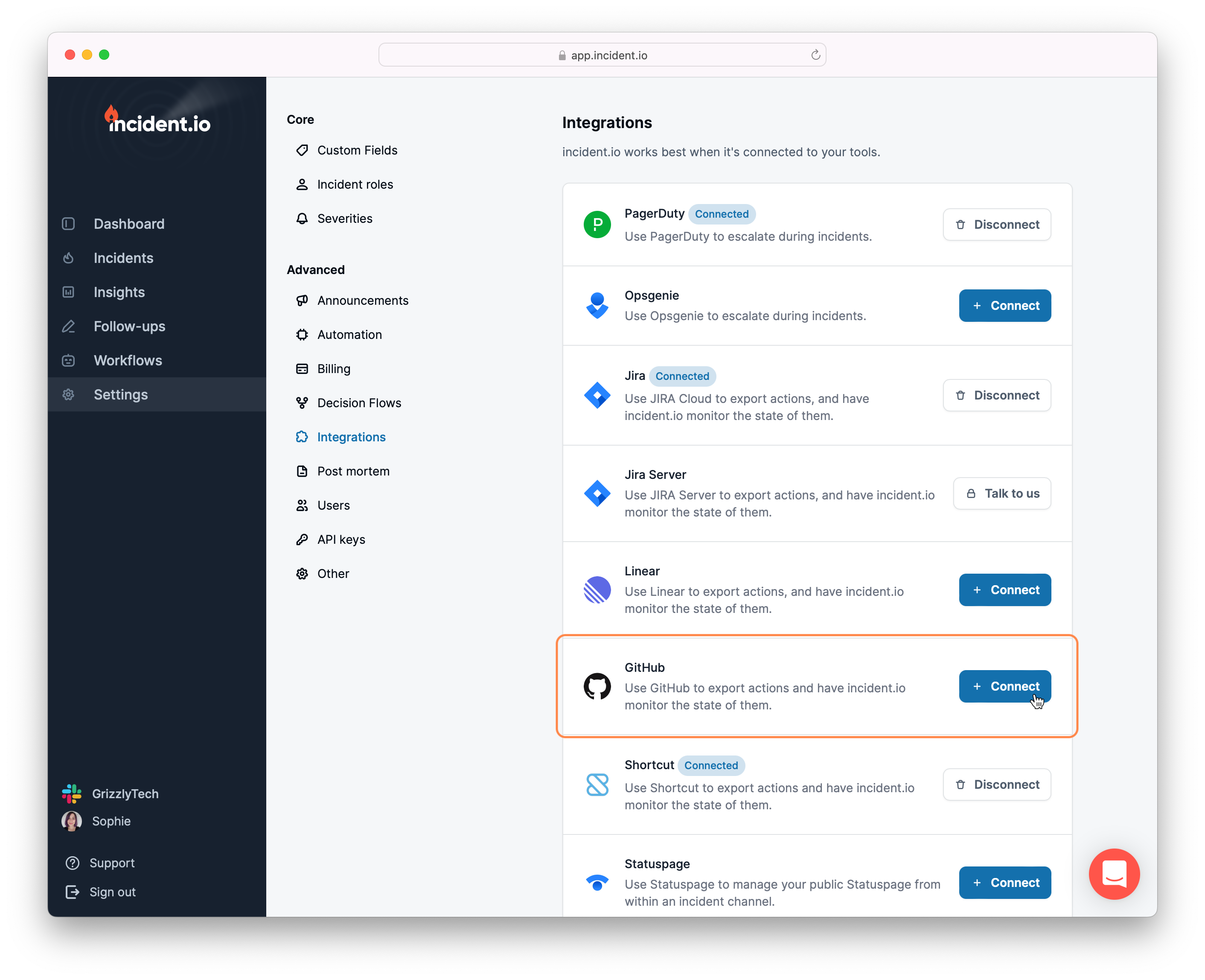
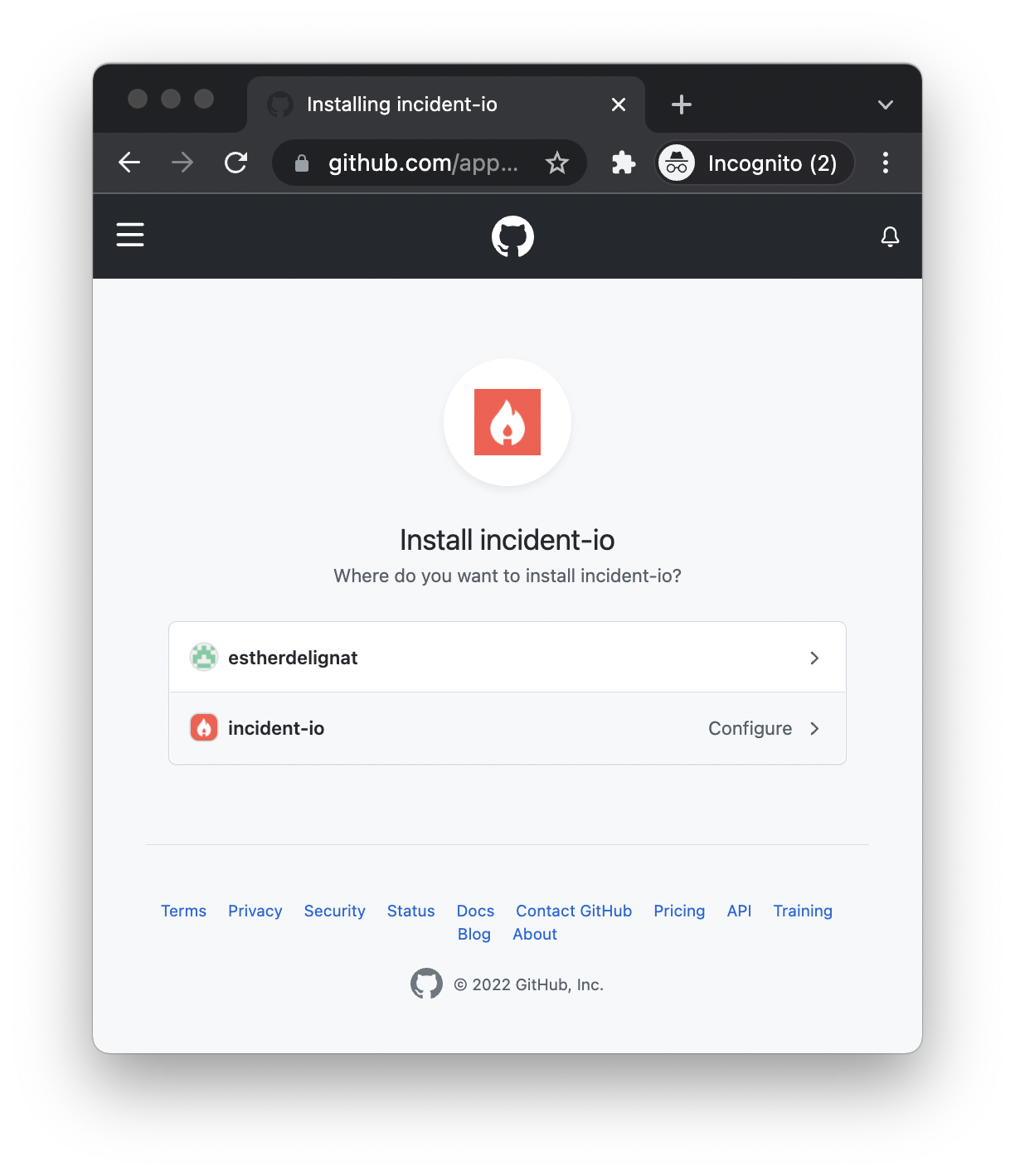
- Install incident.io
GitHub Enterprise Server and multiple GitHub organization support are available for enterprise customers. Get in touch to get set up.