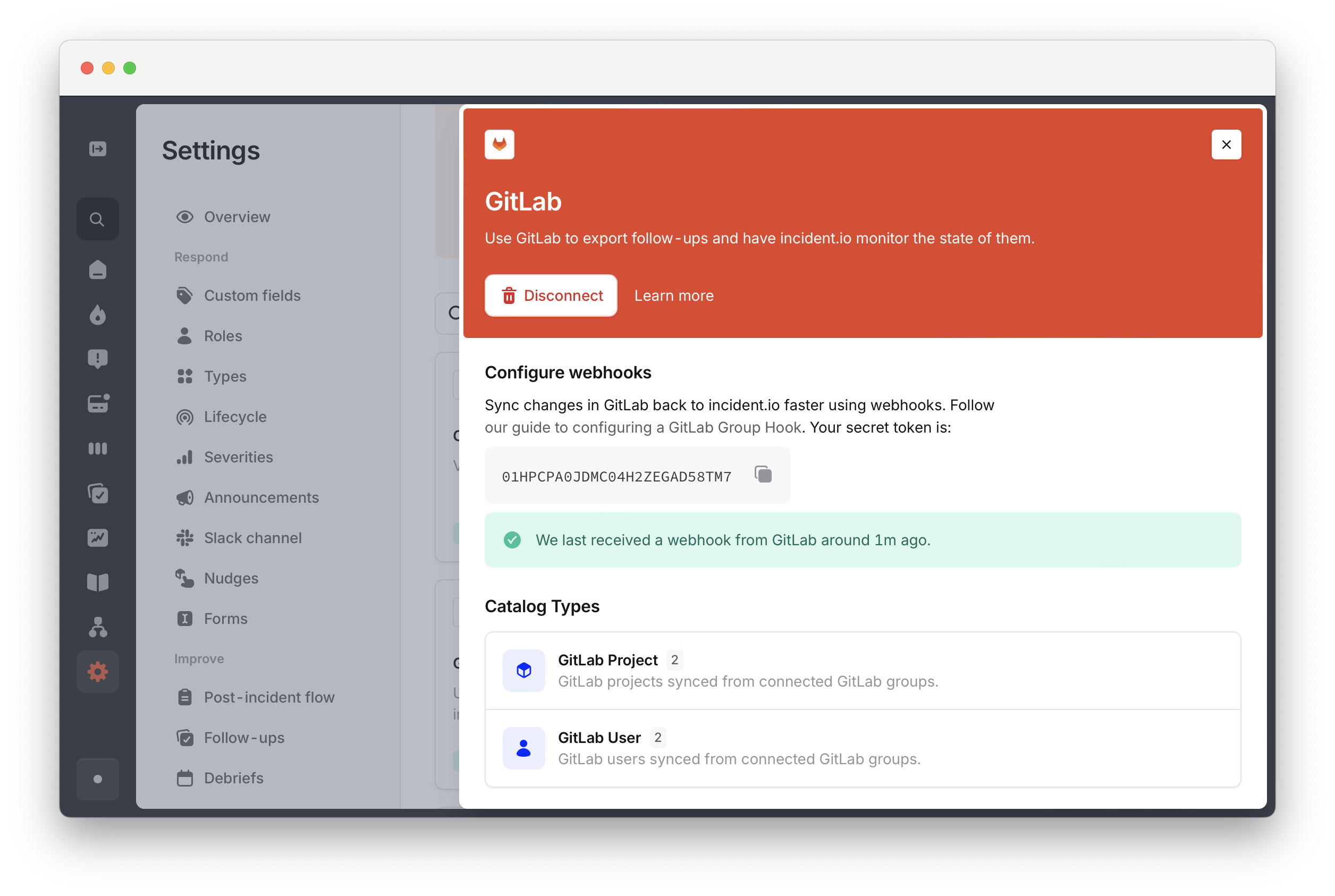
- Syncing changes to follow-ups in GitLab back to incident.io
-
Linking merge requests to incidents automatically when you mention the incident reference (e.g.
INC-123) in a merge request. - Posting updates to merge requests in the incident channel, for example when a linked MR is merged.
Setting up
1. Find your secret token
Under Settings → Integrations → GitLab, you’ll find a unique secret token. Copy this down - you’ll need it to successfully configure the hook.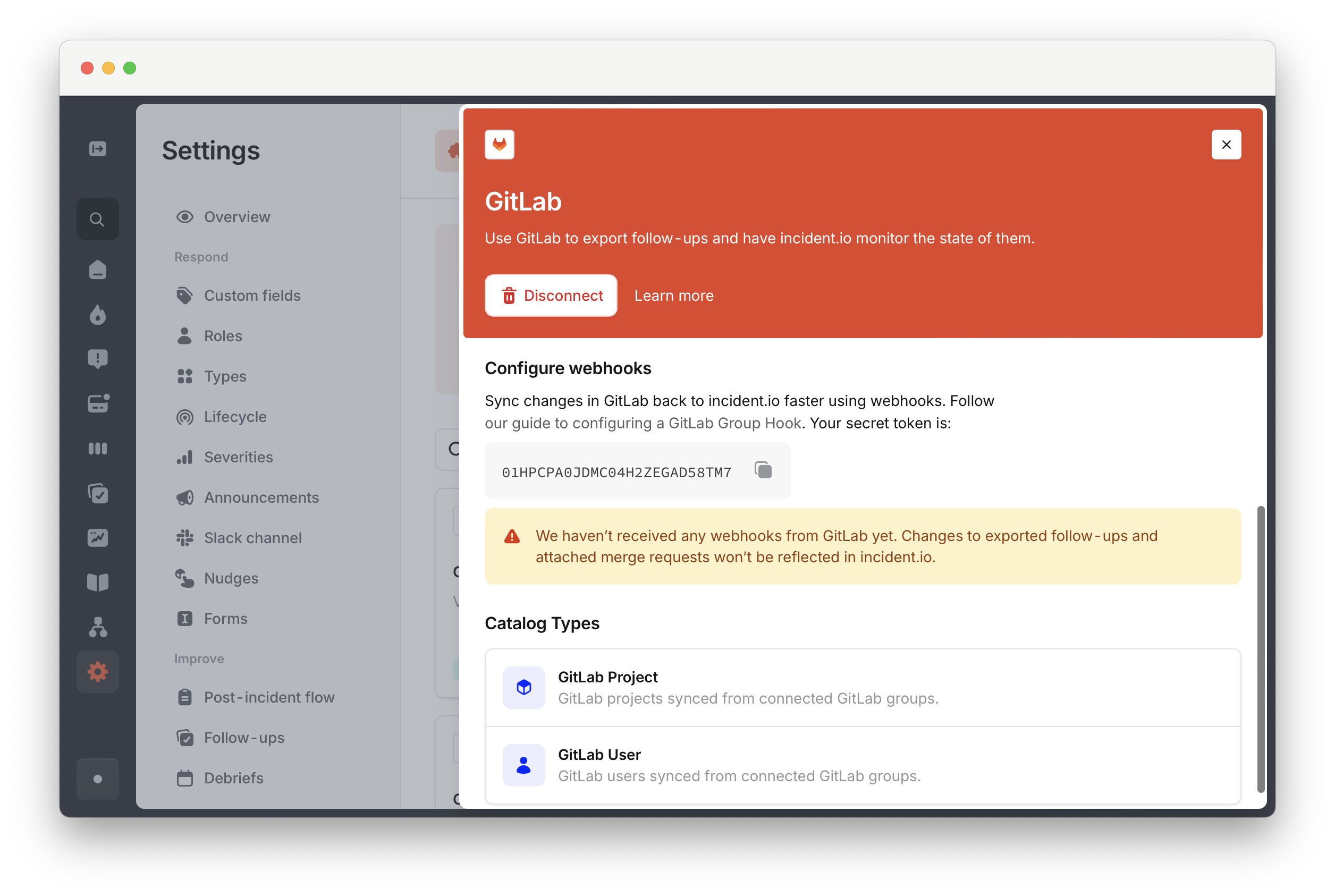
2. Create the hook
Within your top-level group, click Settings then Webhooks :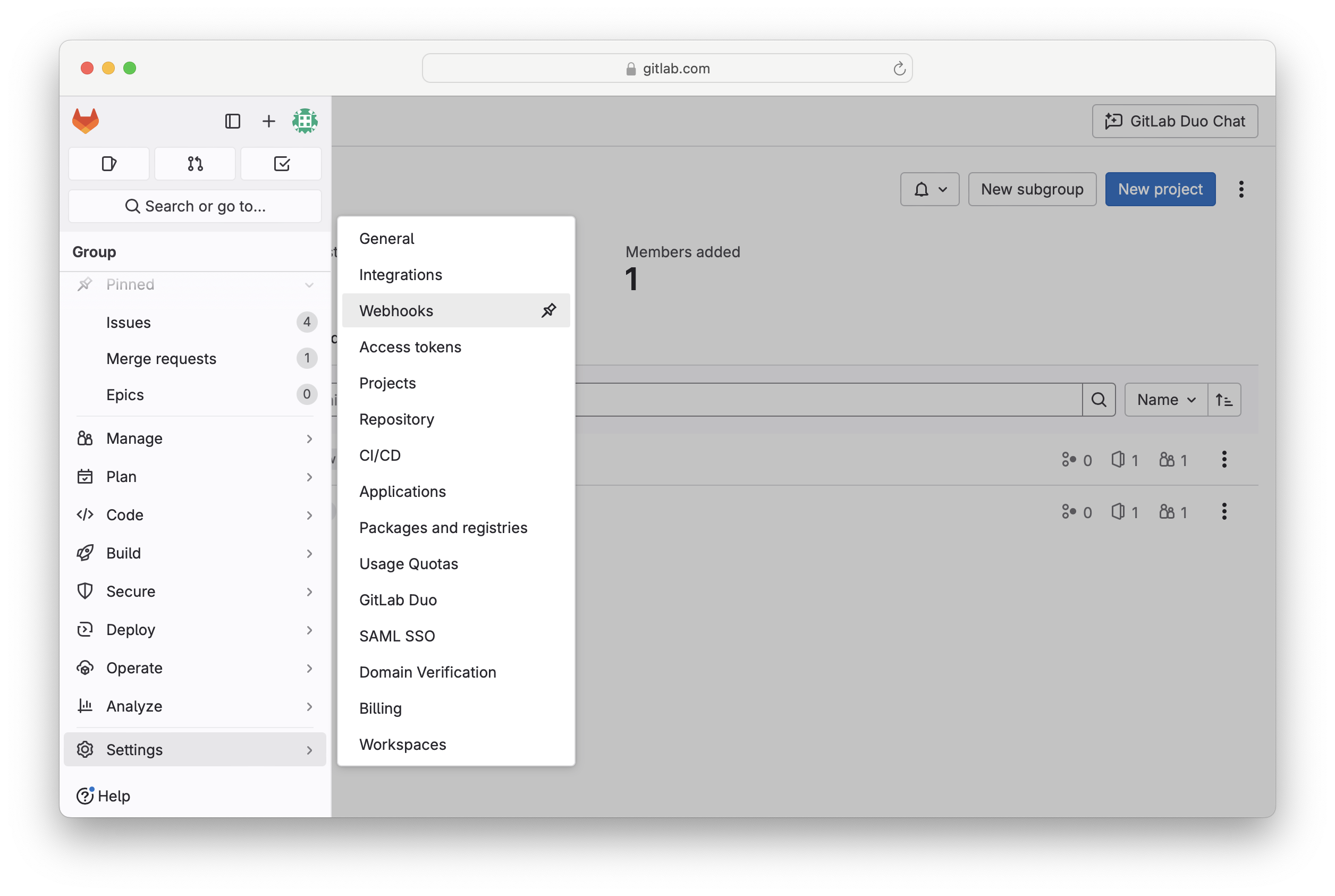
https://app.incident.io/webhooks/gitlab.
For the Secret token, paste in the secret token from the incident.io dashboard.
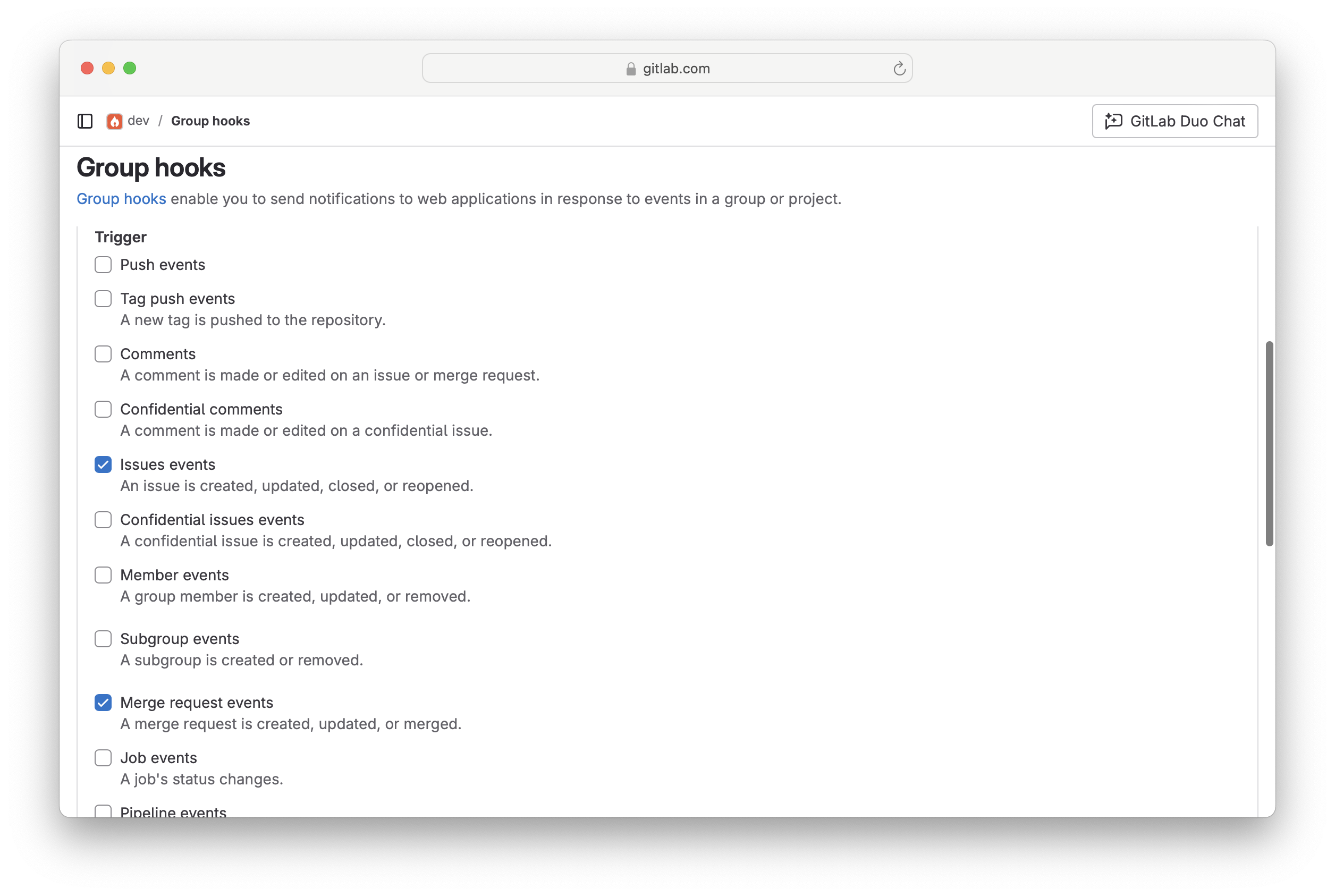
Under Trigger, select:
Work item events (or Issues events on older GitLab versions; the screenshot below shows the older label)
Merge request events
3. Verify the connection
In Settings → Integrations → GitLab, you can see when the last webhook was received. Make a small change to an issue to trigger a webhook: