What we can do with ClickUp
Our current integration is a fairly simple setup for now. In its present state, the integration lets you:- Export your incident follow-ups to ClickUp; and
- Sync the status of your tasks between ClickUp and incident.io, so you can work in ClickUp without worrying about updating statuses manually in incident.io!
- Auto-export follow-ups to ClickUp, based on pre-configured rules
Getting Set Up
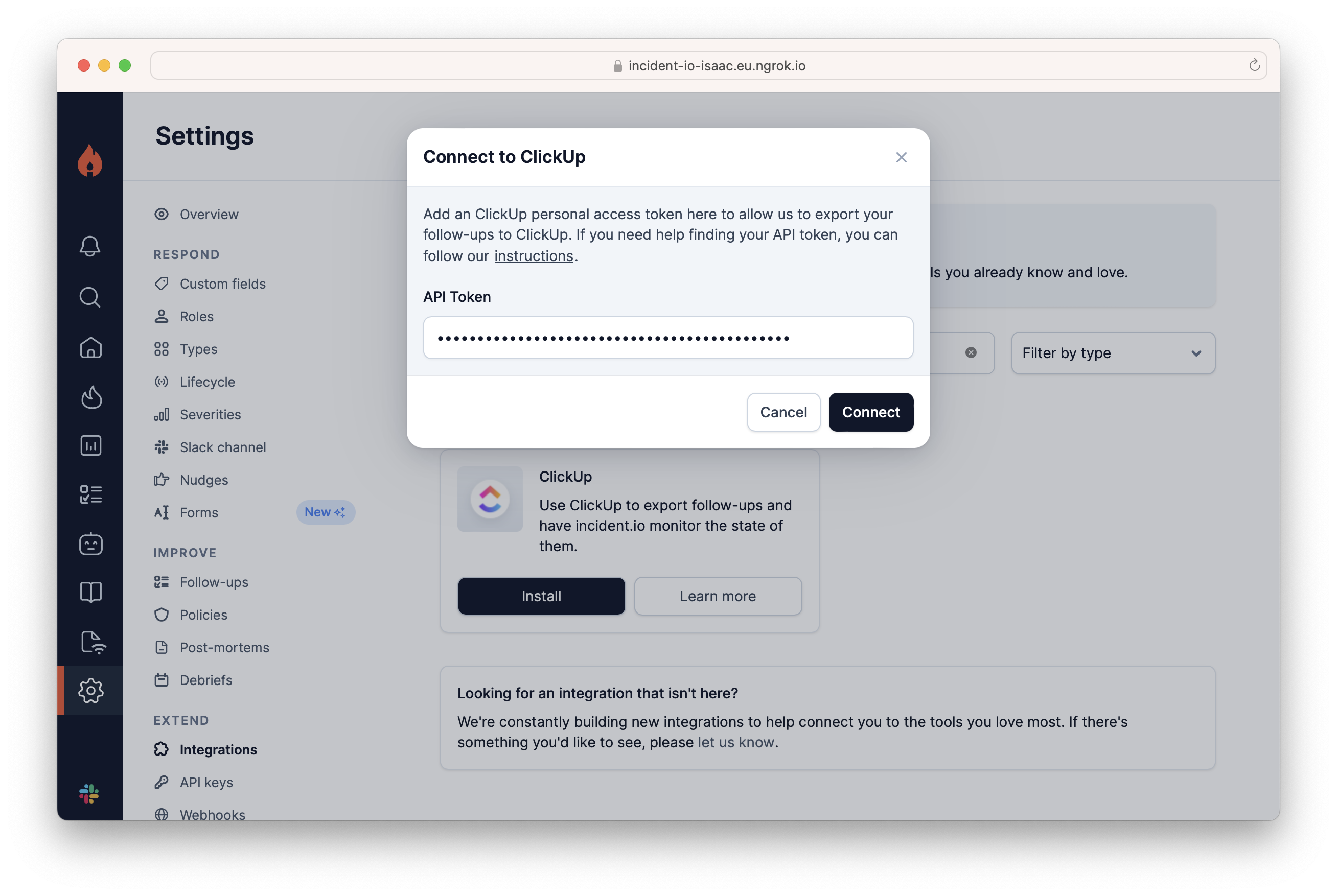
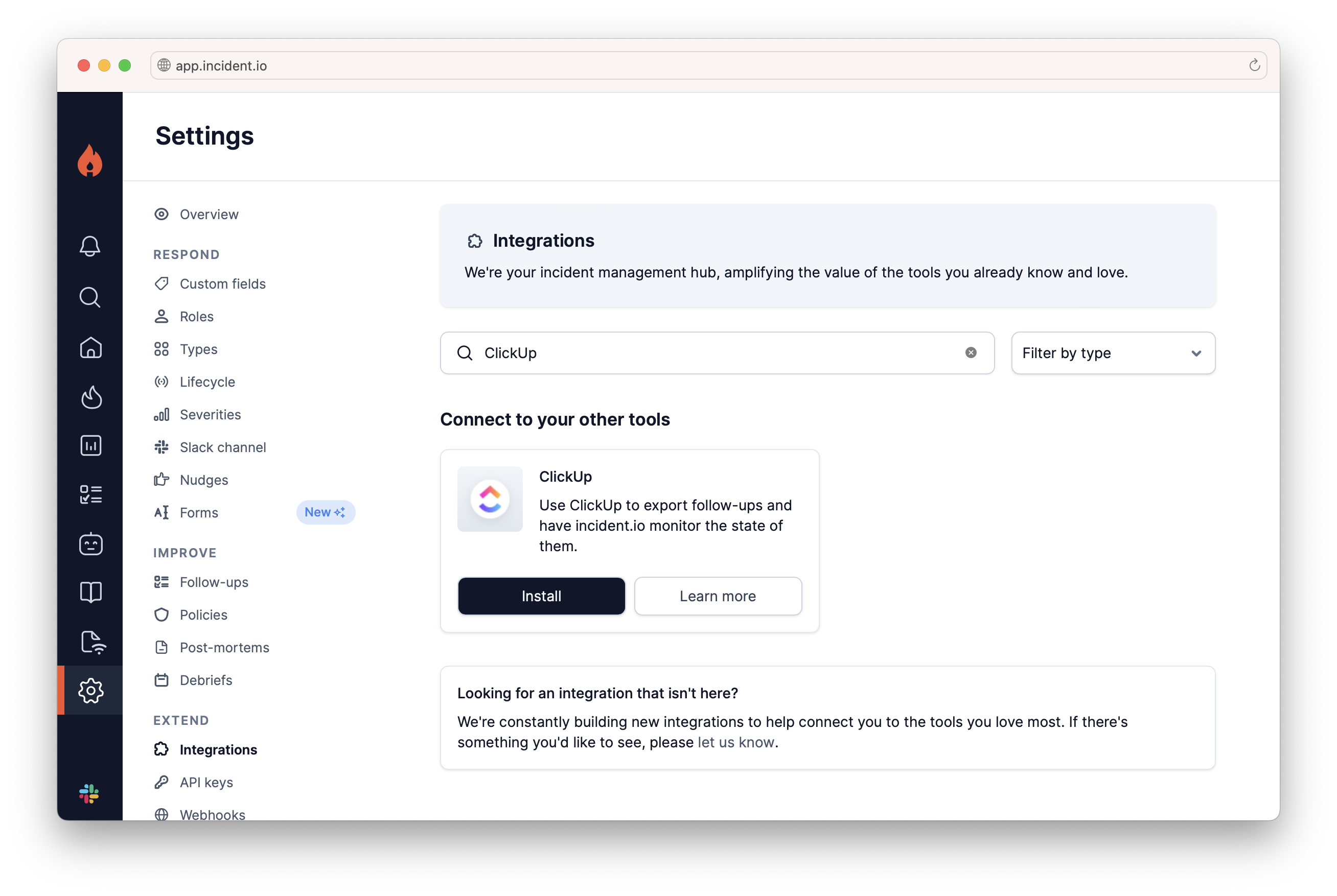
- Go to Settings > Integrations
Install on ClickUp.
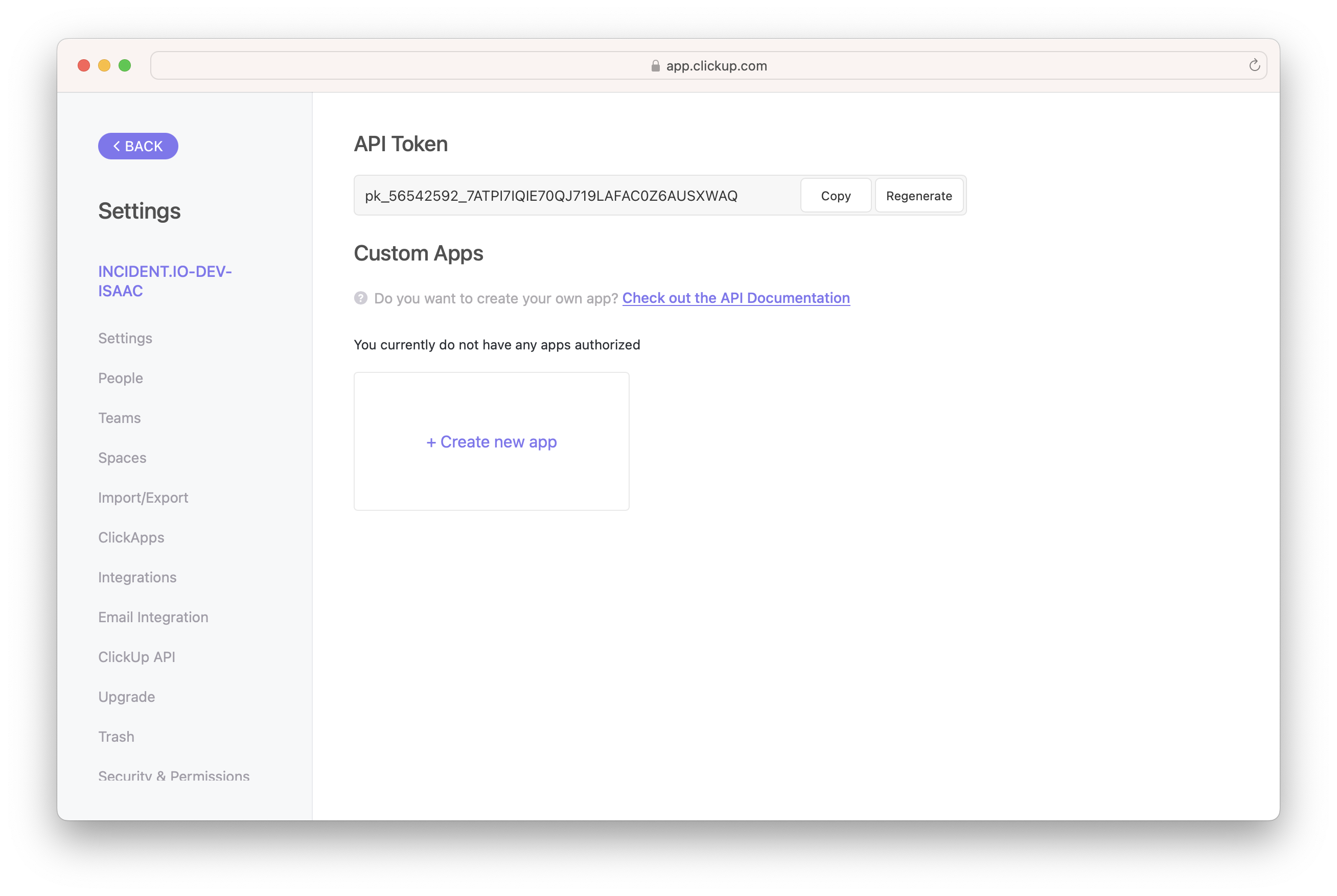
- Generate a ClickUp Access Token
- Paste the generated API key into the incident.io pop-up