Using Asana to track your team’s tasks? Want to export your incident follow-ups to Asana to keep everything centralised? This is how.

What we can do with Asana

Our current integration is a fairly simple setup for now. In its present state, the integration lets you:
  1. Export your incident follow-ups to Asana; and
  2. Sync the status of your tasks between Asana and incident.io, so you can work in Asana without worrying about updating statuses manually in incident.io!
  3. Auto-export follow-ups to a Asana project, based on pre-configured rules
If there’s more you’d like to do with incident.io and Asana, get in touch to give us your wishlist! Note: Due to technical limitations with Asana, tasks that do not exist within a project will sync daily, not in real time.

Getting Set Up

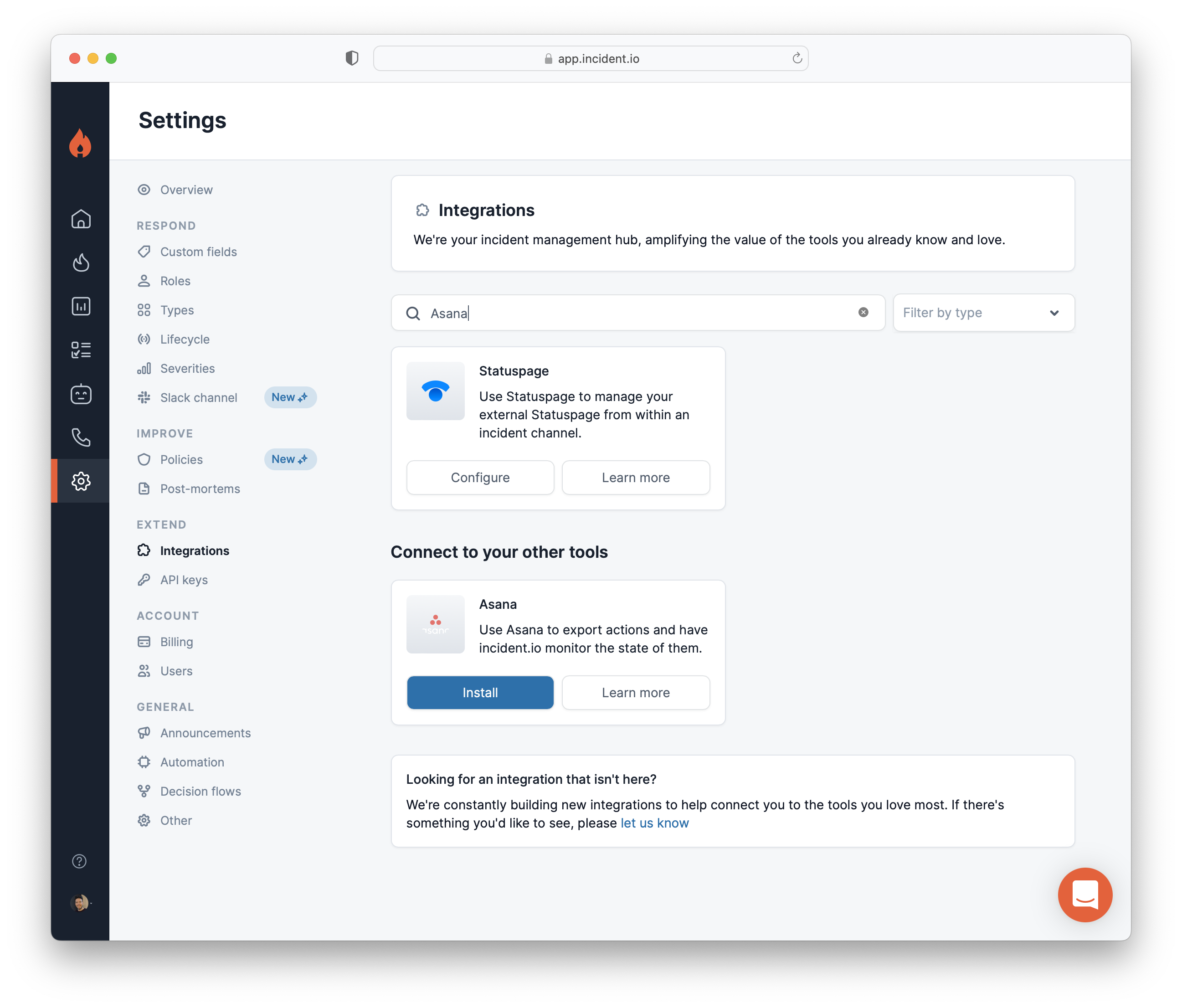
  1. Go to Settings > Integrations
Hit Install on Asana.
  1. Generate an Asana Access Token
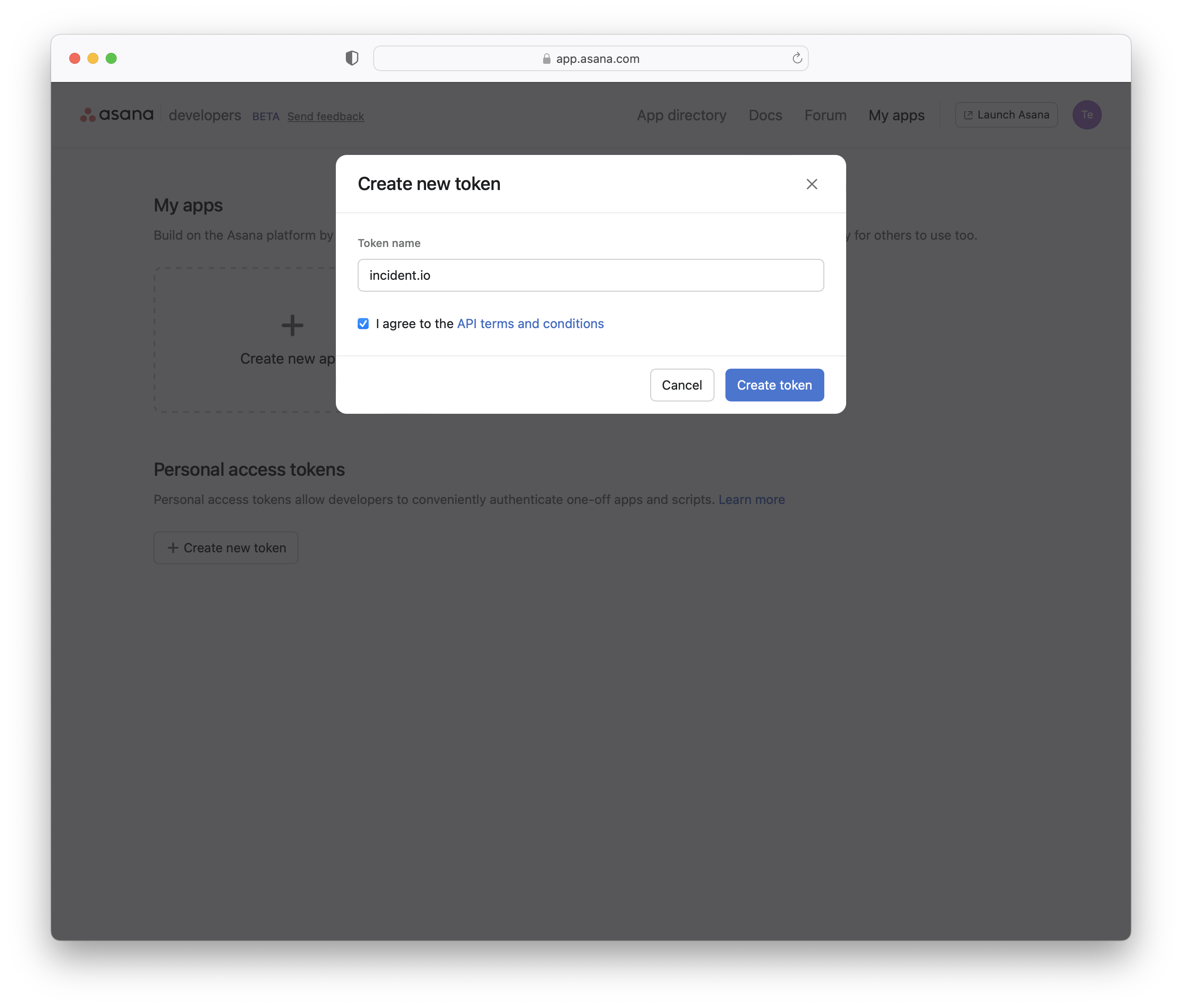
Log in to Asana, and go to https://app.asana.com/0/my-apps. Under “Personal access tokens”, click Create new token. Use “incident.io” as the token name and click Create token. Screenshot of app.asana.com/0/my-apps after clicking You’ll be shown the token just once. Click Copy, then head back to the incident.io dashboard.
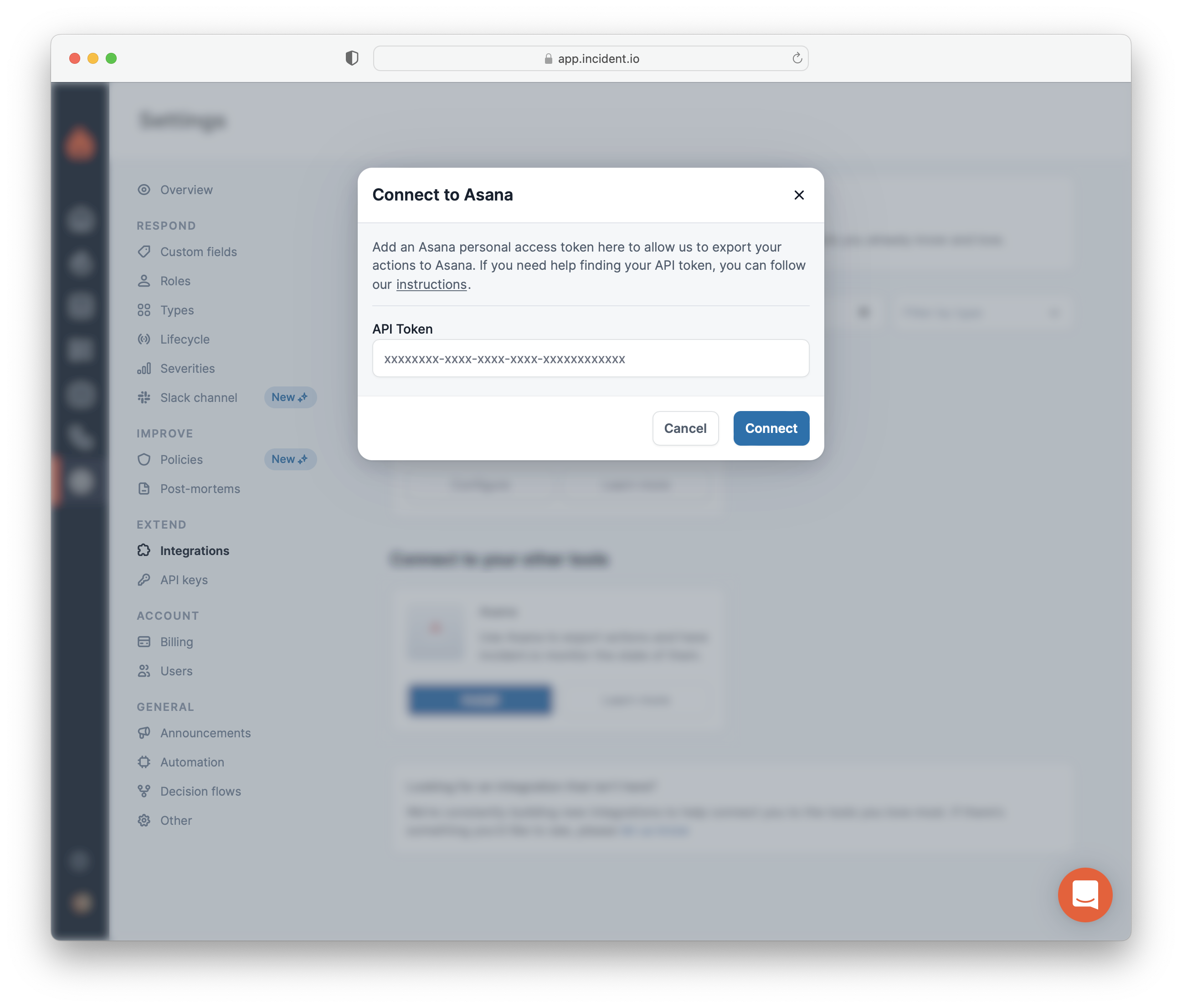
  1. Copy-Paste the generated API key into the incident.io pop-up
That’s it If you run into any issues, get in touch