- Jot down and keep track of what’s being done - and who’s doing it - during an incident instead of keeping it all in someone’s head (usually that of the incident lead…)
- Capture to-dos and export/sync them to your issue tracker post-incident
Capturing an Action/Follow-Up
New actions can be added in 3 ways.
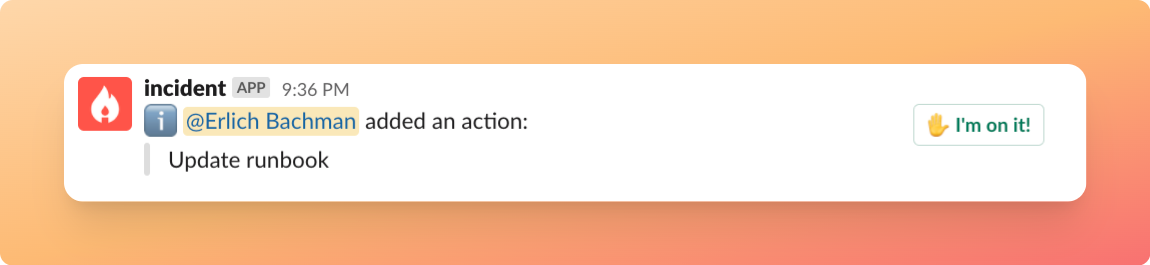
When an action is created, we show the whole channel an
I'm on it! button, allowing teammates to quickly assign the action to themselves.
Getting a quick overview of who’s doing what
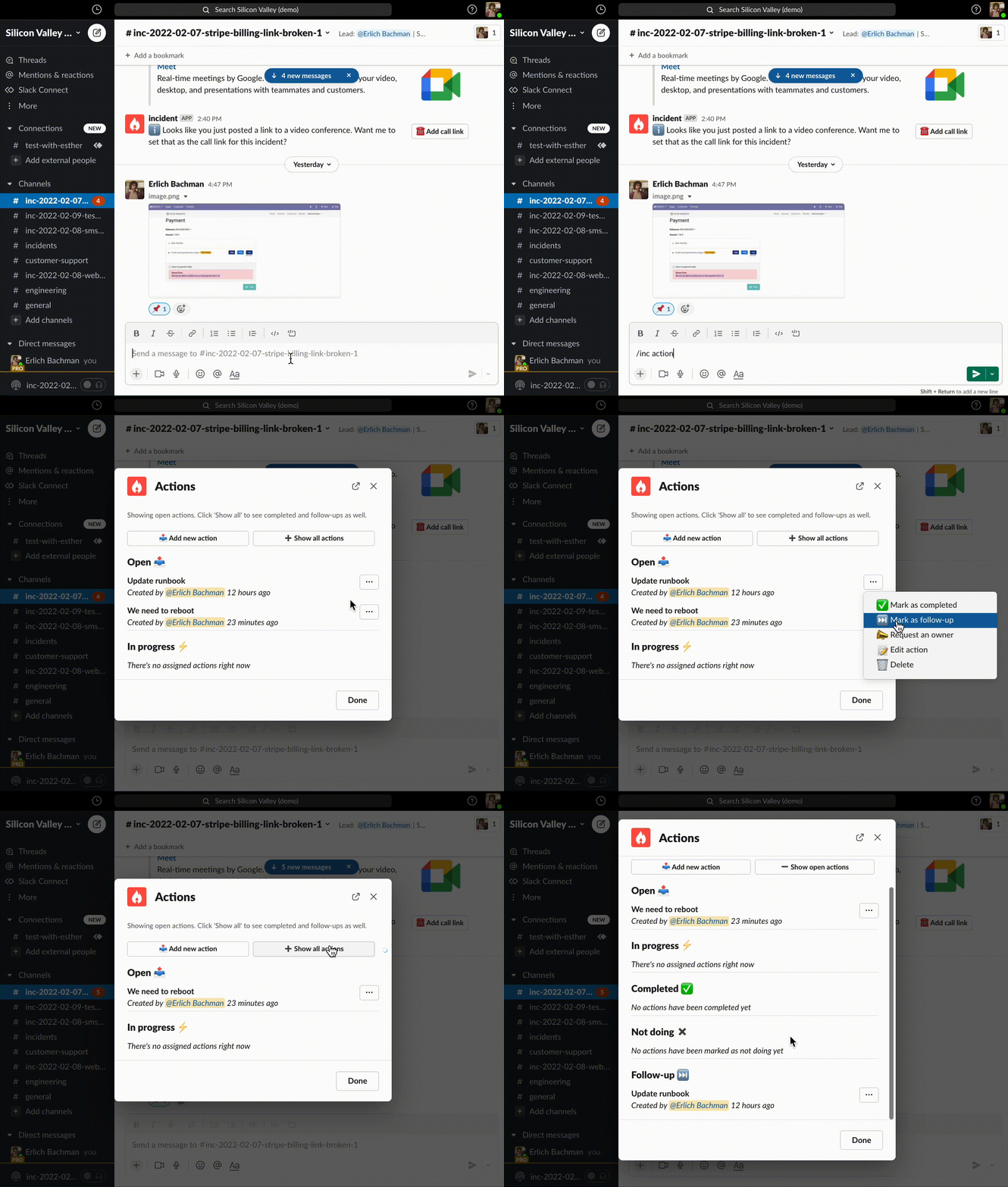
Key in/incident actions to quickly list and edit all actions/follow-ups, their status, owners, and more.
Exporting to issue trackers
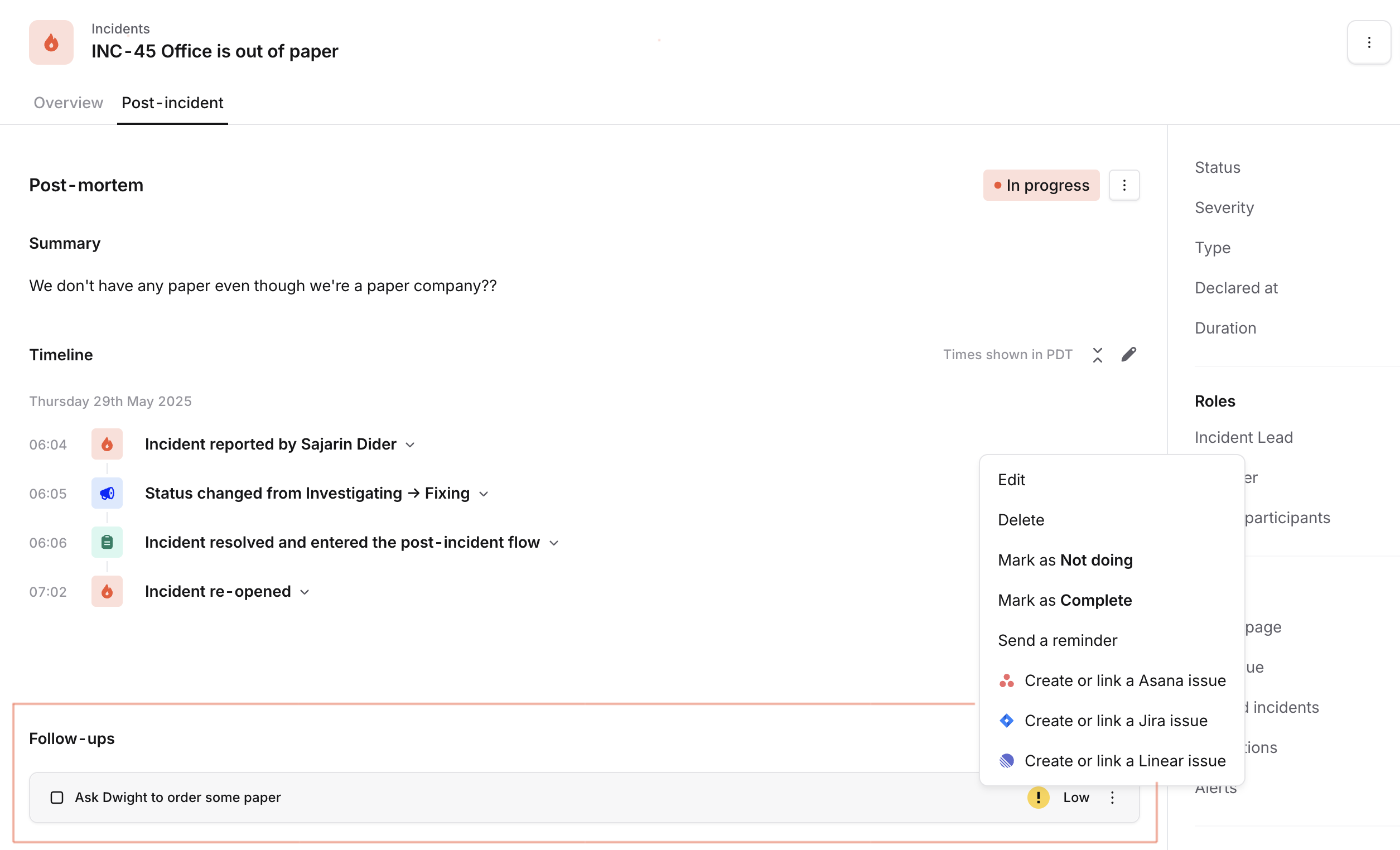
Although issue trackers are not quite what you need when you’re looking for some fast lightweight coordination in the middle of an incident, they should be (and probably are!) your central hub for to-dos. Once you’ve added the integrations, you can export follow-ups from incident.io to your issue tracker from the Post-incident tab. We support:- Asana
- ClickUp
- GitHub
- GitLab
- Jira, including Jira Server and Data Center
- Linear
- Notion
- ServiceNow
- Shortcut