

Sometimes an action turns out to extend beyond resolving the incident. When that happens it shouldn’t hold the incident open, so turn it into a follow-up and it carries over to the work your team picks up afterwards.
Every action is open, completed, or not doing. Mark something as not doing when your team consciously decides against it, so it leaves the open list without vanishing from the record. Every change appears on the incident timeline, so the write-up afterwards shows who did what and when.
How you create and manage actions depends on whether you run incidents in Slack or Microsoft Teams. The dashboard works the same way for both.
- Slack
- Microsoft Teams
 Slack
Slack Microsoft Teams
Creating actions
There are several ways to create an action, so you can capture one without breaking off what you’re doing.React with the :boom: emoji
React to any message in an incident channel with :boom: and we’ll turn it into an action, using the message as the description. This is the fastest route when someone has just said “we should probably restart the workers” and you want it written down before the thread moves on.Run /incident action
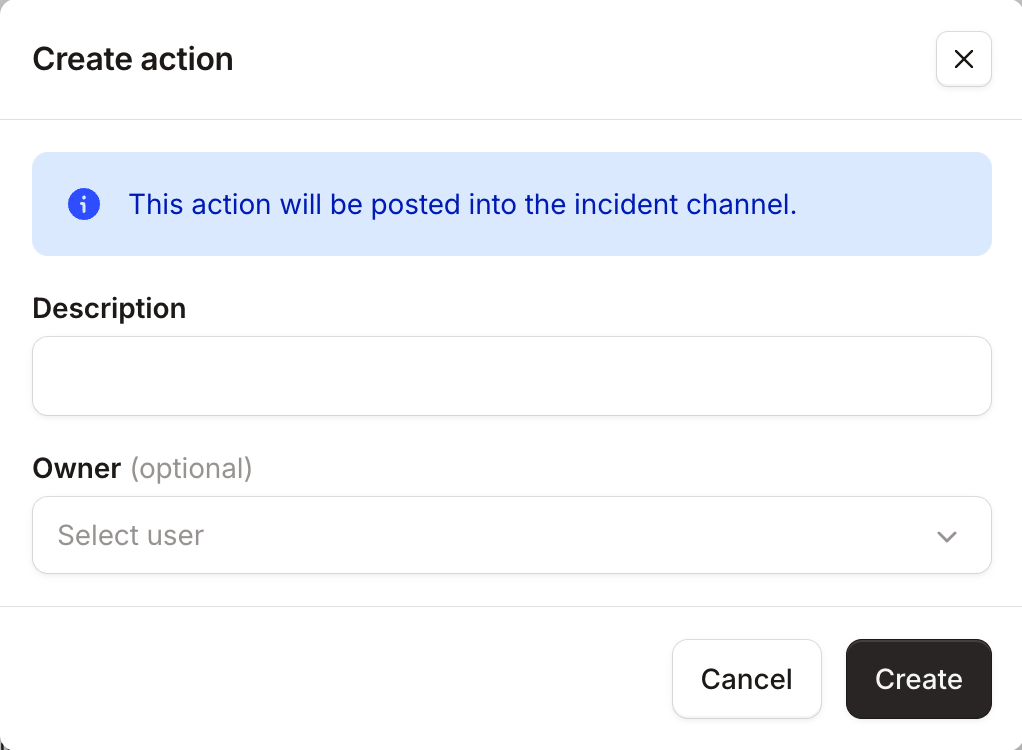
Run /incident action in an incident channel to open the Create action modal. Add a description after the command to pre-fill it, for example /incident action restart the database.From the dashboard
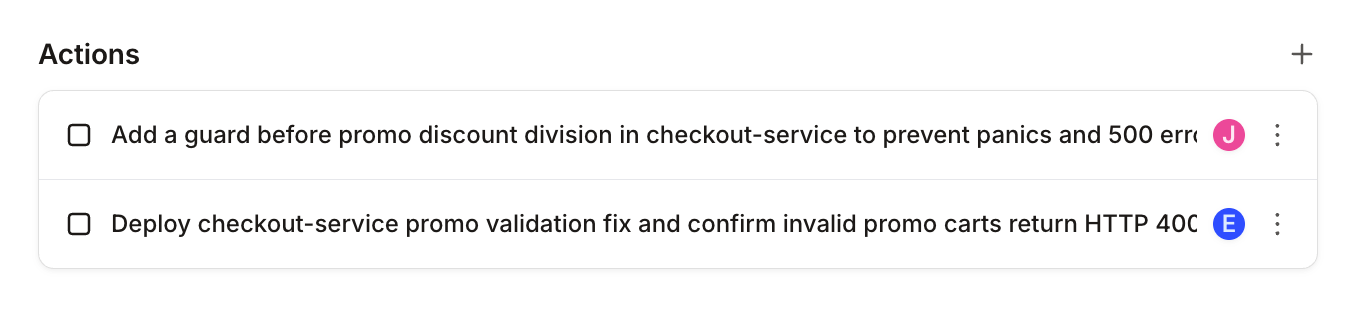
Open the incident and select Add an action, or use the + button on the Actions section.By asking @incident
Tag @incident in the incident channel and ask it to create, update, reassign, or delete actions in plain language. The agent runs every change with your own permissions and records it against your name.Via a workflow
Workflows can create actions for you. Add the Create incident actions step to a workflow, list the actions you want, and they’ll be created automatically. Useful when a class of incident always starts the same way, like a security incident that always needs an access review at kick off.The step takes one optional assignee, who owns every action it creates. To split them across different owners, use a separate step for each.Managing actions
Actions can be assigned, edited, completed, or dropped, from wherever you’re working.Assigning actions
Assigning is optional. Leave Who’s picking it up? empty and the action sits unassigned until someone claims it.When you do assign someone, we mention them in the incident channel and invite them to it if they’re not already there.From an action’s menu you can also:- I’ll take it: assign an unassigned action to yourself
- Reassign to me: take an action currently assigned to someone else
- Unassign: put it back in the unassigned pile
- Request an owner: post a message to the channel asking for a volunteer, with an I can take this button for anyone to claim it
Tracking what’s open
Run/incident actions to see every action on the incident, grouped by status and showing who owns each one.Turning actions into follow-ups
You can’t resolve an incident while it still has open actions. When you try, we’ll ask you what to do with them: choose Convert to follow-ups to carry them into the post-incident flow, or Mark all as complete if the work is already done.:fast_forward: instead of :boom:.
FAQs
Who can own an action?
Who can own an action?
Each action has a single owner, so it’s always clear who has picked something up. You can assign anyone who can
already access the incident, which on a private incident means they need to be a
participant first.
Where can I see actions across incidents?
Where can I see actions across incidents?
In the dashboard, actions live with the incident they belong to, which keeps them focused on the response in front of
you. To pull them together across incidents, list them with the API, filtering by
assignee or incident mode.
What happens to actions in a stream?
What happens to actions in a stream?
They stay scoped to that stream, so each workstream keeps its own focused list. Streams don’t
have their own post-incident flow, so their actions stay as actions rather than becoming follow-ups. Once a stream is
closed you can still update the actions it already has.
When can I start creating actions?
When can I start creating actions?
As soon as an incident has been accepted. Triage incidents are still being assessed, so actions and follow-ups
become available once you accept it out of triage.