

- Hard escalation : if you’re managing an on-call rota, we can help you page someone directly from within Slack or via automations
- Soft escalation : you can send an email, SMS, Slack Direct Message or Slack ephemeral message to the right person
Hard escalations
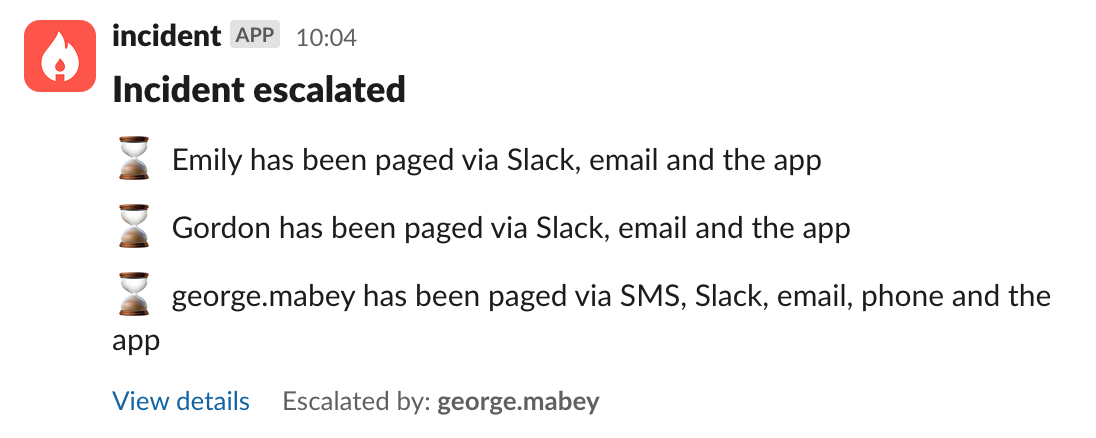
incident.io’s On-call solution is your best friend here and allows you to configure schedules and escalation paths which can then be used to page someone to help resolve an incident. It’s then as simple as typing/incident escalate or /incident page within an incident channel to manually escalate to the right individual or team that you need. You can also escalate from the web dashboard — and if an escalation is already in progress, click Escalate to next level to advance to the next tier in the escalation path with a preview of who will be paged.
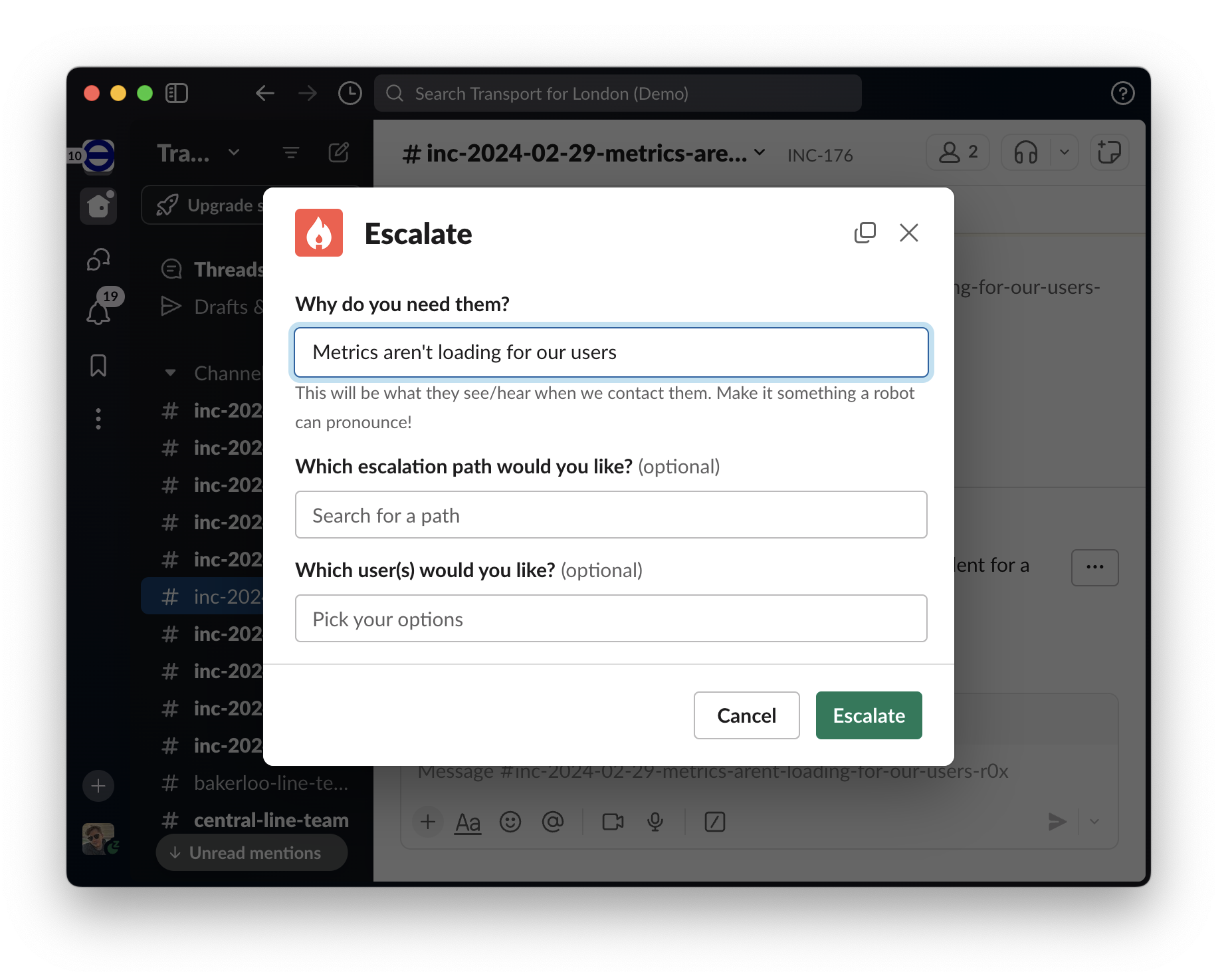
For more information on getting started with On-call including how to automate these escalations, please take a look at this article.
If you’re using PagerDuty, and want to hide some Services and/or Escalation Policies from the available options, you can do that by adding the tag
incident-io-ignore. This might be useful if you have certain services or escalation policies that you only use for testing. You can read more about tagging in PagerDuty’s documentation here.Soft escalations via email/SMS/DMs
Sometimes, an escalation can be as simple as sending someone a text message or a direct Slack message. You can do that with incident.io’s Workflows directly: theTrigger might be e.g. the severity of the incident (Critical incidents get escalated), and the Steps might be an SMS to the CTO, an email to the Director of Platform…or all at the same time!
