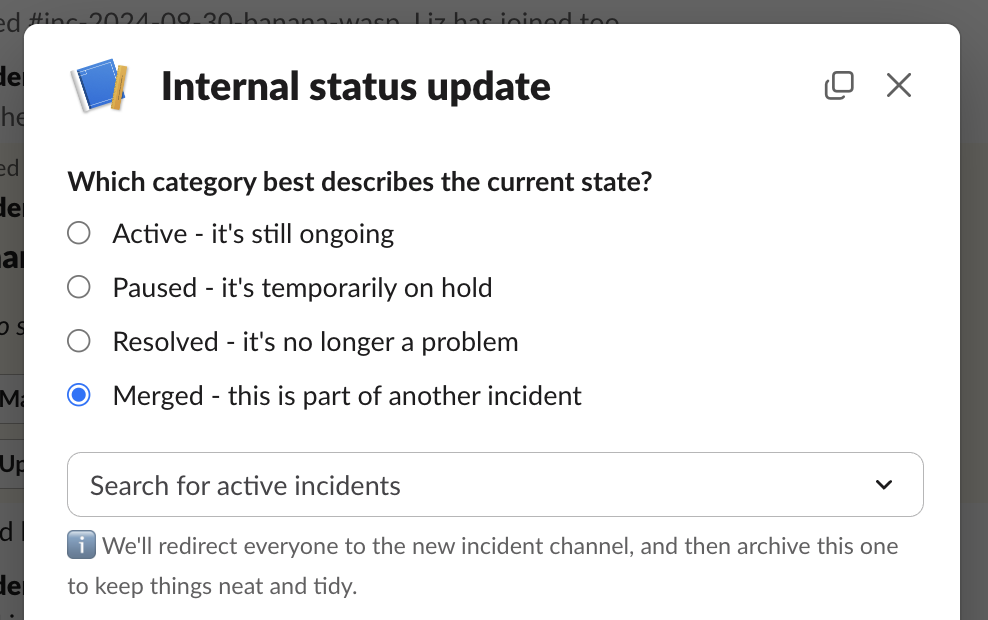
Triage and active incidents can be merged into other active incidents. Read up on how to use triage incidents if you’ve not come across these before.

How can I merge a triage incident?

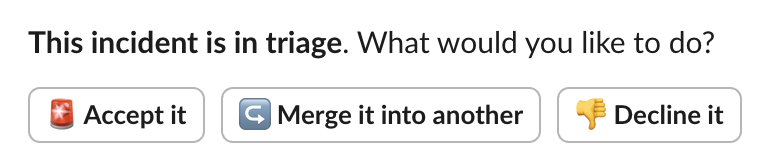
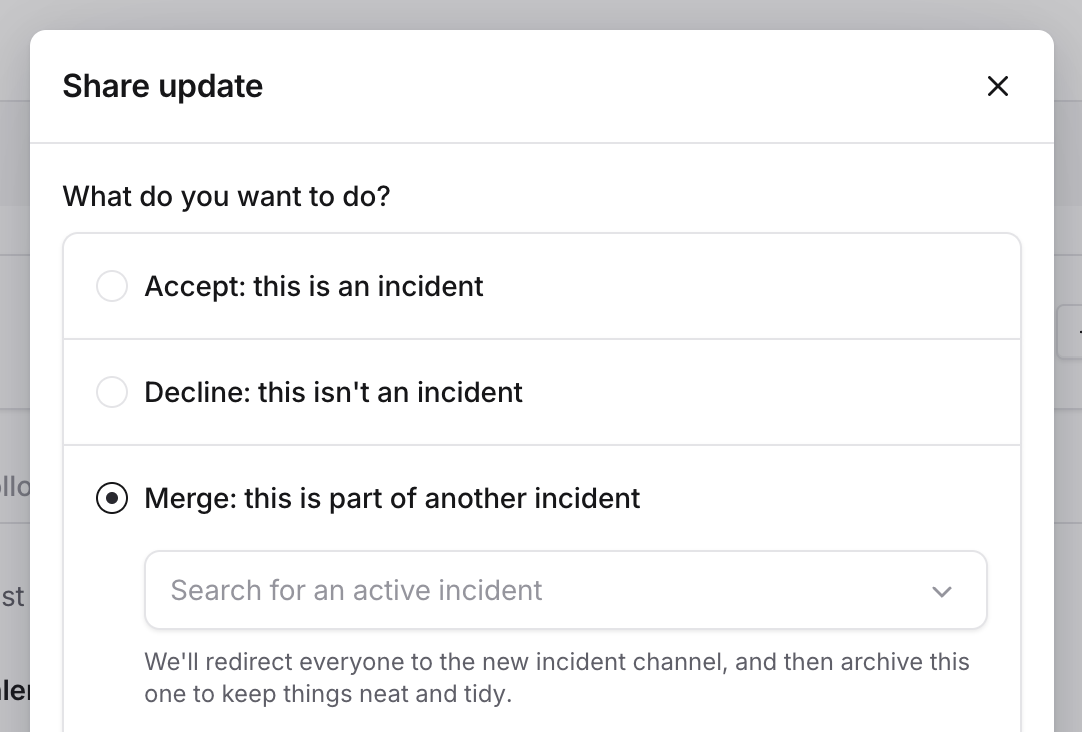
In the incident channel, you’ll see a message saying that the incident is in triage. If you select “Merge”, you’ll be asked which incident you would like to merge the incident into. The message looks like this: Screenshot showing accept, merge and decline buttons You can also do this from our Dashboard, by selecting “Share update”, and then choosing the “Merge” option.
How can I merge an active incident?

You can merge an active incident when doing an incident update (as above), or by using the /inc merge Slack command. You can also bulk select and merge multiple incidents together from the web dashboard — useful when a major issue has created several related incidents.

What happens to merged incidents?

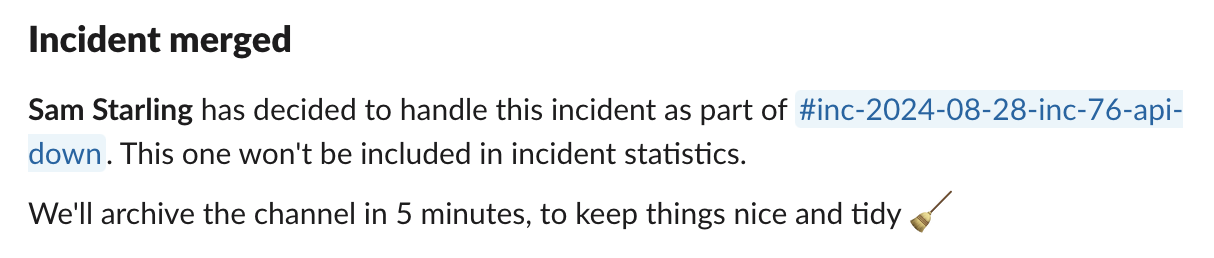
First, we update the incident to say it’s been merged: We then move across all attachments from the old incident to the new one, and then post a message into the new incident to say it has had another incident merged into it. The old incident will no longer appear in insights, and other incident statistics. If the merged incident had pending grouped alerts (alerts not yet confirmed as related), you’ll be asked whether to include them in the merge or leave them as a separate incident.
Do severities or custom fields get moved across?

Currently, we don’t do anything with properties of the old incident (e.g. severities, custom fields) — the new incident will retain all of its existing properties.