

Why pause incidents?
Pausing an incident will clearly communicate through announcements and the dashboard that an incident is not currently being worked on. While an incident is paused, we won’t send rule-based suggestions to the incident channel. Workflows configured to run on active incidents will not run until the incident is resumed. By default, time an incident spends paused doesn’t count towards duration metrics, so your reporting reflects when an incident was being worked on. You can include paused time for any metric.How do I use it?
The/inc pause command allows you to pause an incident, setting the date & time it should be paused until, and a message explaining why it’s been paused.
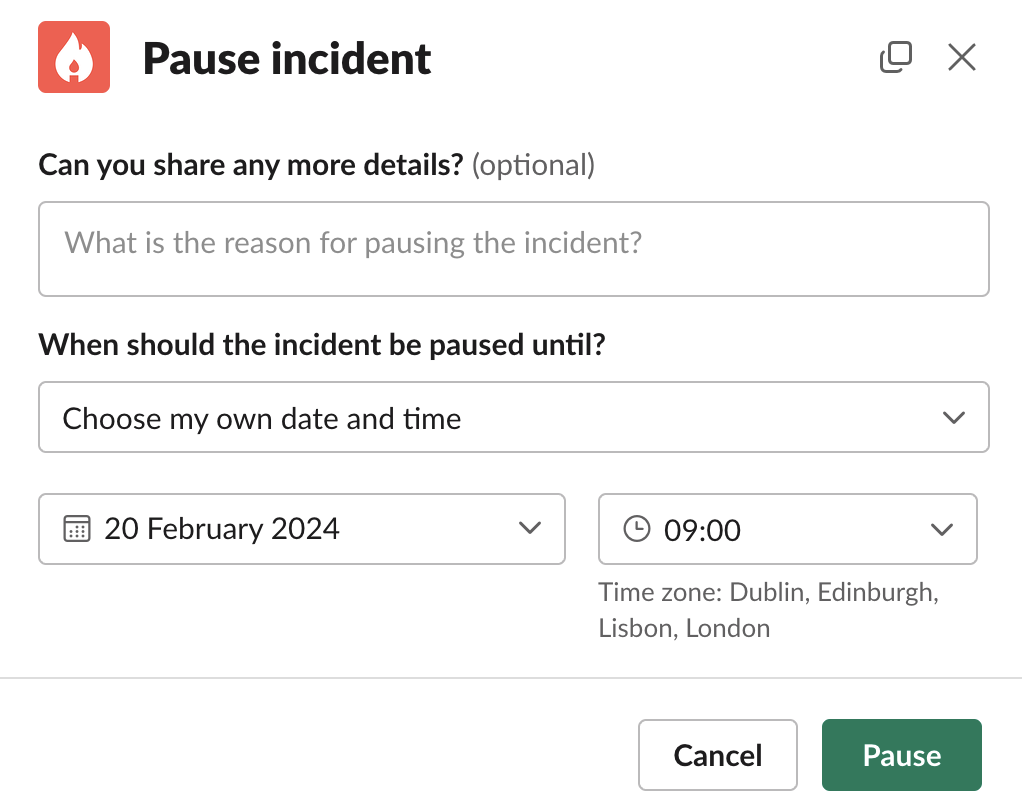
/inc update, as well as change what time it’s paused until.
We’ve included a few handy shortcuts to pause more quickly such as
/inc pause until tomorrow to pause until 09:00 the following morning
/inc pause until working hours to pause until the nearest weekday at 09:00
/inc pause for 45 to pause the incident for 45 minutes