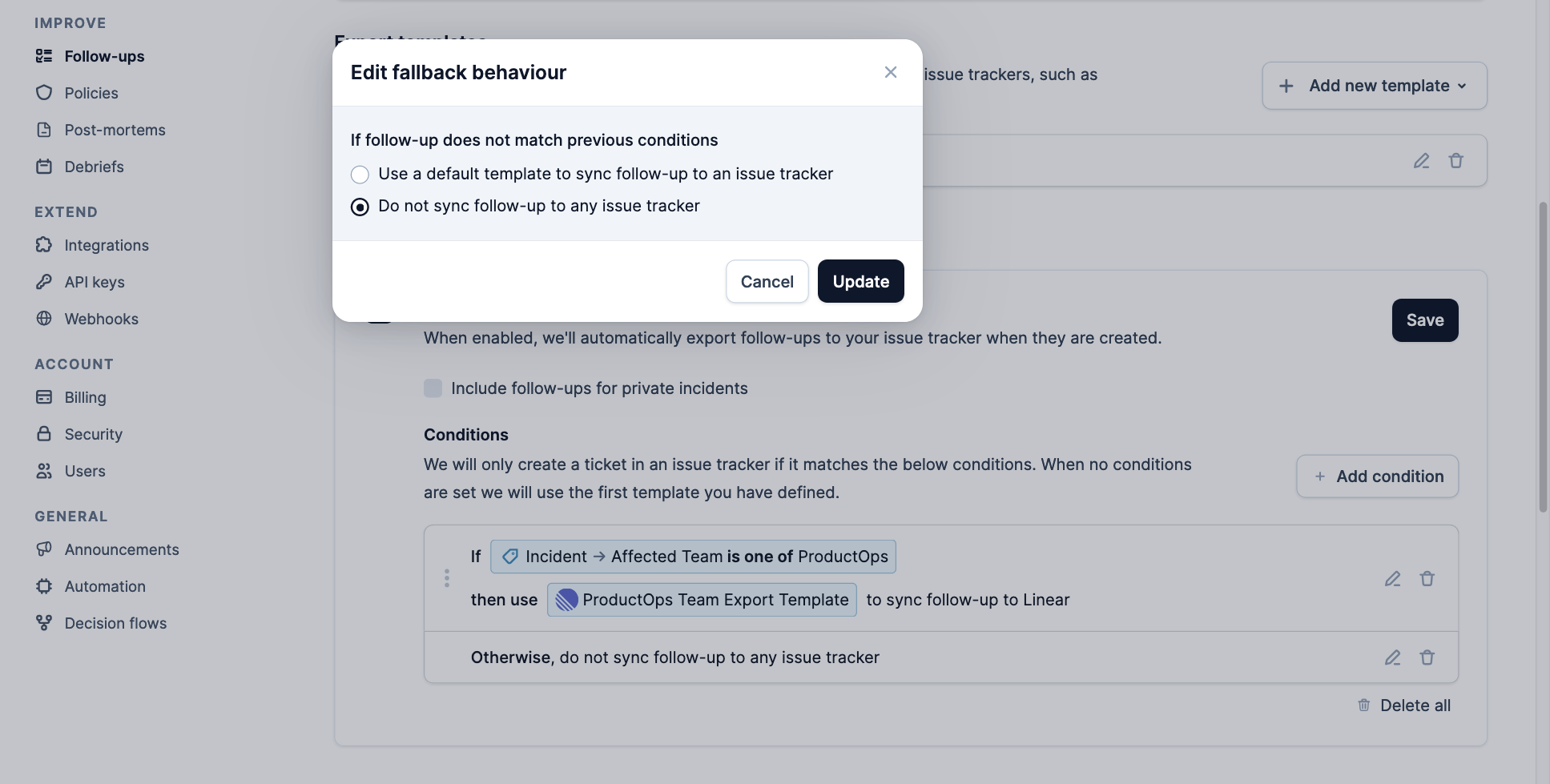
Setup Integrations
Before configuring the auto-export rules, ensure that you have the correct issue tracker providers installed as integrations. Navigate to Settings → Integrations, and install your issue tracker.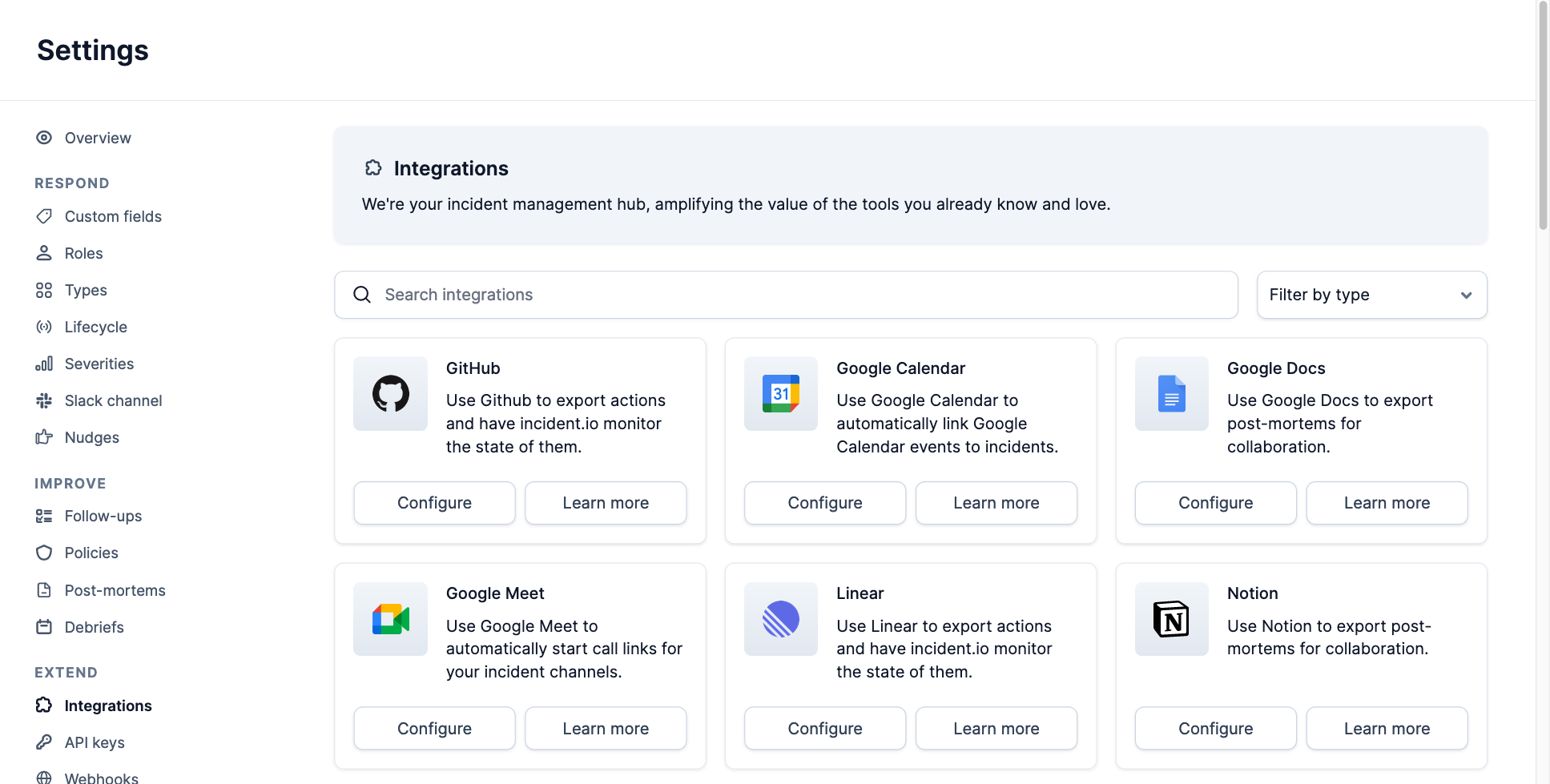
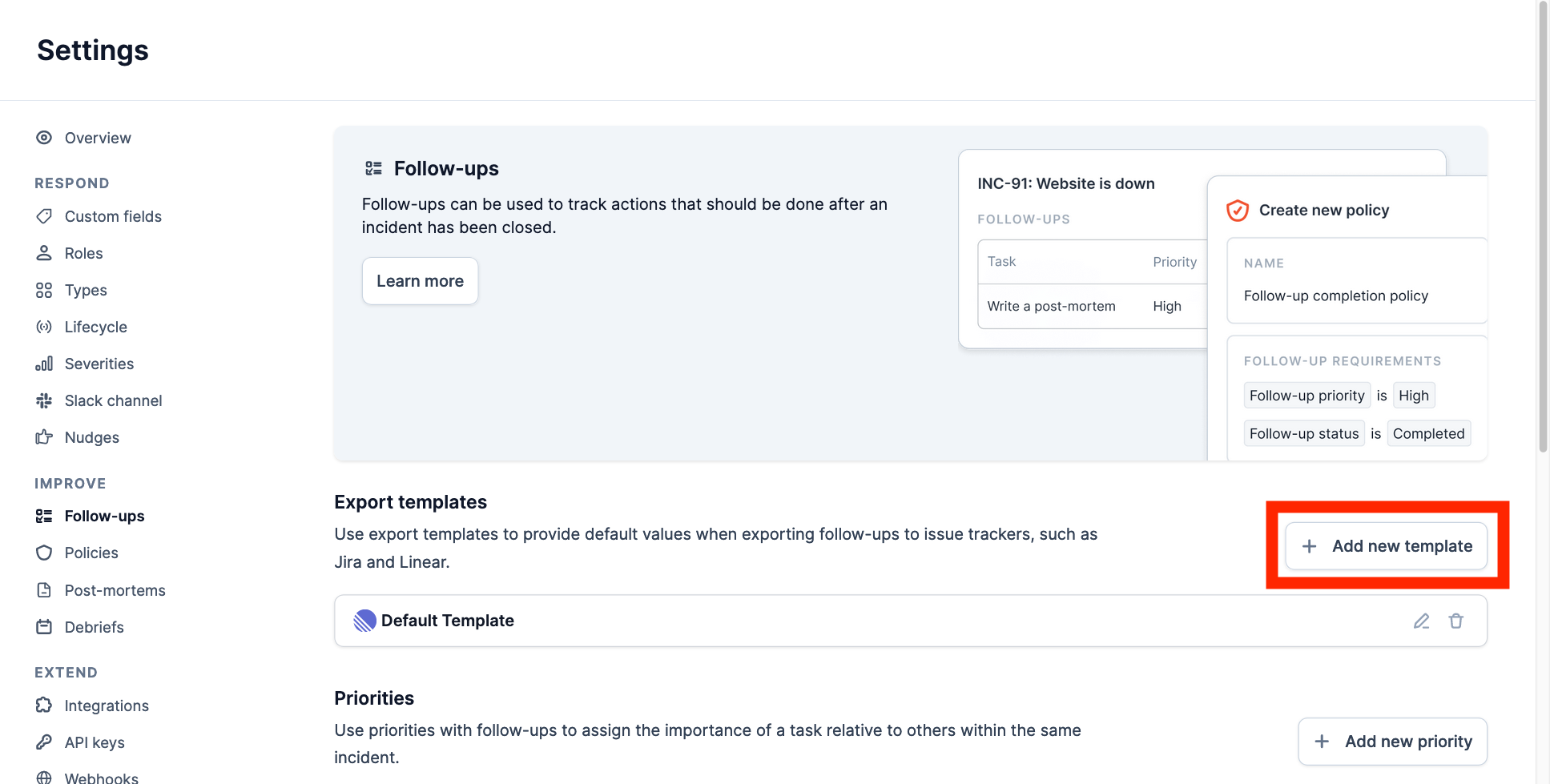
Configure Export Templates
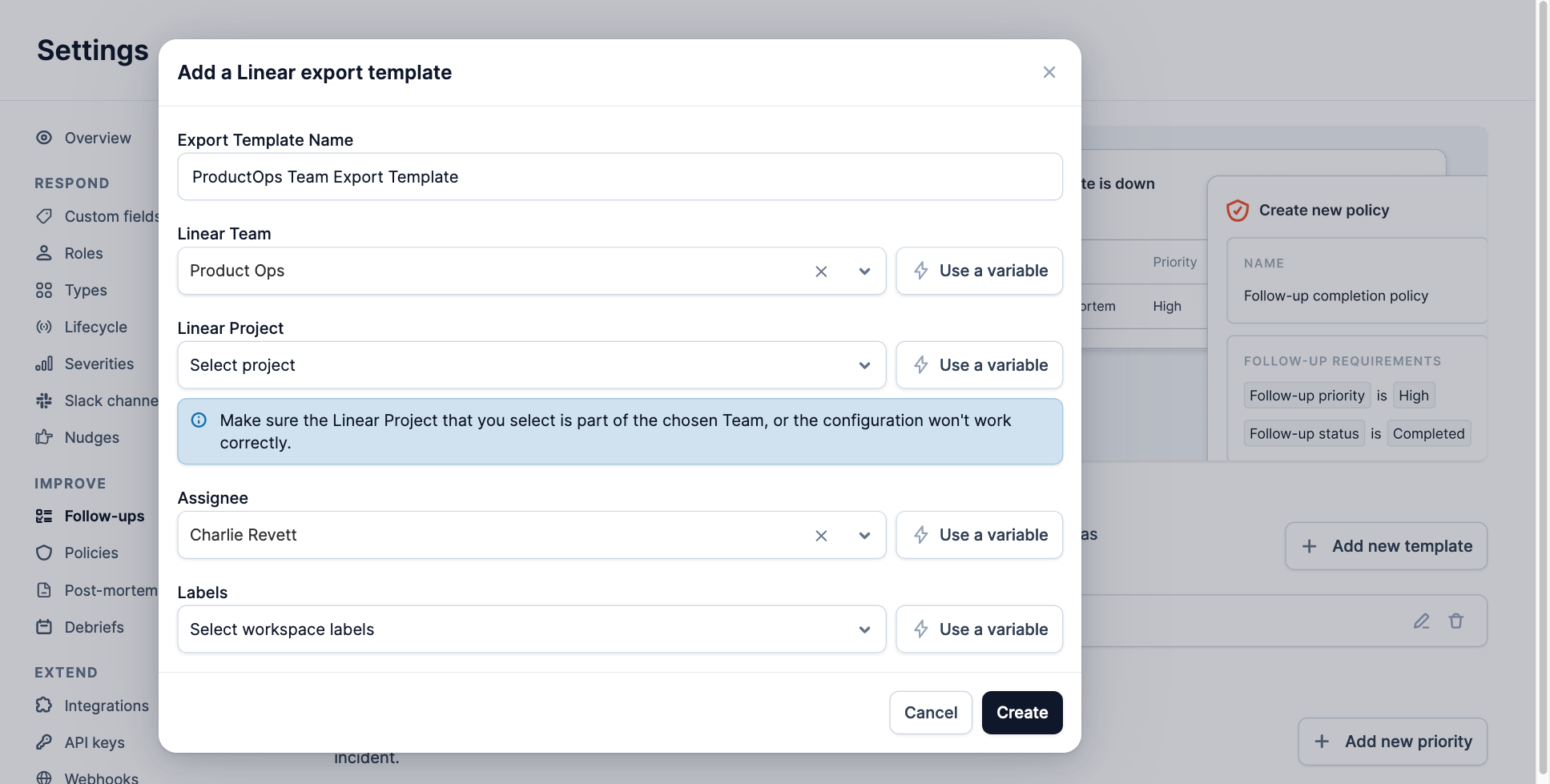
When auto-exporting a follow-up, an export template will be used to set certain properties of the issue, for example:- The project the issue is assigned to
- The user that owns the issue
- Labels that are added to the issue
Configure Conditions
Navigate to Settings → Follow-ups, and enable auto-export.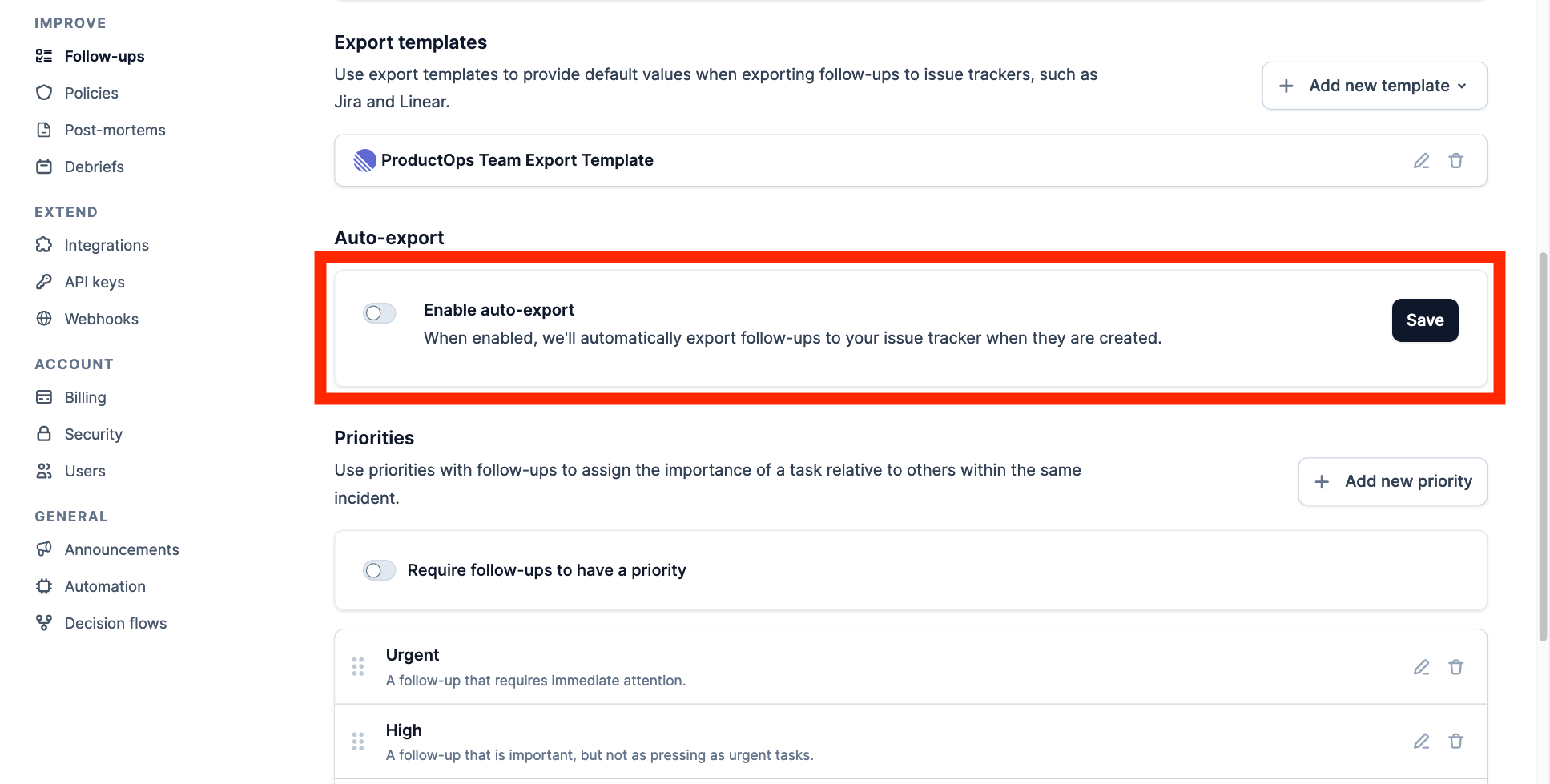
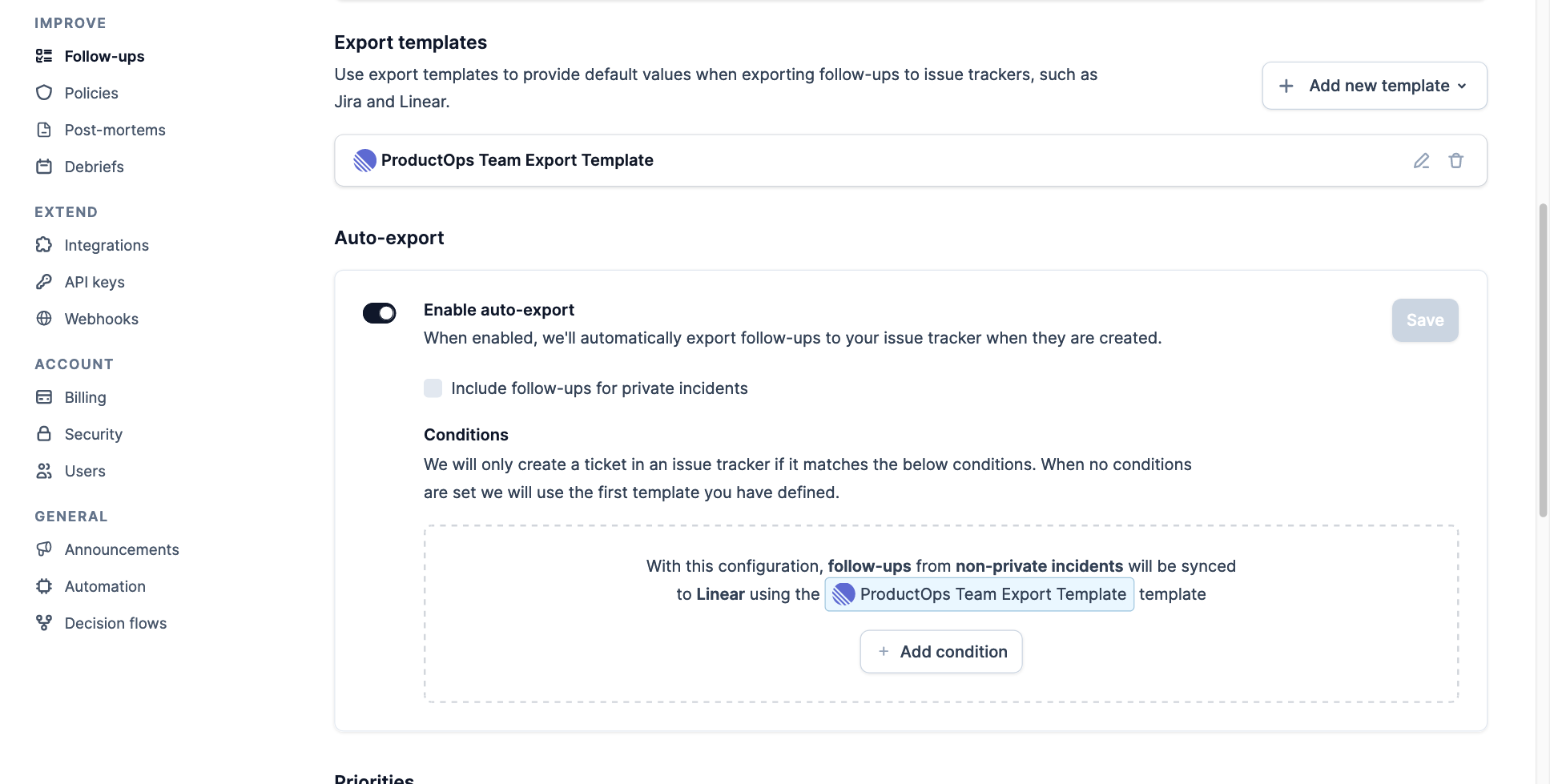
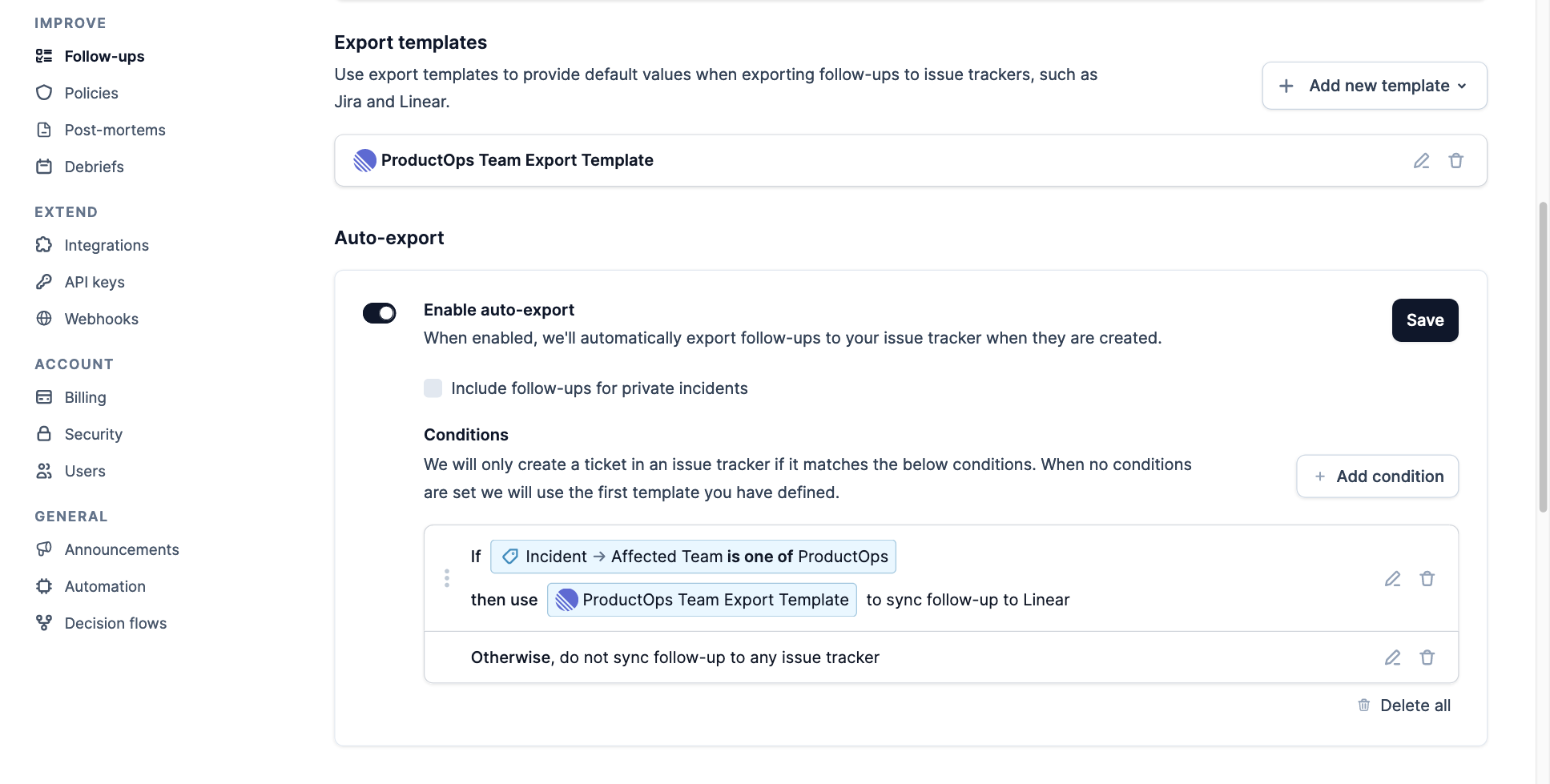
- If the incident’s
Affected Teamcustom field is set toProductOps - Then automatically export the incident’s follow-ups using the
ProductOps Team Export Template - If the custom field does not match, then do not automatically export follow-ups for the incident
Fallback Behavior
The example above has configured the fallback behavior to not automatically export follow-ups if conditions do not match, however you can instead select a default template to be used. This will ensure that follow-ups will always be automatically exported for each incident.