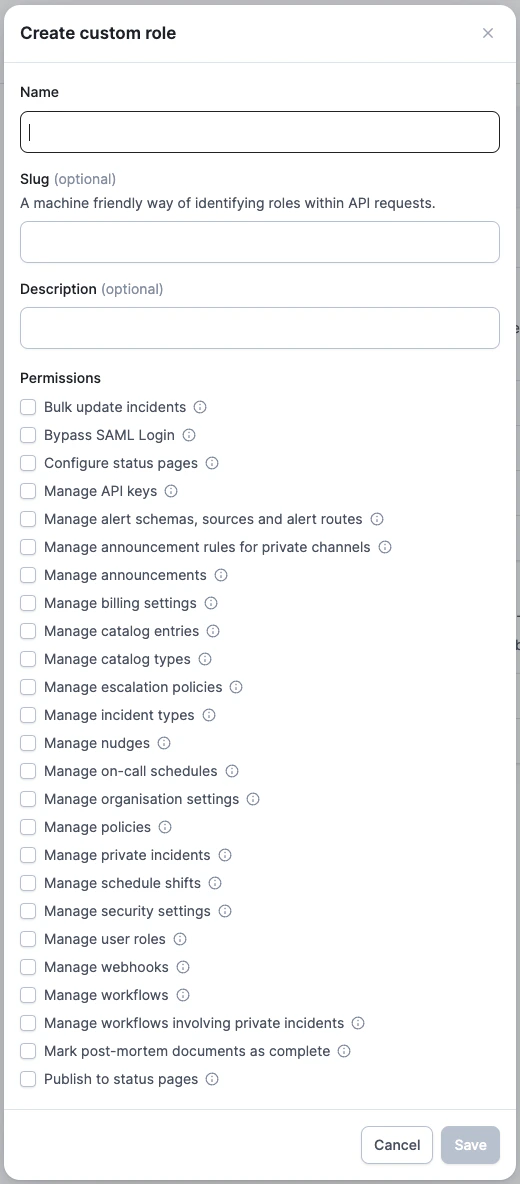
If you wish to restrict who can publish incidents and updates to your status page, you can achieve this with a custom role.This lets you manage who can:
publish new incidents
publish updates to existing incidents
schedule maintenance windows
publish updates to maintenance windows
modify the impact timeline of incidents and maintenance windows
All of this is managed via the ‘Publish to status pages’ permission:By default, the ‘responder’ role allows anyone in your Slack workspace to update your status page. Learn how to configure this in our article on customizing permissions.
Was this page helpful?
Assistant
Responses are generated using AI and may contain mistakes.