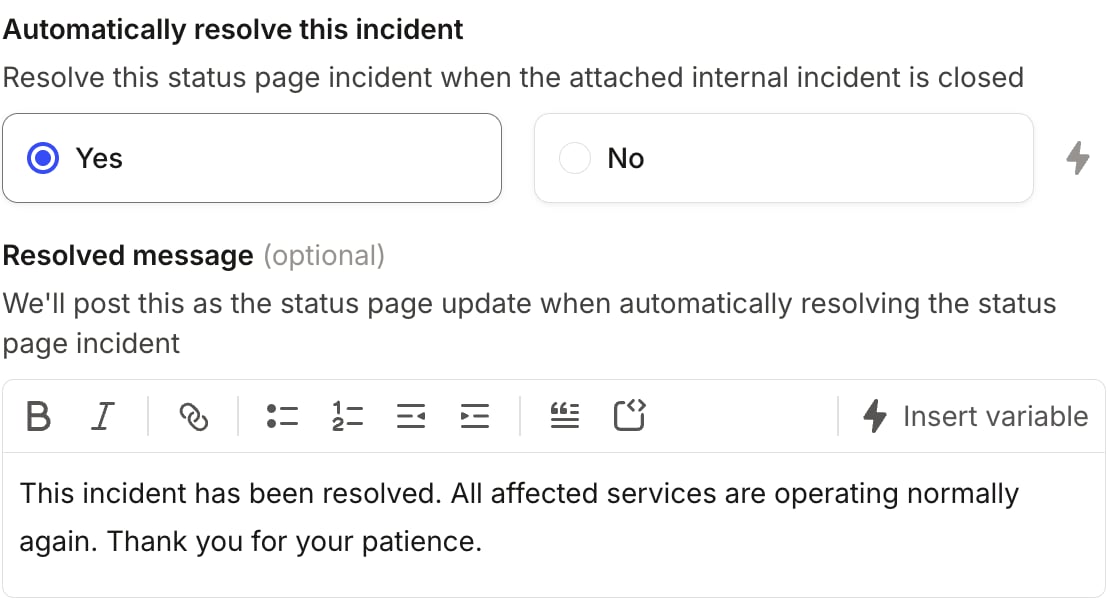
To automatically publish to your status page, we’ll use Workflows. If this is your first time setting up a workflow, take a look at our starter guide. To automate status page updates, create a workflow with the trigger and conditions you want to cause an update to your status page. If you want to update your status page whenever an incident changes, we recommend using An incident is created or changed as your trigger. Next, add a workflow step, and select Create or update a public status page incident. You’ll see a form like this:
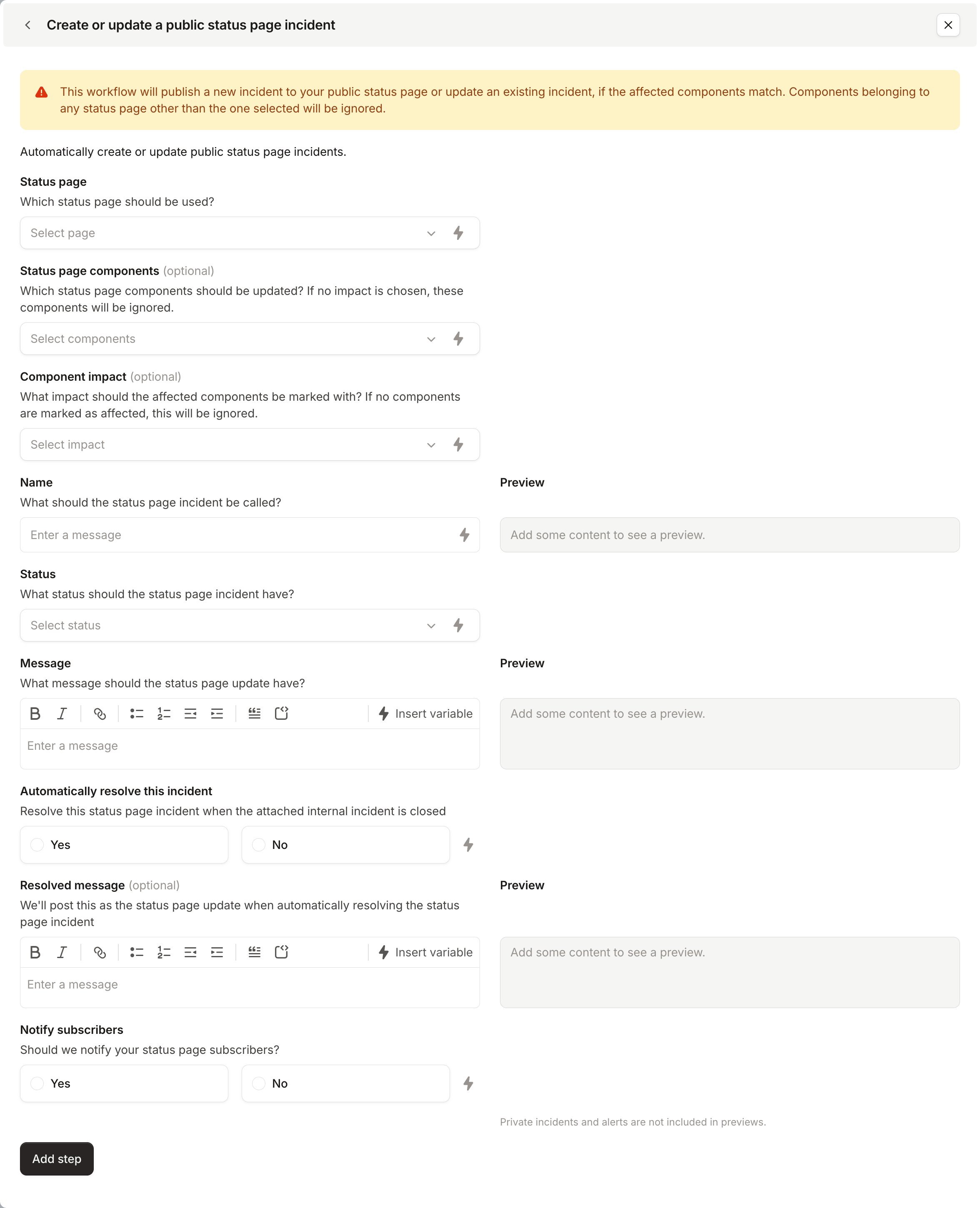
- Status page
- Status page components
- Component impact
- Name

- Status
- Message
- Automatically resolve this incident
- Notify subscribers