

Setting Up
You can add Statuspage to incident.io in just a few clicks.1. Go to Settings → Integrations
Then search for Statuspage and click its card.
- Fetch your API key from Statuspage
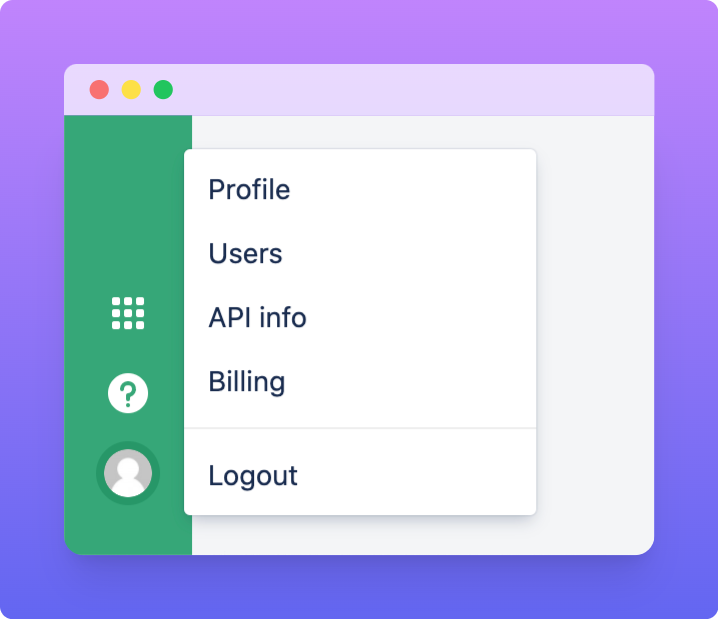
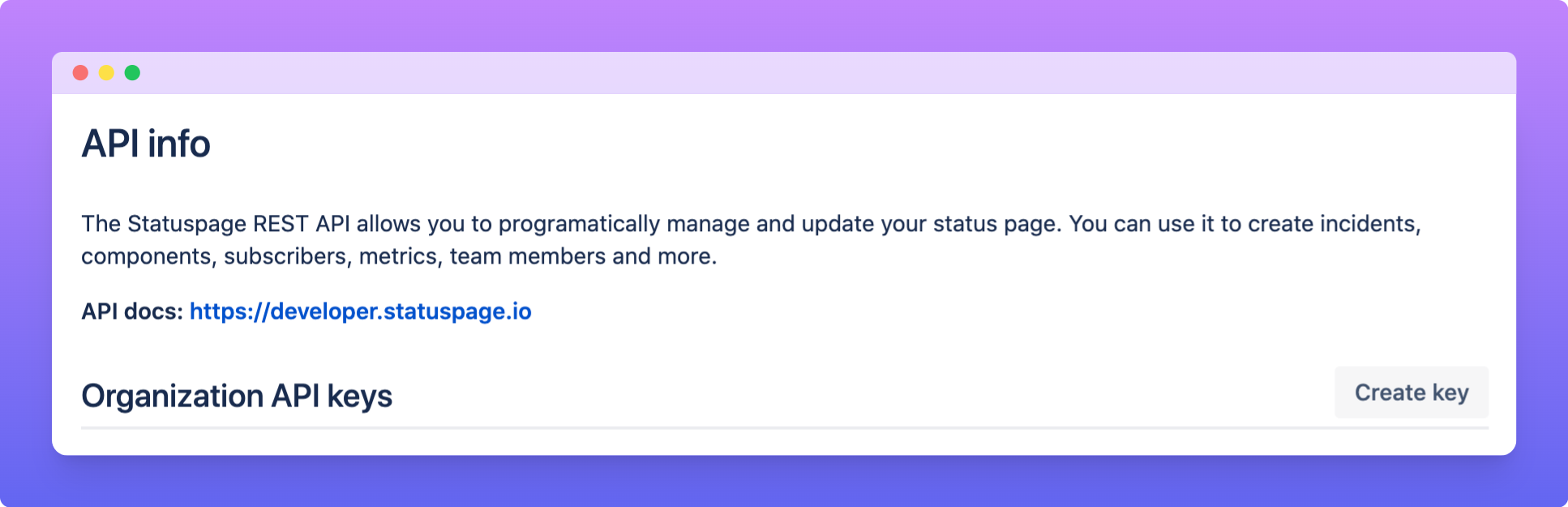
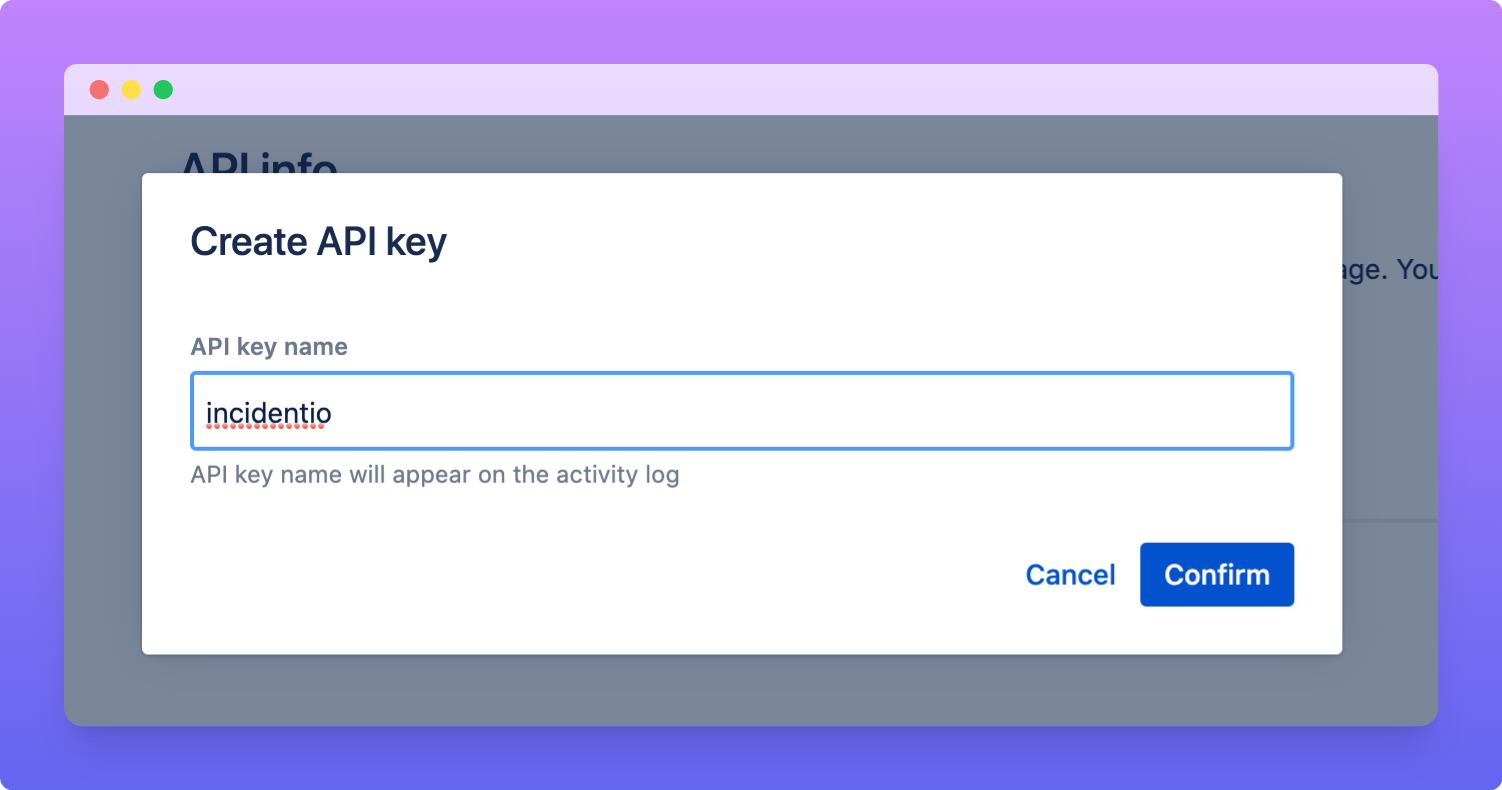
- Paste the API key into incident.io
- Select the Statuspage pages you’d like to use
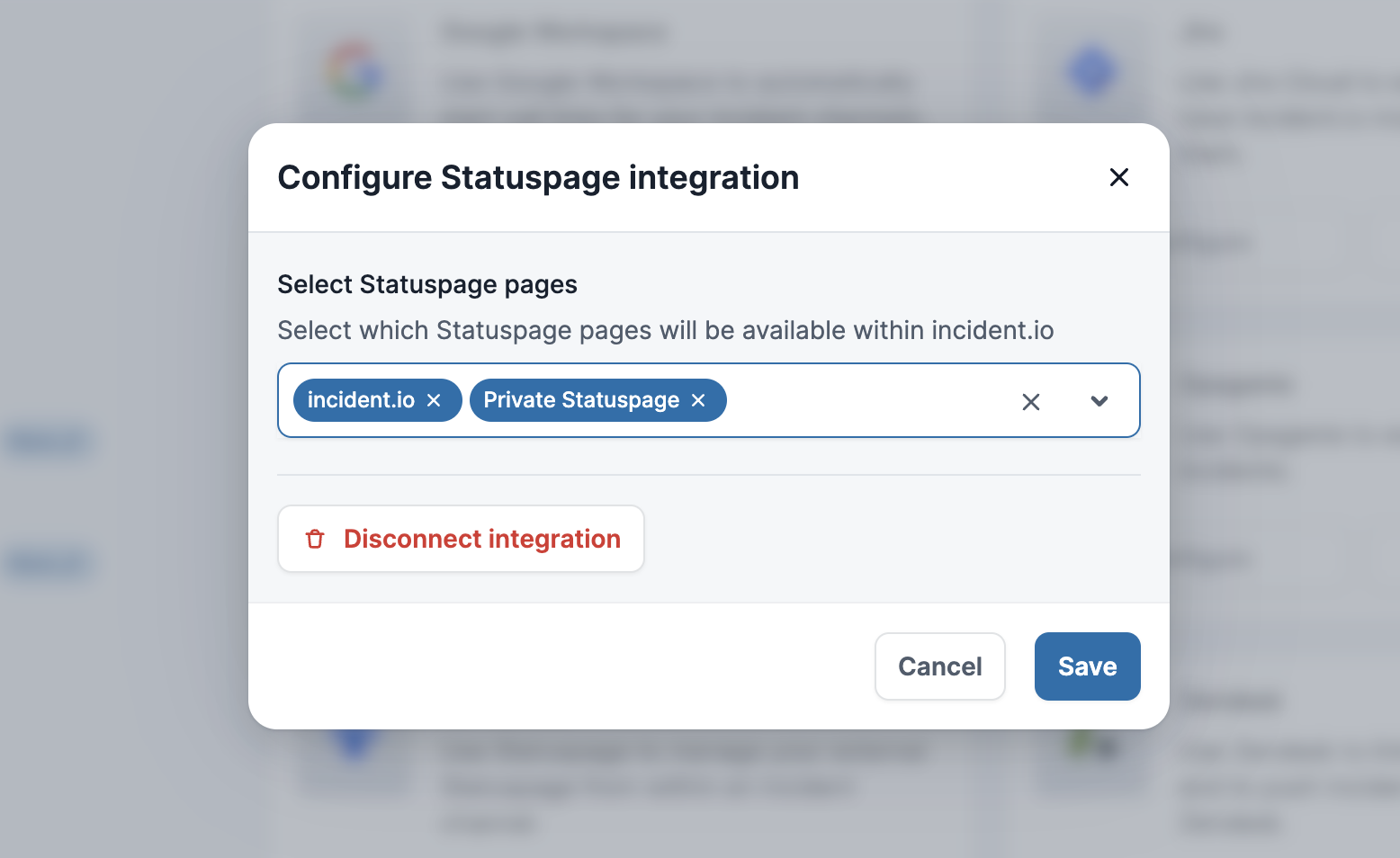
- Hit Save, and you’re all set up with Statuspage!
Creating & Updating Statuspage
Just head over to the incident’s Slack channel and hit/incident statuspage !
This integration doesn’t automatically update Statuspage for you. On top of our built-in rule-based suggestions (see video), you could also set up a Workflow like the one below to remind your team to update Statuspage:

Notes
To avoid conflicts, we recommend against making manual changes to any Statuspages that are created by incident.io. There’s some technical reasons for this which we’d happily nerd-out on if you’re interested. If you’d like some help setting up those workflows, get in touch!FAQs
Do you support Statuspage templates?
Do you support Statuspage templates?
Yes. Statuspage has a built-in feature that lets you pre-fill the impact, update text, and affected components, which makes it faster to write updates. All of the template configuration happens within Statuspage itself: use the
/incident statuspage command in Slack and the modal will let you select which template you’d like to use.