What should this look like?
When you’re successfully set up, you should be able to schedule an event within a specific shared calendar, such asIncident debriefs :
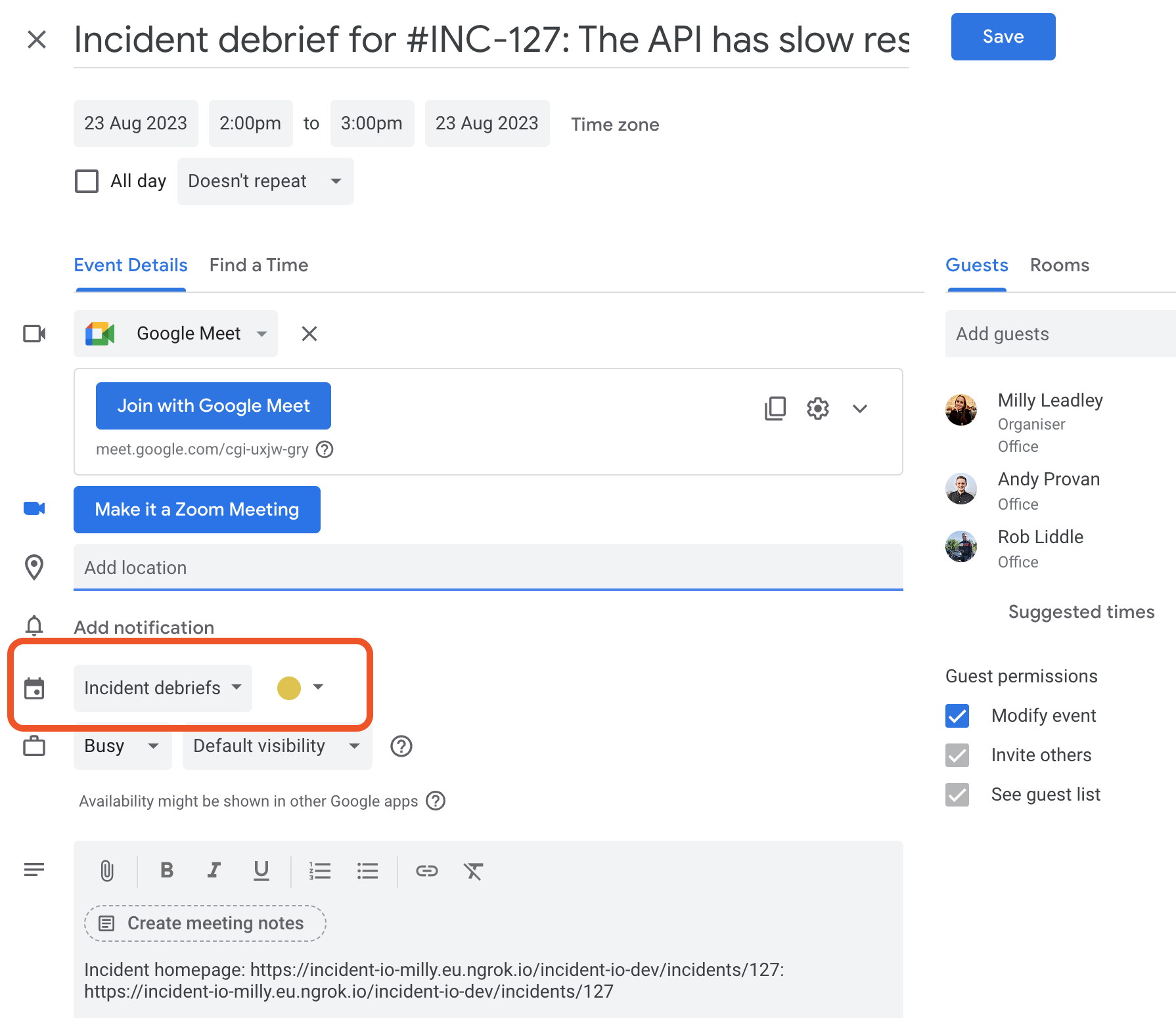
What if I don’t see this?
There are two reasons you might not be able to do this:- You’re not subscribed to the calendar
- You don’t have the correct permissions to create an event within this calendar
1. Checking you’re subscribed
Head to Google Calendar. If you can see the calendar you’re required to create the debrief in in the sidebar (underOther calendars or My calendar), you are successfully subscribed.
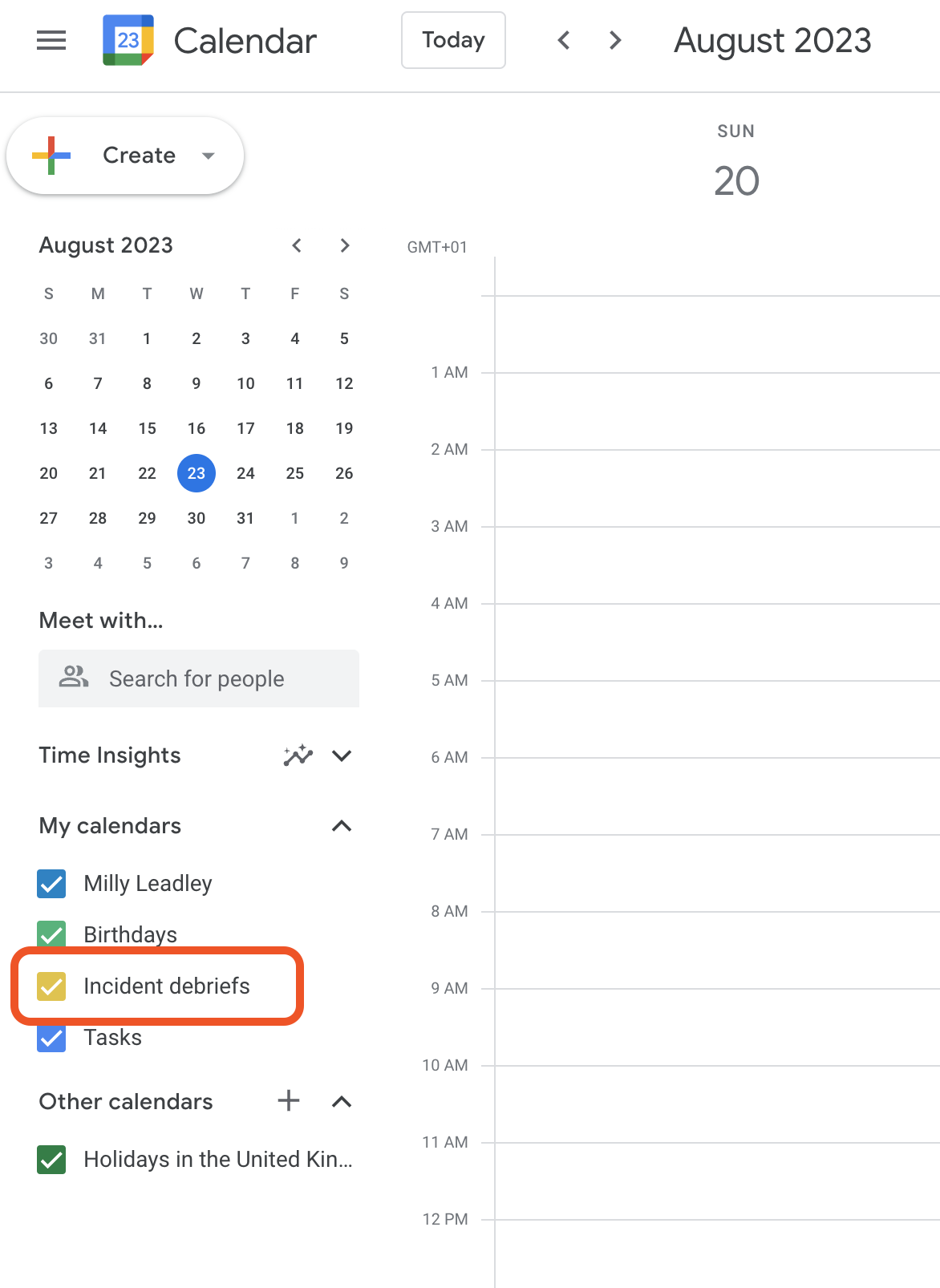
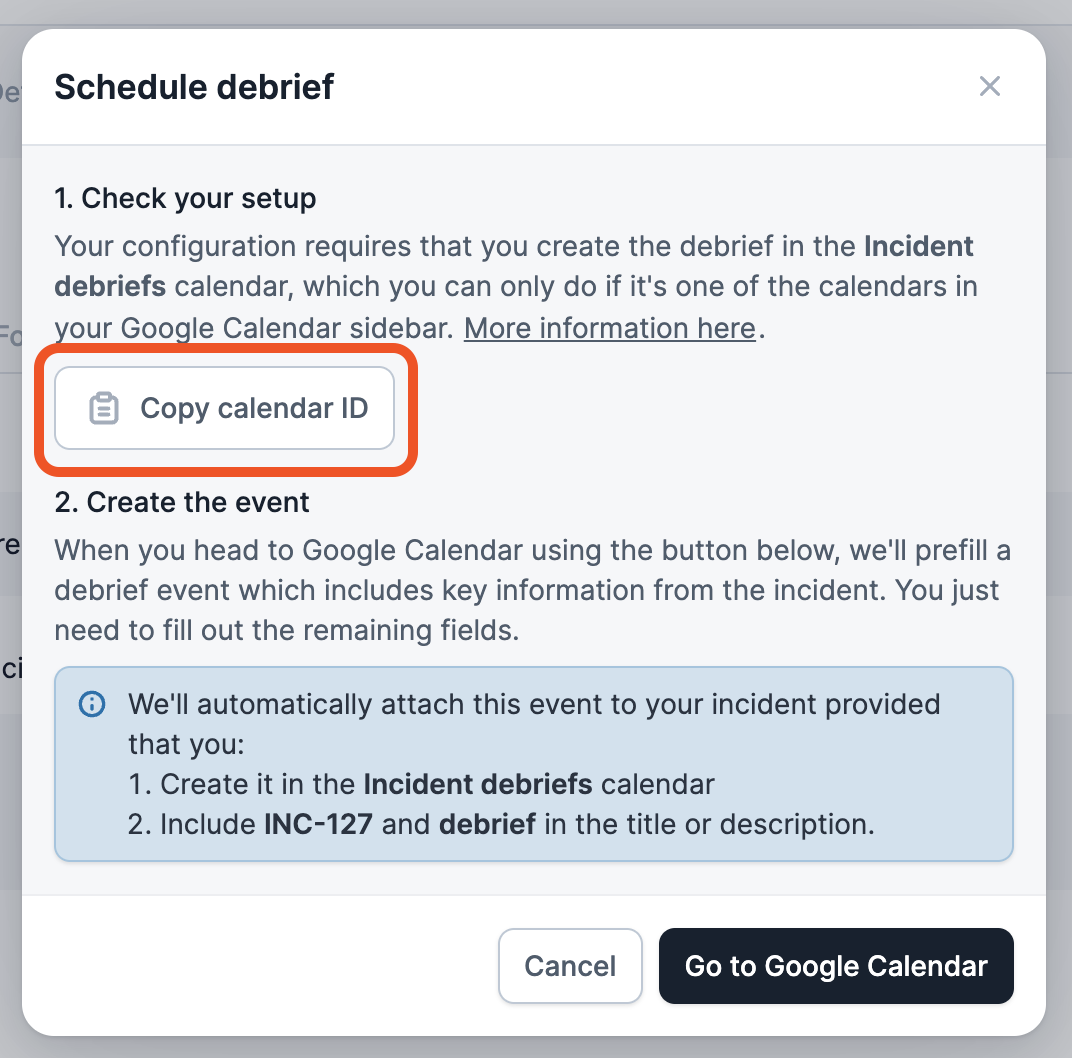
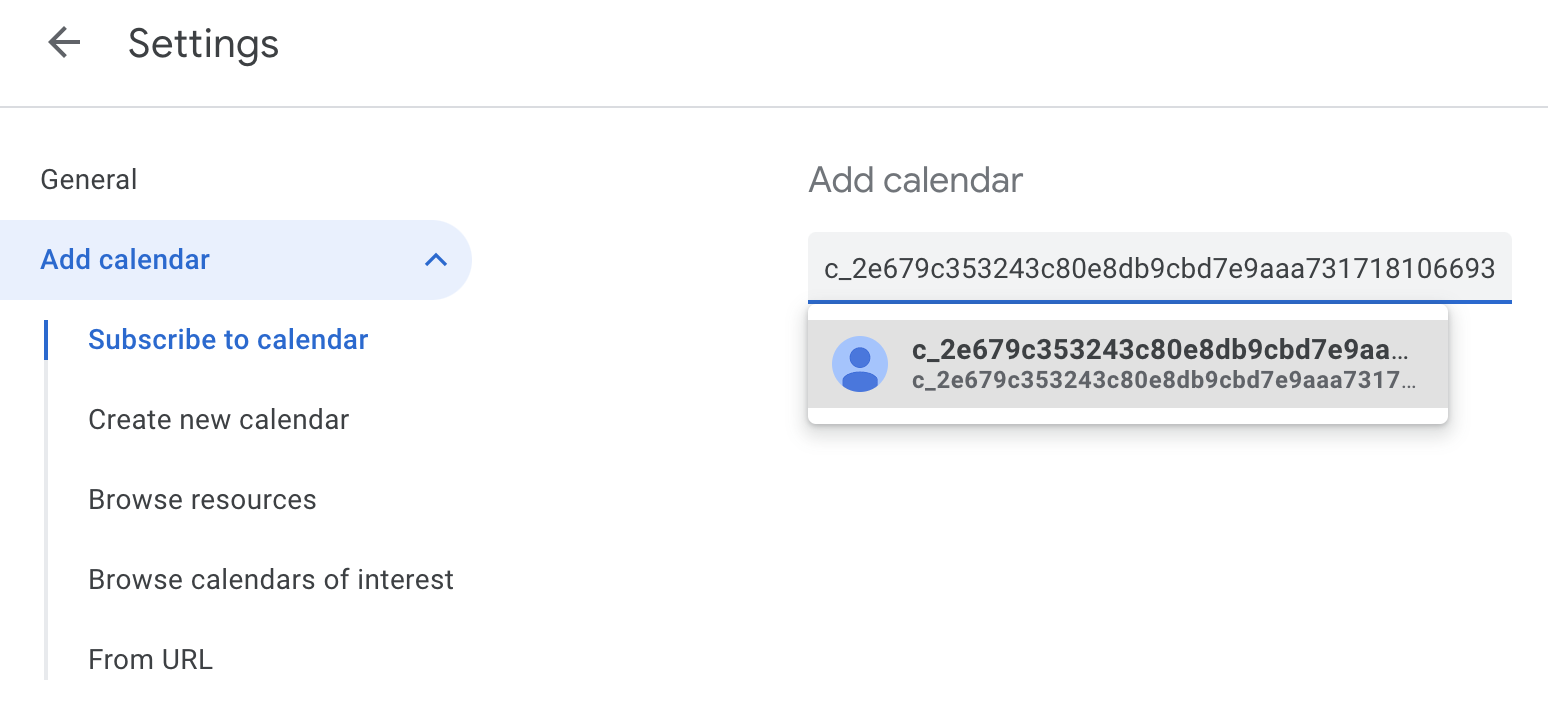
+ next to Other calendars and choose Subscribe to calendar. Paste the calendar ID here.
2. Checking you have the right permission
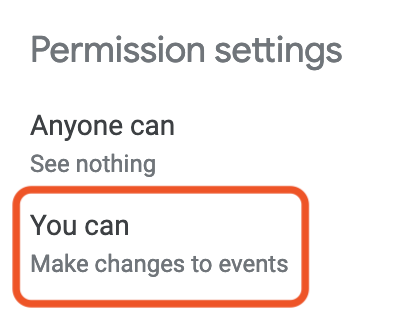
Click the three dots next to the specific calendar and chooseSettings. You’ll have the correct permission if it says you can Make changes to events. If you see something else, you’ll need to ask the calendar owner to grant permission to you (or more helpfully, your whole user group) - instructions are in scheduling debriefs in a specific calendar.