

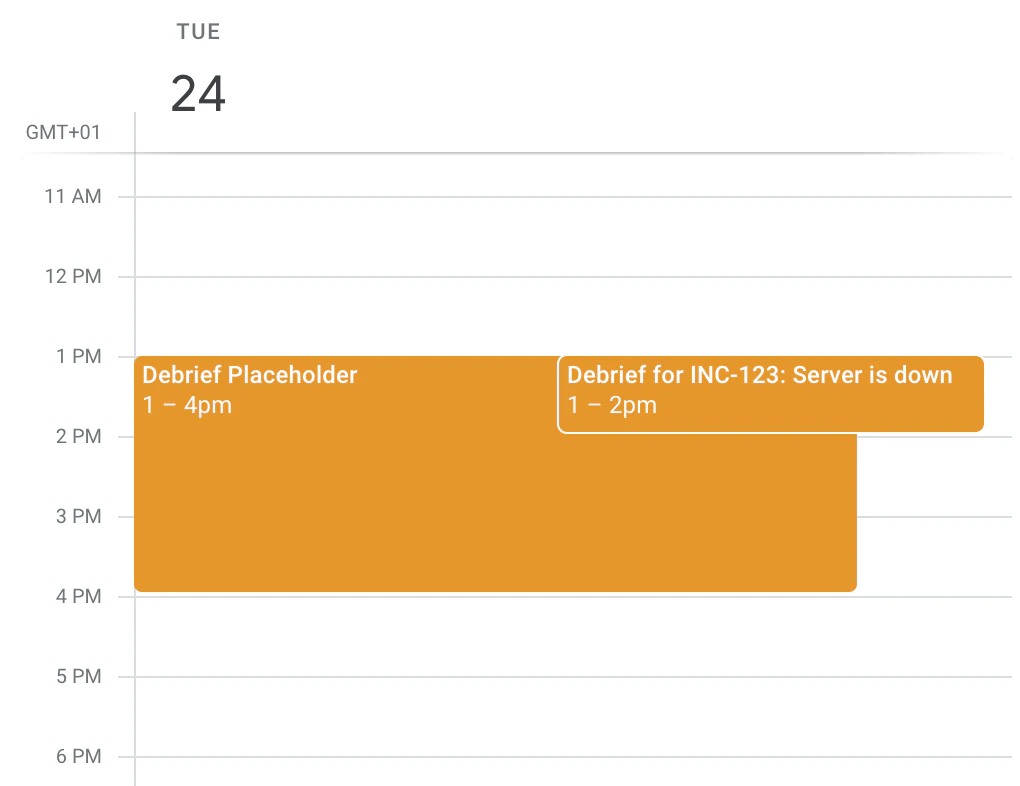
How does it work?
Let’s say you’ve followed the instructions below to get set up. When a responder clicks Schedule next to Debrief under Links in the incident’s sidebar, they’ll be presented with upcoming placeholders that are available: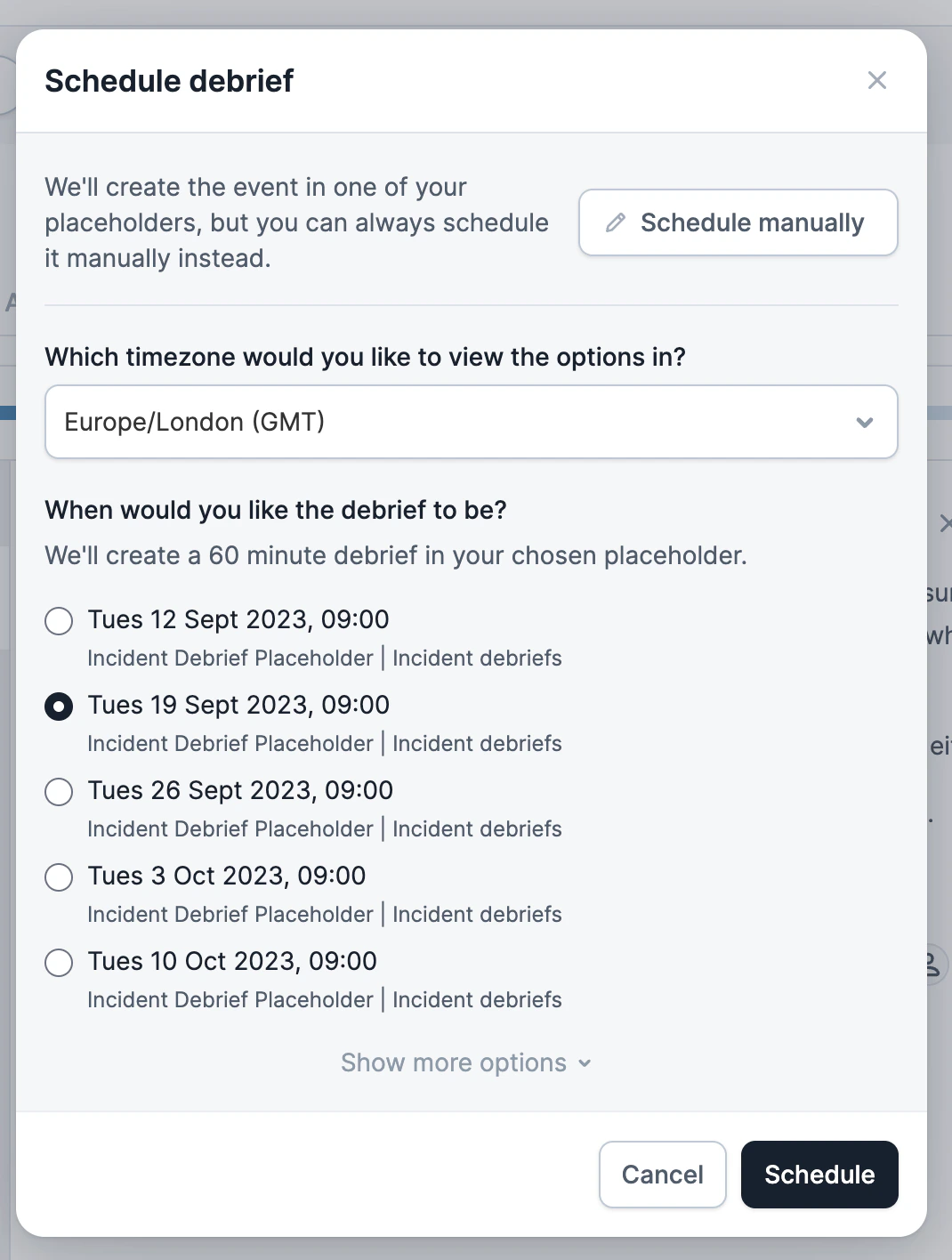
How do I get set up?
Debrief placeholders are an Enterprise feature.
A. How do I use my existing placeholder event?
1. Step 1: Subscribe to the calendar which holds the placeholder
Note the calendar which holds your placeholder event: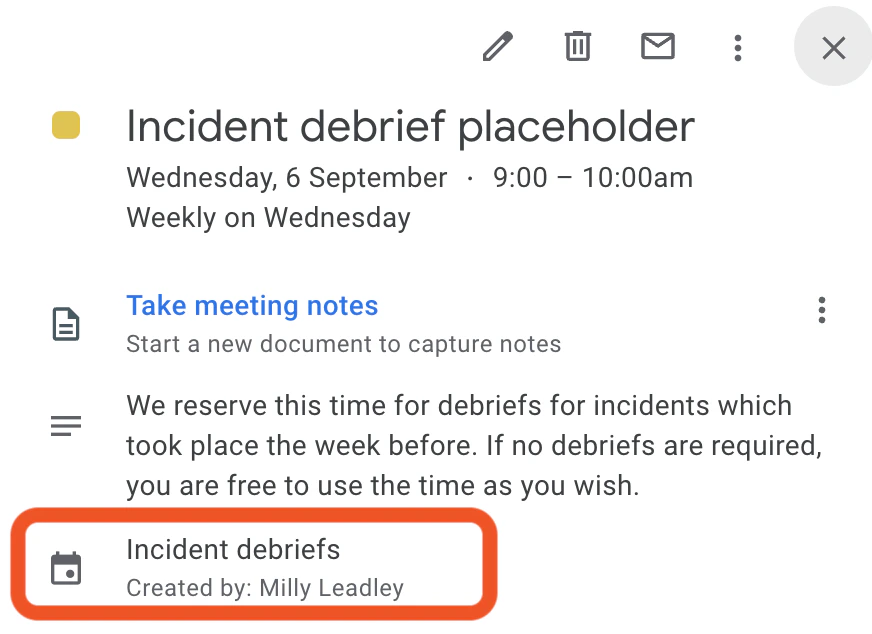
2. Step 2: Make sure your event meets the requirements
For us to recognize that the event is a placeholder, it must:- Be a recurring event (e.g. it repeats weekly / monthly / etc)
- Contain
#incident-io-debrief-placeholderin the event description
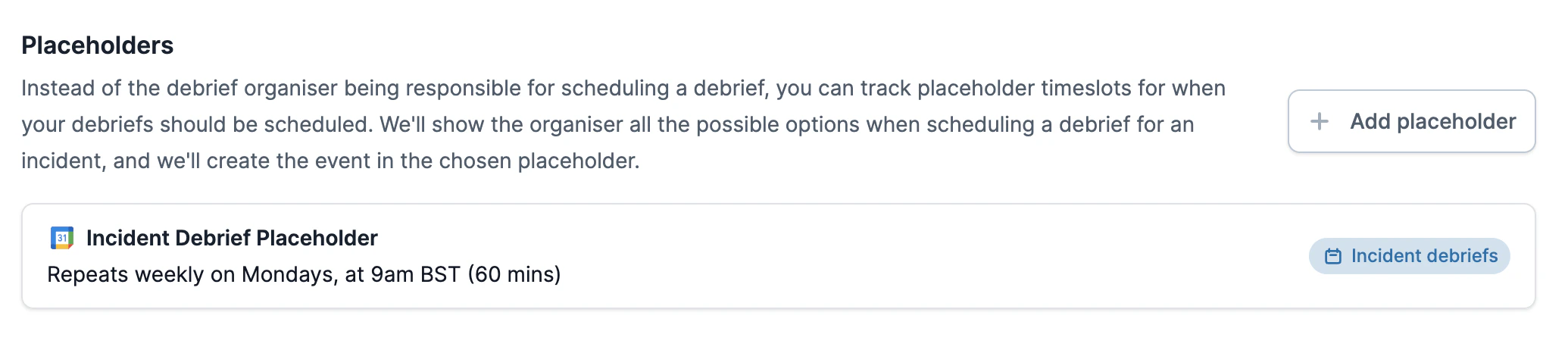
Placeholders section on the Settings → Debriefs page.
B. How do I create a new placeholder?
1. Step 1: Subscribe to the calendar you want to create the placeholder in
If you know what calendar you’d like your repeating event to exist in, you’ll need to add it as a subscribed calendar within our app, by following the instructions in Google Calendar.2. Step 2: Create the placeholder
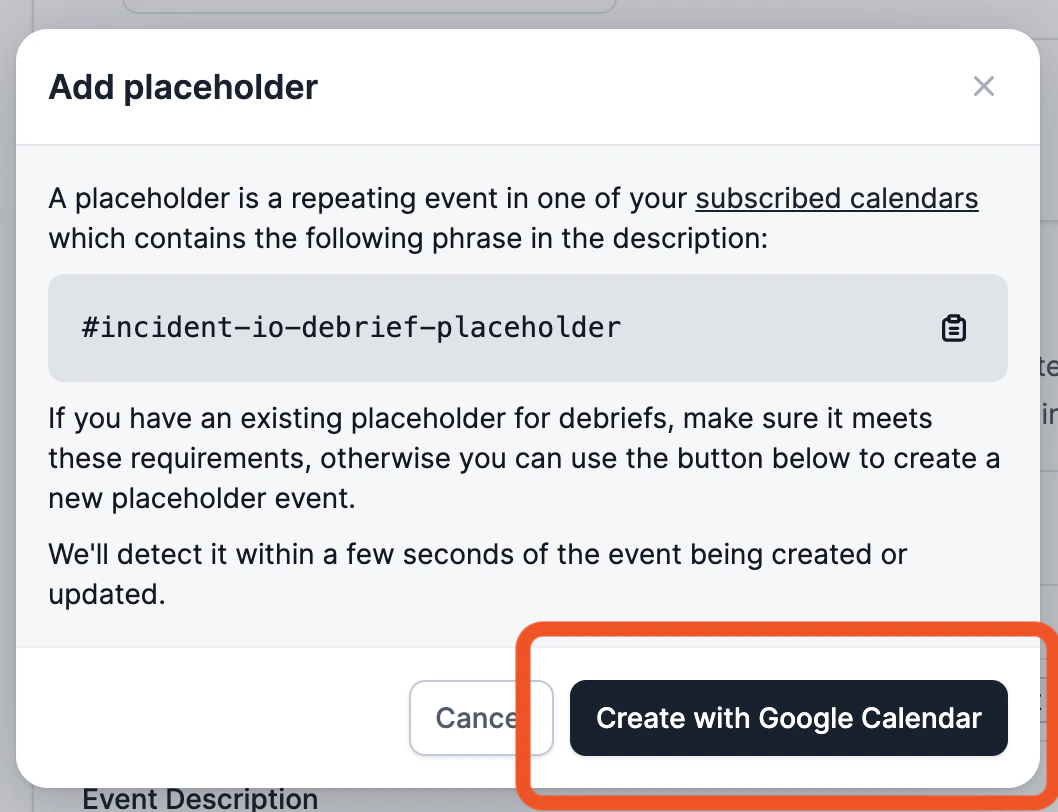
We can help you create a placeholder event. Just chooseAdd placeholder from the Settings → Debriefs page and click Create with Google Calendar.
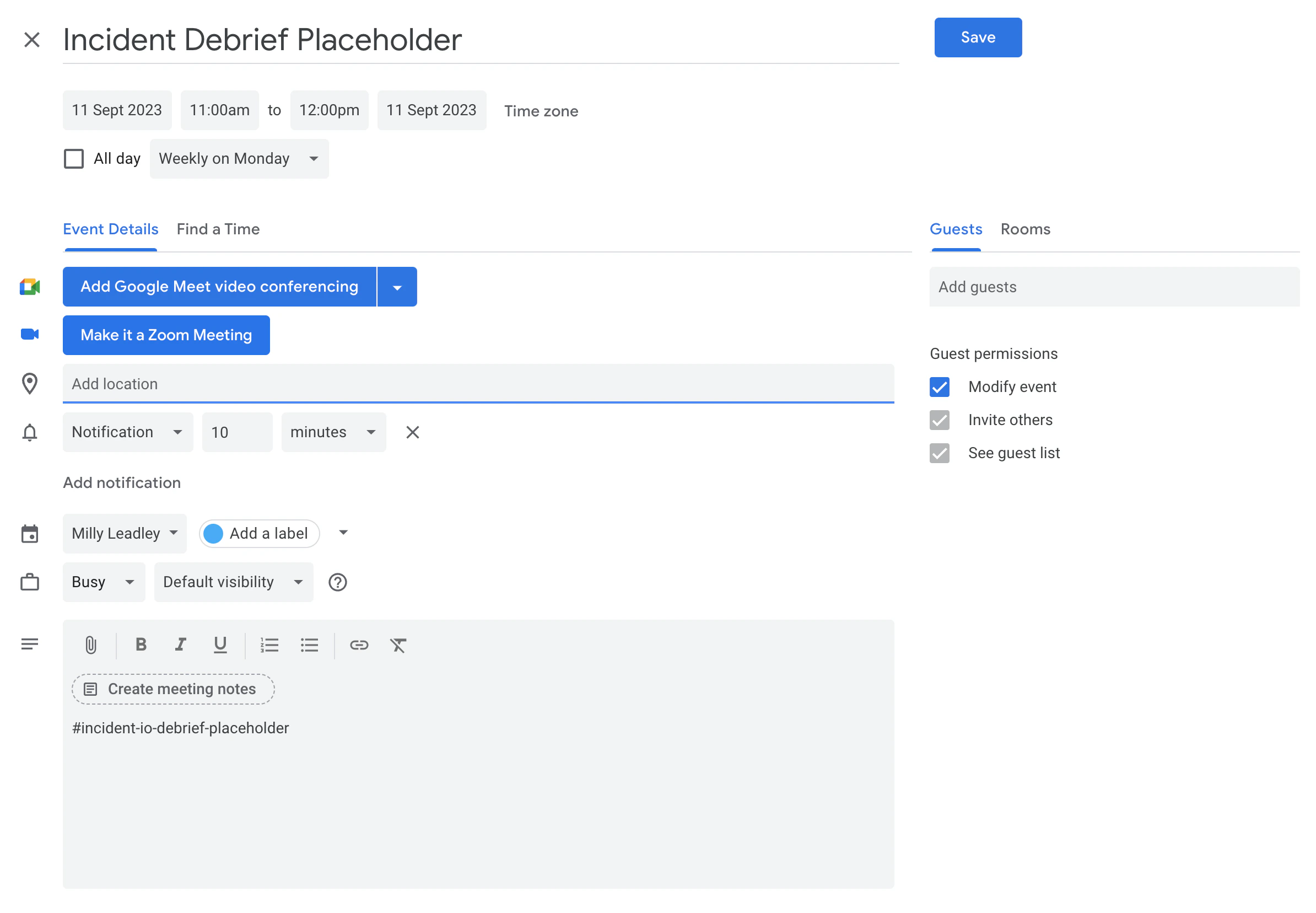
- Pick the calendar you want the placeholder to be created in, using the dropdown
- Ensure that the event repeats on a frequency that suits you (e.g. weekly / monthly)
- Fill in any other details, like the time, guests, location and description
- Ensure that
#incident-io-debrief-placeholderstays in the description