

Installation
1. Installing the Integration
Go to Settings → Integrations, find Microsoft Teams and click Connect. Click Sign in with Microsoft and you’ll be redirected to the install flow within Microsoft. Review the permissions we’re requesting and click Next.2. Turn on auto-create call
If you wish to have calls auto-created when new incidents are declared, toggle on Automatically create incident call.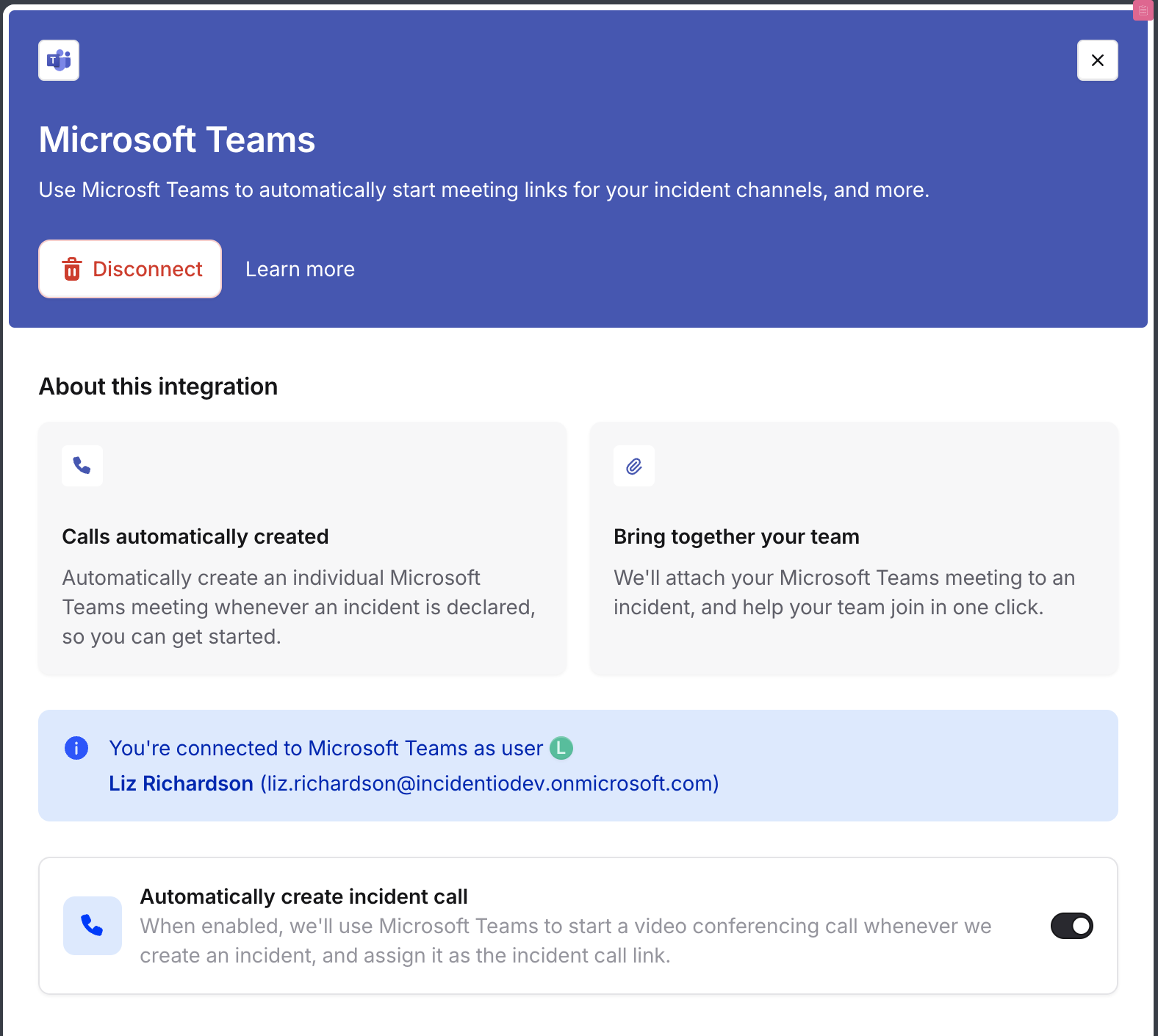
Use
As well as auto-creation of calls, you can also manually create them from the dashboard and Slack.Creating call from the dashboard
Choose to start a call from the incident details page in the dashboard. If you’ve only got Microsoft Teams configured, we’ll automatically create the call. If you have other providers, you’ll be able to choose.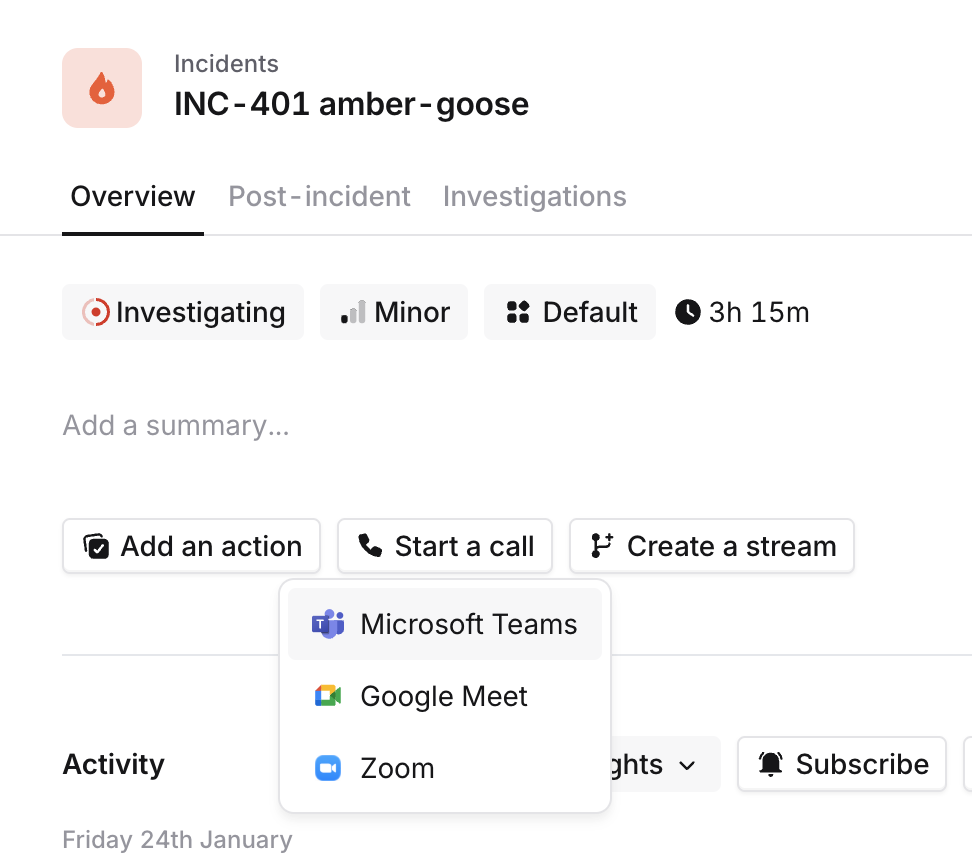
Creating call from Slack
From within your incident channel, use/inc call to create a new Microsoft Teams meeting.
If you already have a meeting created, you can paste a link to it, and we’ll offer to attach it to the incident for you.