
Installation
1. Installing the Integration
Go to Settings → Integrations, search for Google Meet and click its card. Click Install and you’ll be redirected to the install flow within Google Workspace. Review the permissions we’re requesting and click Next.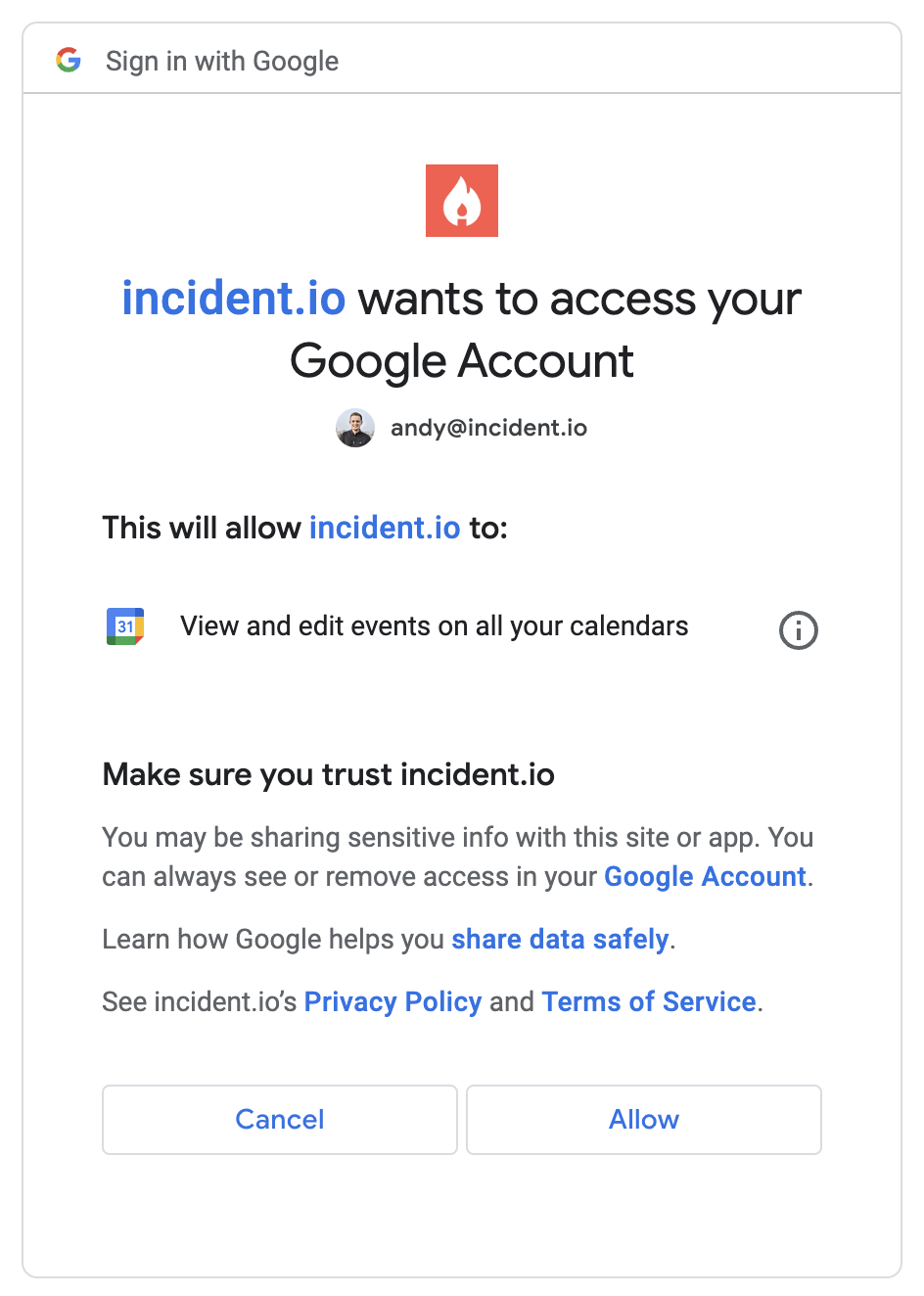
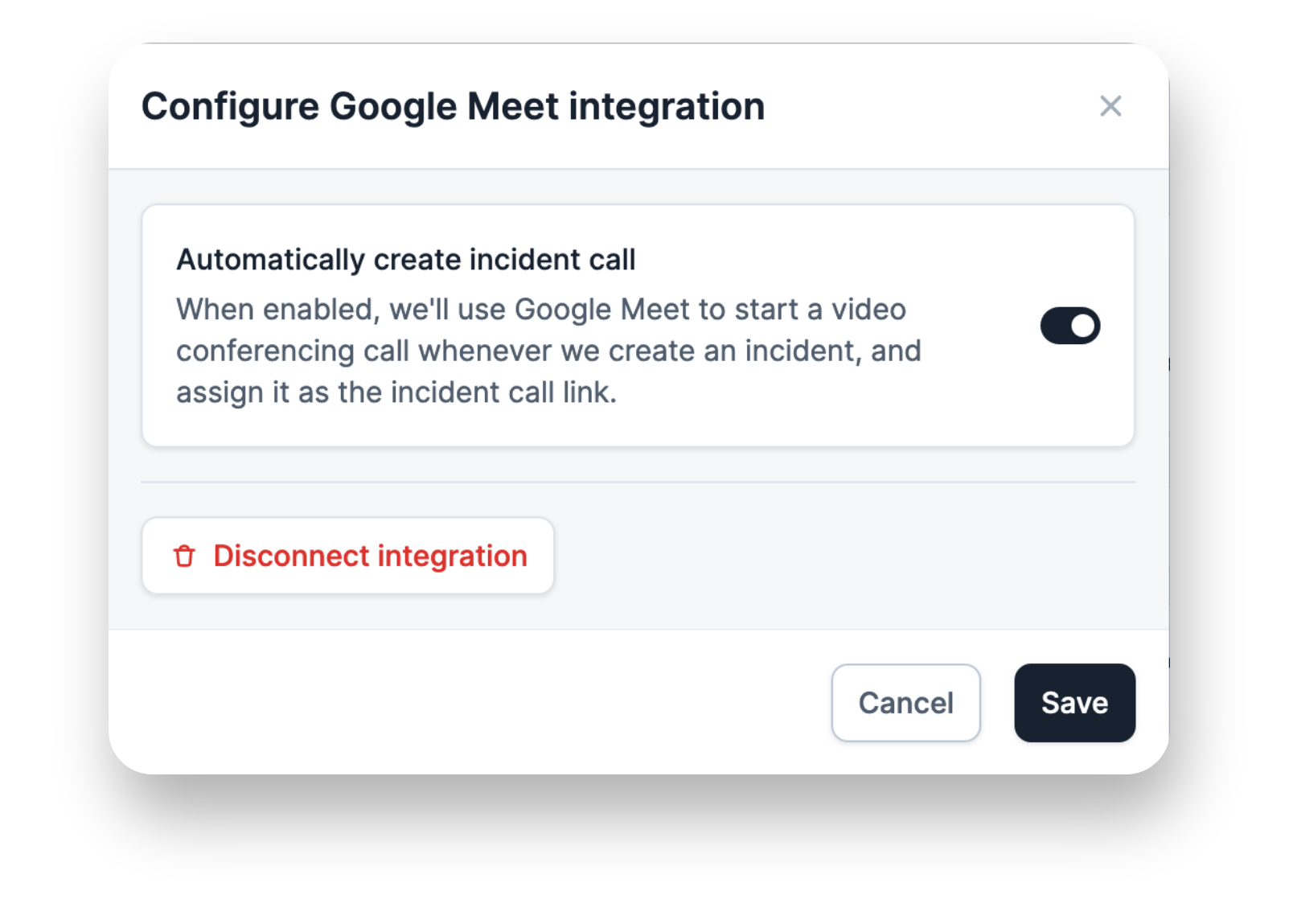
2. Turn on auto-create call
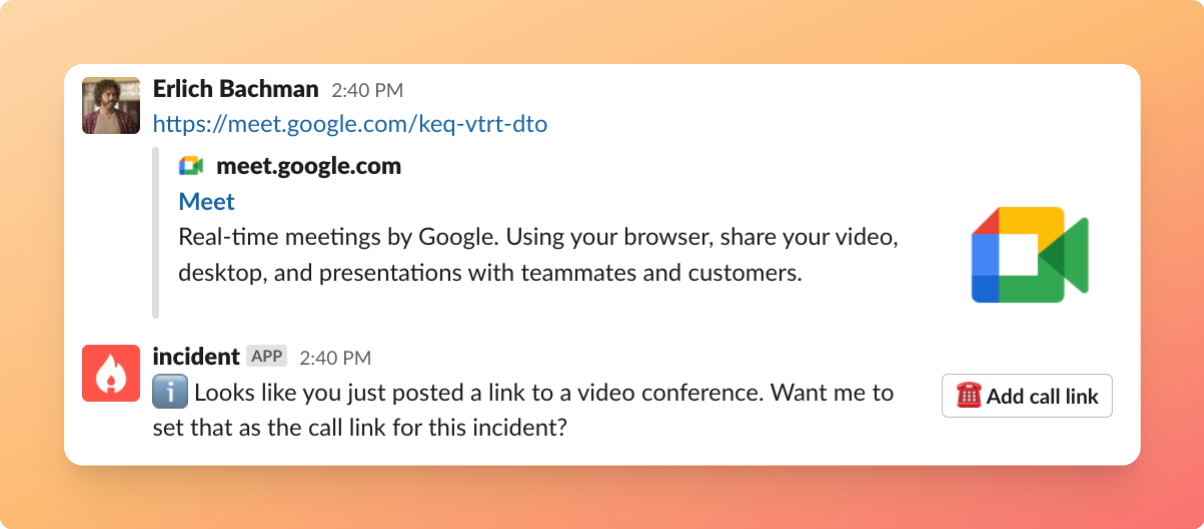
In the Google Meet panel, turn on Automatically create incident call. You can also manage this from Settings → Calls.