

Webex
We can automatically create a Webex meeting whenever an incident is declared and attach it to the incident. This helps speed up your incident response and reduces the burden of manual tasks on responders.Installation
1. Go to Settings → Integrations, find Webex
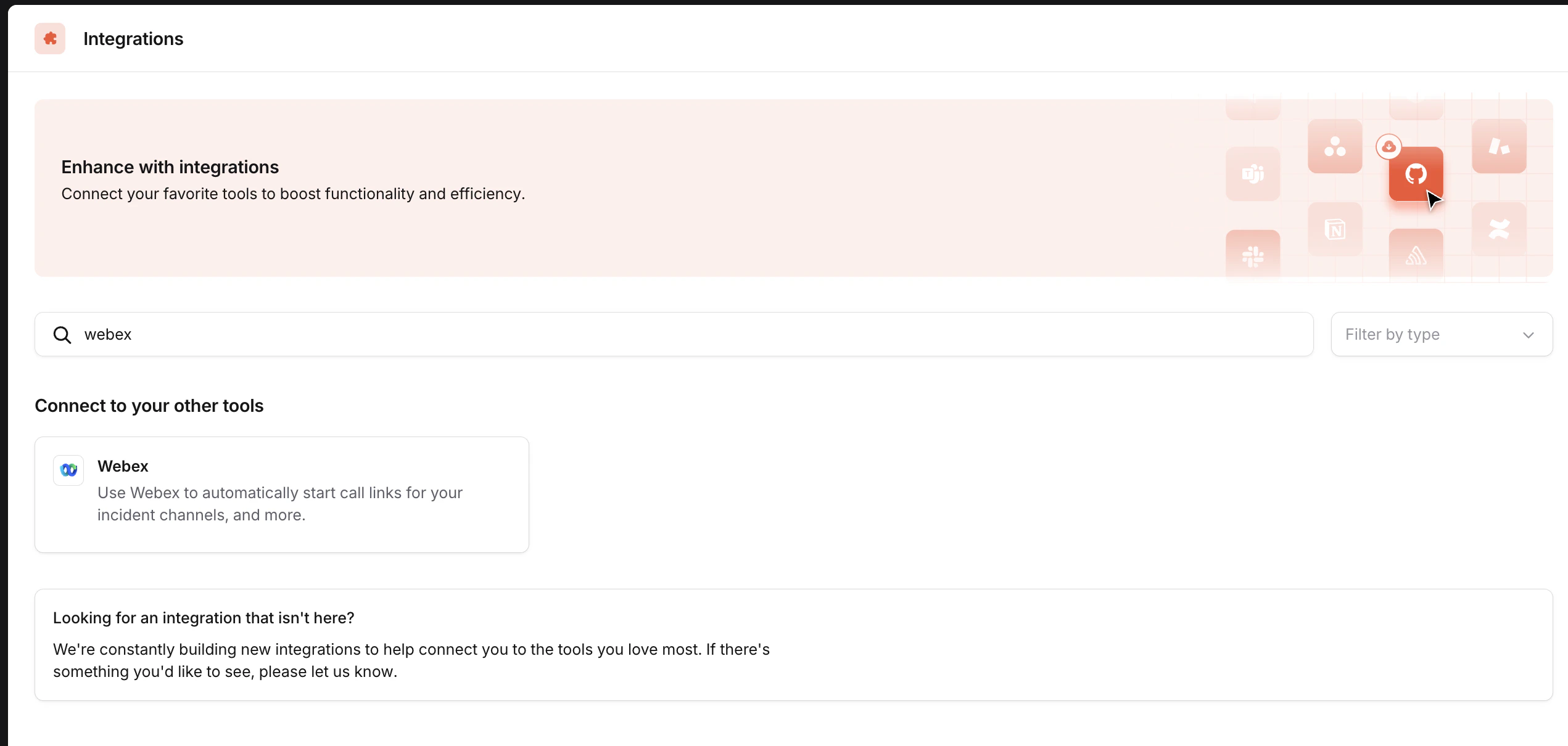
2. Click Connect on the Webex integration
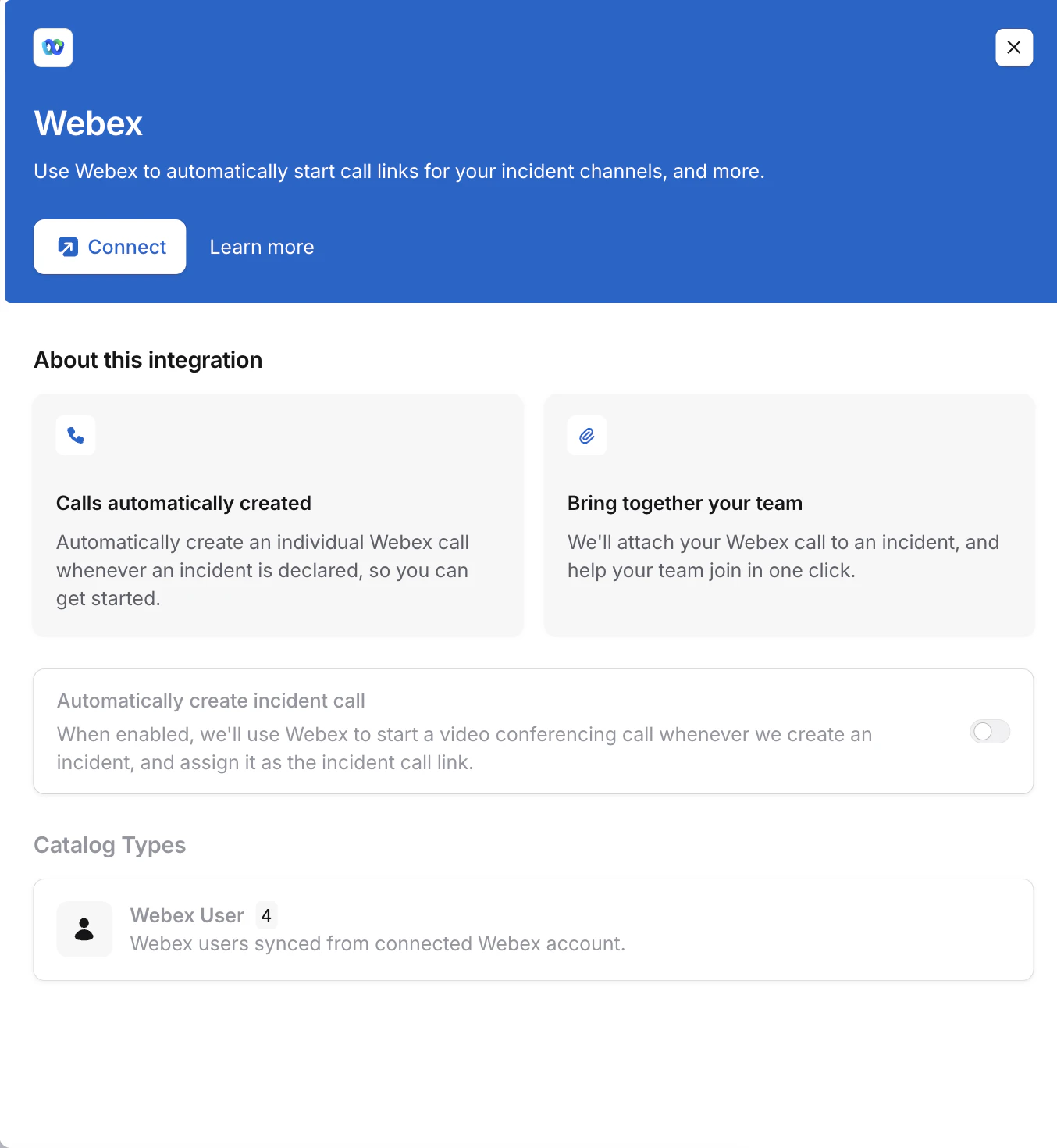
- Admin account (OAuth): Sign in as a Webex organizational admin. Use this option unless your organization doesn’t let admins sign in to third-party apps.
- Service App: Enter the credentials of a Webex Service App that your admin has authorized. Follow Connect with a Service App, then continue at step 4.
3. Log in using a Webex organizational admin service account
Clicking Connect will redirect you to a Webex login page.
4. Enable auto creation of incident calls
With Webex installed, you can now configure it to automatically create Webex meetings for your incidents. Toggle on Automatically create incident calls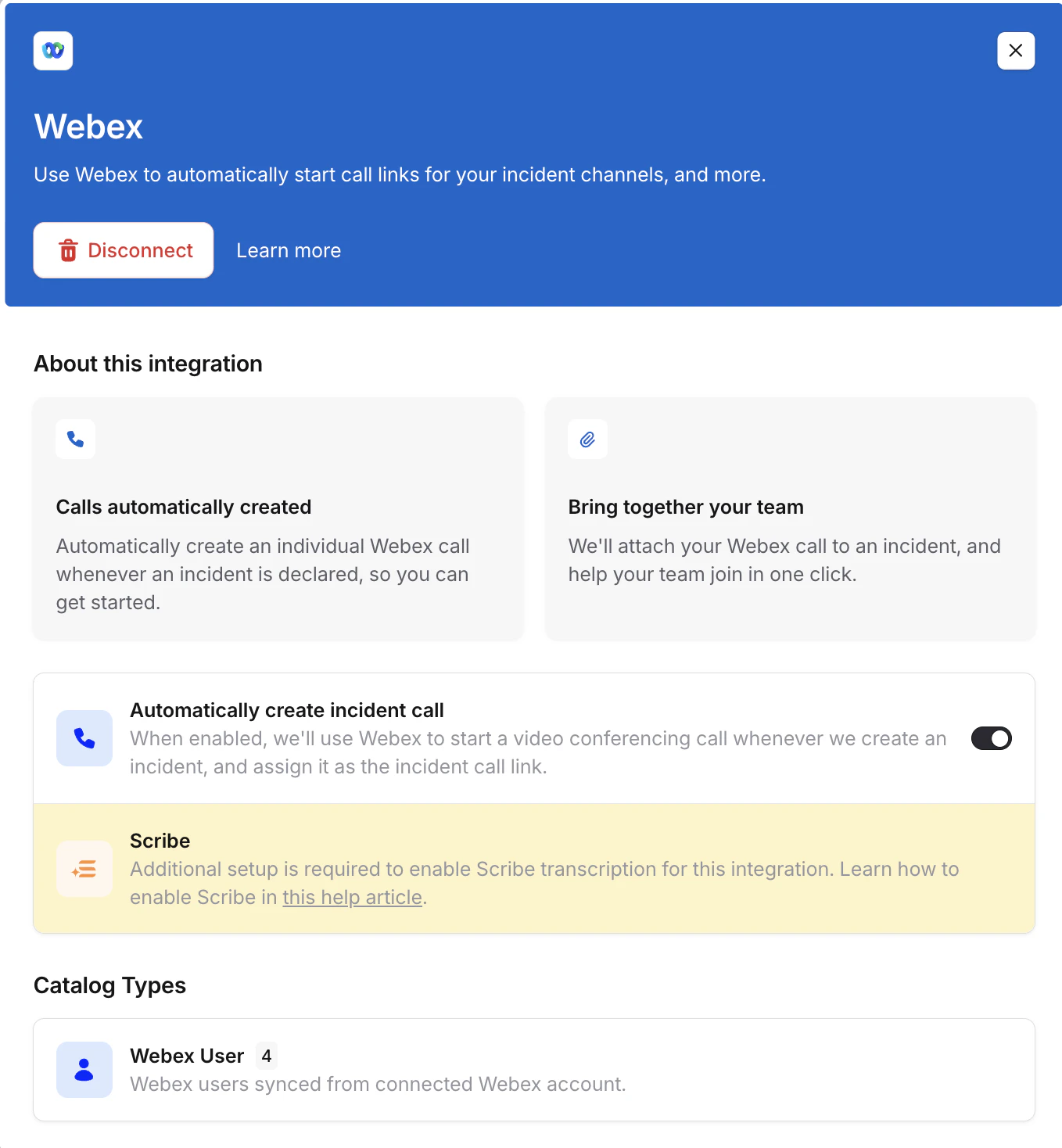
Connect with a Service App
A Webex Service App lets incident.io create meetings without an admin signing in to incident.io. A Webex full admin authorizes the app for your Webex organization, and incident.io creates every call with a host you choose. Before you start, you need:- A Webex developer account to create the Service App
- A Webex full admin to authorize the Service App in Control Hub
- A user with a Webex host license to host incident calls
1
Create the Service App
In the Webex Developer Portal, create a new Service App with these scopes:
meeting:admin_schedule_writemeeting:admin_schedule_readmeeting:admin_participants_readspark-admin:people_read
2
Authorize the Service App
Ask a Webex full admin to authorize the Service App for your Webex organization in Control Hub, under Apps → Service Apps.
3
Generate a refresh token
In the Developer Portal, open the Service App and find your Webex organization under Org Authorizations. Enter the client secret and generate tokens. Copy the refresh token.
4
Connect in incident.io
Go to Settings → Integrations, click Connect on Webex and choose Service App. Fill in:
- Client ID and Client secret: From the Service App
- Refresh token: The token you generated for your Webex organization
- Meeting host email: A user in your Webex organization with a host license. incident.io creates every call with this user as the host.
Permissions
Both connection methods need these scopes:spark-admin:people_read- Enables us to add Webex users as a catalog type, so that we can link Webex users to incident.io users.meeting:admin_schedule_write- Enables us to schedule meetings on behalf of others. This is used to create meetings for the incident lead.meeting:admin_schedule_read- Enables us to add an existing meeting to an incident. For example, if you have an ongoing meeting and want to use that as the incident call instead of the automatically created one.meeting:admin_participants_read- Enables us to track which users are taking part in the incident call, allowing this to be shown in the incident timeline.