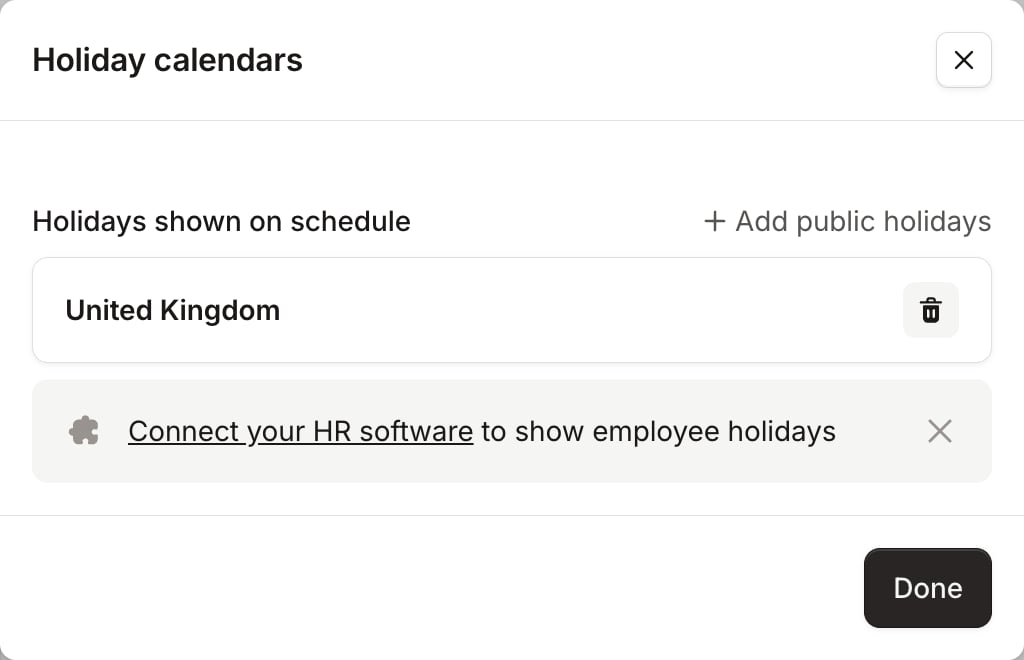
Subscribe to one or more countries’ public holidays per schedule. This is done per schedule, as On-call schedules are often configured per team, which might work in different regions of the world. To make this setup as simple as possible, when you create or edit a schedule we’ll automatically suggest public holiday subscriptions based on the schedule’s timezone. To subscribe to public holidays:
  1. Head to your Schedules list, and click New schedule or click Edit on an existing schedule
  2. In the Public holidays section, click Add and search for the country whose holidays you want to subscribe to
  3. Repeat if needed, and that’s it!
Once you’ve subscribed, we’ll surface these holidays alongside your schedule shifts. See Acting on time off to arrange cover.