

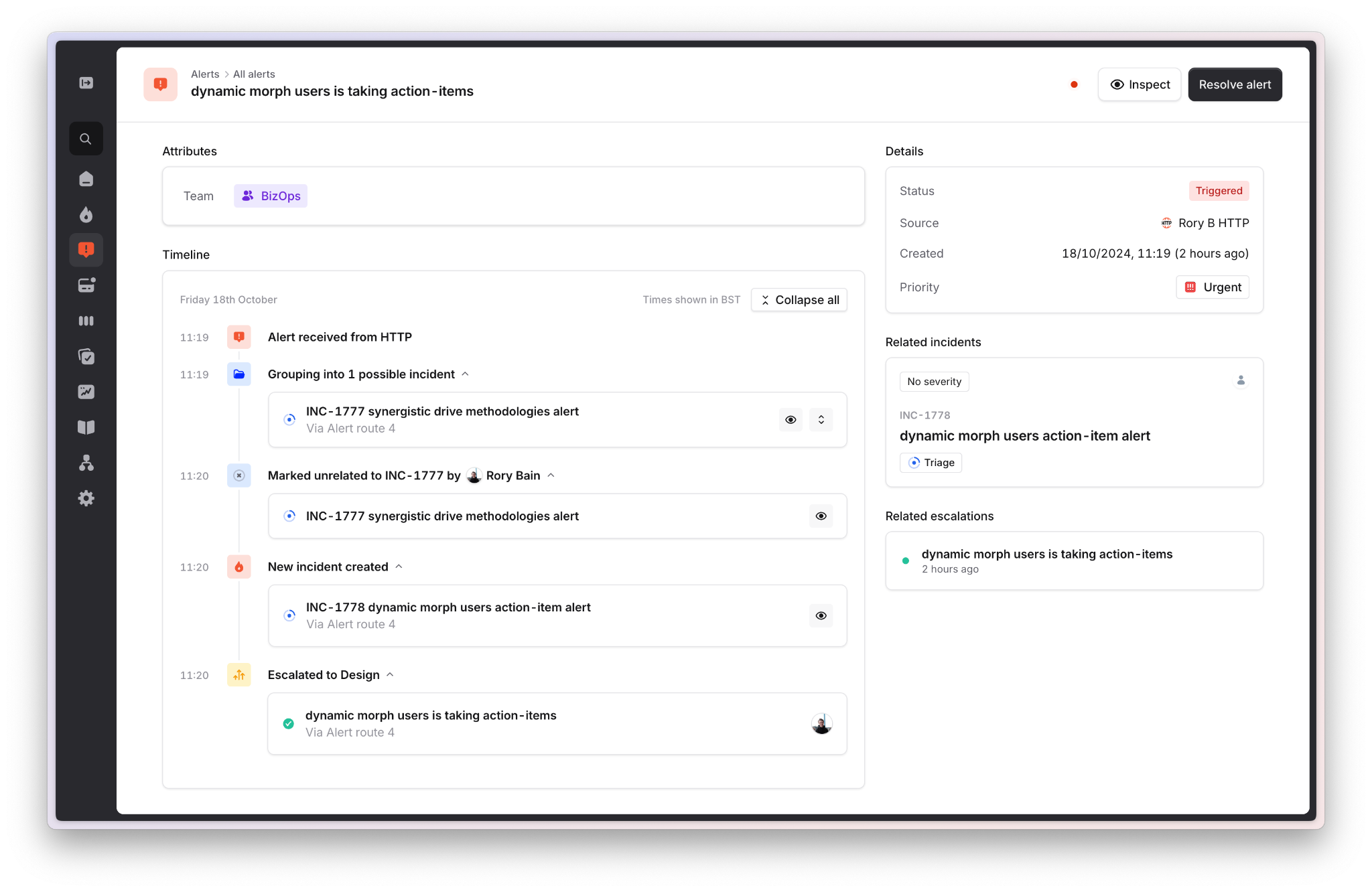
- When the alert fired
- When the alert resolved
- What incident it created
- What incident(s) it was marked unrelated to
- What incident(s) it was grouped into
- Any notes that have been attached to the alert
You can also find timelines for escalations and incidents in their respective part of the product if you want to know more or find out more details about them.