Inviting new members to incident.io
Pulling your team into incident.io is very simple:- Slack - add them to the
#incidentschannel - Web App - invite them through the Users list
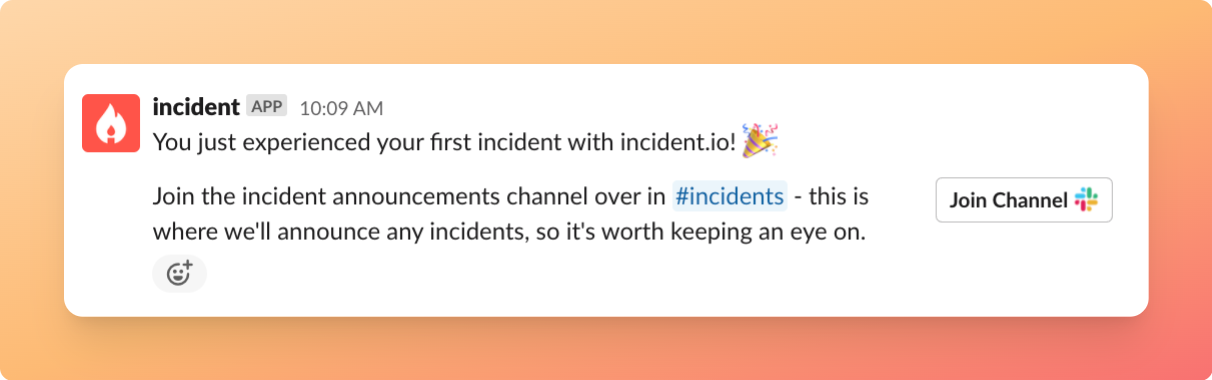
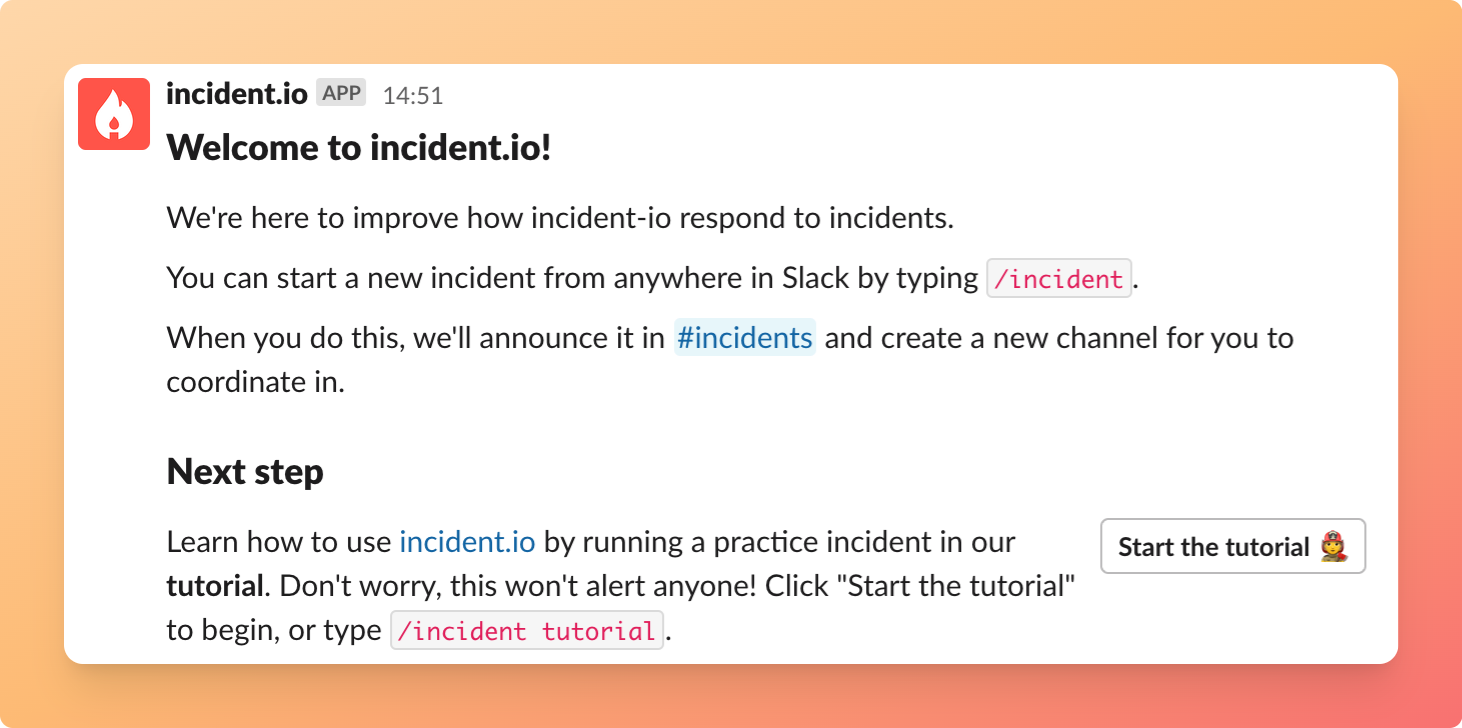
They will receive a private message from us to get them started 👇🏼
Inviting teammates to a specific incident
Once you’ve declared an incident, we’ll create a dedicated #inc-… channel for it. From there, you can invite your team of responders by simply adding them to that incident’s Slack channel. They’ll receive a message to help them get going and follow our tutorial