

What gets imported
Connecting OpsLevel creates nine catalog types. Five hold your entities:
Four more hold the values your components are classified by, so you can filter and route on them:
Ownership and dependencies
Entities keep their relationships to one another, so the graph you have in OpsLevel is the one you get in incident.io:- Components: link to their owning team, their tier, lifecycle and type, and to the components they depend on and that depend on them
- Systems and domains: link to their owning team, and downwards to the systems and components they contain
- Teams: link to their members, their manager, and their parent team
- Users: carry their email address and their OpsLevel role
- incident.io User: OpsLevel users are matched to incident.io accounts, so the team that owns a component resolves to people you can actually page. See connected users.
- Parent Team: your OpsLevel team hierarchy syncs as an attribute, so you can set up team structure without any extra configuration.
- Dependents: OpsLevel tracks dependencies in both directions, so you can ask what a failing component will take down with it, not just what it relies on.
Connect OpsLevel
You’ll need the Edit organization settings permission in incident.io, and permission to create API tokens in OpsLevel.1
Create an API token in OpsLevel
In OpsLevel, go to API Tokens and create a token with read access.
incident.io reads your components, teams, users, systems, and domains.
2
Connect the integration
Go to Settings → Integrations and open OpsLevel, then select
Connect and paste in your token.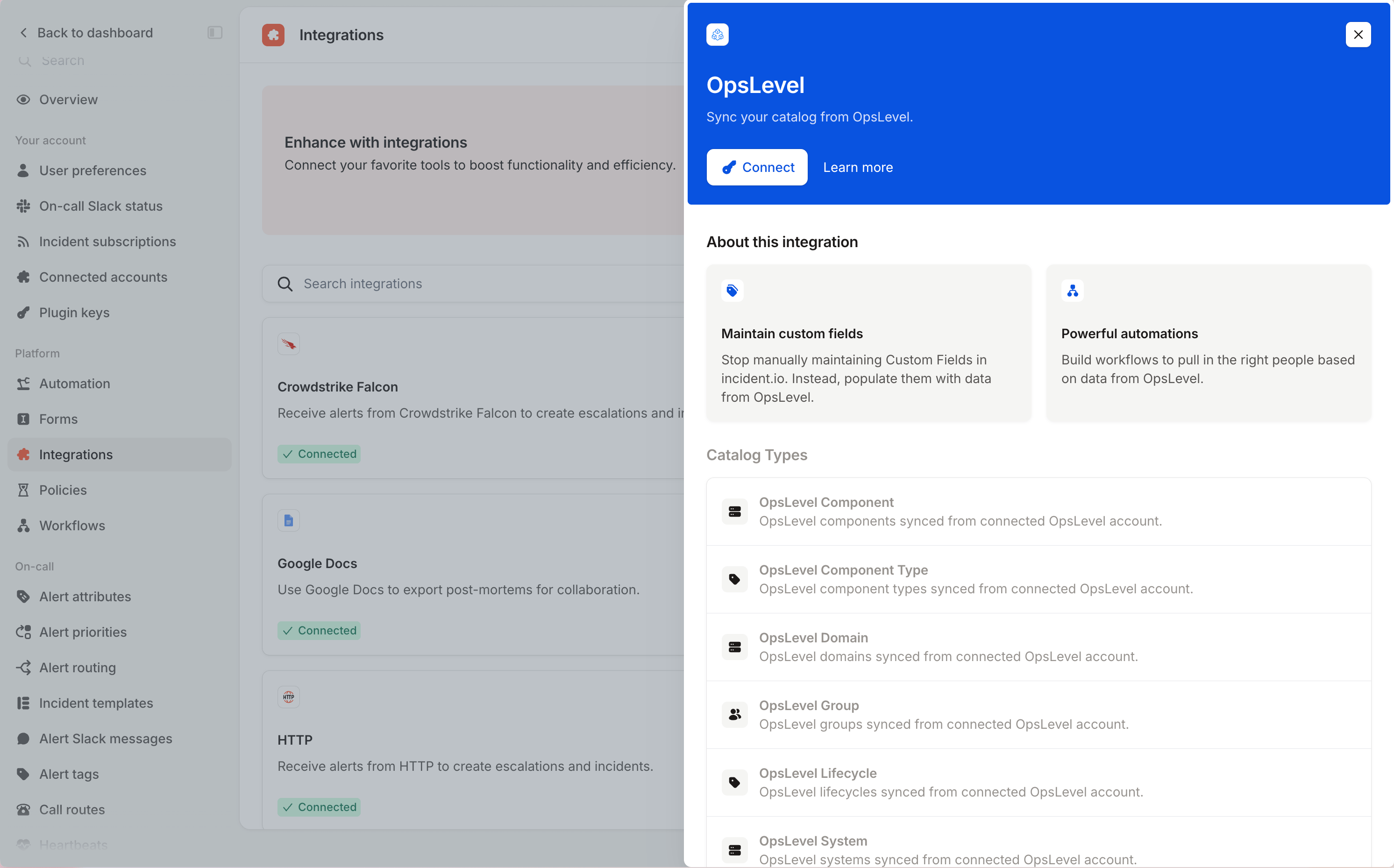
3
Check your catalog
Open Catalog to see the nine OpsLevel types. The first sync populates them, and
they refresh hourly after that.
FAQs
How often does OpsLevel data sync?
How often does OpsLevel data sync?
Hourly, for all nine catalog types. Data flows one way, from OpsLevel into incident.io, so OpsLevel stays the place
you edit it.
What happens if my API token expires?
What happens if my API token expires?
The integration is marked as needing reconnection and syncs pause until you provide a new token. Reconnect from
Settings → Integrations.
Why is the catalog type called OpsLevel Component rather than Service?
Why is the catalog type called OpsLevel Component rather than Service?
OpsLevel renamed services to components in February 2025, and the catalog type follows their naming. If you built
anything against the older identifier, it still works: only the display name changed.
Should I use OpsLevel Group or OpsLevel Team?
Should I use OpsLevel Group or OpsLevel Team?
Use Team. OpsLevel moved to team hierarchies in October 2023, and the Parent Team attribute is what powers team
structure. Groups still sync so that existing configuration keeps working.
How do I connect OpsLevel users to incident.io users?
How do I connect OpsLevel users to incident.io users?
Each OpsLevel user carries an incident.io User attribute, matched on their email address. See connected
users.