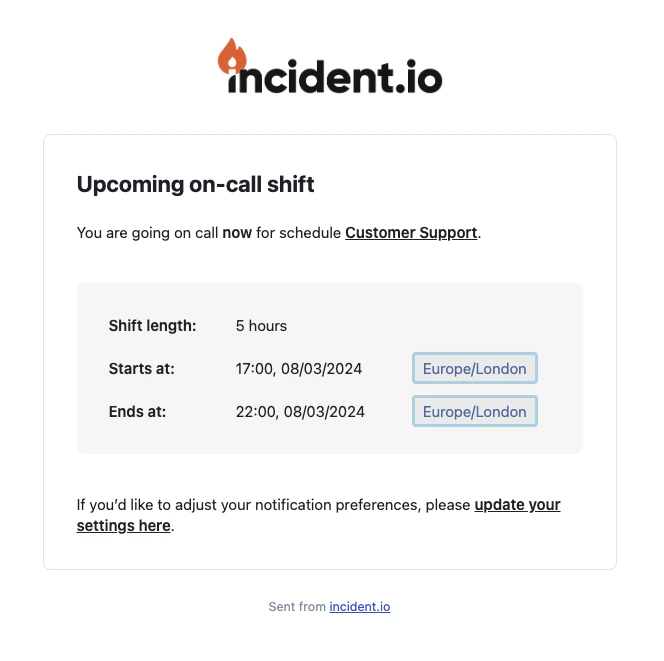
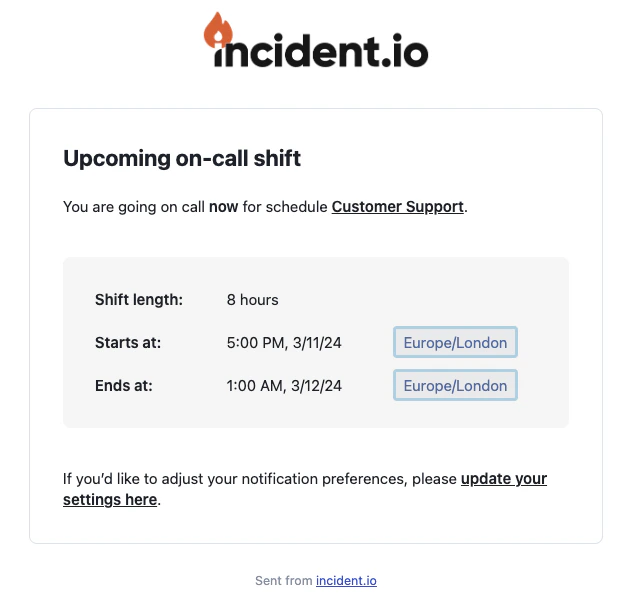
Can we change the date format in email notifications?
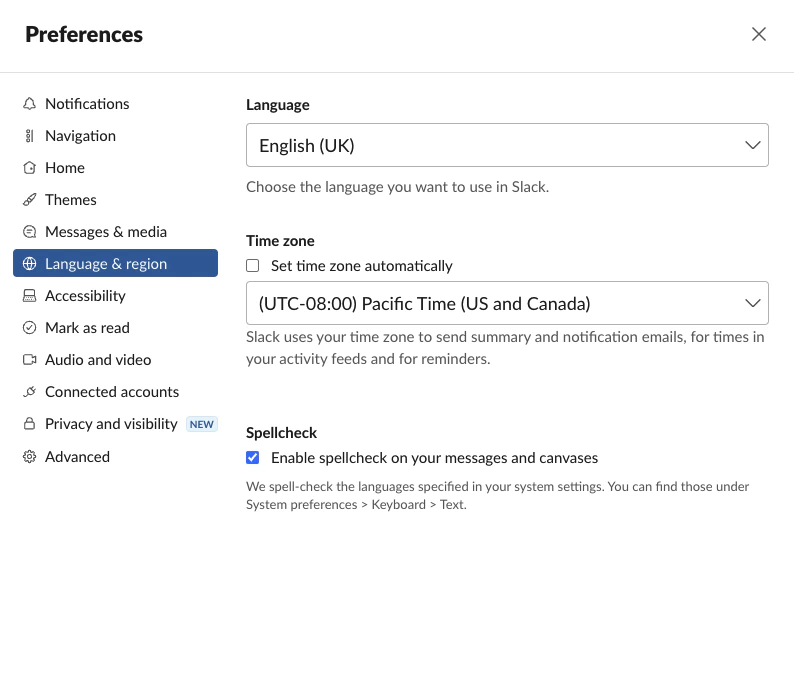
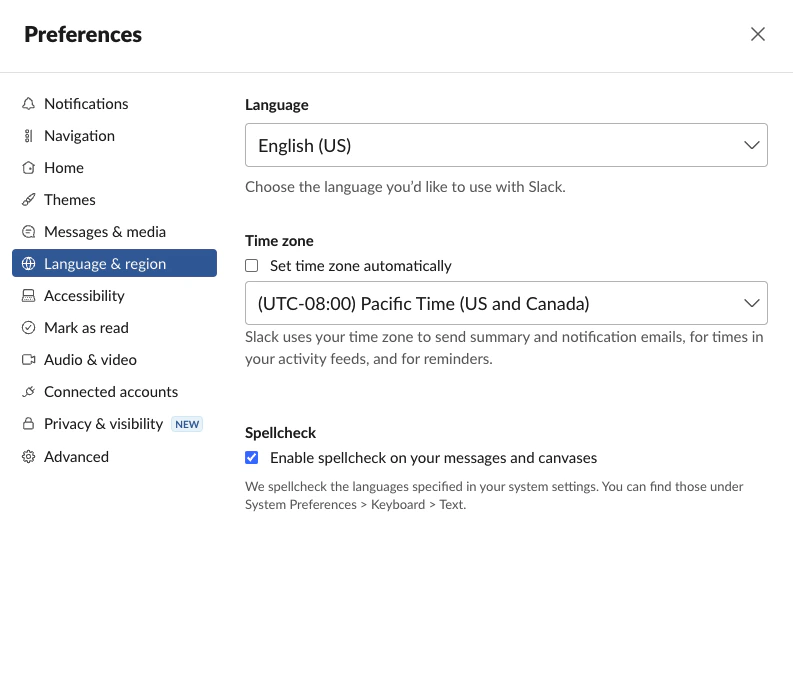
Yes! You can make this change within your Slack Preferences by clicking your profile picture → preferences → Language & Region → change the Language to your desired choice.We derive your locale from your Slack settings. For example: