

Ownership only applies once you have teams. If your organization doesn’t use teams yet, start with Setting up
teams.
What can be owned
Which resources you can give an owning team depends on the products you use:- Response: incident types and lifecycles, announcement rules, and announcement post templates
- On-call: escalation paths, schedules, alert routes, alert sources, and alert grouping preferences
- Cross-cutting: workflows, API keys, and catalog types (which also controls who can edit that type’s entries)
What ownership does
Giving a resource an owning team affects two separate things:- Team views and routing. Owned resources appear under that team in their team views, float to the top of the relevant lists, and drive things like alert routing. This happens whether or not you use team roles.
- Who can manage it. If your organization uses team roles, ownership also decides who can manage the resource: members of an owning team with the right permission, plus anyone who holds that permission account-wide.
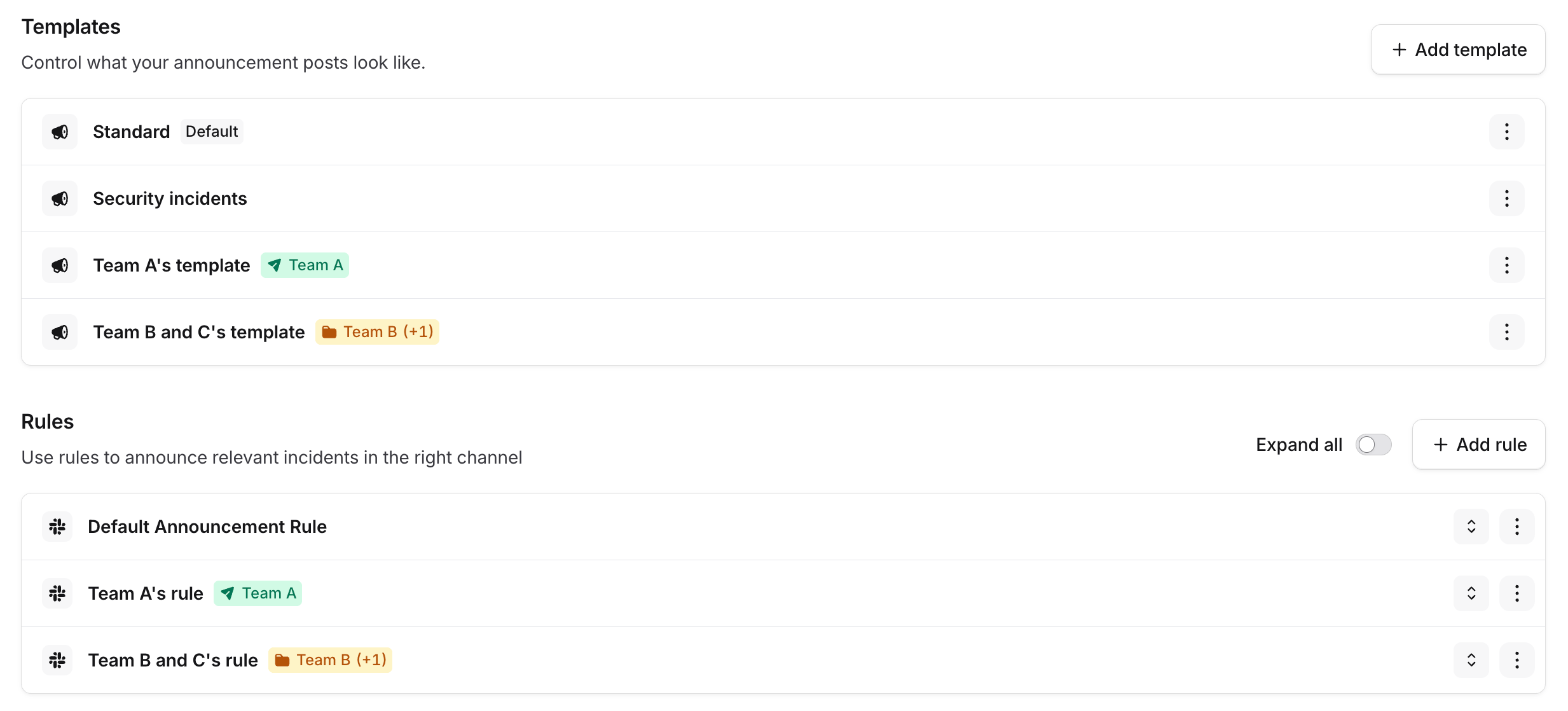
Announcement templates and rules labelled with their owning team