

Instructions
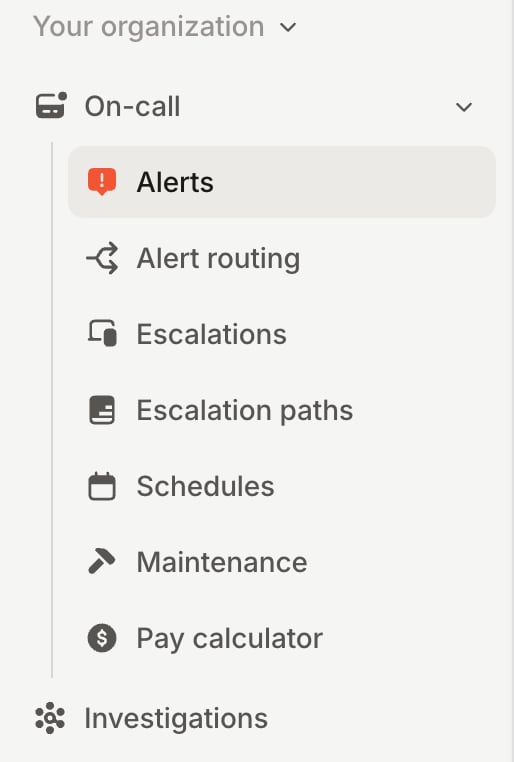
- Head over to the Alerts section in your incident.io dashboard
- Select the sources tab at the top of the page
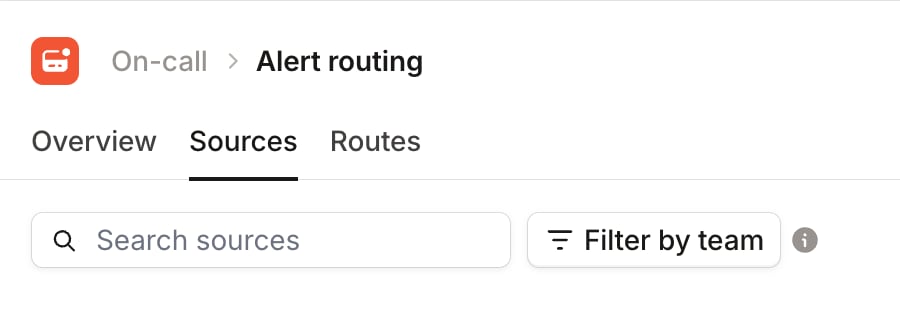
- Press the Create source button

- Search for Nagios and click continue to create the alert source
- Install the incident-io Nagios Plugin by following the instructions in the GitHub repo and enter the URL and token as prompted by the alert source page.