This article provides step by step instructions for setting up Monte Carlo as an alert source within incident.io. This will allow you to receive alerts, page the right people & open incidents when they are using Monte Carlo to detect data quality issues (eg: we don’t have as many customer emails as we did yesterday). Documentation Index
Fetch the complete documentation index at: https://docs.incident.io/llms.txt
Use this file to discover all available pages before exploring further.
Instructions to set up
- Head over to the Alerts section in your incident.io dashboard
- Select the Configuration tab at the top of the page

- Press the ‘New alert source’ button
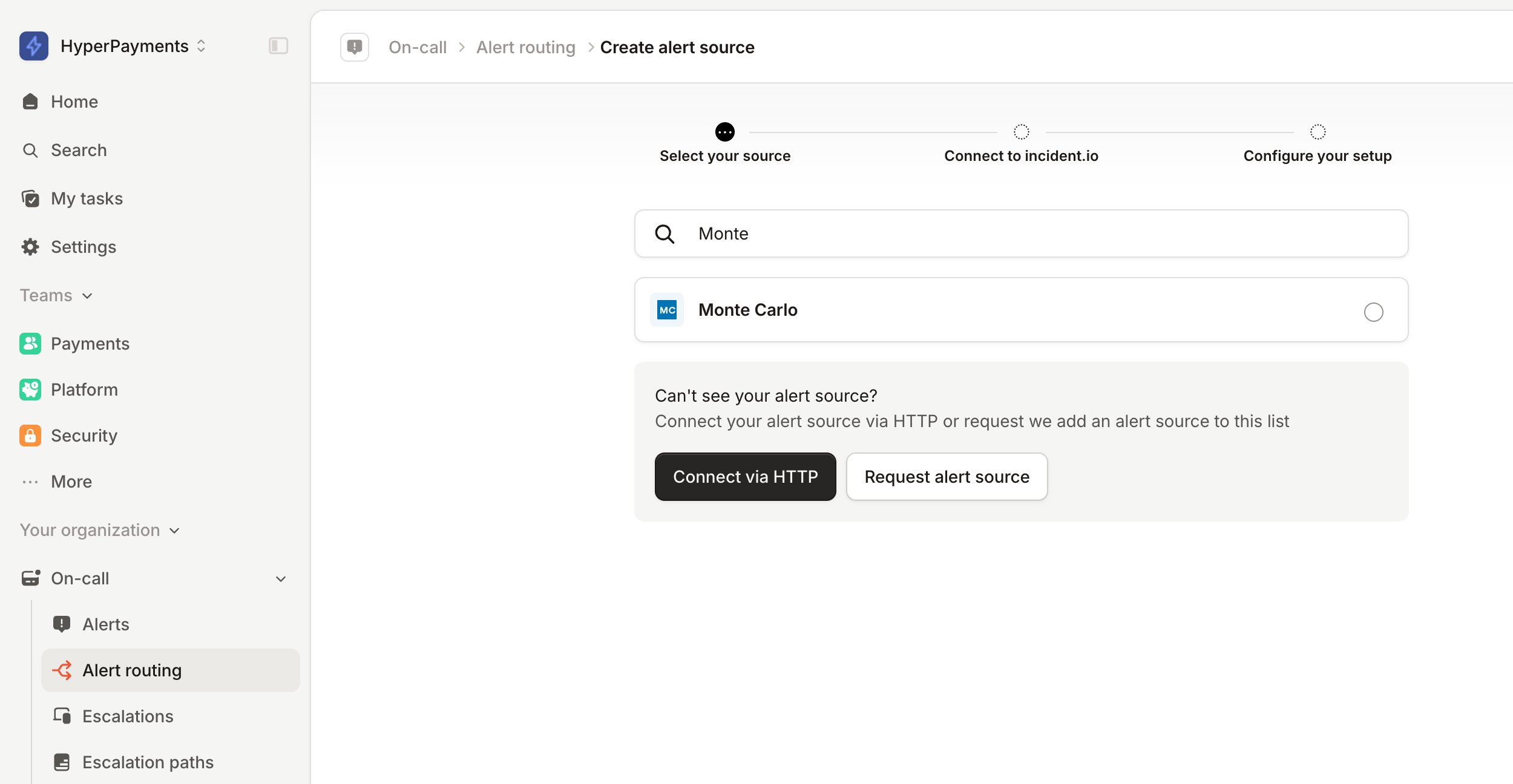
- Search for ‘Monte Carlo’ and click continue to create the alert source
- Head over to the notification settings page in Monte Carlo
- Create an audience or edit an existing audience.
- Name the Audience and select incident.io as the Recipient channel.
- Enter the destination incident.io URL from incident.io and token if applicable.
- [Optional] Name this recipient, as a single audience can have multiple recipients.
- Create the audience
Alert events and updates
The following events receive an update to incident.io:- Alert is created
- Alert is acknowledged
- Alert status is updated
- Alert owner is changed
- External ticket is attached to an alert (Jira, ServiceNow, etc.)
- Alert is marked as incident
- Alert is unmarked as incident
- Alert is resolved
| Webhook event | alert_feedback | declared_alert_severity | owner |
|---|---|---|---|
| Alert is created | null | null | not included in payload |
| Alert is acknowledged | investigating | — | — |
| Alert status is updated | investigating, no_status, work_in_progress, fixed, expected, no_action_needed, false_positive | — | — |
| Alert owner is changed | — | — | email of assigned owner |
| External ticket is attached to an alert | — | — | — |
| Alert is marked as incident | investigating (only if current is null or no_status) | SEV-1, SEV-2, SEV-3, SEV-4 | — |
| Alert is unmarked as incident | — | null | — |
| Alert is resolved | fixed, expected, no_action_needed, false_positive | — | — |
