

Creating a custom HTTP alert source
When creating a HTTP alert source, you will have the option to use either Default or Custom source types. The default mode will cover most scenarios, but if you find that your alerting tool has a set payload, you will want to use the custom HTTP source.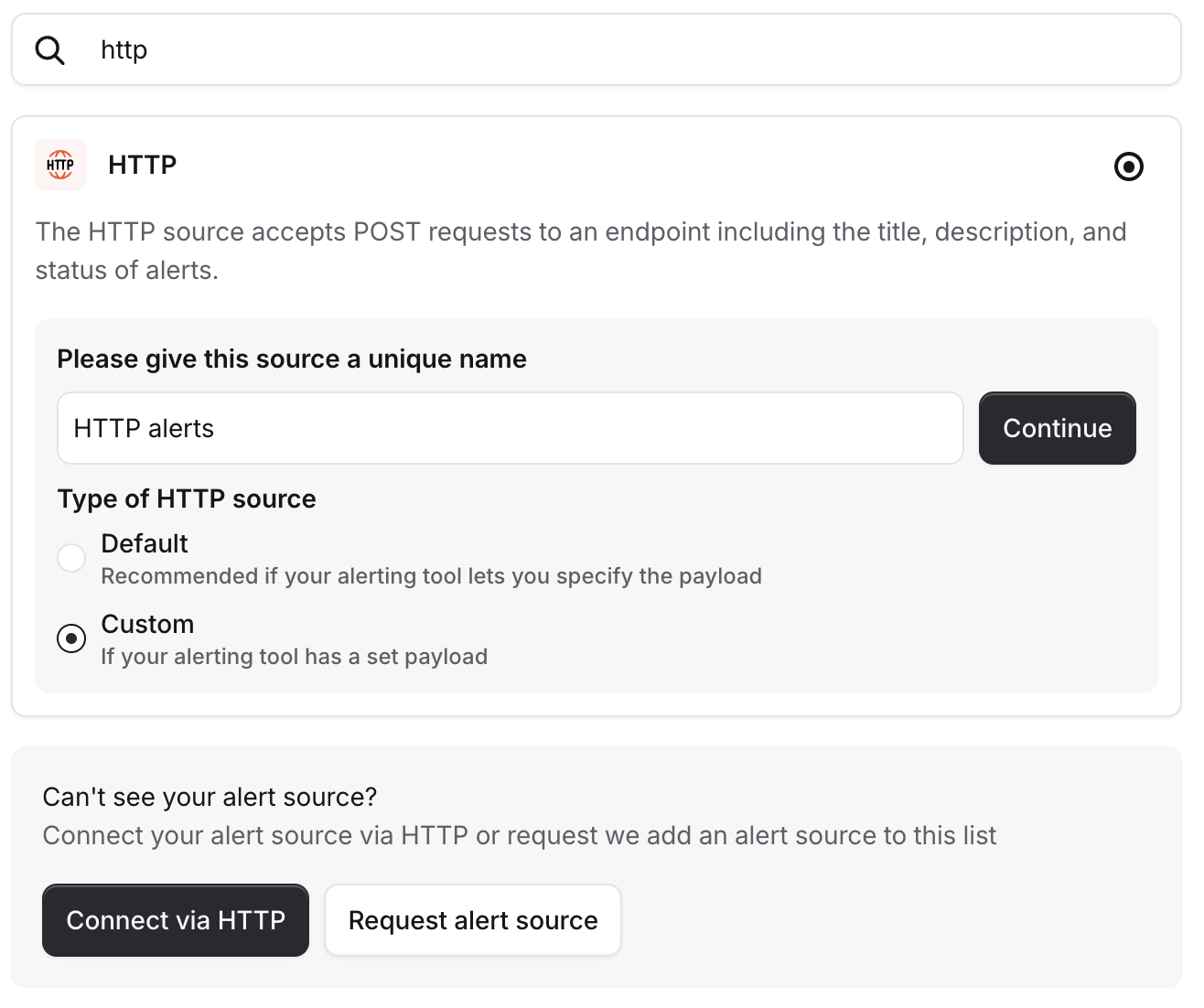
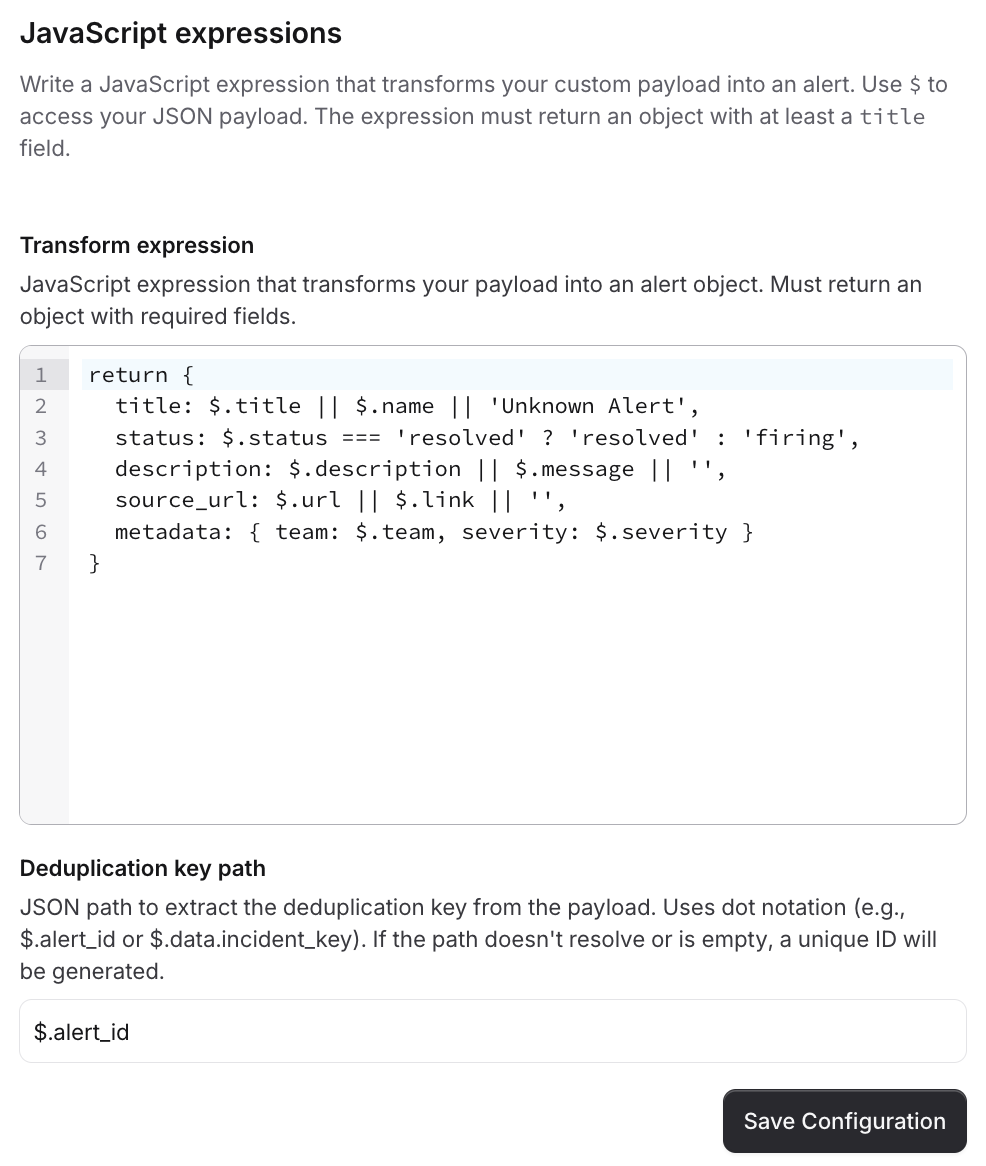
Transform expression
The transform expression is synchronous JavaScript (up to ES2023) that returns an object, matching up with our standard alert schema, having extracted the information from the incoming JSON payload$.
The root of the expression will be source_payload, so to correctly access the data and set the title for example, you’d need to do:
Expressions which take longer than 250 milliseconds to execute will result in a default alert being created.Plain JavaScript expressions are normally executed in under a millisecond.
Deduplication key path
The deduplication key path is a. separated pointing us at the property we should use as the deduplication key for an alert.
For the sake of reliability and simplification of configuration, this is not executed as JavaScript.
Powering attributes & priorities
To power attributes, and priorities, via an expression, you should pull the required information into themetadata property.
FAQs
What happens if there's an error in the JavaScript?
What happens if there's an error in the JavaScript?
If we hit an error running the transform expression, we will create a default alert, with the whole payload accessible on a
source_payload property when inspecting the alert.What if the deduplication key isn't present in the payload?
What if the deduplication key isn't present in the payload?
We will generate a random deduplication key for you so your alert can still be processed, but please note it means we will not be able to deduplicate any alerts.