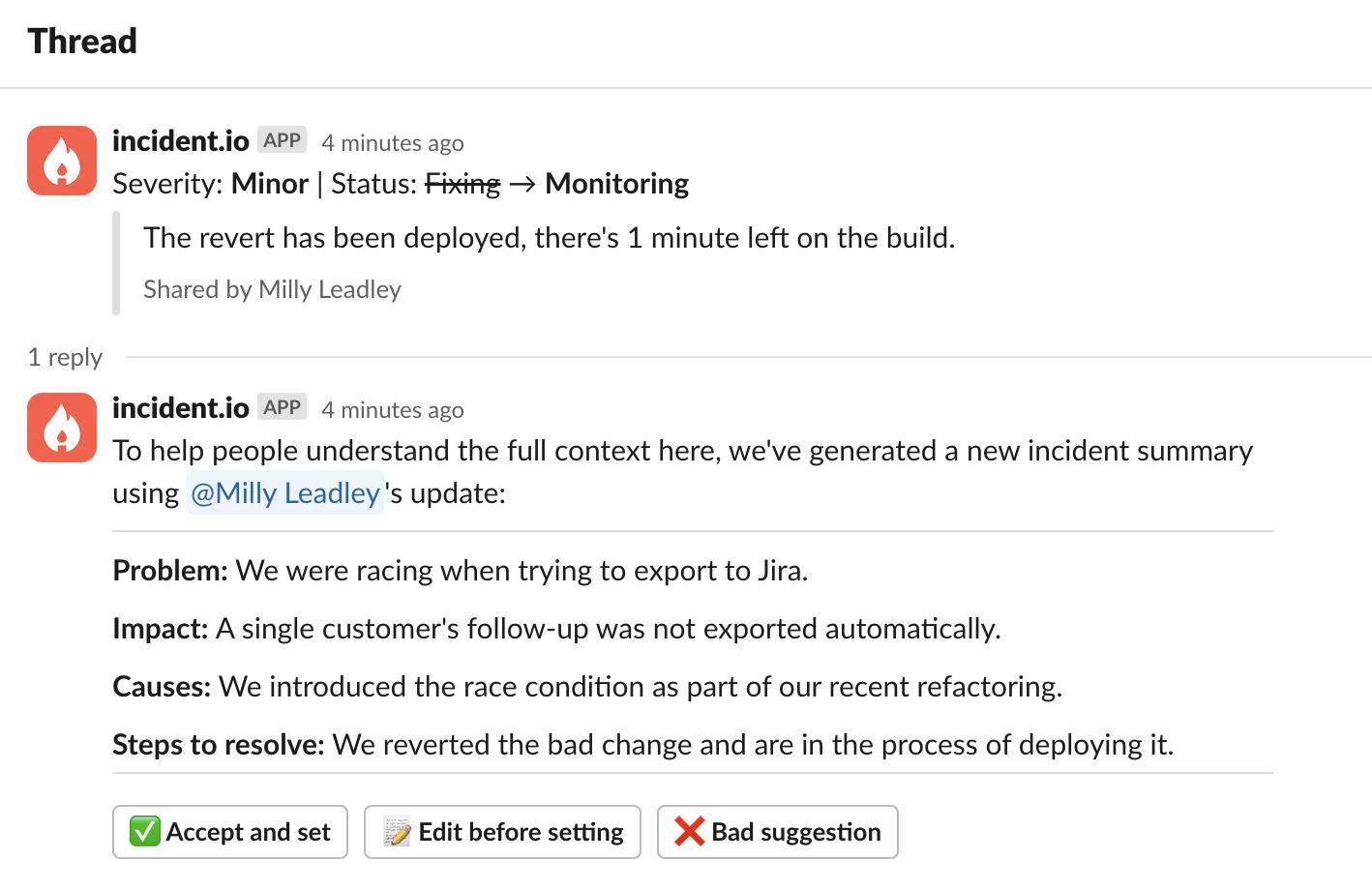
In the heat of the moment, responders don’t always have time to digest lots of information or communicate externally what’s going on. Often it’s hard to switch context and spend some precious minutes repeatedly updating summaries or statuses. This is where suggested summaries comes in.Documentation Index
Fetch the complete documentation index at: https://docs.incident.io/llms.txt
Use this file to discover all available pages before exploring further.

Demo
Generate button
You can also generate a summary on demand using the Generate button in the dashboard. It’s available in the summary editor and in the Resolve incident drawer.Configuration
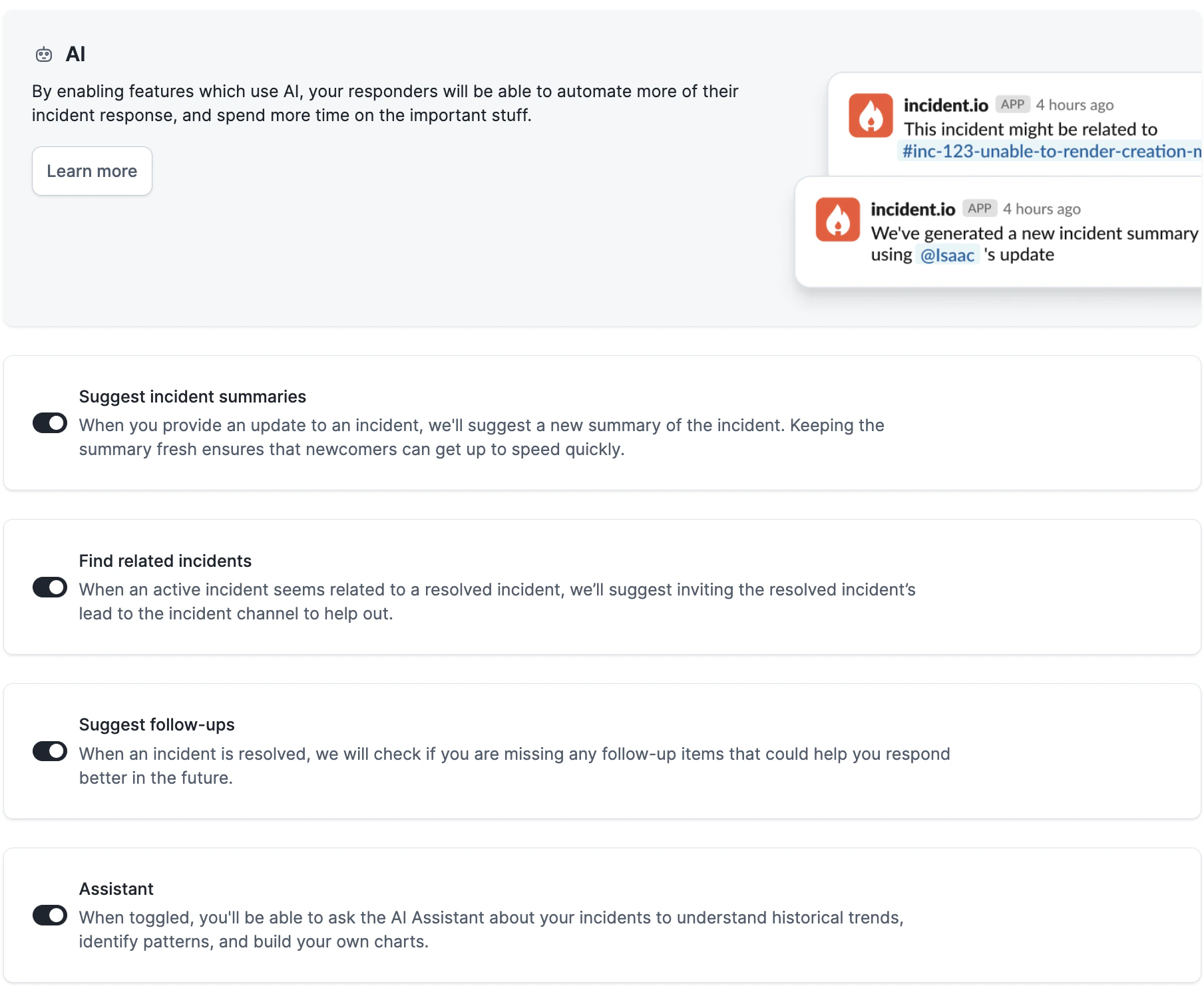
Suggested summaries are available to Team, Pro and Enterprise customers. It is “on” by default. To check if it’s enabled, head to Settings > AI.
FAQs
How do you use AI?
How do you use AI?
Please find more details in this article.