

1. Manually delete call notes
When you open the call notes on an incident page, you can delete them via the “three dots” menu on the upper right: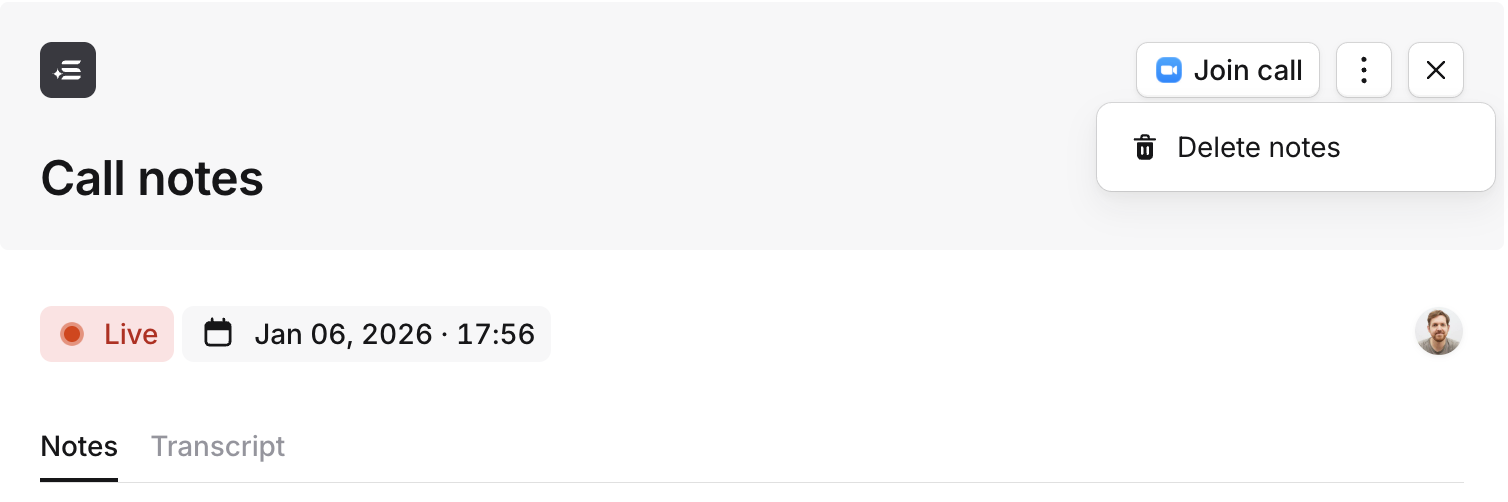
2. Automatic deletion
You can also configure your call notes to be automatically deleted 7, 14 or 90 days after the call ends. This can be set in Settings → Calls → Scribe.What happens when my call notes are deleted?
When we delete call notes via either of the above methods, we:- Permanently delete the raw transcripts, the names of the speakers and, if you’ve turned on call recording, the recordings
- Archive / “soft delete” the other information generated from the transcripts, namely:
- Summaries
- Current topics
- Key moments