

Context
When setting up workflow triggers for Slack emoji reactions, you’ll need to make sure you do it in the correct way to configure the trigger conditions for emoji reactions to messages in Slack channels.Answer
To set up a workflow trigger for Slack emoji reactions, follow these guidelines:- In the workflow trigger conditions, use the text version of the emoji rather than the emoji symbol itself. For example, use “ticket” instead of ” ” or “:ticket:”
- The workflow will only trigger for reactions to regular messages in Slack
- The workflow will not trigger for reactions to:
- Incident updates
- Messages created via the
/inc updatecommand
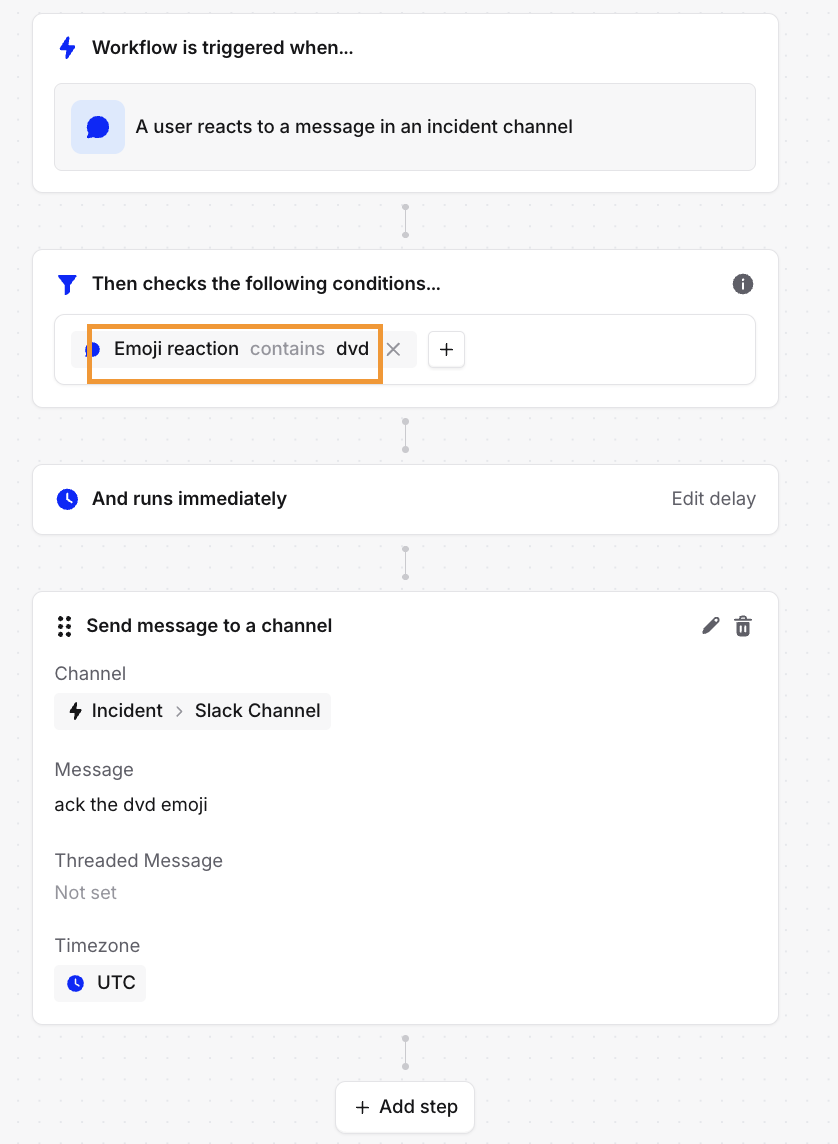
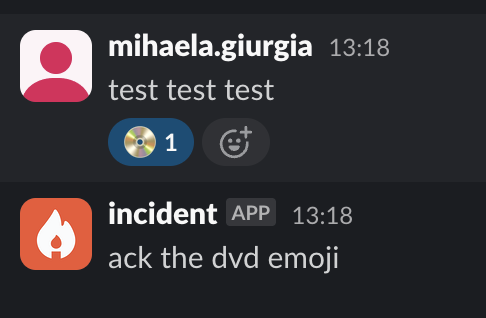
Using the actual emoji symbol (like ) or the emoji code (like :ticket:) in the trigger condition will result in unpredictable behavior. Always use the plain text name of the emoji (e.g., “ticket”) for reliable results.