Installation
1. Installing the Integration
Go to Settings → Integrations, find Google Docs and click Install. Click Install and you’ll be redirected to the install flow within Google Workspace. Review the permissions we’re requesting and click Next.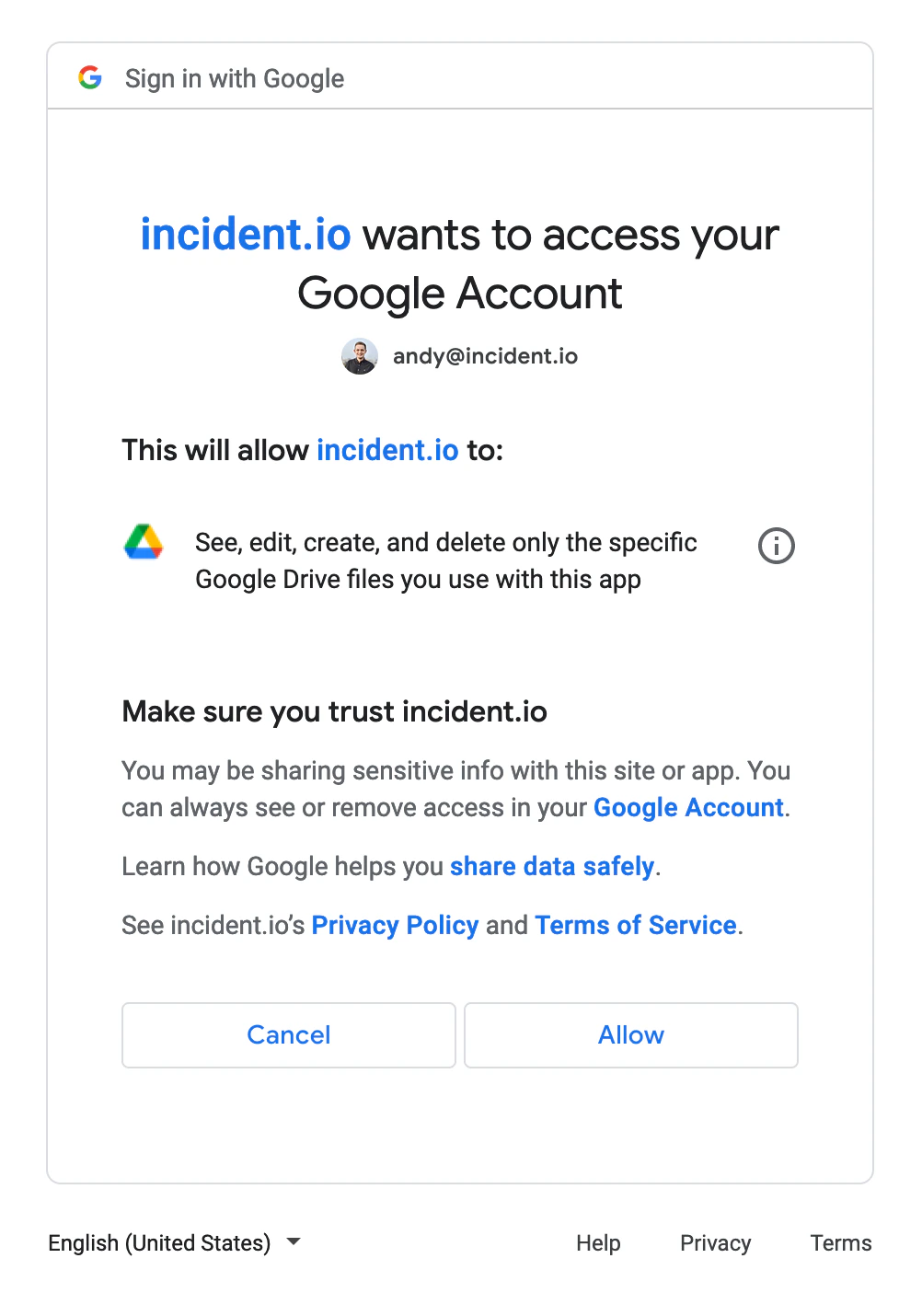
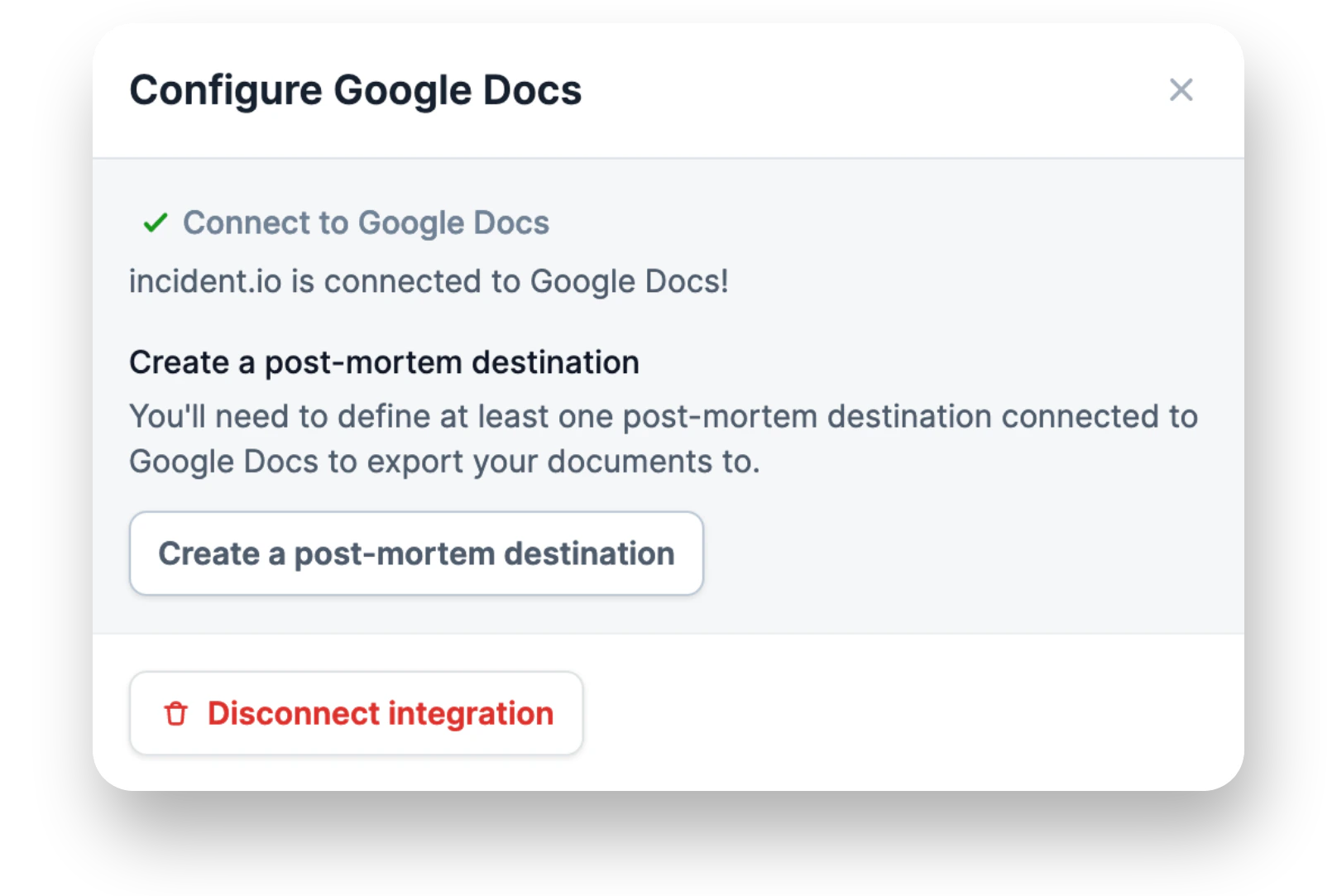
2. Setting up a post-mortem destination
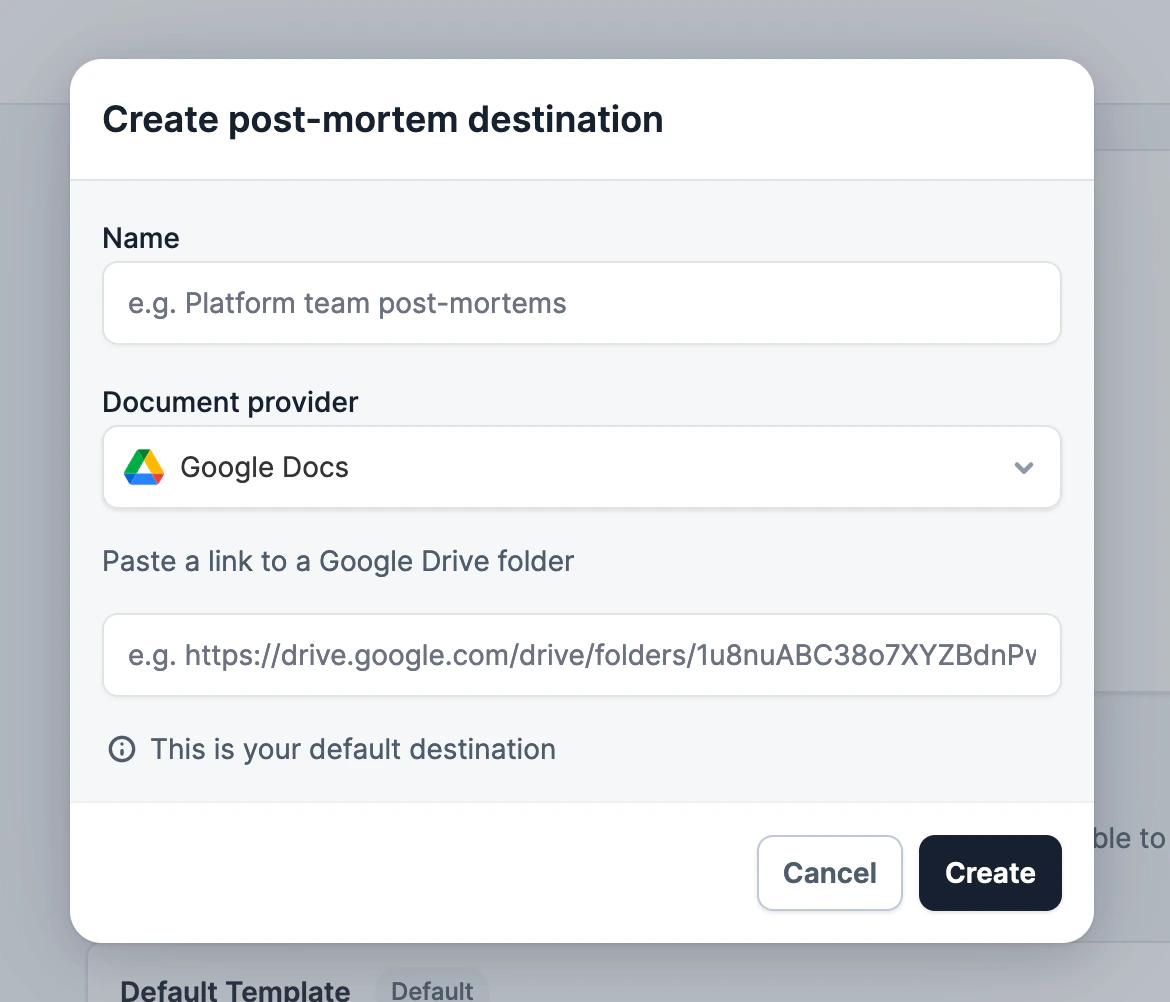
incident.io has now been connected to Google Docs. Next, we need to specify where in your Google Drive you’d like to export post-mortems to. Go to Settings → Post-mortems, then click Add destination