Overview
We know that migrating from Opsgenie to incident.io can feel intimidating, as there can be a lot of configuration that you have in place that you don’t want to lose. So, we’ve built (and continue to build) tooling to make this process easier for you. Below is a list of tools that you can leverage to make your testing phase and official migration / onboarding easier, including:- Opsgenie alert source
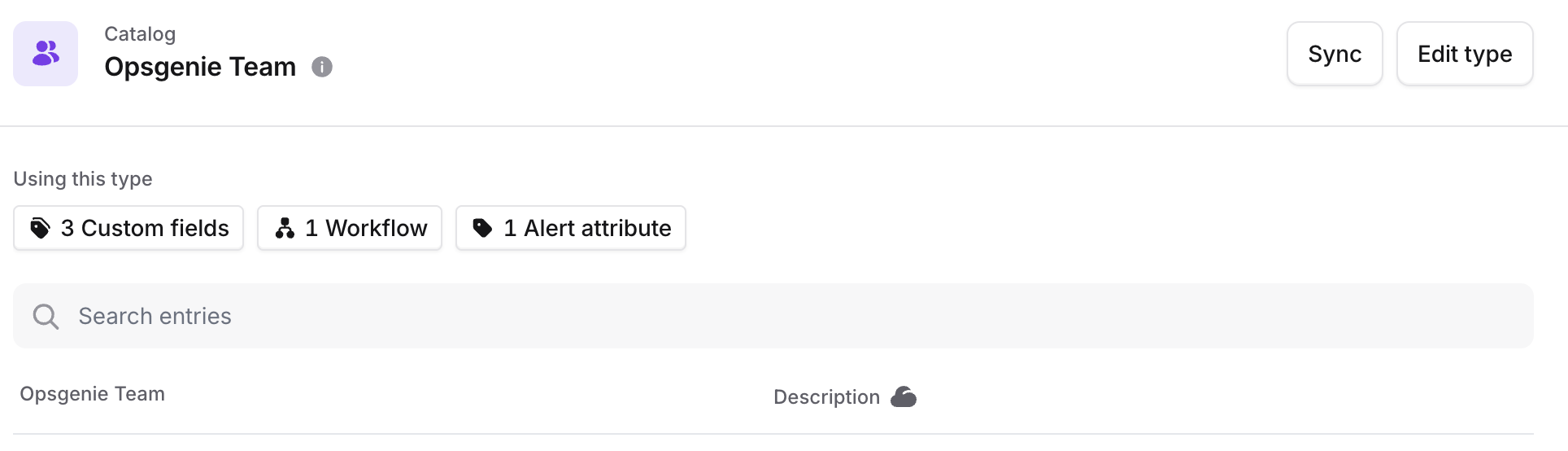
- Pull Opsgenie information into Catalog
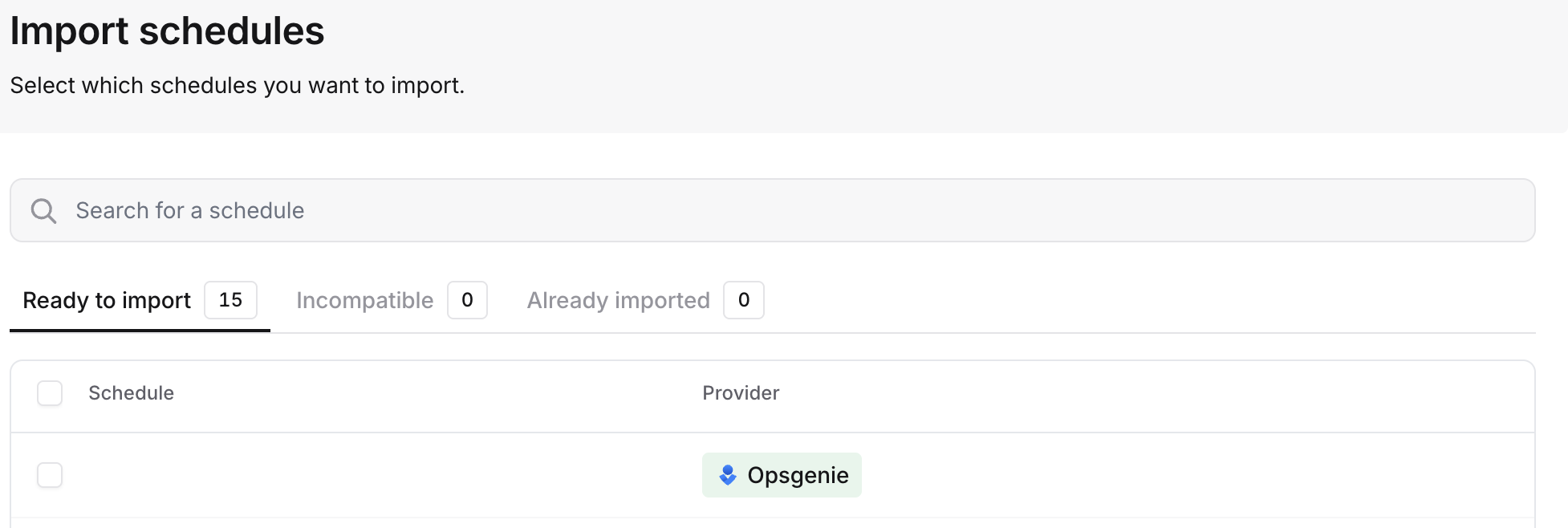
- Importing schedules
- Importing escalation paths
- Importing user notification preferences
- Terraform provider
- Datadog migration tool
- On-call readiness support
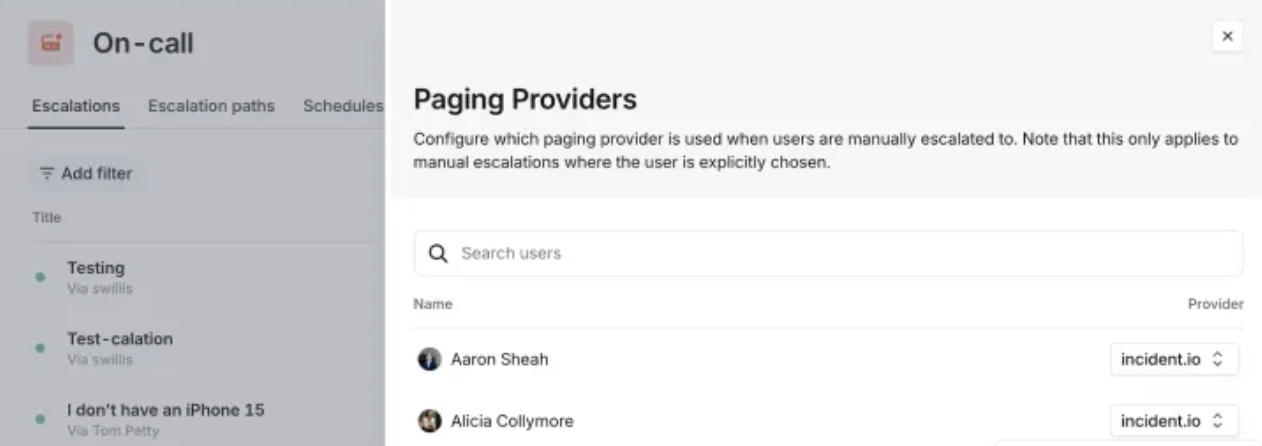
- Preferred provider for manual escalations
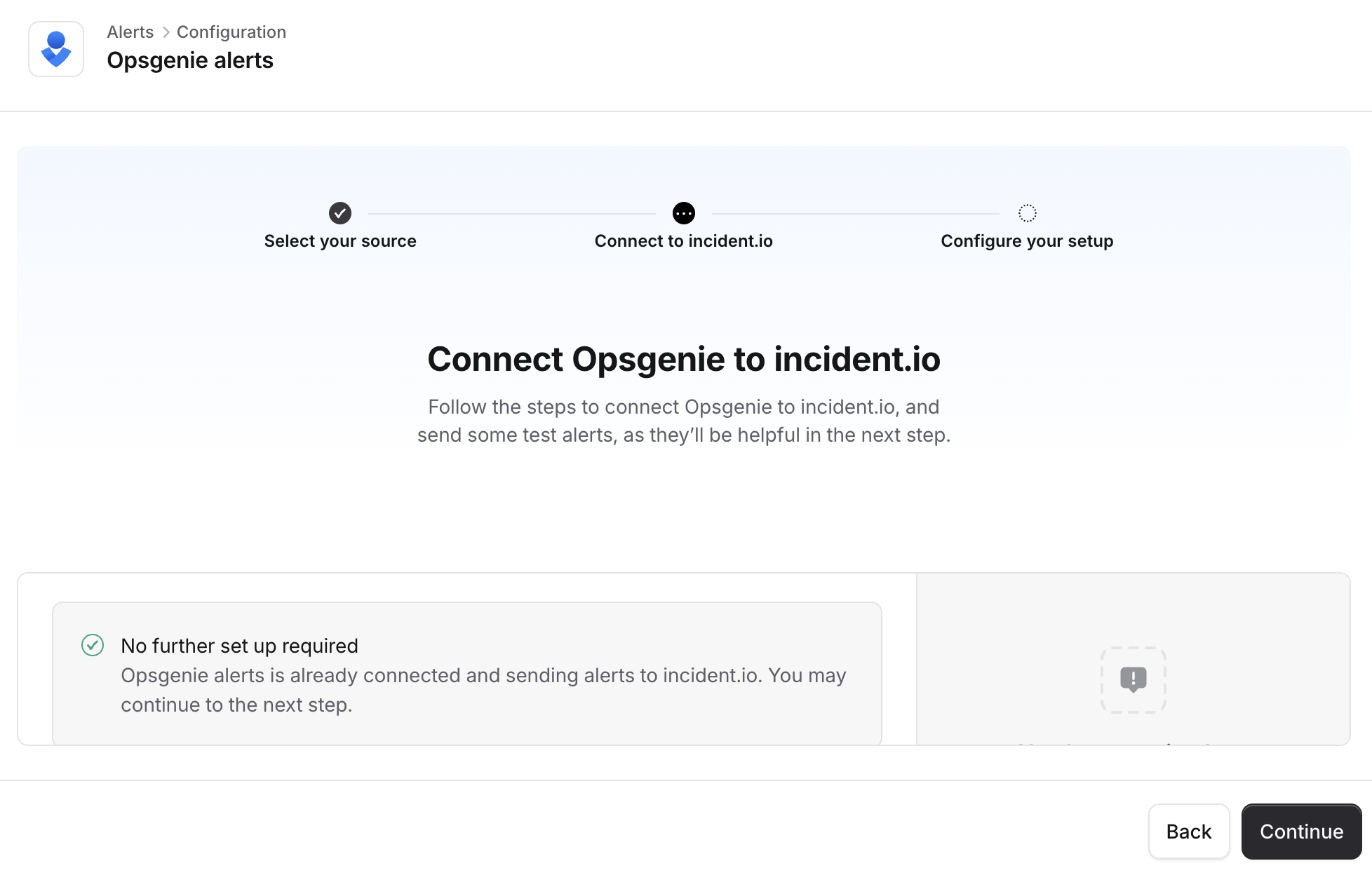
Opsgenie alert source
Pull Opsgenie information into Catalog
Importing schedules
Importing escalation paths
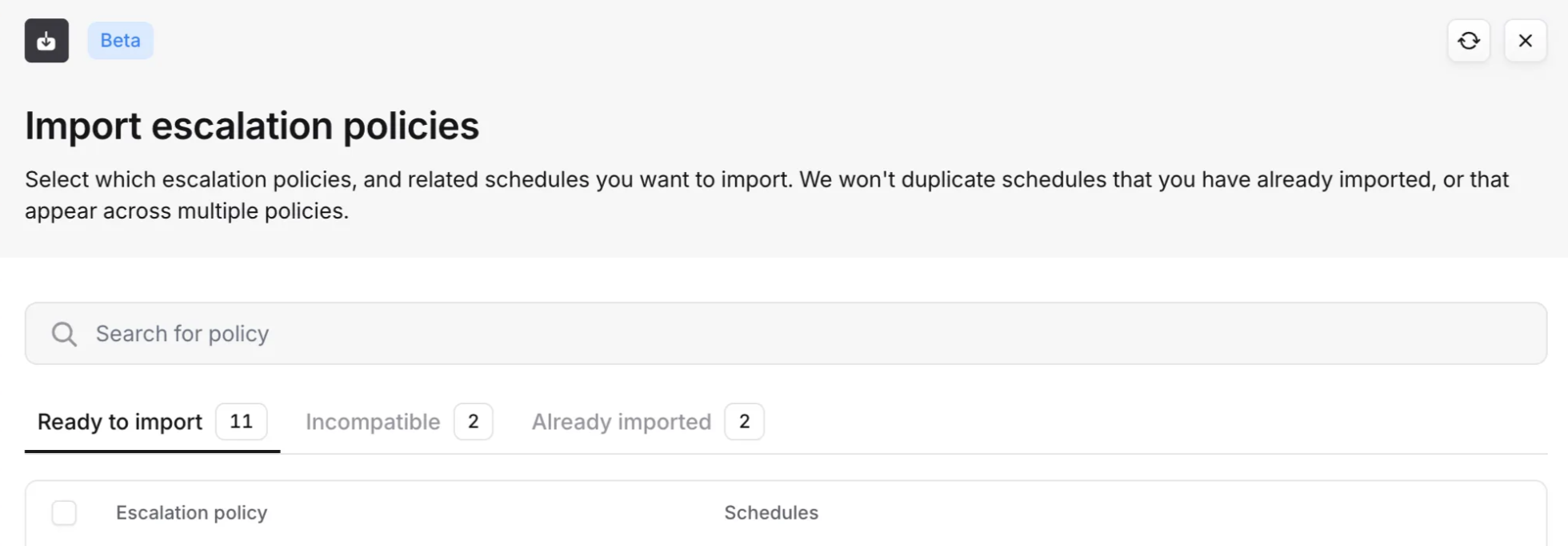
Skipping onboarding notifications during import
When you import schedules or escalation paths, any users going on-call for the first time will normally receive an onboarding notification (via email, Slack, and push notification) letting them know they’ve been added to on-call and prompting them to set up their contact methods and notification preferences.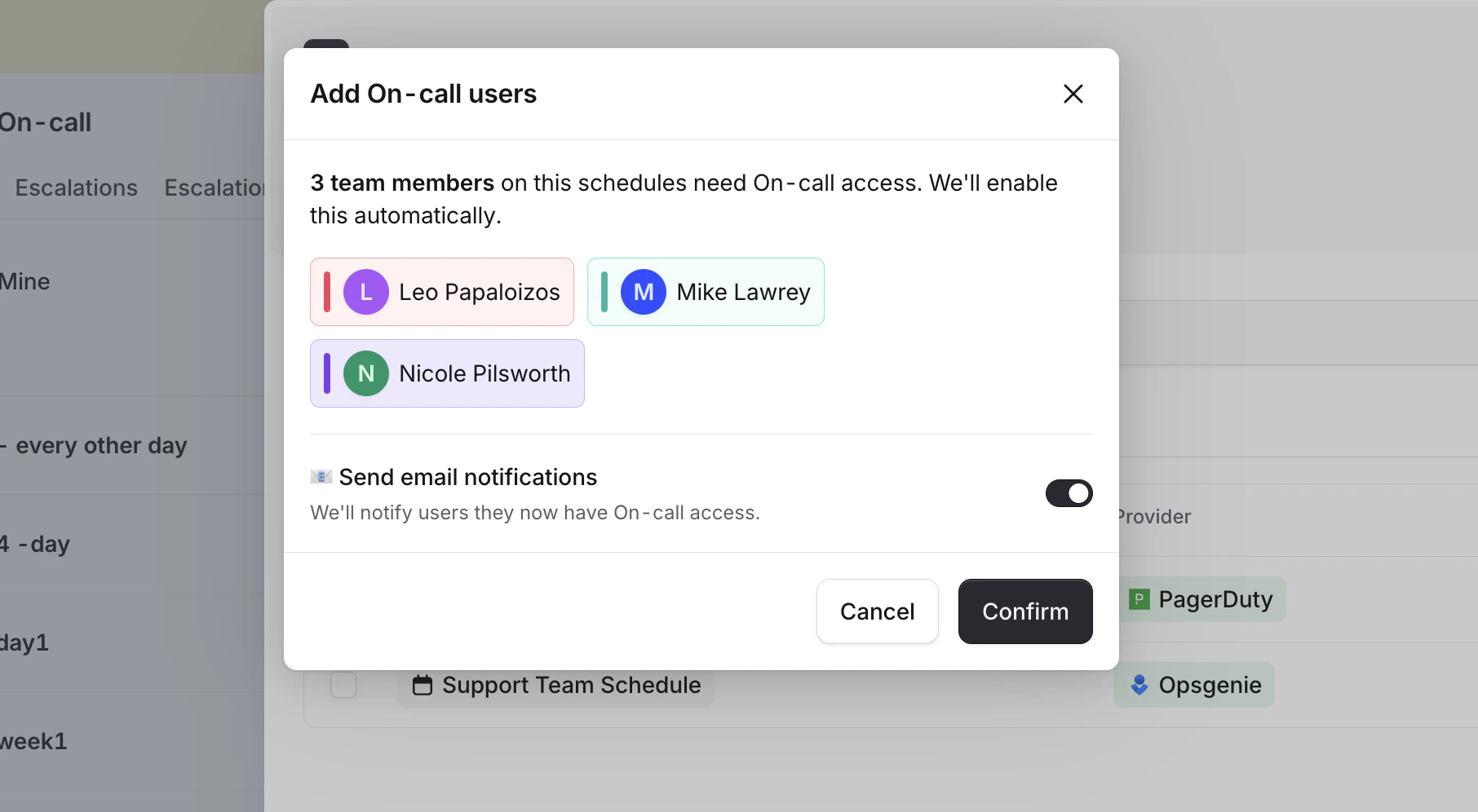
Even when notifications are skipped, users are still marked as onboarded internally — so they won’t receive duplicate
notifications if you import additional schedules later. Users will still receive the standard “You are currently on
call” notification at the start of their first on-call shift, whenever that may first happen.
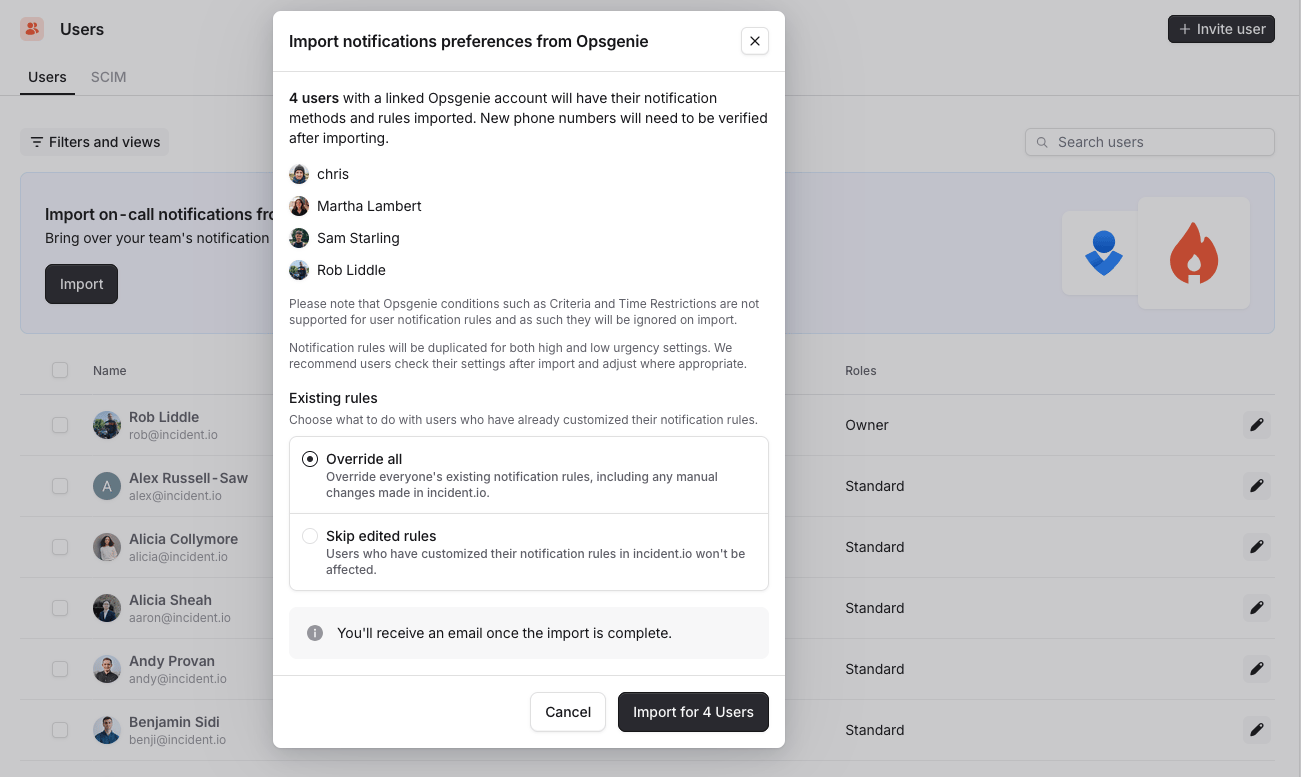
Importing user notification preferences
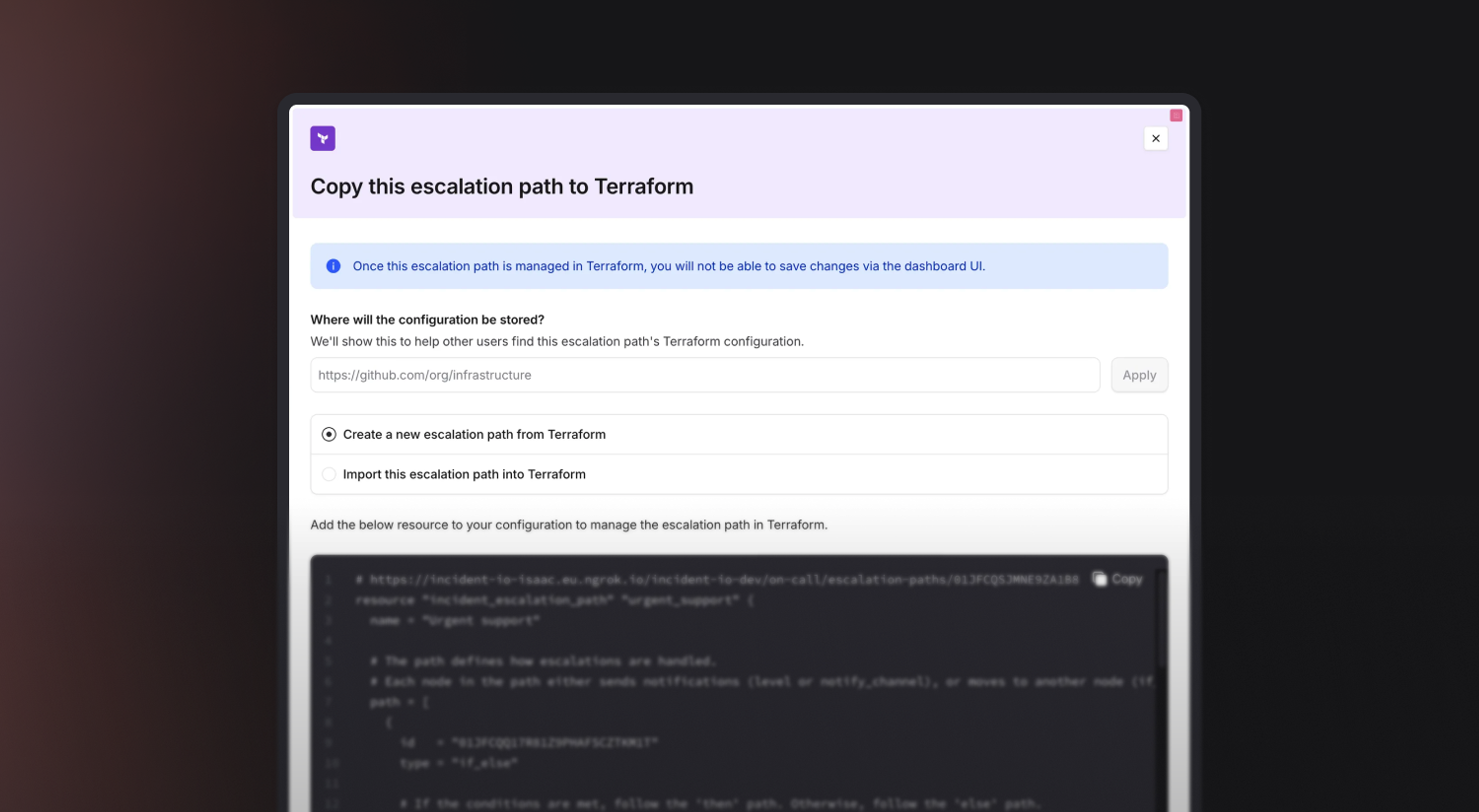
Terraform provider support
Datadog migration tool (beta)
- Talk you through the options for one webhook in Datadog or multiple webhooks
- Automatically create the webhook configurations in Datadog
- Automatically update your monitors to point to incident.io
- Automatically remove Opsgenie when we are successful
On-call readiness report
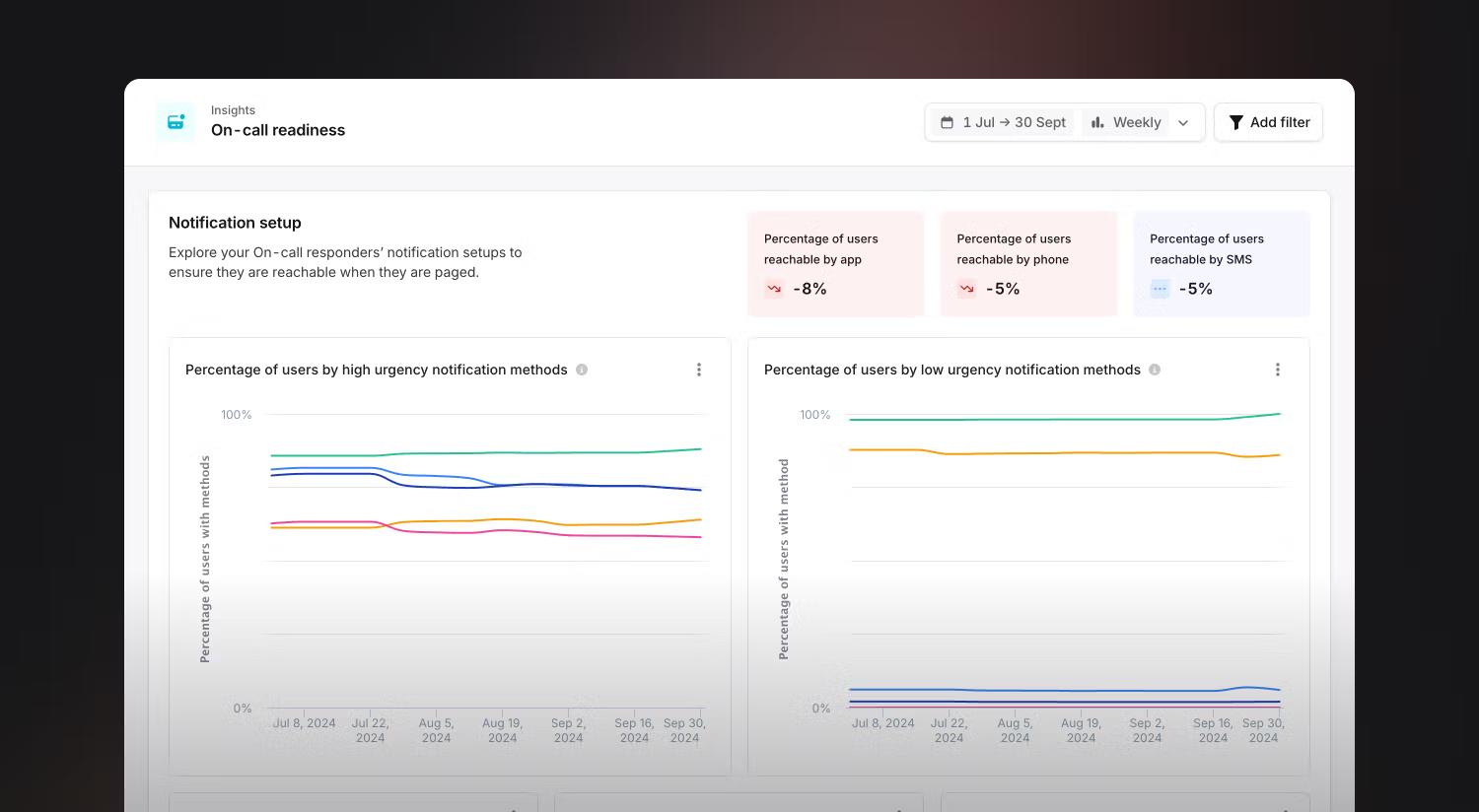
- How people are reachable (via the app, phone, etc.)
- What percentage of your on-call responders are reachable through different methods
Preferred provider for manual escalations