- Debriefs being scheduled and/or completed
- Follow-ups being assigned and/or completed
- Post-mortems being exported and/or completed
- On-call users having a specific notification setup
- On-call schedules being covered around the clock (24/7), with no gaps
- Nobody being on call in two places at once across your schedules
- On-call shifts clashing with someone’s time off, so you can arrange cover early
Policies are available on Pro and Enterprise plans.
Creating a policy
To create a policy, go to Settings → Policies and start from one of the default policy templates. For a more complex setup, build your own with Create new policy.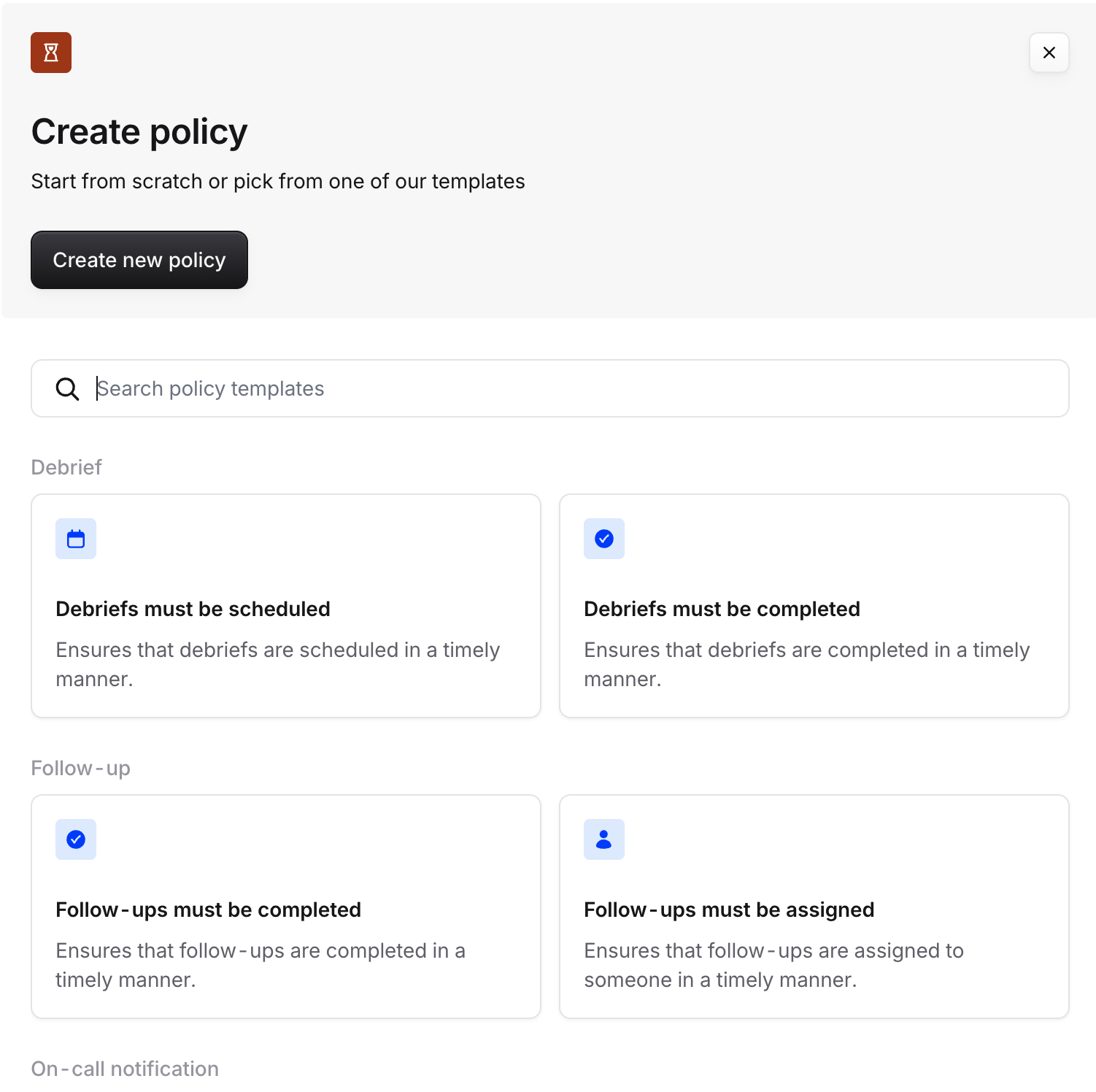
Setting a due date
Debrief, follow-up, and post-mortem policies each carry a due date. We time reminders from it, and a task counts as overdue once it passes. The policy’s Due date section reads within N days of an incident timestamp, so you might set within 5 days of Resolved at. By default we count every calendar day. Check Exclude weekends and we only count Monday to Friday, so the clock stops over the weekend. The number of days doesn’t have to be fixed. Select Use an expression to vary it, so one policy can set a tighter target for urgent work and a looser one for everything else. Follow-up policies walks through a worked expression.Example: a SEV1 post-mortem within five working days
To turn “a SEV1 retrospective must be completed within five working days” into a policy:- Create a post-mortem policy and add the condition
Incident → Severity is one of SEV1, so it only applies to SEV1s. - Under Requirements, set what counts as done, such as the post-mortem being completed.
- Set Due date to within 5 days of the timestamp the clock should start from, usually Resolved at or Closed at.
- Check Exclude weekends, so the five days are weekdays.
When on-call policies are due
- Notification policies are due as soon as we spot that someone’s setup doesn’t meet the requirements.
- Coverage policies are due when the gap in the schedule starts.
- Shift conflict policies are due when the overlap between the shifts starts.
- Time-off policies are due when the clash between the shift and the vacation starts.
Viewing outstanding policy tasks
Track the tasks that aren’t yet completed in a few places:- The team page: each team’s Tasks tab lists every open task for the team, including policy findings and post-incident tasks, with filters and the associated policy shown for each one. The Overview tab also has an at-a-glance Open tasks panel.
- Per-policy: within each policy’s configuration, the right side panel shows outstanding or dismissed tasks for that specific policy.
- In context: within an individual incident, or within the Post-incident section of the dashboard.
- Policy reports: scheduled summaries delivered to Slack or email (see Policy reports).

Policies and private incidents
By default, policies don’t run on private incidents. If you want a policy to cover private incidents too, you can opt in per policy using the Also include private incidents toggle when creating or editing a policy. Enabling it requires the Manage policies permission.The toggle only appears for incident-based policy types — follow-ups, post-mortems, and debriefs. It doesn’t apply to
on-call notification policies, which aren’t scoped to a specific incident.
What happens when it’s enabled
- Findings are only ever shown to people who can access the incident — in notifications, dashboards, task lists, and counts alike.
- We only assign findings to users with access to the incident. We treat an assignee who can’t access it as unset and fall through to the fallback user. If neither can access the incident, the finding is still tracked, but nobody is notified.
Notifying users about tasks
Each policy has an Assignee: whoever we remind to get the task done. It follows whoever holds that position on the incident or schedule at the time:- Follow-up policies start from the follow-up’s own assignee.
- Post-mortem policies start from the incident lead.
- Coverage policies have no default, so pick who owns gaps. Walk from the schedule to its team and on to that team’s leads.
Fallback assignees
Add a fallback user below the assignee and we use it when the first choice resolves to nobody. On a policy that runs on private incidents, the fallback also covers an assignee who exists but can’t see the incident. We take the first entry that resolves to someone, and notify everyone it resolves to. If neither the assignee nor the fallback resolves to anyone, we still track the issue, but nobody gets reminded about it.When we remind them
Add as many reminders as you need. Each one is a whole number of days relative to the due date, up to 31 days either side, so you can remind:- Before it’s due, giving people time to act
- On the day it’s due
- After it’s due, for anything now overdue

Policy reports
Policy reports are scheduled summaries of outstanding policy findings, so the right people don’t have to check dashboards by hand. Reports are organization-wide, and you configure them from Settings → Policies.Cadence
Choose how often a report runs:- Daily
- Weekly — pick the day of the week
- Monthly — pick the day of the month
Delivery channels
Where a report is delivered depends on whether your organization uses Slack or Microsoft Teams:- Slack organizations: one or more Slack channels, one or more email addresses, or both.
- Microsoft Teams organizations: one or more email addresses.
What’s in a report
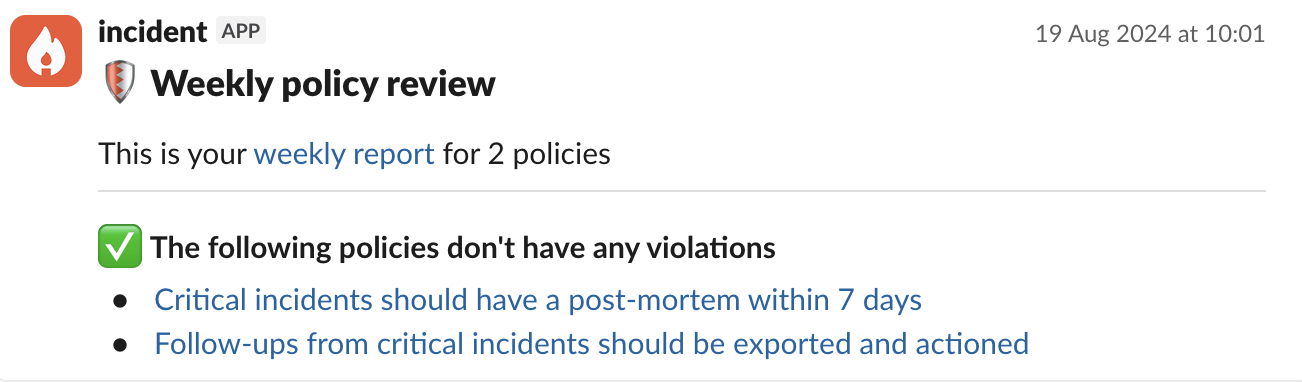
Each report has a header followed by one section per policy, marked as compliant (✅) or as having findings (❗).- On-call readiness reports group by the user who doesn’t meet the policy.
- Coverage, shift conflict, and time-off reports list each gap or conflict, linking to it on the schedule.
- All other reports group by the incident that doesn’t meet the policy.