- Automations can run correctly (e.g. workflows that invite the right people depending on what service is affected, or rule-based suggestions tailored to certain situations)
- The wider team is aligned on the core facts of the incident (what product is impacted, how widespread is it, who’s leading), and is kept up to date (e.g. via subscriptions)
- You can analyze patterns in incidents via insights
- The Declare form, shown when declaring a new incident
- The Accept form, shown when accepting a triage incident
- The Update form, shown when sharing an update for an incident
- The Resolve form, shown when you resolve an incident
- The Escalate form, shown when you manually escalate from an incident
Choosing which fields to include
You can now control exactly which fields will show on each form, and see the impact of those changes in real time. For example, you can hide the summary field when declaring an incident unless it’s at least a Major severity. These work ‘in real time’ too, so when you change the severity from Minor to Major, the summary field will appear in your form.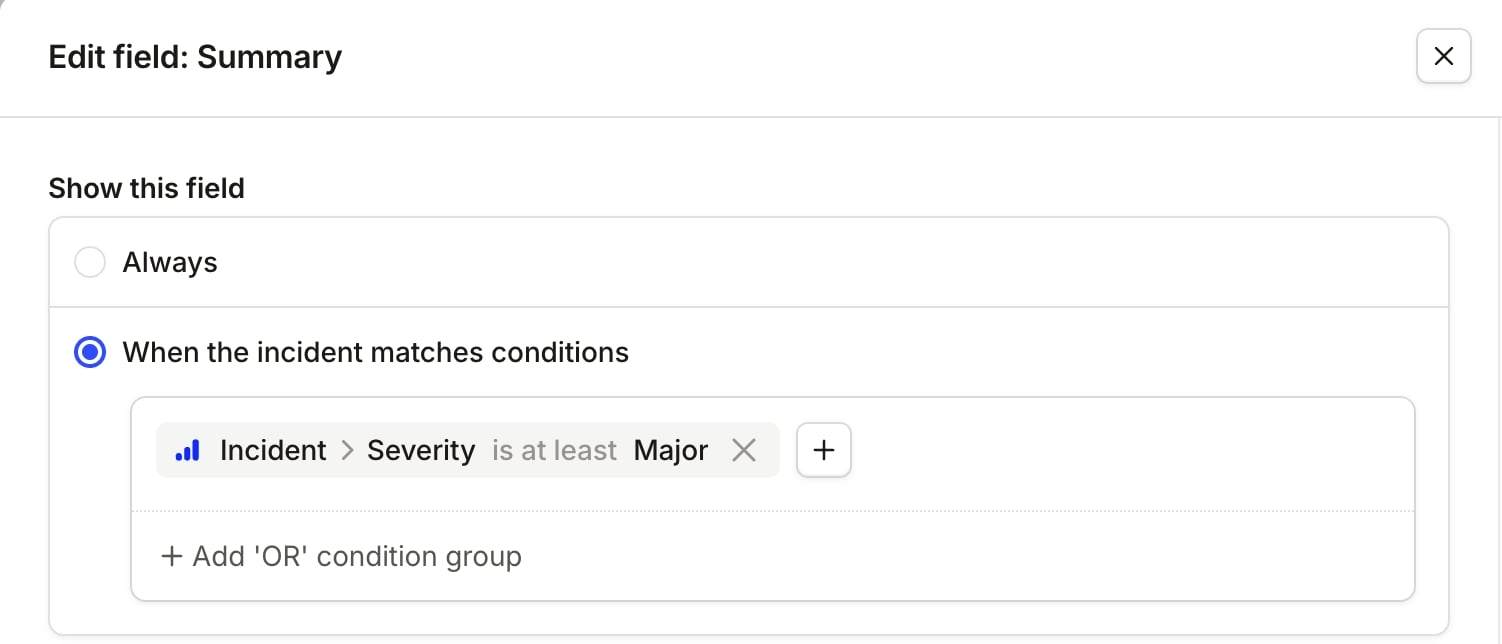
Choosing when to make a field required
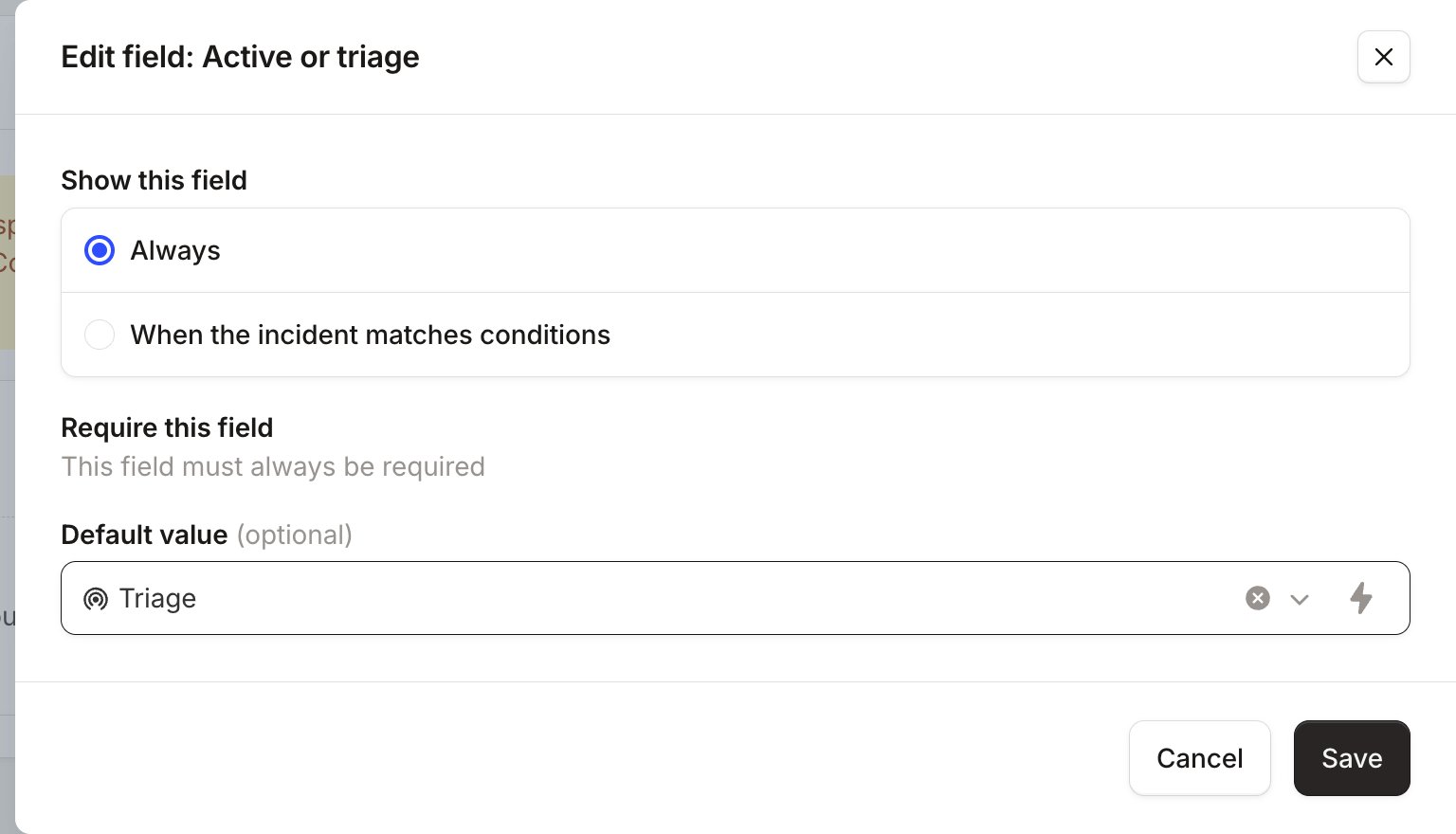
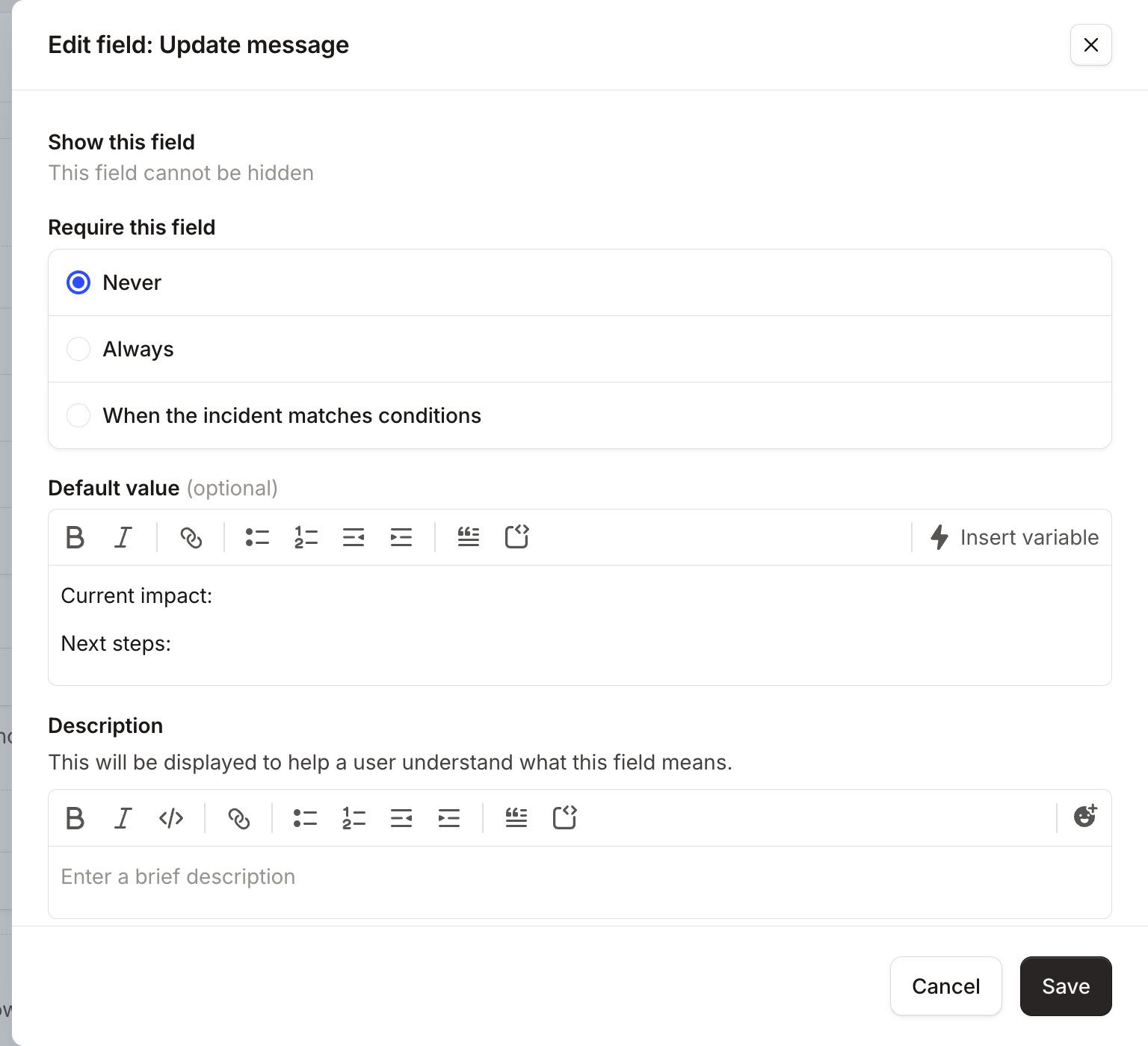
Required fields are a blessing and a curse: it’s useful to ensure that a responder fills in a field and doesn’t forget, but having lots of required fields can be very frustrating when you’re trying to fix a problem. You can now choose when you want a field to be required: for example, you might have a role as Comms Lead which is required if the severity is Critical, but not for lower severity incidents.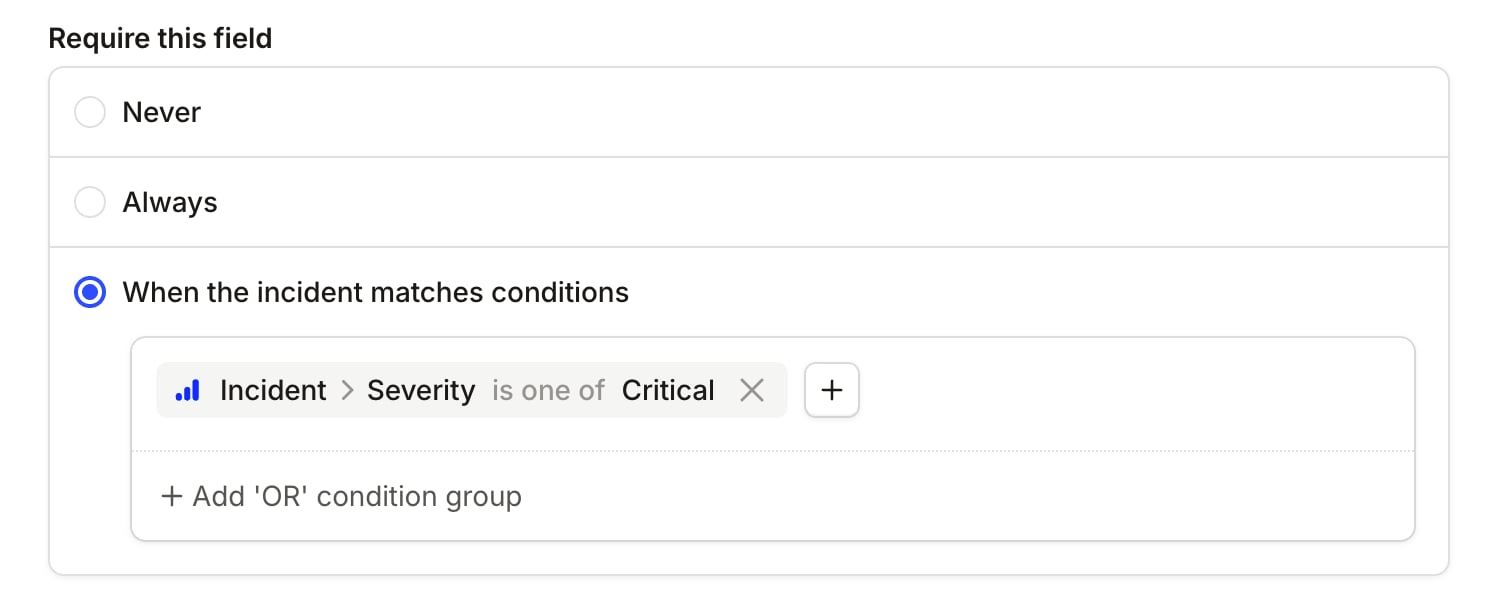
Configuring forms by incident type
You can configure a bespoke form that’ll only apply to incidents of that particular type. For the Declare form, as soon as the user chooses that particular type, the rest of the form will change to match that specific type’s form configuration.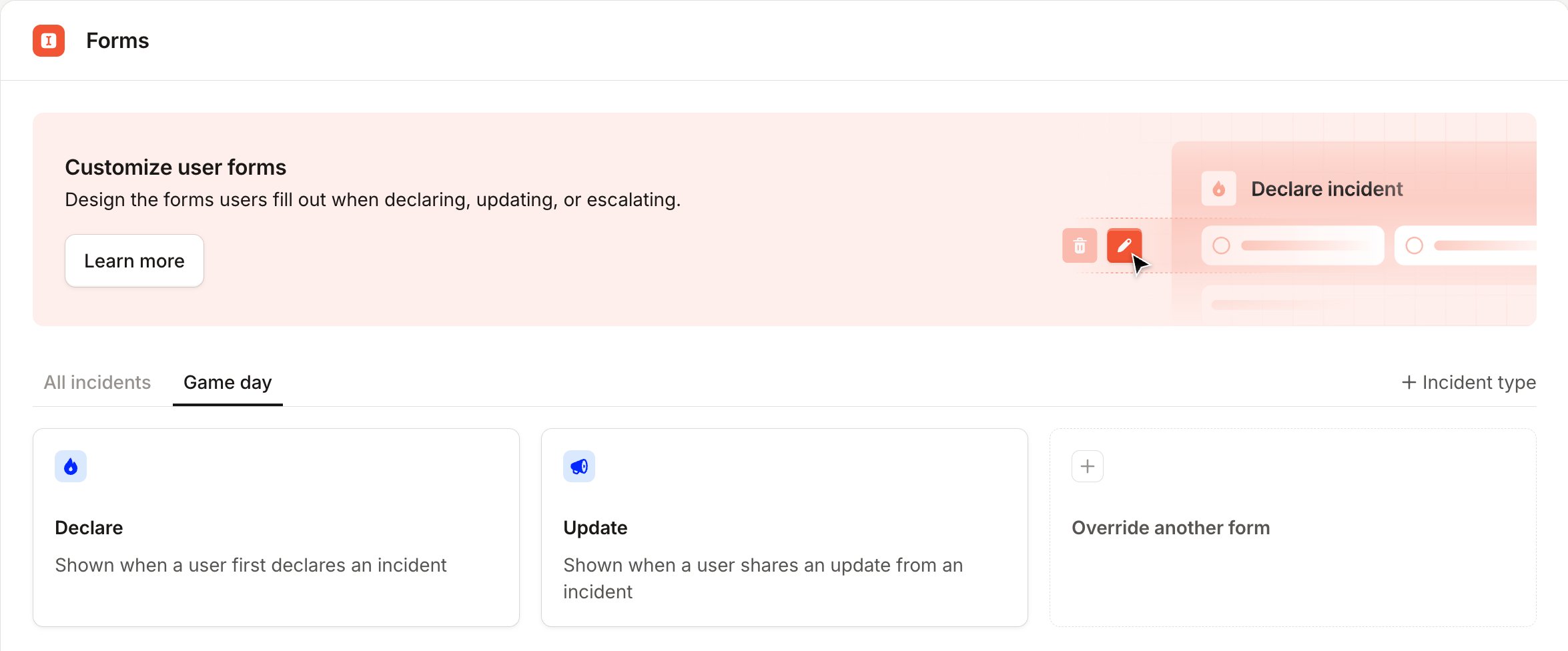
Default values
To make it even easier to fill out these forms, you can configure default values against each element in the form. That means that you can now:- Choose a different default severity (instead of the lowest severity)
- Set a default value for a custom field
- Make incidents triage by default, instead of live
Your form, your way
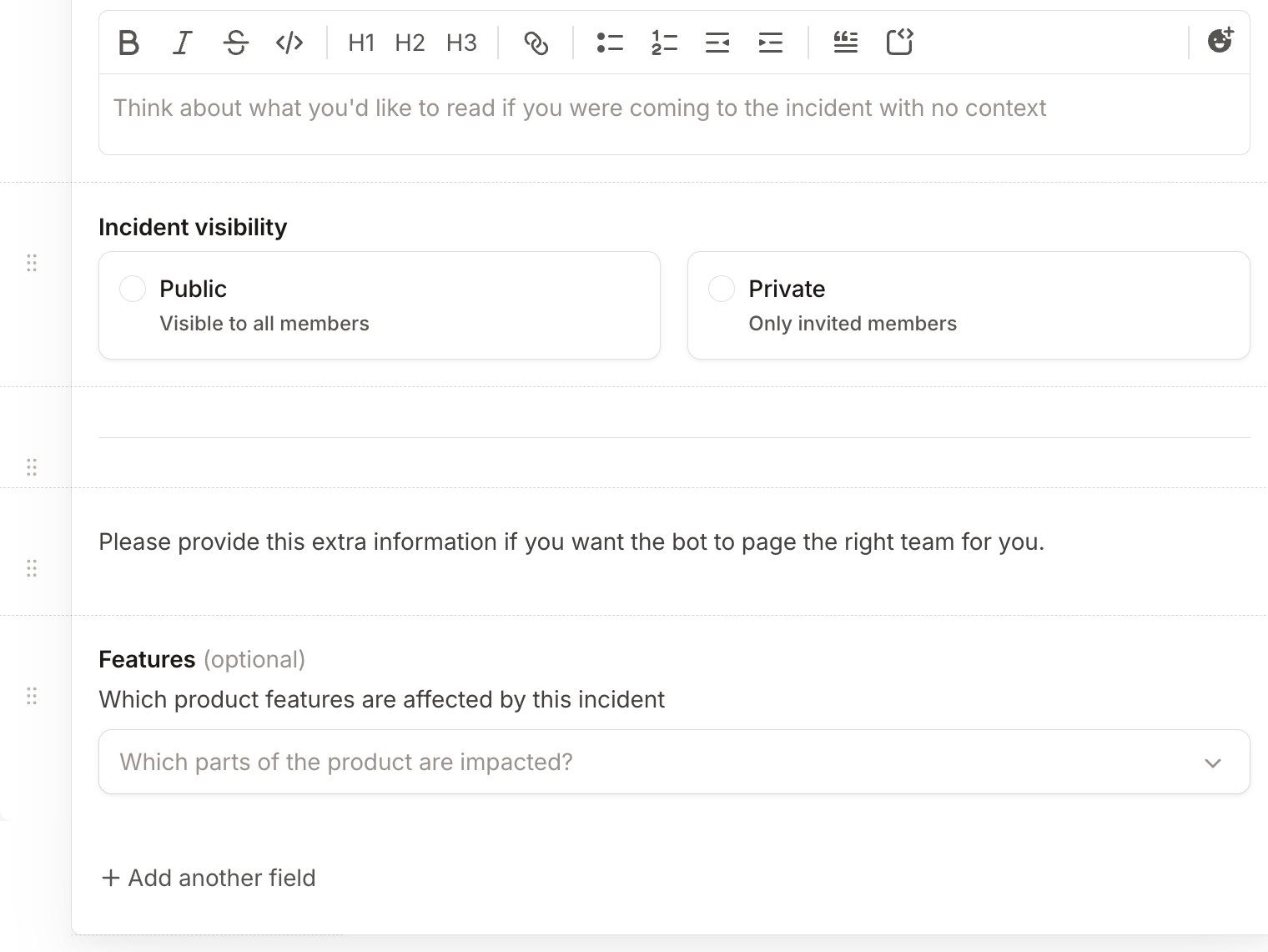
You can now help your responders by setting placeholder text, as well as adding dividers and help text blocks. Field descriptions are set on the custom field itself, under Settings → Custom fields, so they read the same on every form.