Overview

We know that migrating from PagerDuty to incident.io can feel intimidating, as there can be a lot of configuration that you have in place that you don’t want to lose. So, we’ve built (and continue to build) tooling to make this process easier for you. Below is a list of tools that you can leverage to make your testing phase and official migration / onboarding easier, including:
  • PagerDuty alert source
  • Pull PagerDuty information into Catalog
  • Importing schedules
  • Mirroring schedules into PagerDuty
  • Importing escalation paths
  • Terraform provider
  • Datadog migration tool
  • On-call readiness support
  • Preferred provider for manual escalations
Also, let us know if there is something else that you’d need help with migrating! We are here to make this as painless as possible - so we can always work together to figure out what else we can provide.

PagerDuty alert source

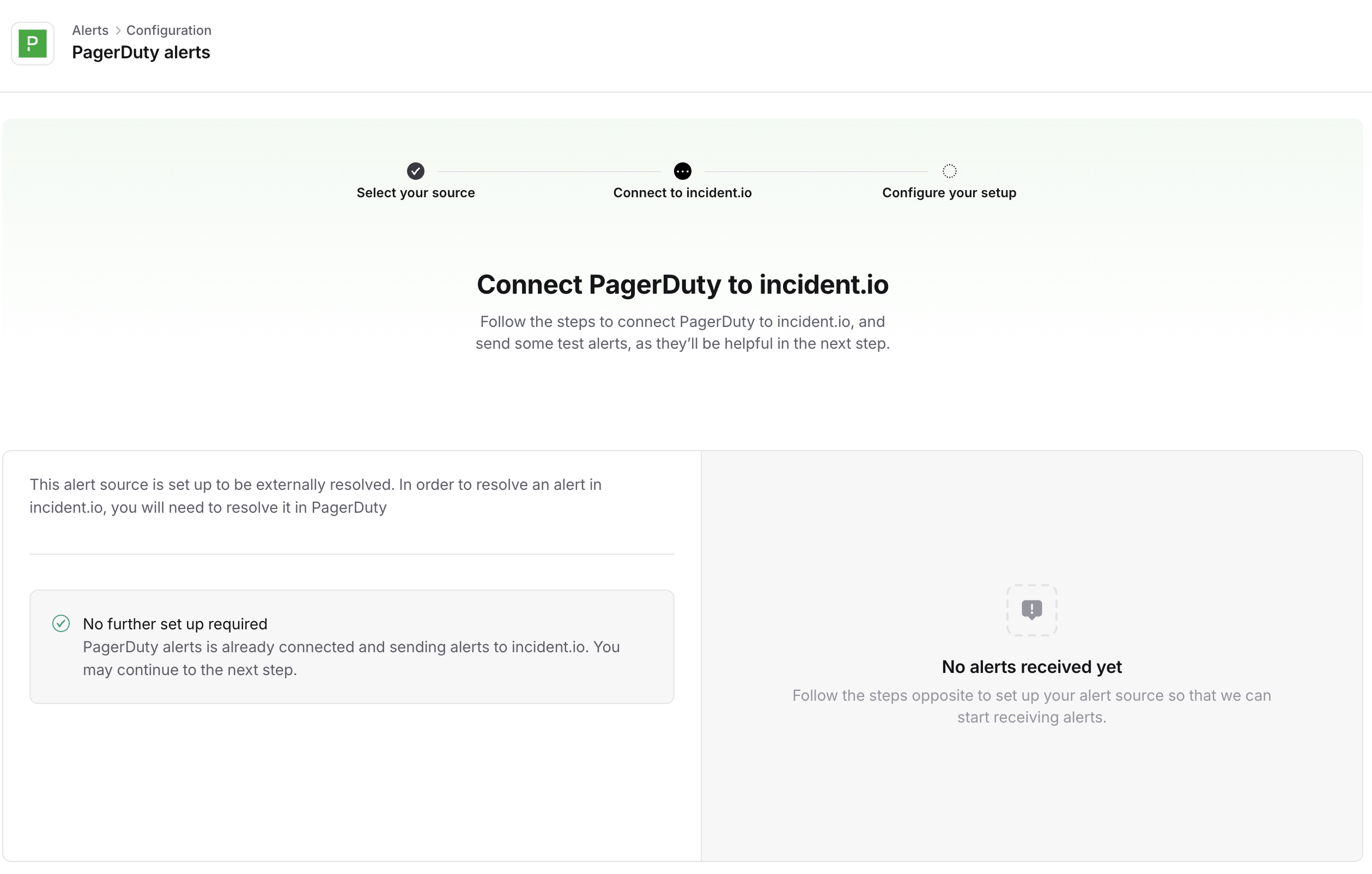
Screenshot 2025-03-14 at 09.34.46.png You are able to connect your PagerDuty instance directly to incident.io as an alert source. What this allows you to do is test our On-call features such as schedules and escalation paths without having to move over your alert providers (ie. Datadog, Grafana), which can decrease the time to testing. So, you can have a simplified testing set-up like: Grafana → PagerDuty → escalate via incident.io Once you are ready to fully migrate or onboard, you would move to a set-up that looks like: Grafana → escalate via incident.io Related help docs: PagerDuty integration help docs Extracting alert source information help doc

Pull PagerDuty information into Catalog

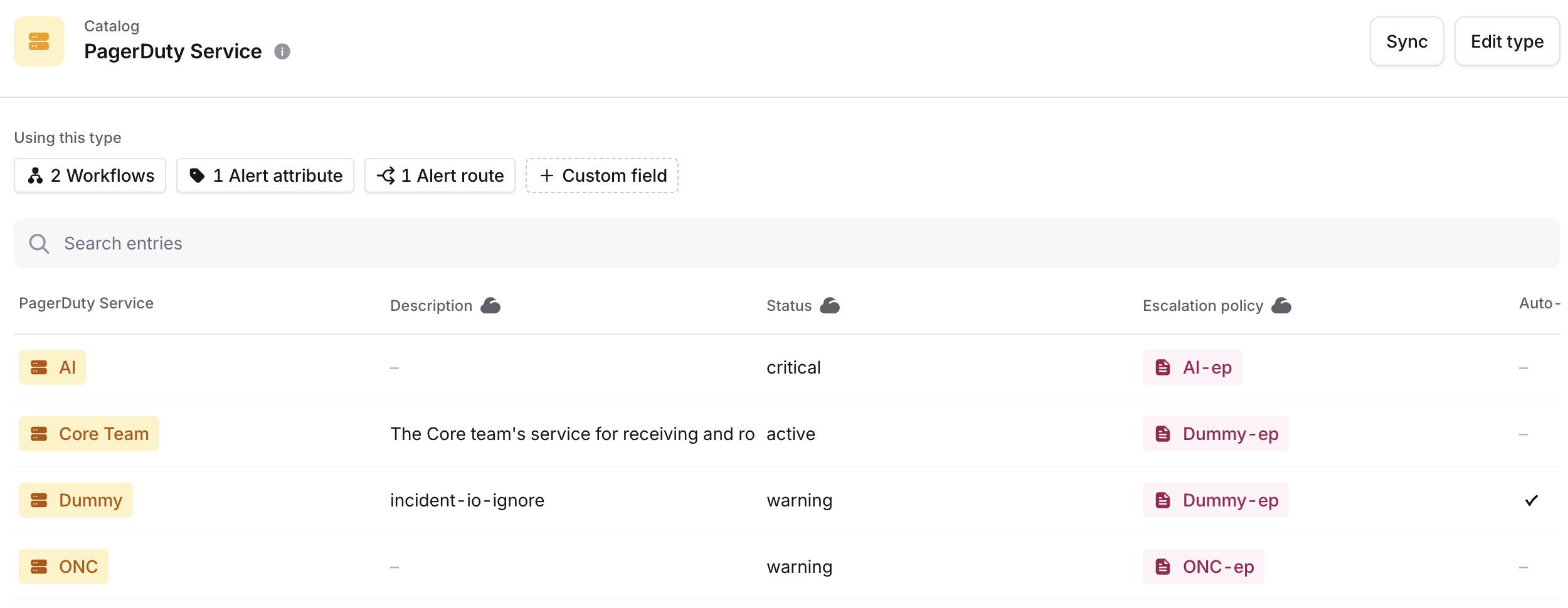
Screenshot 2025-03-14 at 12.06.41.png If you have connected PagerDuty into incident.io , we will automatically pull in your PagerDuty services, teams, users, escalation policies and schedules into the Catalog. This allows you to use the PagerDuty catalog with the rest of your catalog data. For example, you can determine what should still be paged via PagerDuty vs. incident.io . Related help docs: How to get data into the catalog help doc Using the catalog help doc

Importing schedules

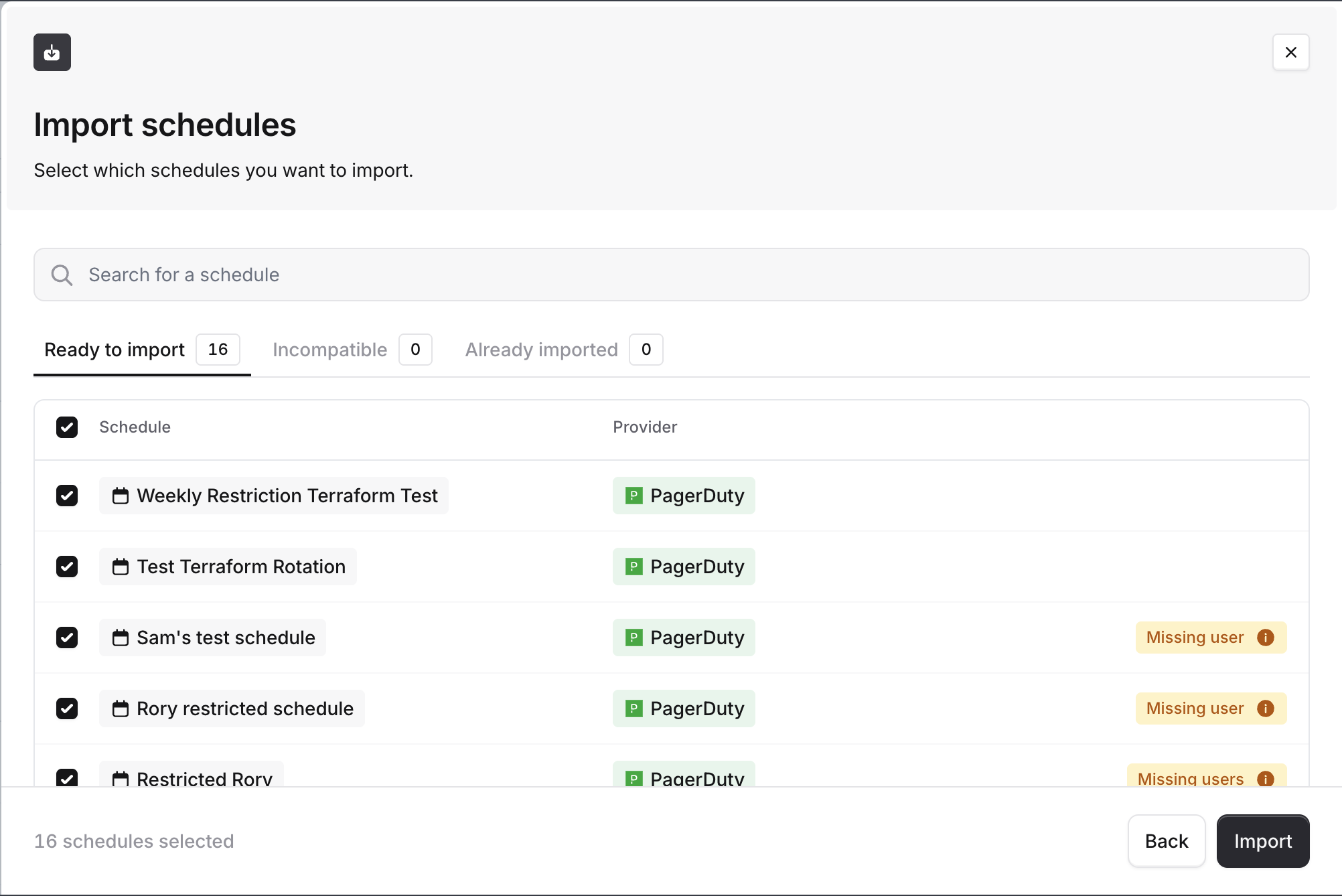
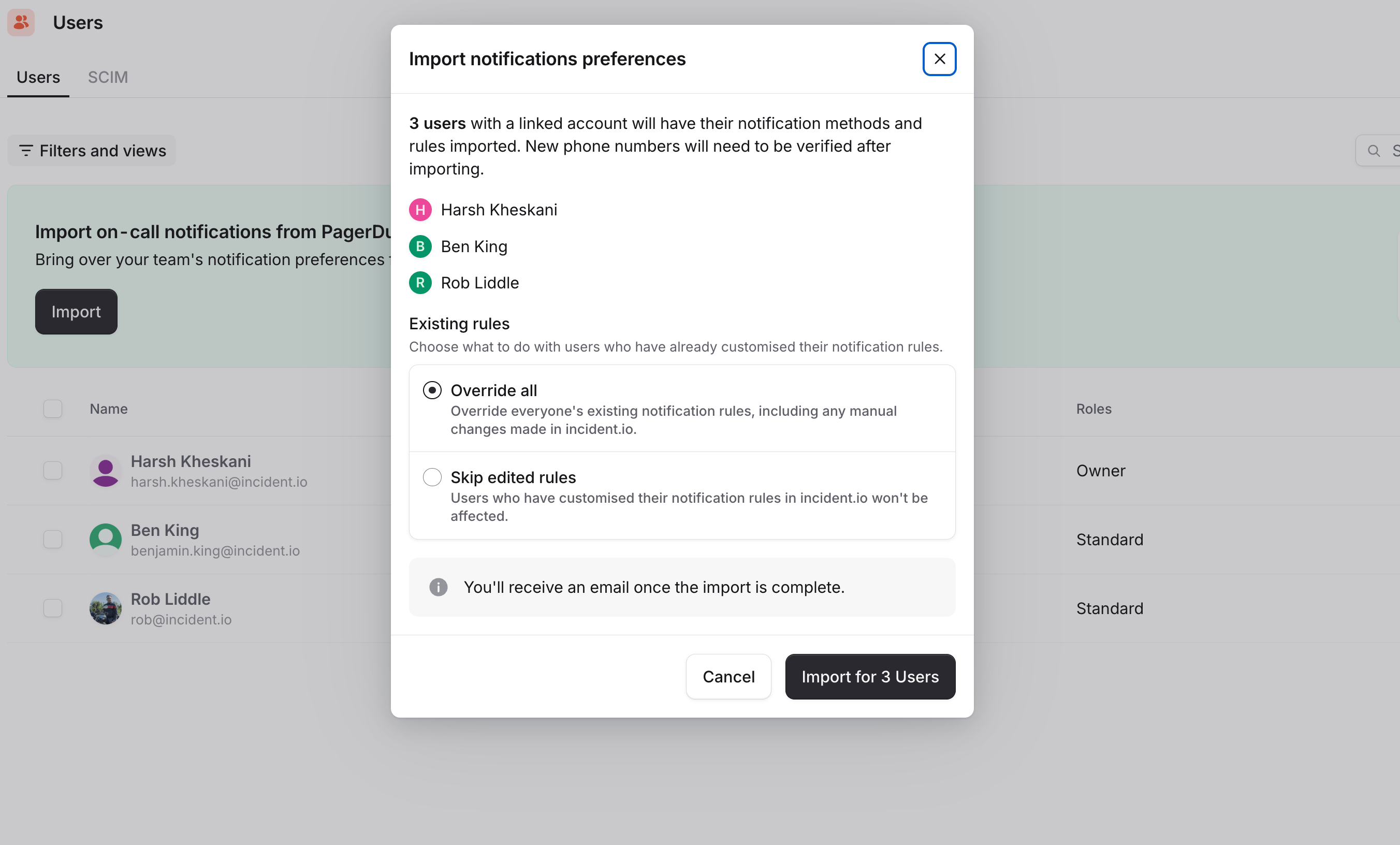
image (33).png We allow you to import (including bulk import!) schedules directly from PagerDuty. See details here .

Importing escalation policies

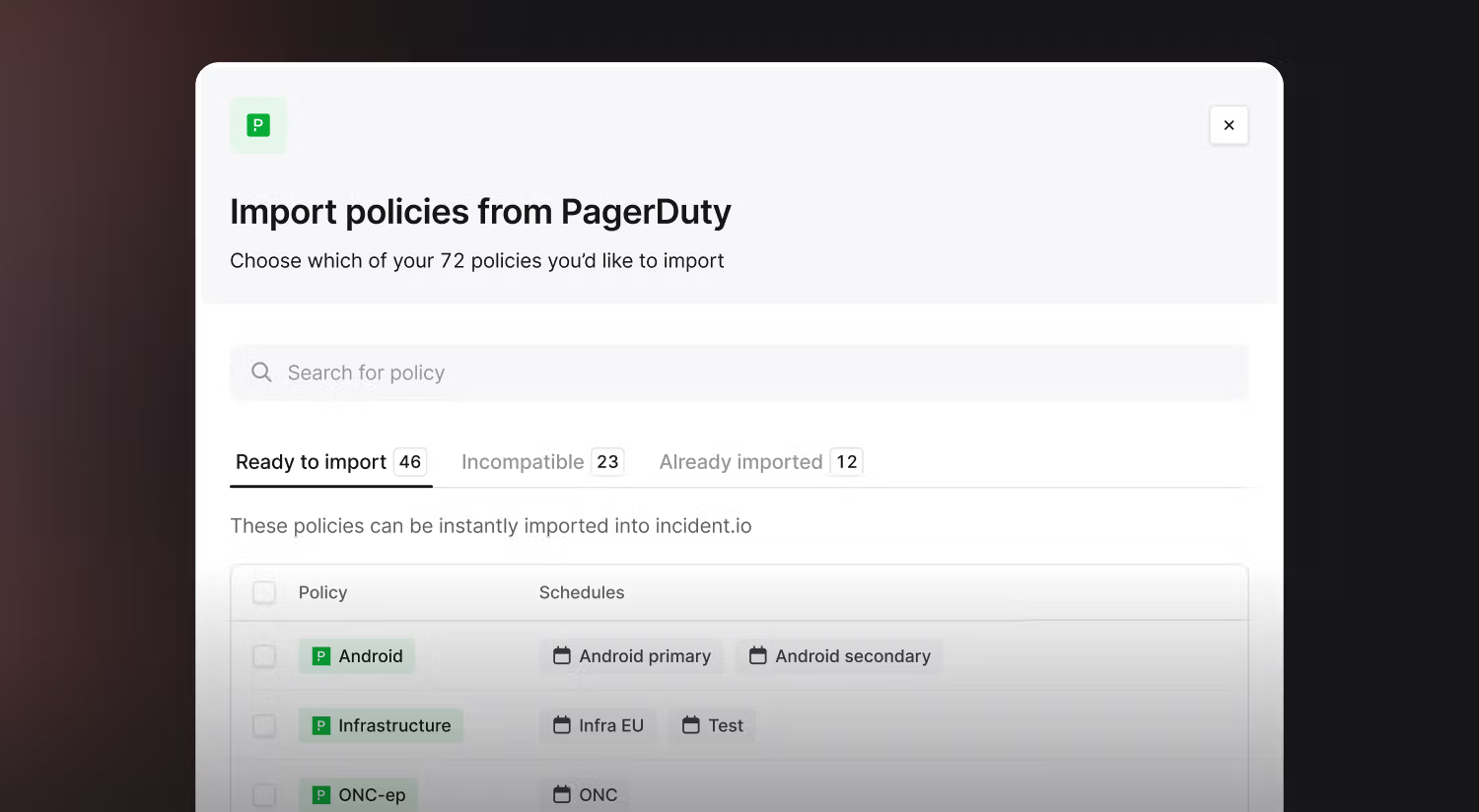
image (34).png We allow you to import (including bulk import!) escalation policies directly from PagerDuty. See details here .

Mirroring schedules into PagerDuty

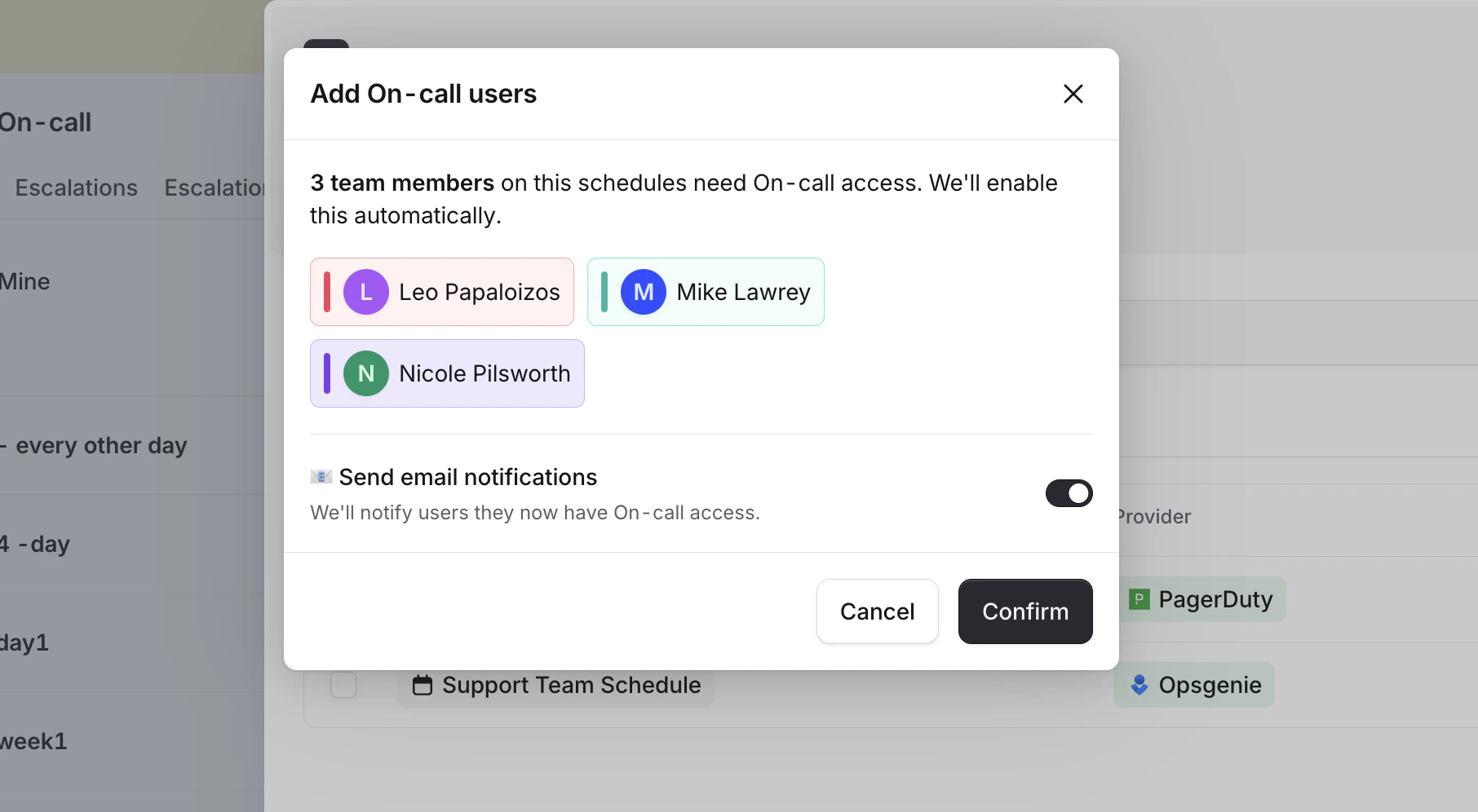
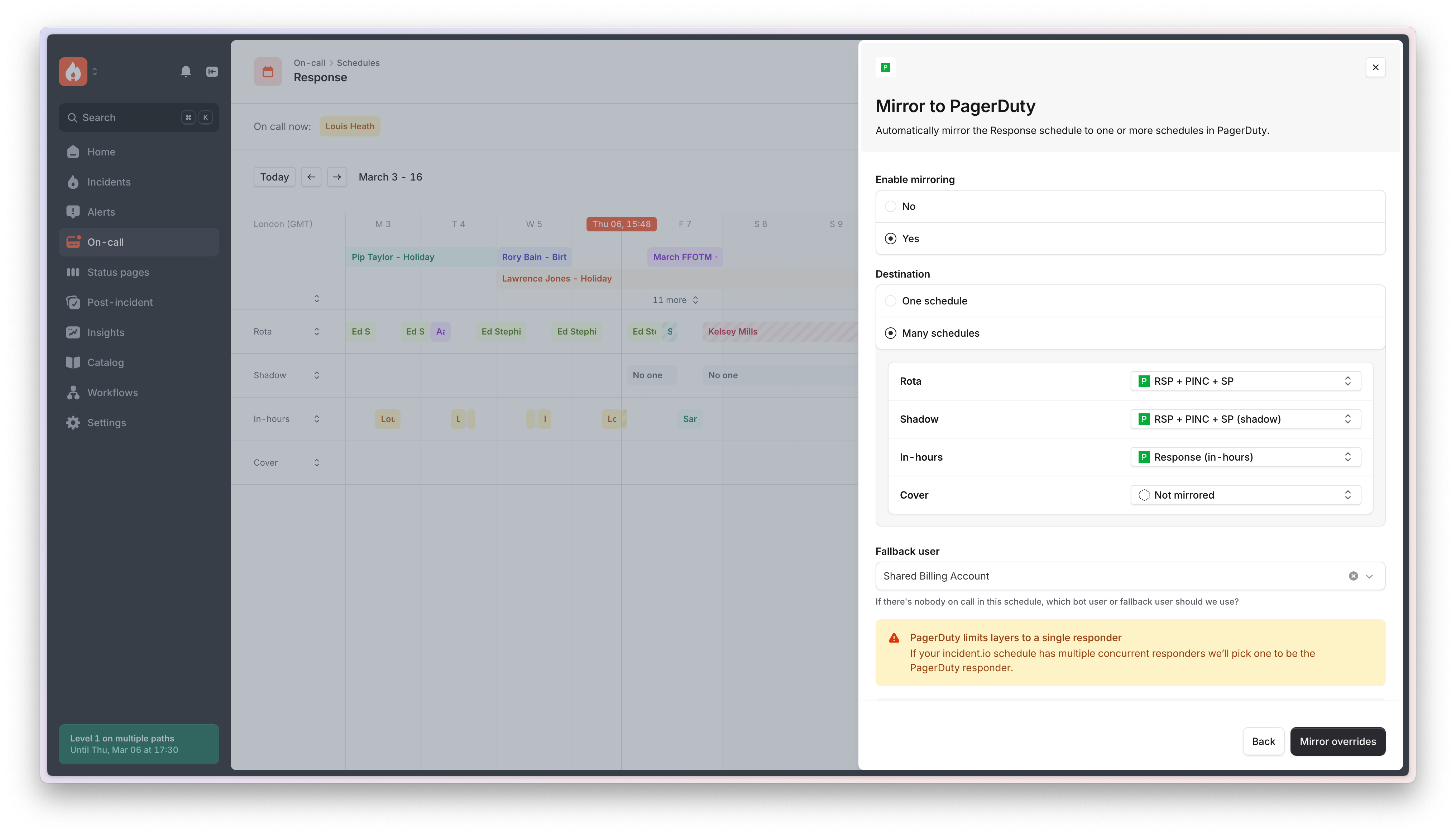
image (35).png We have built out the ability to mirror an incident.io schedule into a PagerDuty schedule(s). This allows organizations to test out cover requests and overrides in earnest within incident.io , and have that reflect back into PagerDuty. This is great for organizations that are in a testing phase, and might not be able to migrate quickly after a trial and will need to go back to using PagerDuty until onboarding has officially started.

Terraform provider support

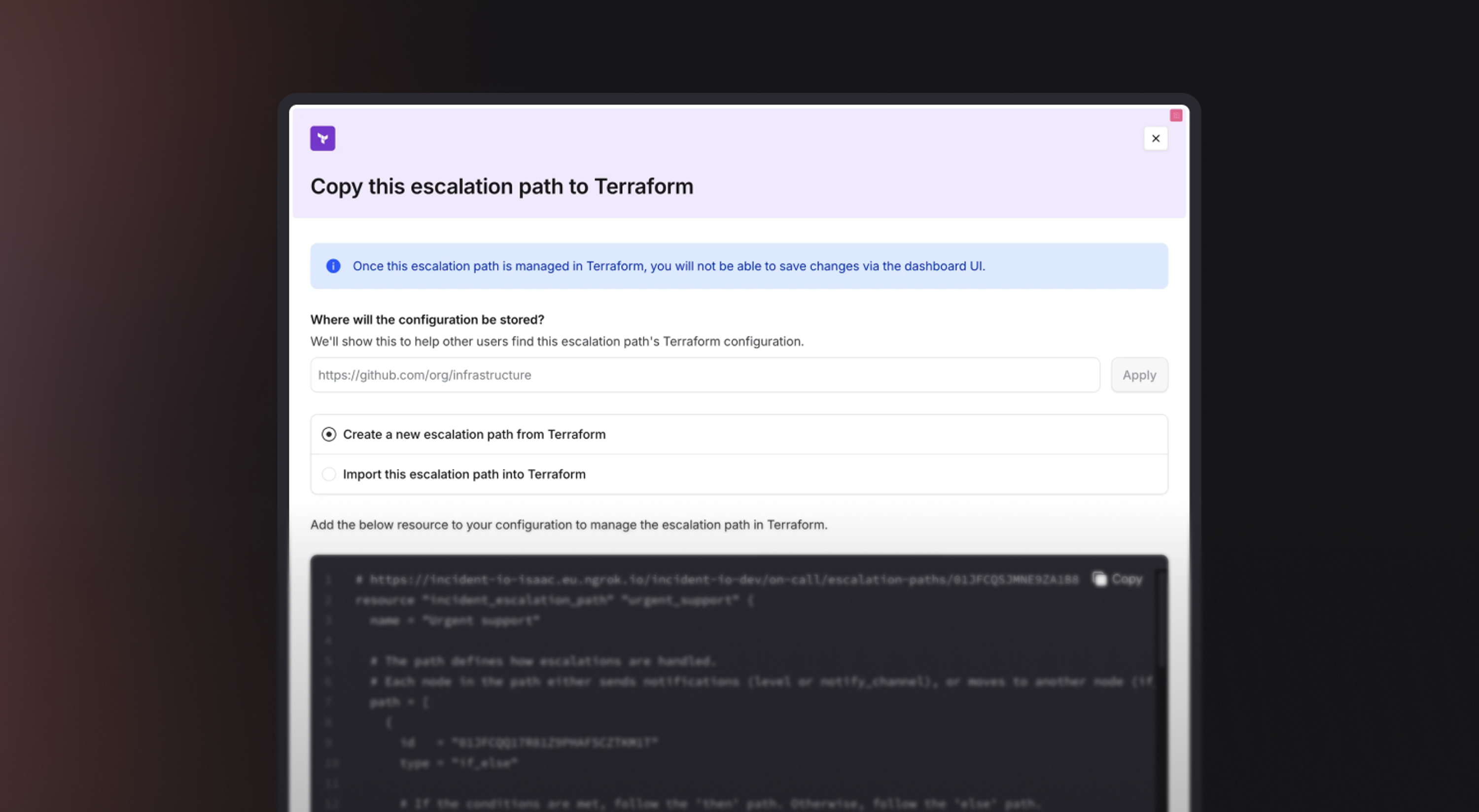
image (36).png If you use Terraform to manage your on-call configuration, we also support Terraform for alert sources, alert routes, escalation paths and schedules. Additionally, Terraform can help with migrating alert sources. For example: If you have loads of monitors in Datadog that point to PagerDuty. You can quickly and easily update the Terraform config to have those monitors point to incident.io instead. See documentation here .

Datadog migration tool (beta)

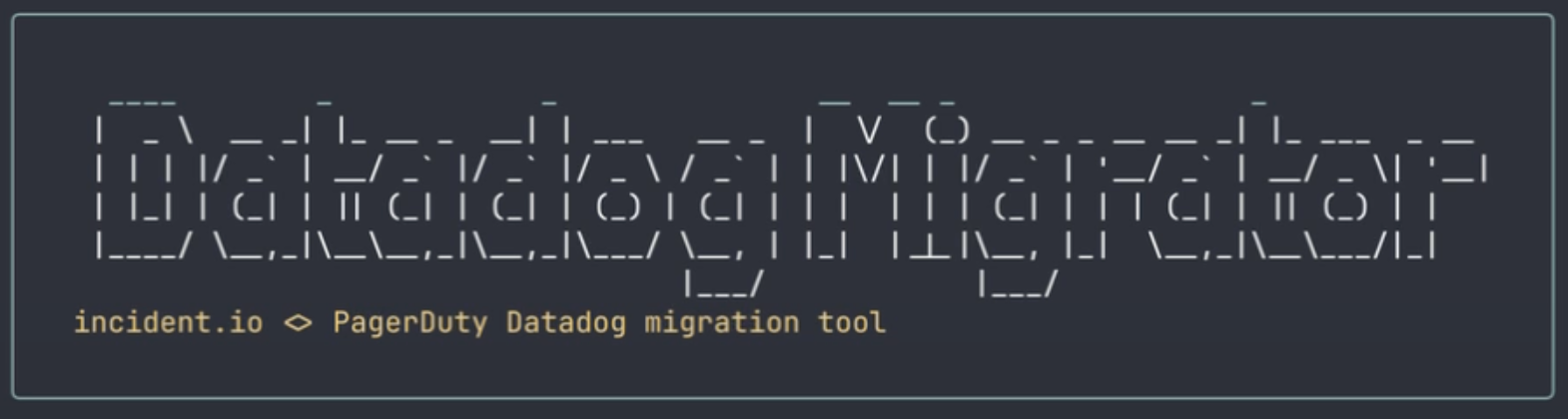
Screenshot 2025-04-24 at 14.25.28.png If you do not use Terraform, and have loads of Datadog monitors, you can leverage our migration tool to update everything to point to incident.io . Download the tool from us, plug in your Datadog API keys and you’ll be able to:
  • Analyze all your monitors and create a file to fill out that maps PagerDuty services to incident.io teams
  • Talk you through the options for one webhook in Datadog or multiple webhooks
  • Automatically create the webhook configurations in Datadog
  • Automatically update your monitors to point to incident.io
  • Automatically remove PagerDuty when we are successful
It’s on GitHub here (currently private until out of beta), and have a helpful Loom for reference here .

On-call readiness report

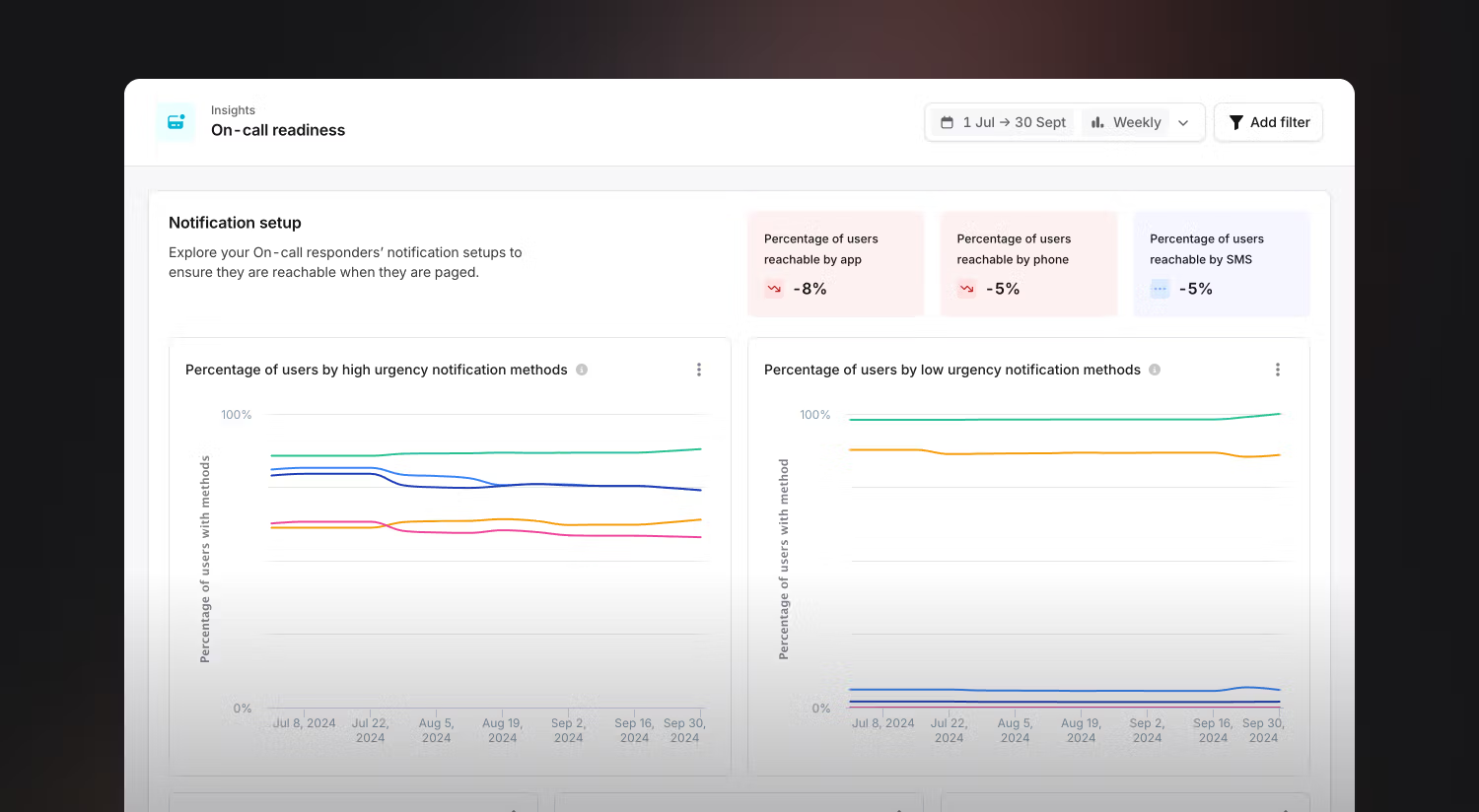
image (37).png You can use the On-call readiness report to understand how prepared your team is to start receiving pages from incident.io . These insights will help you track your migration and onboarding of new responders going on-call. At a glance, you can see responder adoption with different notification methods:
  • How people are reachable (via the app, phone, etc.)
  • What percentage of your on-call responders are reachable through different methods
You’ll also be able to drill down into individual responder setups so that you can contact the right people if necessary. We also have on-call readiness available via the Members tab of your team page, and you can leverage On-call readiness policies to enforce a particular set up.

Preferred provider for manual escalations

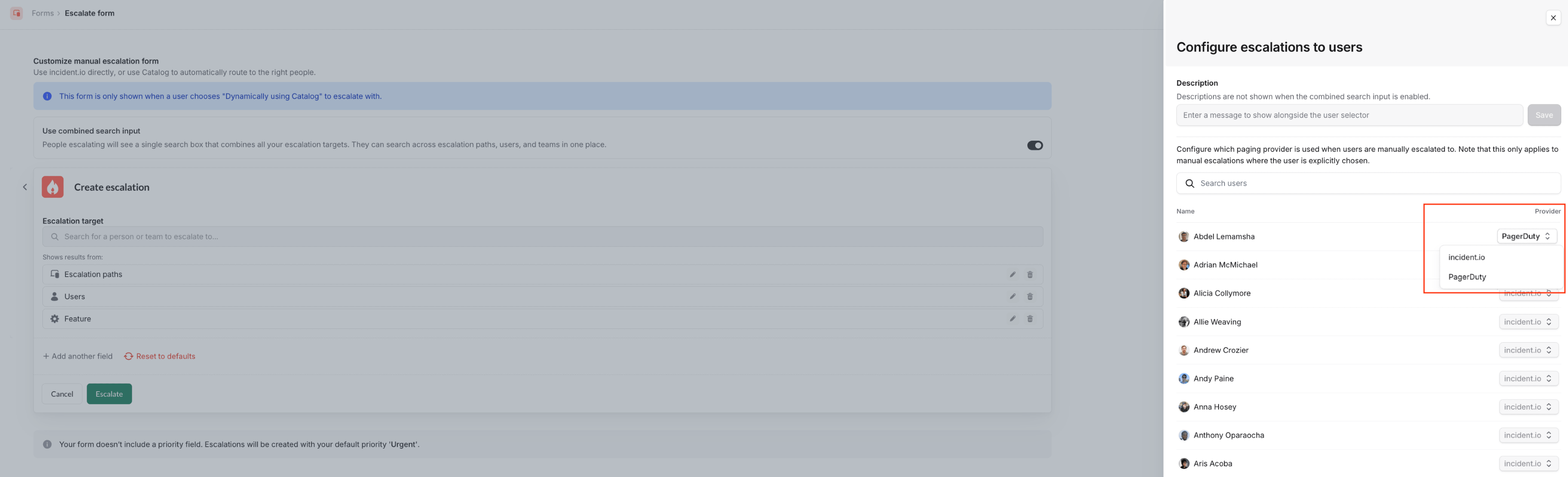
Screenshot 2025-12-01 at 12.03.28.png If you have connected PagerDuty to your account, we will now allow individual users to identify if they want to be paged via PagerDuty or incident.io . Previously, we made the person initiating the manual escalation decide which provider to use - which wasn’t a great experience, as they wouldn’t have a way to know which one to use (ie. is that user set up with incident.io ? what is PagerDuty?). This work will allow individuals to configure which paging solution they want to be paged by, so when a manual escalation comes through they are appropriately paged via that solution. Once PagerDuty is removed from incident.io , we will default all escalations to incident.io . See more details here .