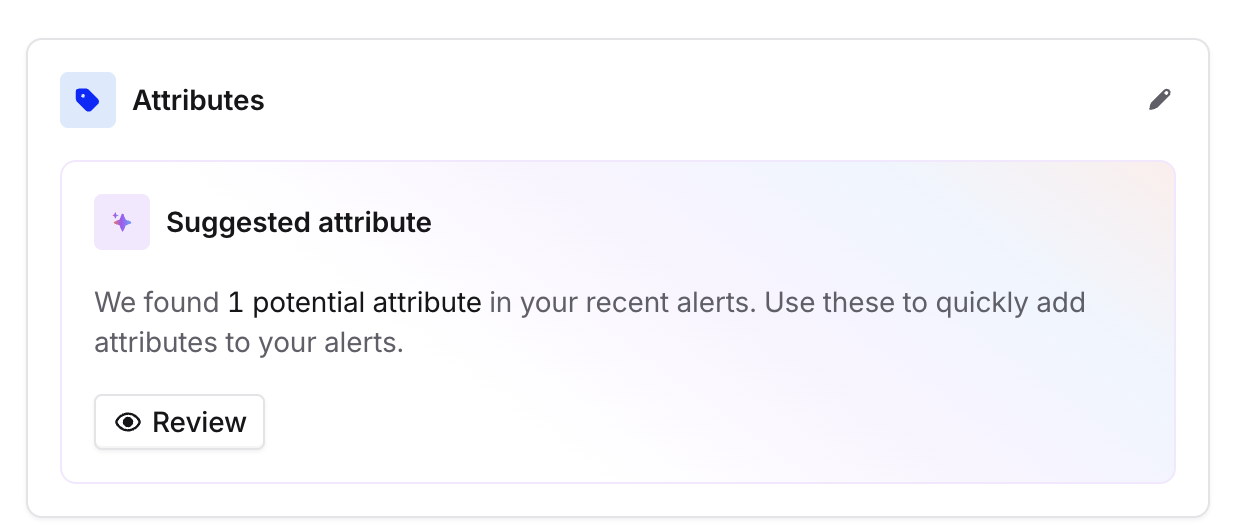
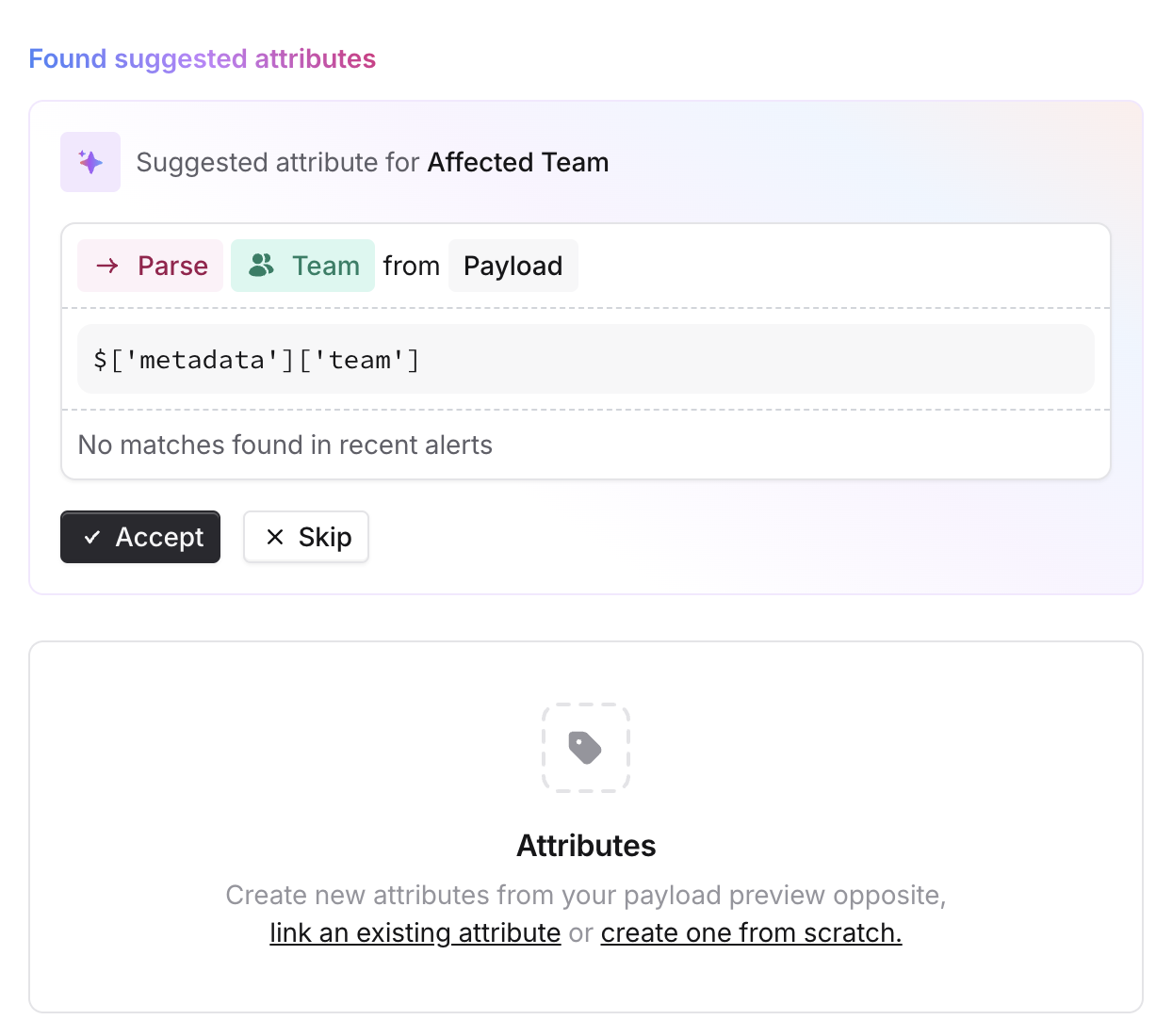
When configuring alerts you can choose to extract specific fields you care about from the JSON payload of your alert. You can manage this by navigating to Alerts > Sources and editing the alert source you wish to extract information from. While editing the alert, click on the icon in the attributes section. Screenshot 2025-03-05 at 7.13.31 AM.png Once you are ready to add a new attribute, you can choose to add attributes through the use of AI, we will parse through the payload and suggest attributes that are commonly seen and can be linked to a catalog type. Or you can choose to link an existing attribute or start from scratch by parsing the payload directly. Screenshot 2025-03-05 at 7.15.46 AM.png

Extracting fields from JSON

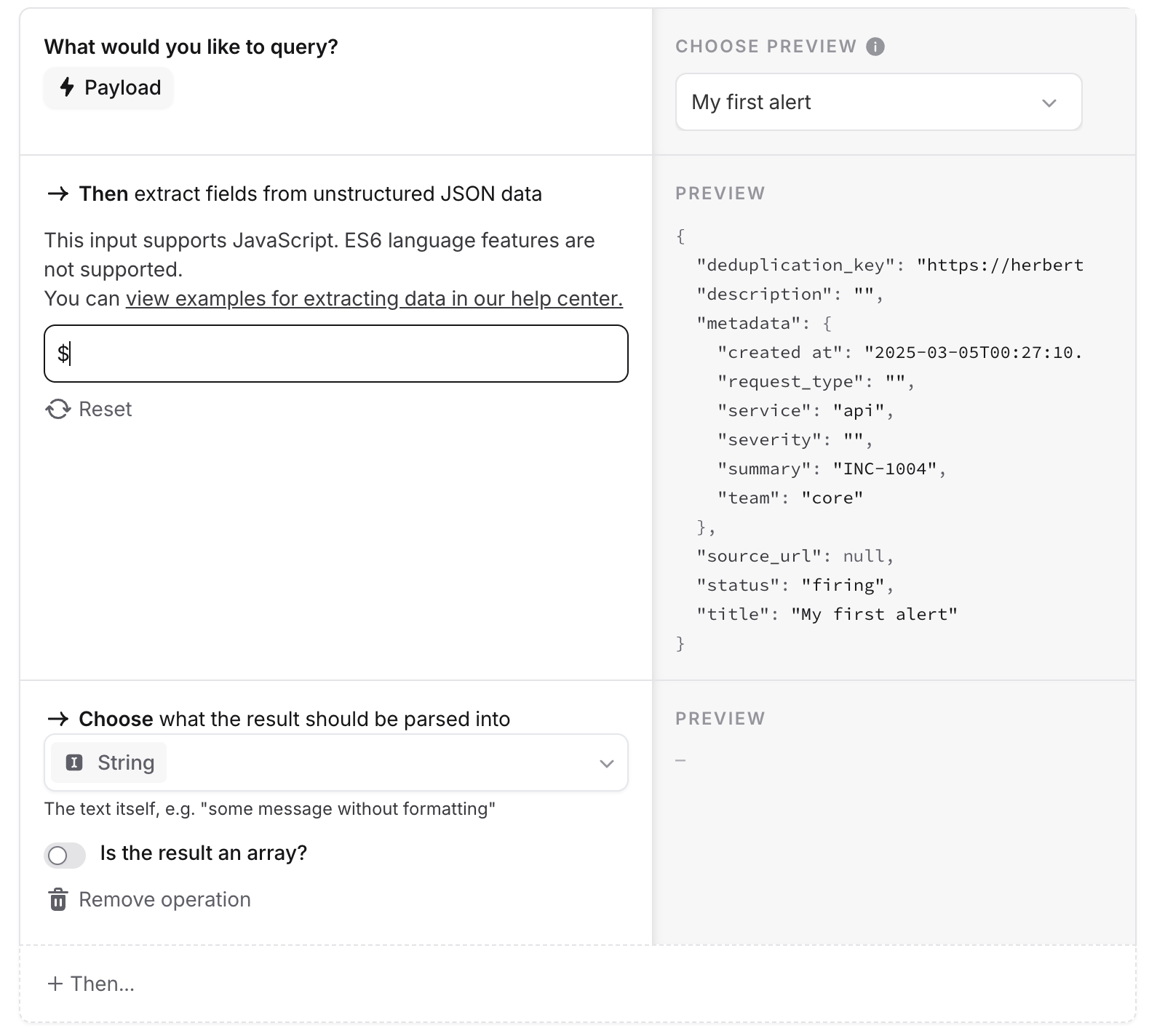
You can see the alert payload for all the alerts you’ve received. The input for extracting data works with Javascript, but without any ES6 language features.
ES6 language features are not supported This means there is no support for arrow functions, template literals, some string functions, and other features listed here
Screenshot 2025-03-05 at 7.20.52 AM.png

Options to extract values from the payload

1. Extract a simple field

If you click on any field displayed in the payload, you’ll automatically see this value extracted. For example, to extract the service field from your metadata, use
$.metadata.service
This will dynamically fetch whichever value is in the service field and apply it to your alert.

2. Map array fields

To map an array field, we can use standard Javascript. In our JSON payload, our tags field has the following format:
tags: ["feature:api", "feature:payments", "service:api"]
To filter only certain values from our tags, we can use Javascript filtering:
$.metadata.tags.filter(function(tag) { return tag.startsWith("feature:") })

// This returns the following 
feature:api, feature:payments
To map your array, you can also use standard Javascript functions:
$.metadata.tags.map(function(tag) {return tag.split(":")[1]})

// This returns the following 
api, payments
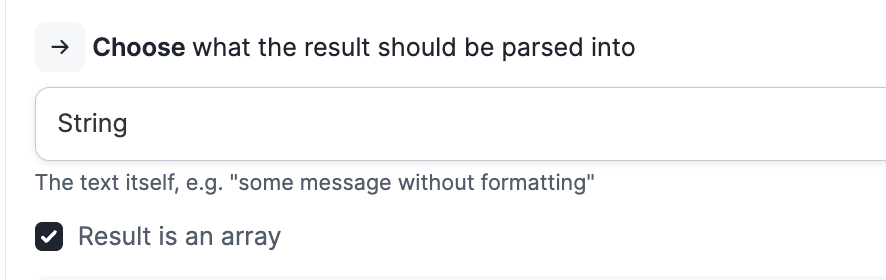
To ensure that your output preserves all values from your array, select Result is an array. Otherwise, your result will just select the first value of your array.

3. You can write a custom JavaScript snippet

We support Javascript ES5, so you can write custom code that will allow you to get creative on how you extract values from the payload. If you’re a bit rusty with Javascript then it can also be well worth asking an AI coding assistant to help write any given expression - a prompt of ” write an expression to do x in Javascript using only ES5 ” usually works quite well