

For private incidents, AI features are only available if your organization has opted in to sending private incident
data to AI subprocessors. See Private incidents.
First draft
Getting started
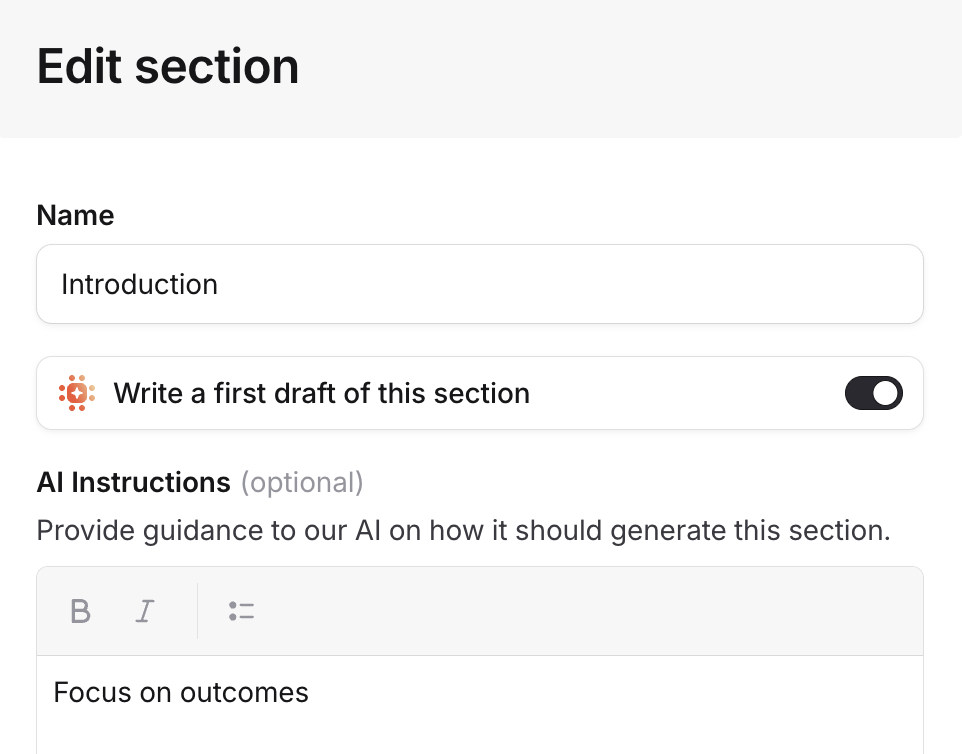
To enable AI-generated post-mortems, you need a template with AI enabled on at least one section. The quickest way:- Go to Settings > Post-mortems and click Add template.
- Select Duplicate existing template with AI to create a copy of one of your existing templates with AI enabled on all custom sections. Or pick one of our suggested templates, which come with AI pre-configured.
- Optionally, open the template and customize the AI instructions on each section to guide what the AI focuses on.
How it works
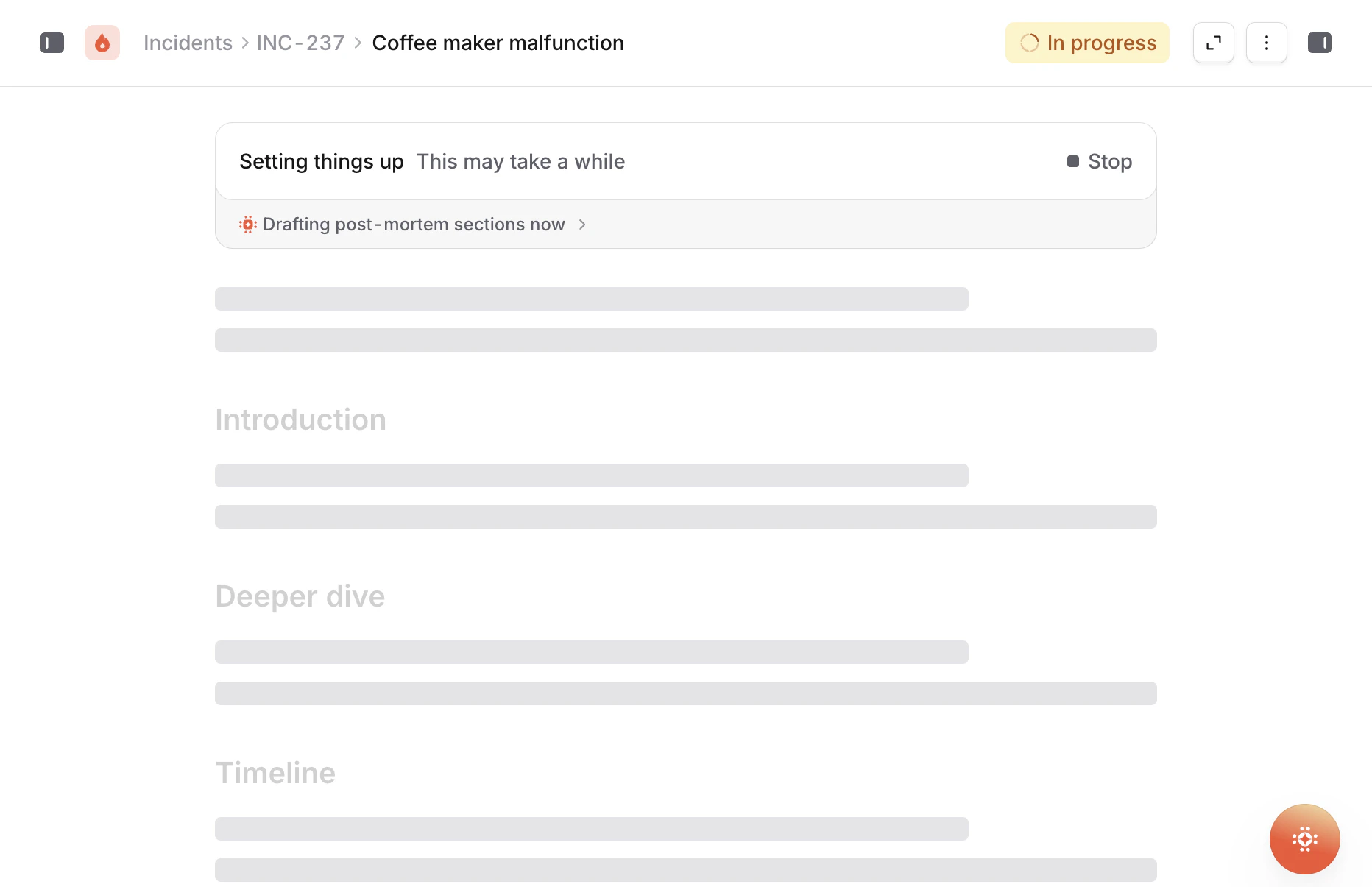
The AI generates content for each section of your template individually, using everything it knows about the incident: the timeline, Slack or Teams conversations, investigation findings, custom fields, catalog data, images, and more. The quality of the output depends on how you’ve configured your template. Each section can have its own AI instructions that guide what the AI focuses on. For example, you might tell it to focus on customer impact in one section and technical root cause in another. The section name and help text also feed into the generation, so being specific about what you’re looking for in each section makes a real difference. If a section doesn’t have AI enabled, it’s left with the template prefill content for the writer to fill in manually. This means you can mix AI-generated and manually-written sections in the same document — use AI for the sections where gathering context is the bottleneck, and leave the more reflective sections for humans. The result is a starting point, not a finished document. It gets you past the blank page and gives you something to react to and refine, rather than having to write everything from scratch. You can edit any of the generated content, and use Redraft to have AI rework specific passages.Review
Once you’ve written your post-mortem (or refined the AI-generated draft), you can ask AI to review it. Click the Review button in the document header and AI will read through your document, compare it against the incident data, and leave inline suggestions. The review checks for things like:- Factual accuracy: are there events missing from the timeline, or details that don’t match what actually happened?
- Completeness: are there contributing factors or context that the document doesn’t cover?
- Structure and clarity: is the narrative easy to follow? Is it blameless in tone?
- Learning value: are the lessons specific and actionable? Are the follow-ups concrete enough to actually get done?