Configure an IP allowlist to restrict traffic to your incident.io workspace. Specifically, requests to all authenticated API endpoints must originate from an allowed IP. This includes:
  • Dashboard usage
  • Public API access
  • Mobile app traffic
This excludes :
  • Public alert ingestion endpoints
  • Public webhook endpoints used by third parties
Requests from IPs outside the configured allowlist will receive a 403 response.
{
    "type": "resource_forbidden",
    "status": 403,
    "request_id": "g329NK8-",
    "errors": [
        {
            "code": "forbidden",
            "message": "Unauthorized"
        }
    ]
}

Permissions

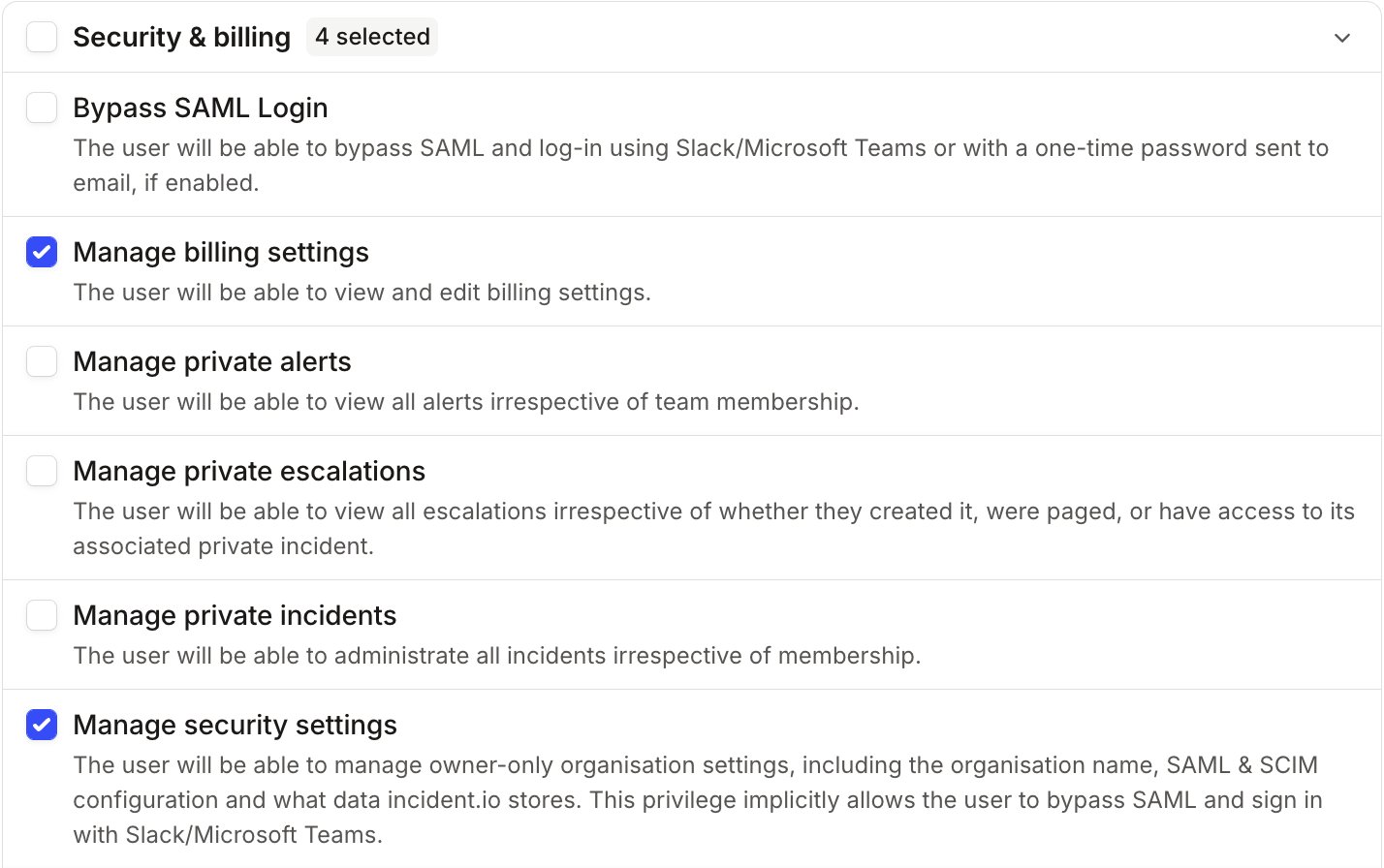
In order for a user to manage the IP allowlist, they must have the “Manage security settings” scope. This is configured in Settings > Users > Roles . Screenshot 2025-05-20 at 16.41.25.png Similarly, in order for an API key to manage the IP allowlist, it must have the “Manage security settings” permission.

Configuring your allowlist

Navigate to Settings > Security and scroll down to “IP allowlists”. Click “Manage” to open the drawer, and enter your selection of IPv4 addresses and/or CIDR IP prefixes. Screenshot 2025-05-20 at 17.01.21.png Your current IP will be pre-filled in the list. Any request to modify an enabled allowlist will be rejected if it does not contain the requestor’s IP, to prevent lockout.
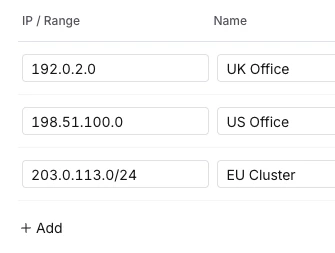
Once enabled, the allowlist will immediately become active. Ensure that your allowlist is complete before enabling it.

To enable the allowlist, enable the toggle and click “Save” Screenshot 2025-05-20 at 16.44.08.png

Disabling the allowlist

Use the same toggle as before to disable your allowlist, and click “Save”. This will allow requests from all IPs to access your incident.io workspace. Your list of IPs and CIDRs will remain available for future use.